MS Access Database Recovery
4.7
Learn How to Use Cigati Access Database Recovery for Repairing Corrupt MS Access Database
A user-friendly application with an intuitive design for beginners to navigate effortlessly.
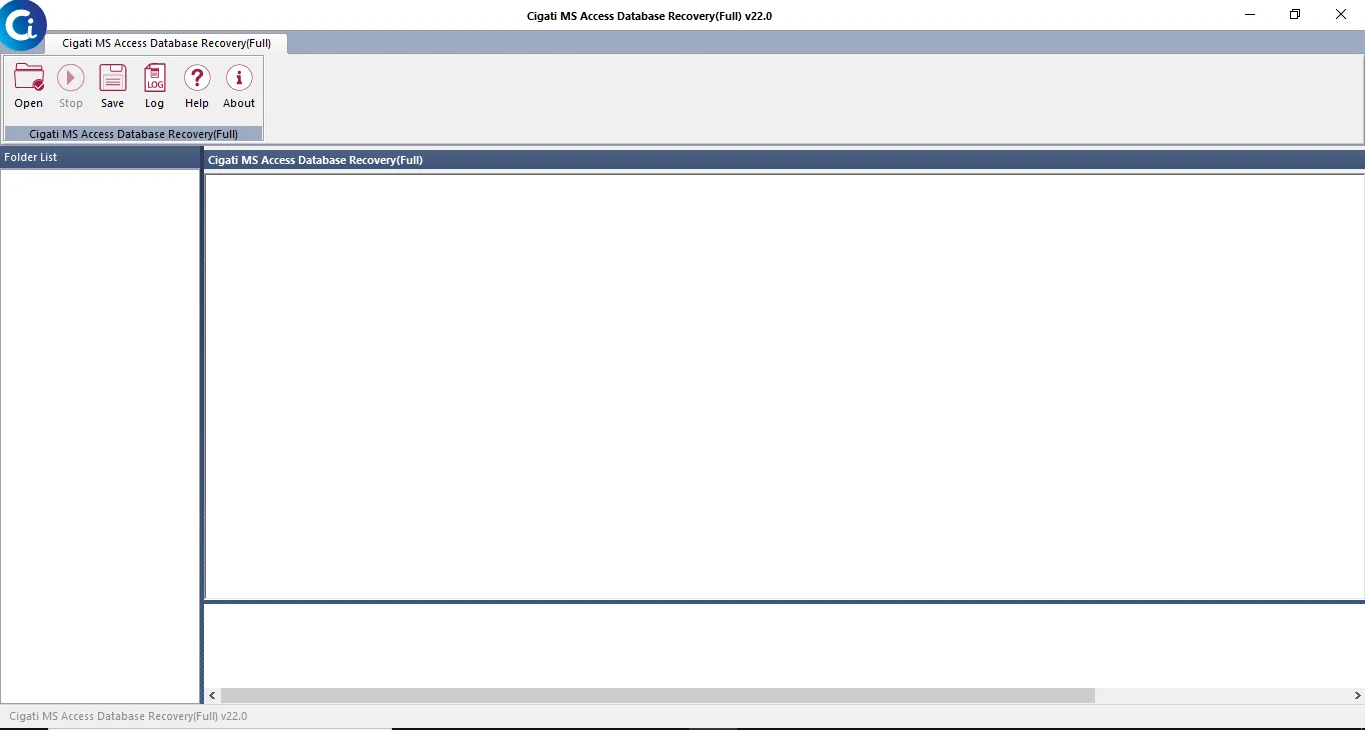
Download and Install MS Access Database Recovery tool.
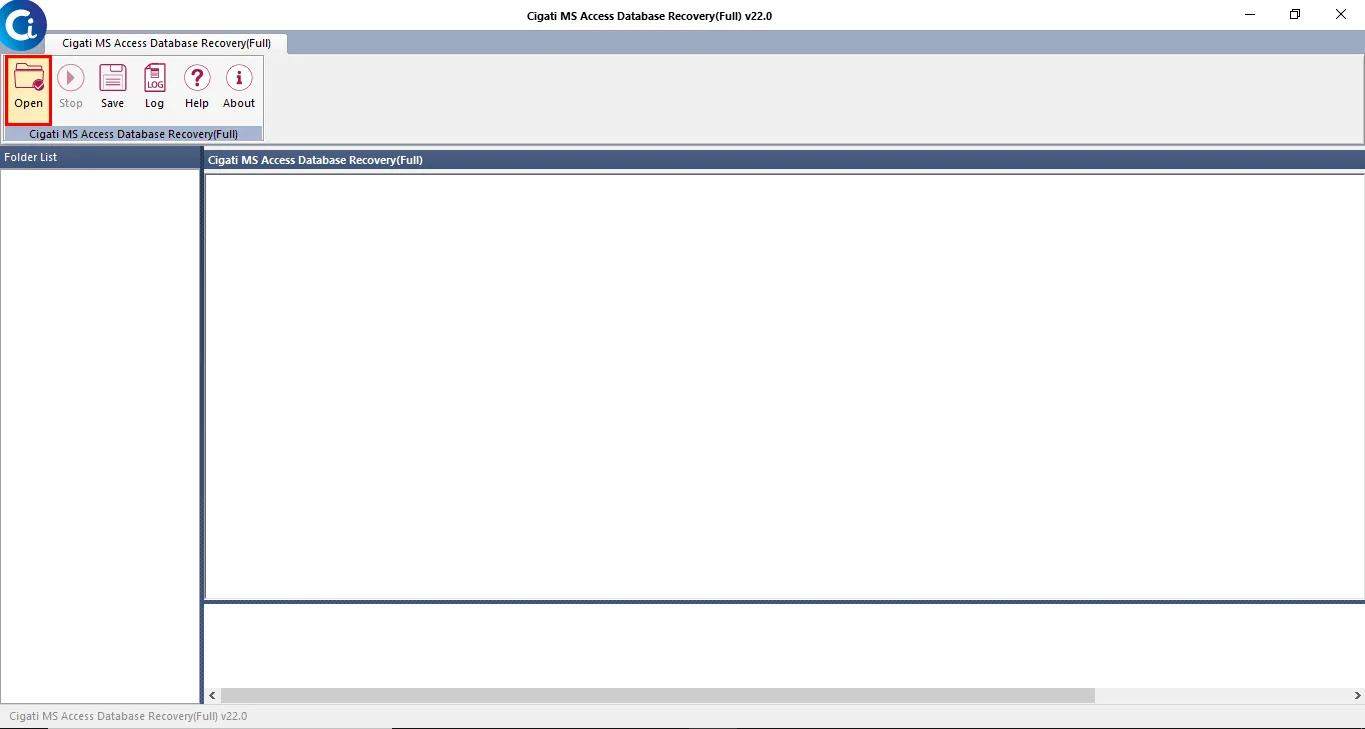
Navigate the Open button for the database file.
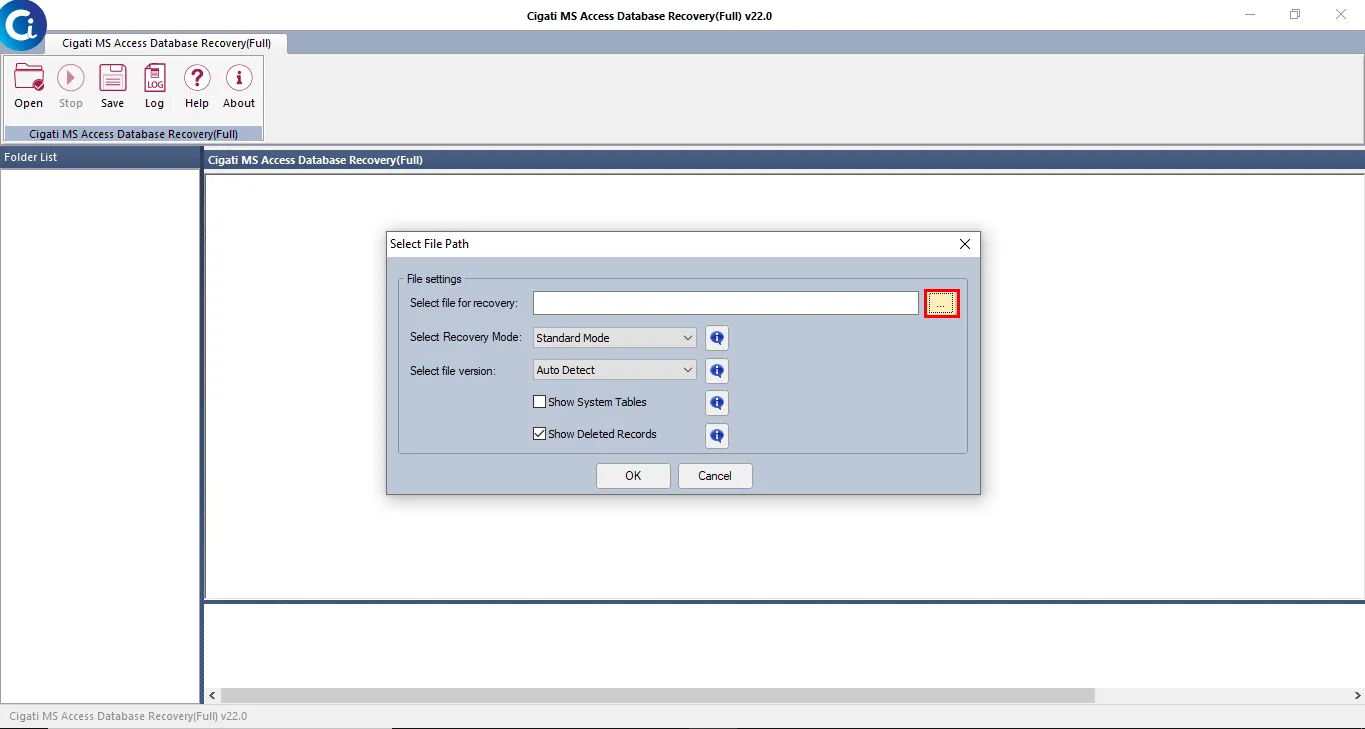
Now, click on the Browse button to add the database file.
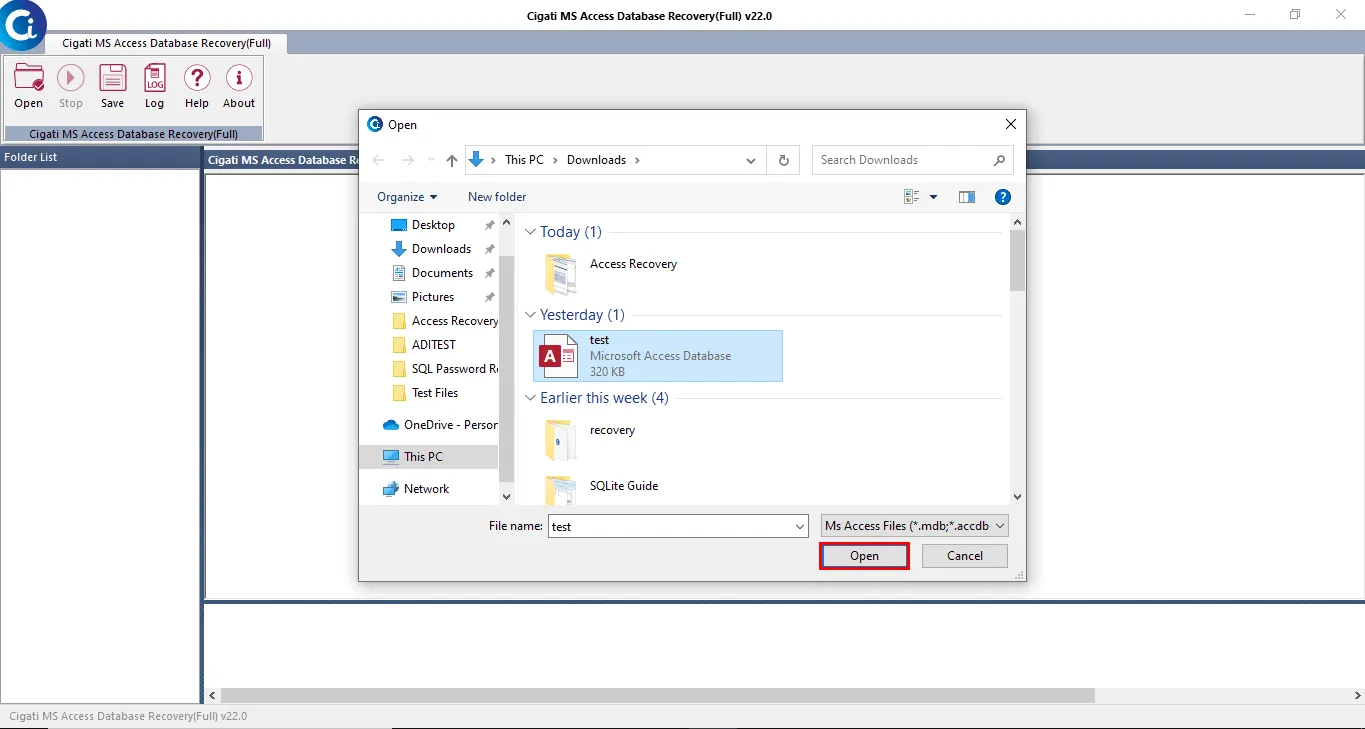
In the next step, add the Microsoft Access Database file and press the Open button.
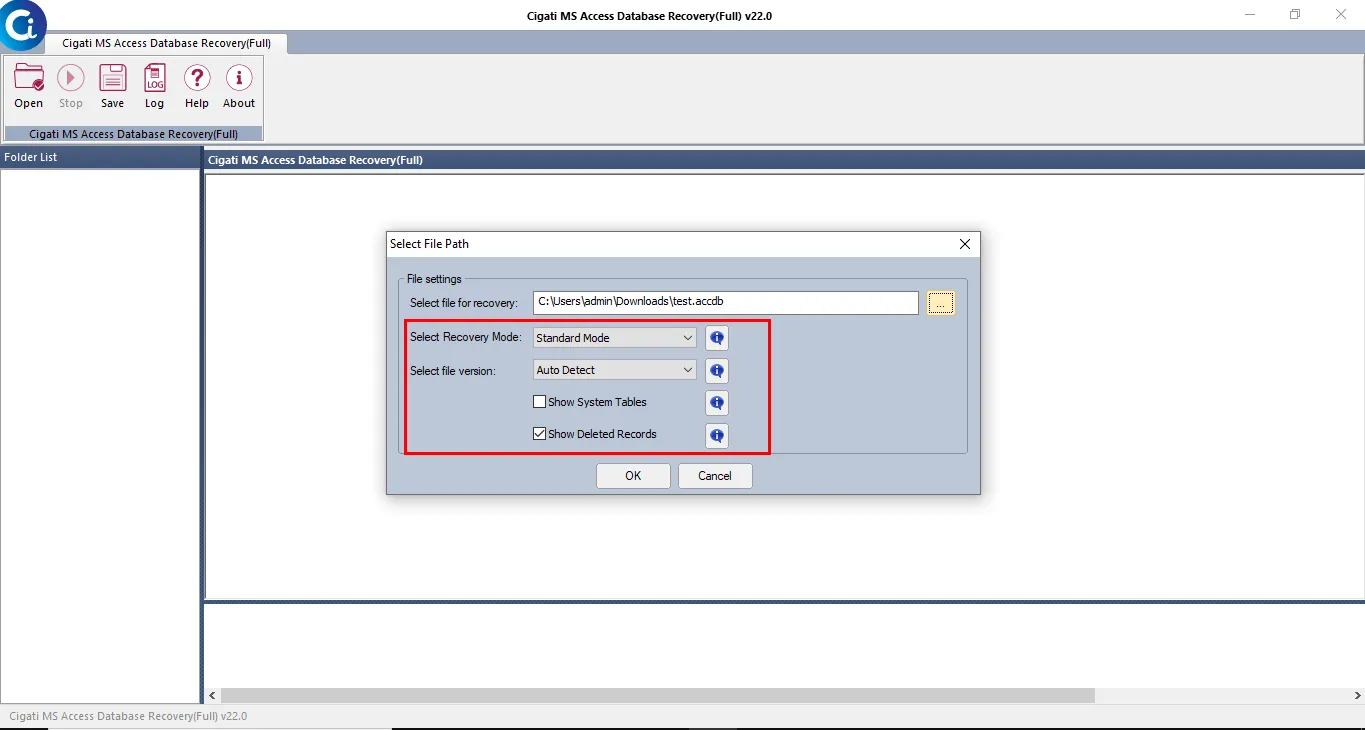
Select the Recovery Mode and File version from the drop-down option.
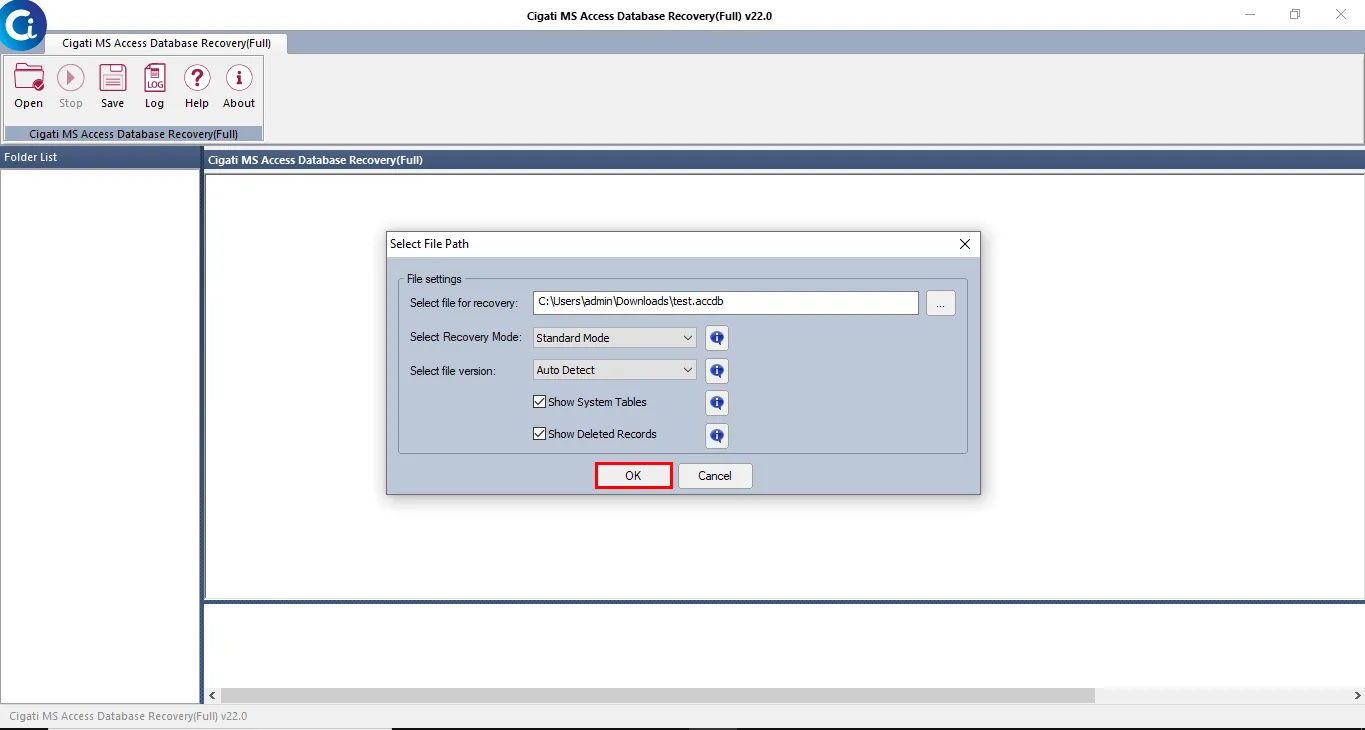
Click on the Ok button to continue the further process.
After completing the scanning process click on the Ok button.
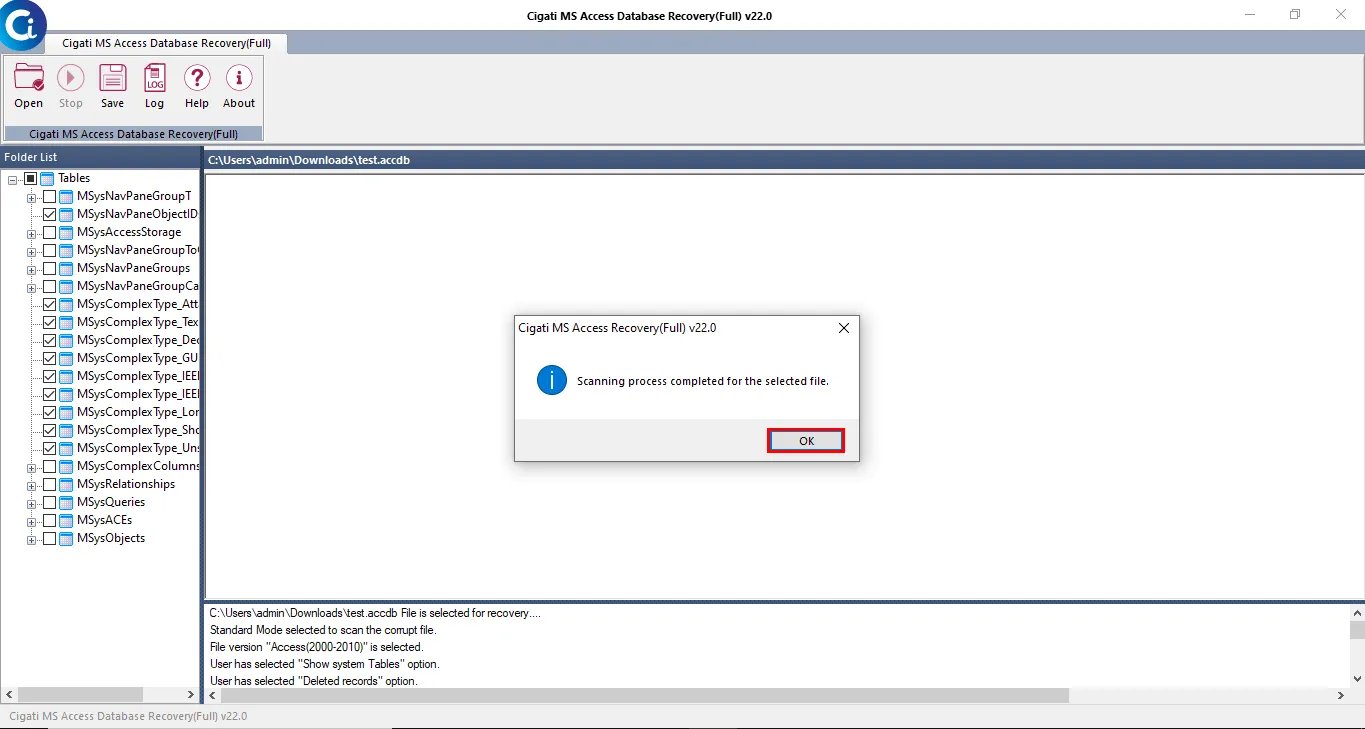
Here you can Preview the data from the displayed tree-structure.
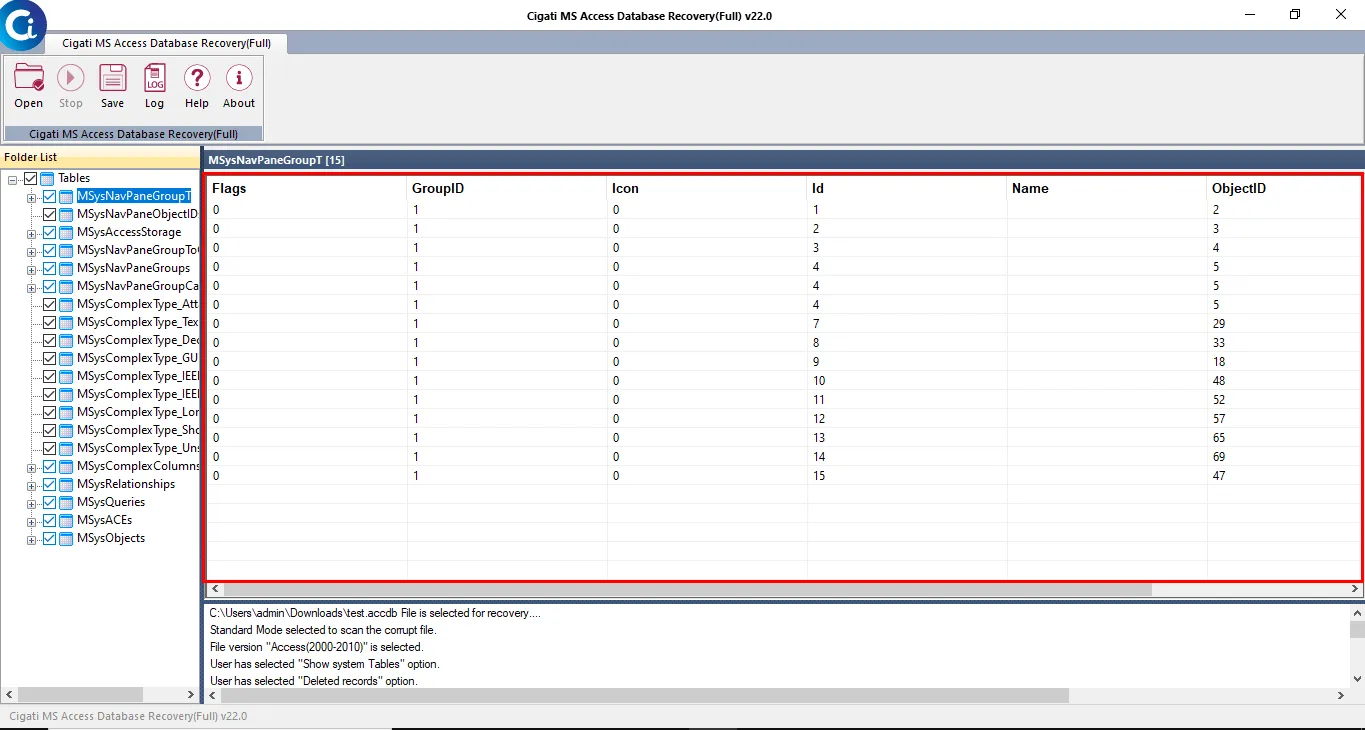
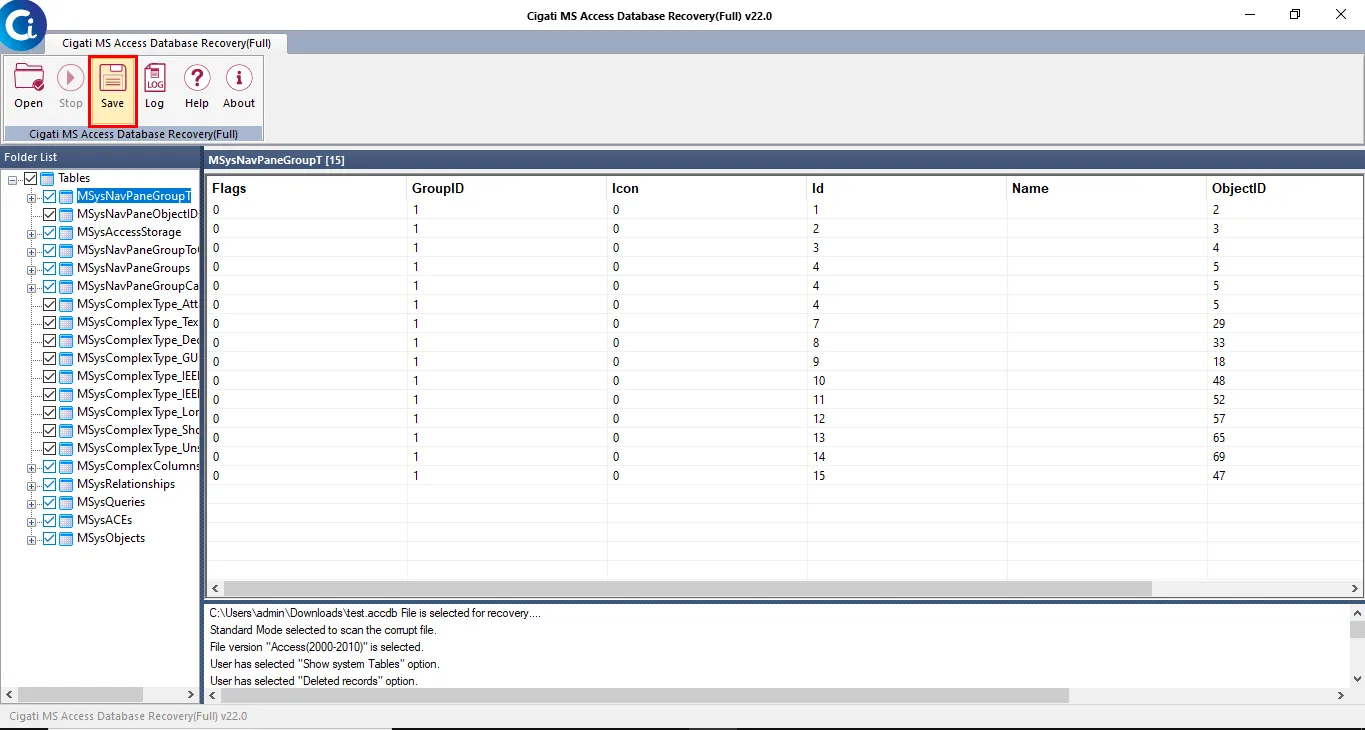
Click on the Save button to save the recovered data
Choose the specific location and tap on the Open button.
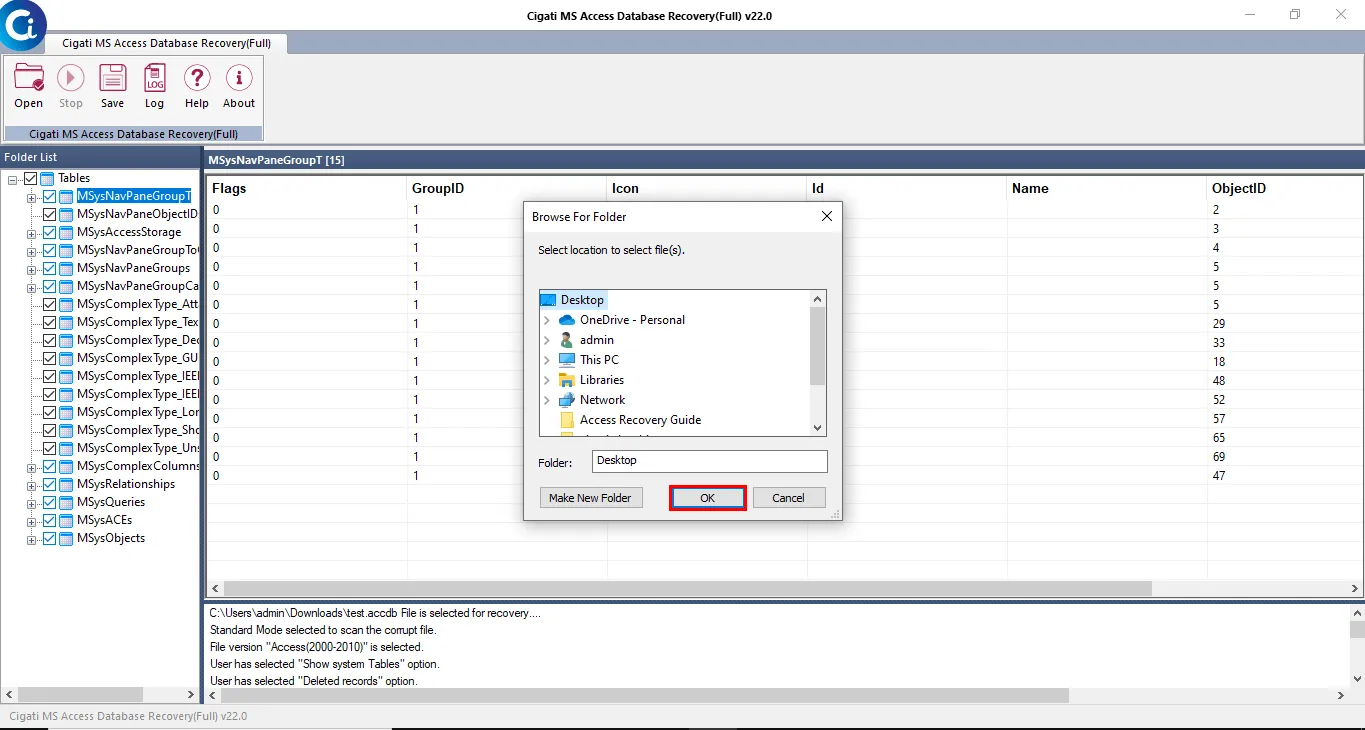
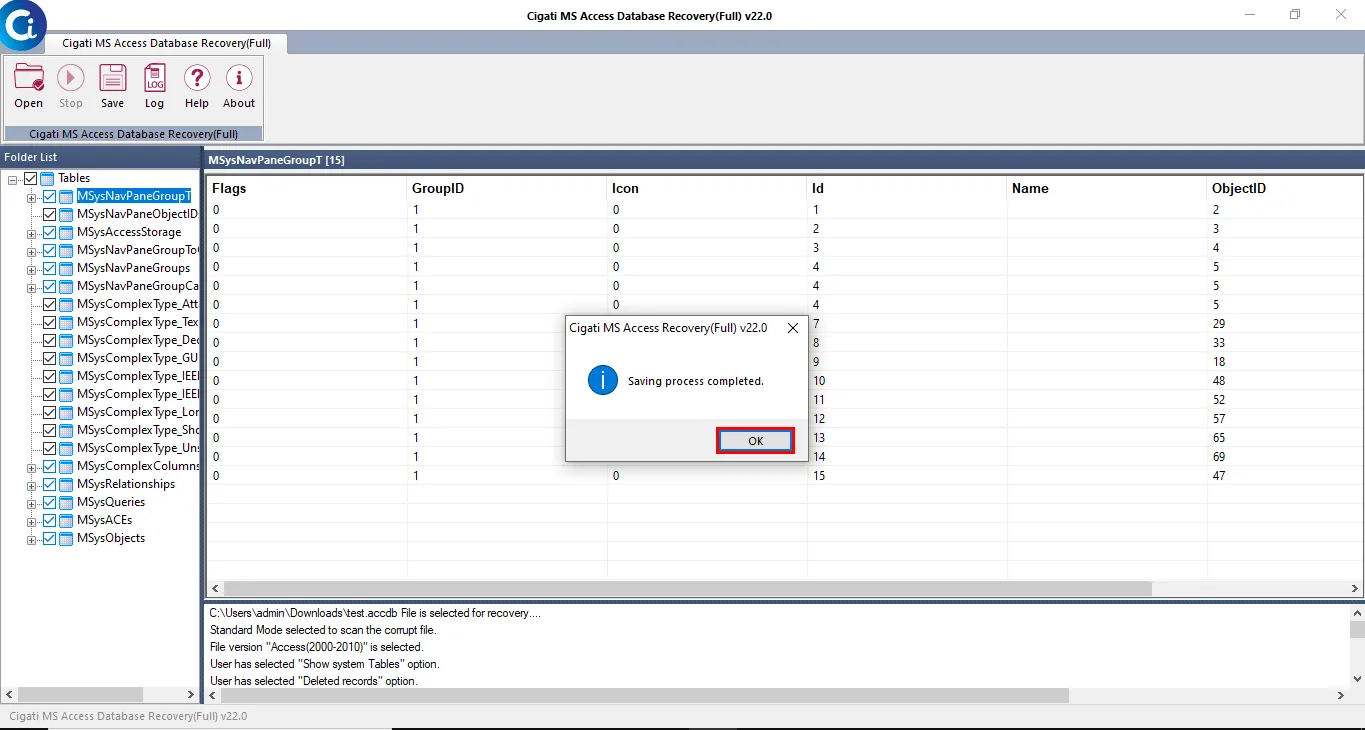
Finally, hit the Ok button after completing the saving process.