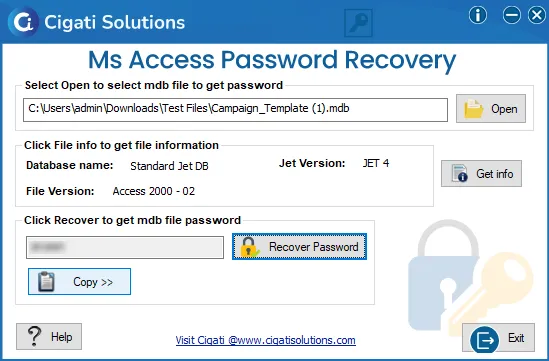
Access Password Recovery
4.7
Learn How to Use Cigati Access Password Recovery to Reset forgotten MS Access database password
A user-friendly application with an intuitive design for beginners to navigate effortlessly.
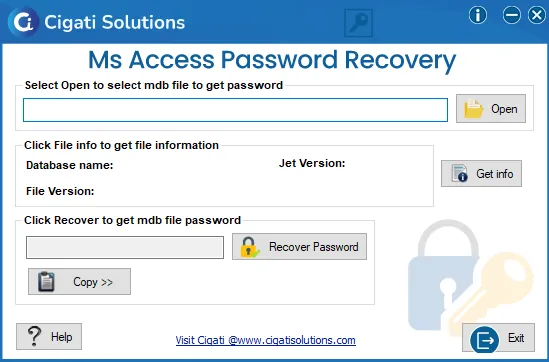
Install and Run Cigati Access Password Recovery Software.
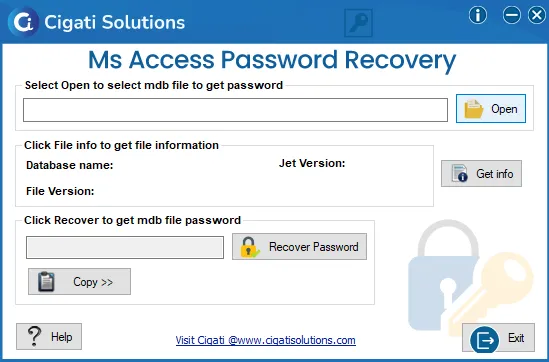
Click on the Open button to select the .mdb file from your system.
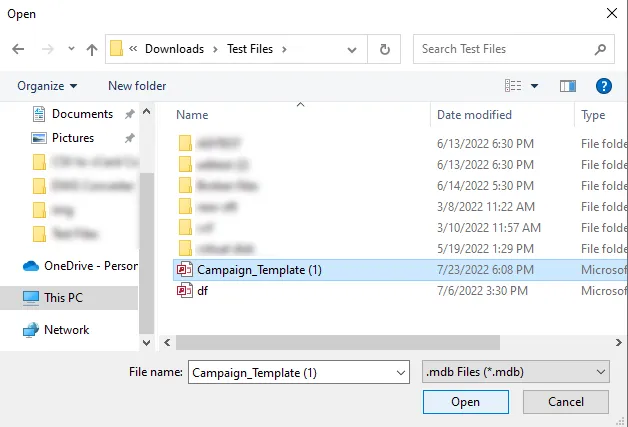
Now, choose the MDB file and press the Open button.
Then, tap on the Get Info button to view the file properties.
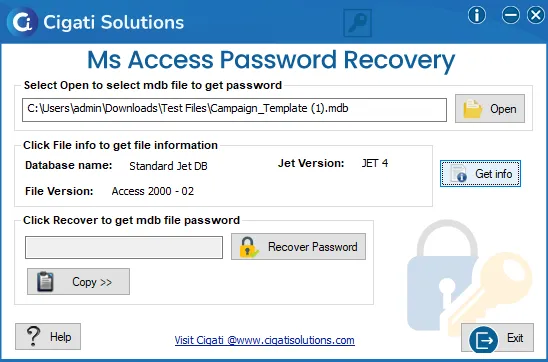
Further, press the Recover Password button to recover the password of the selected files.
After that, hit the Copy button to copy the password to the clipboard. It will reduce the typing errors while manually entering the password.