CSV Duplicate Remover
4.7
A user-friendly application with an intuitive design for beginners to navigate effortlessly.
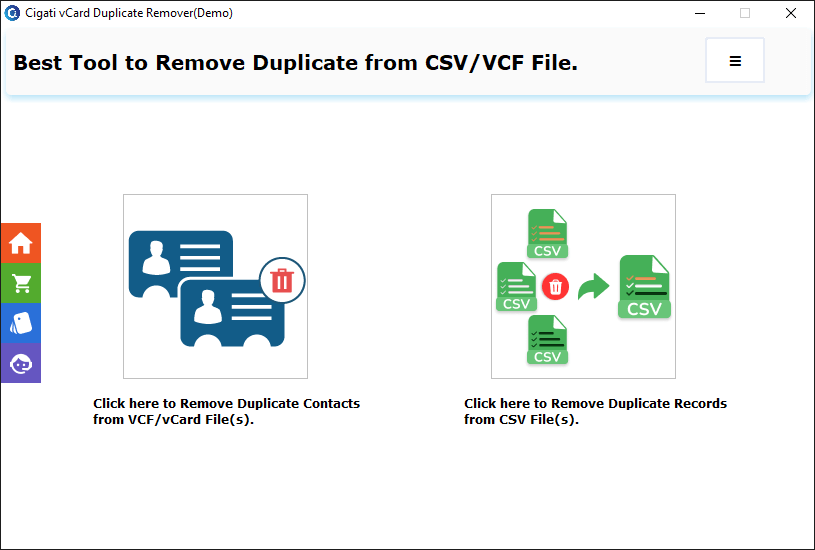
Download the Cigati CSV Duplicate Remover and run it as an administrator.
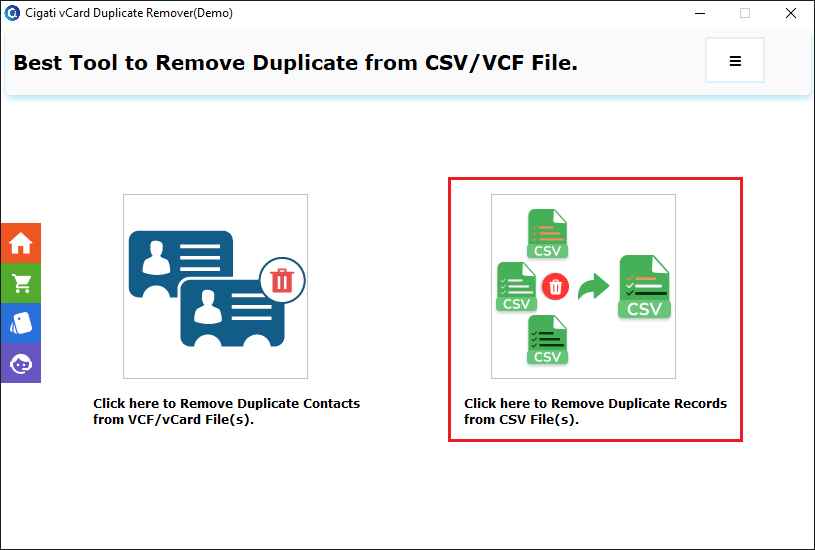
Here, you can select your desired option, either CSV or VCF, from the choices available.
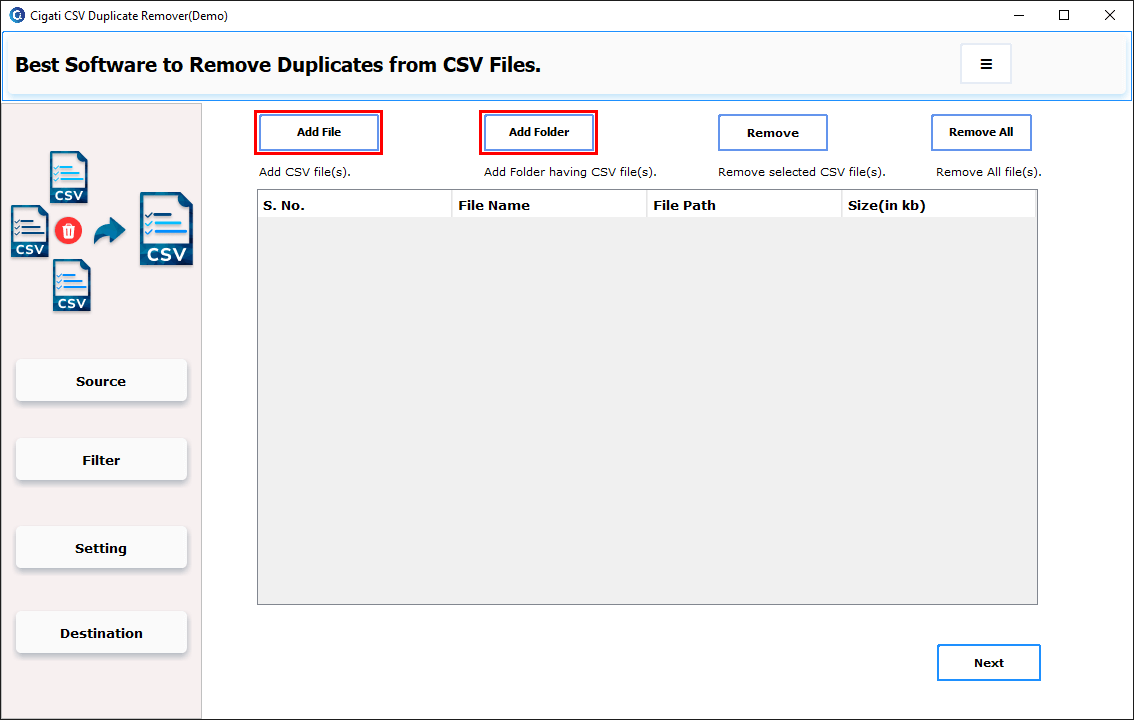
Click the Add Files or Add Folders button to browse for the CSV file(s).
Select the CSV file and click the Open button.
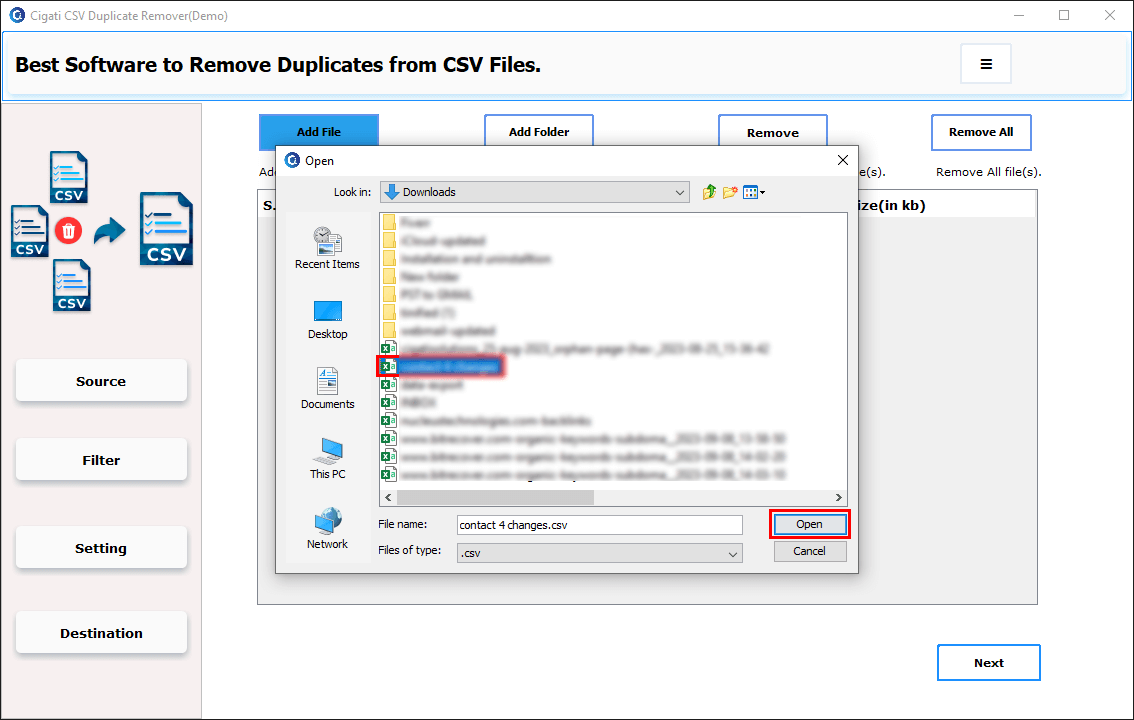
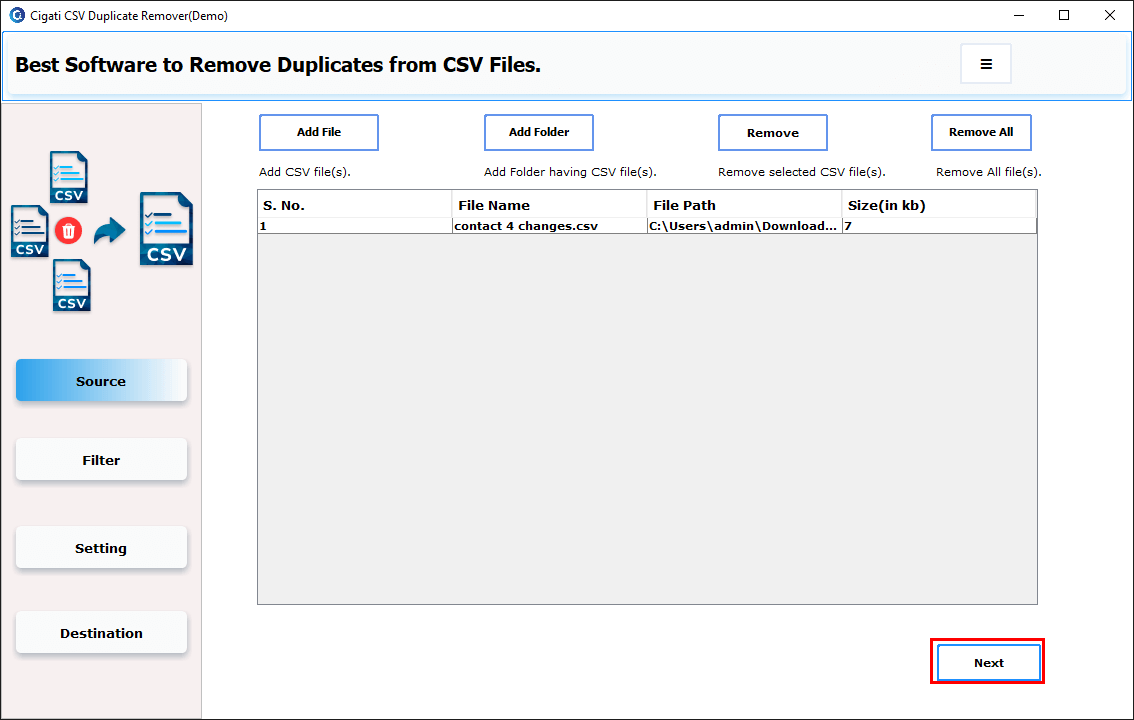
After selecting the CSV files, click the Next button to proceed.
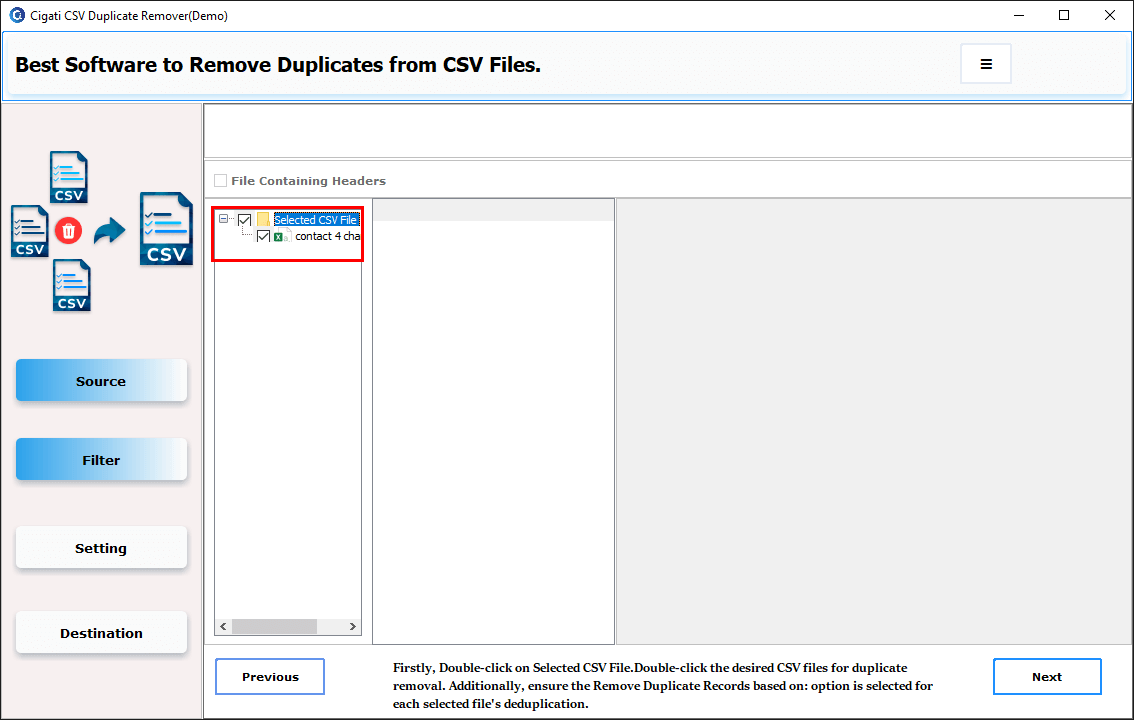
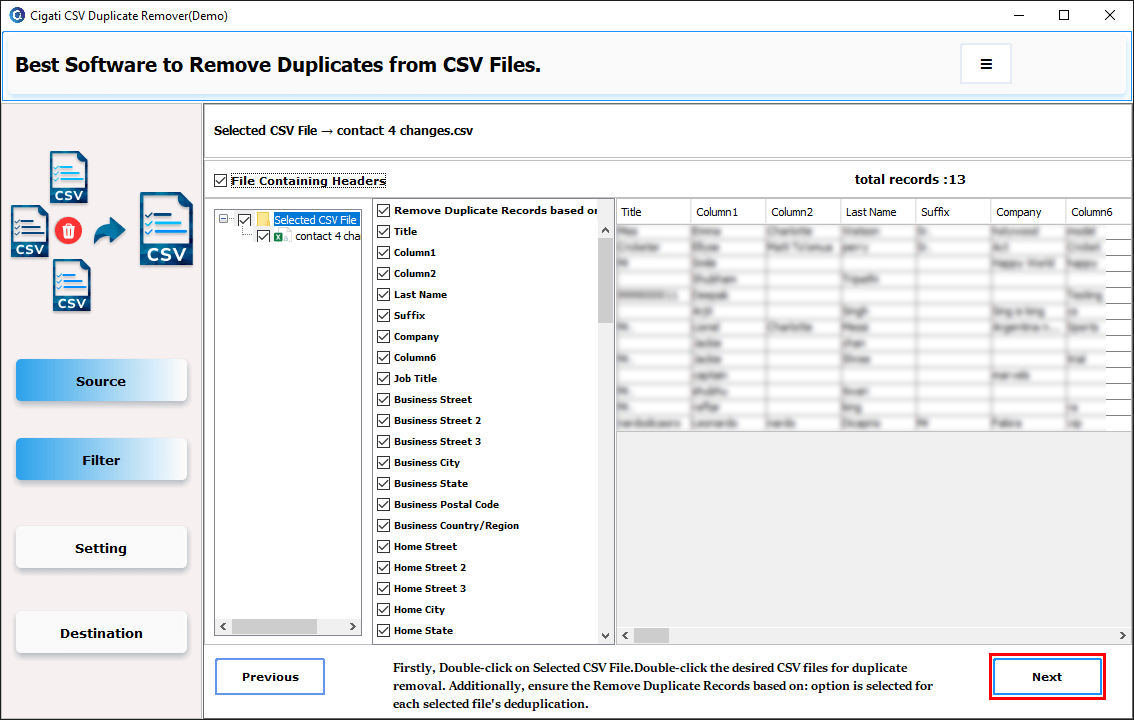
Double-click the selected CSV file to expand the tree and display all the files you have chosen.
You can find and select columns under ' Remove Duplicate Records Based on ' to remove duplicates accordingly.
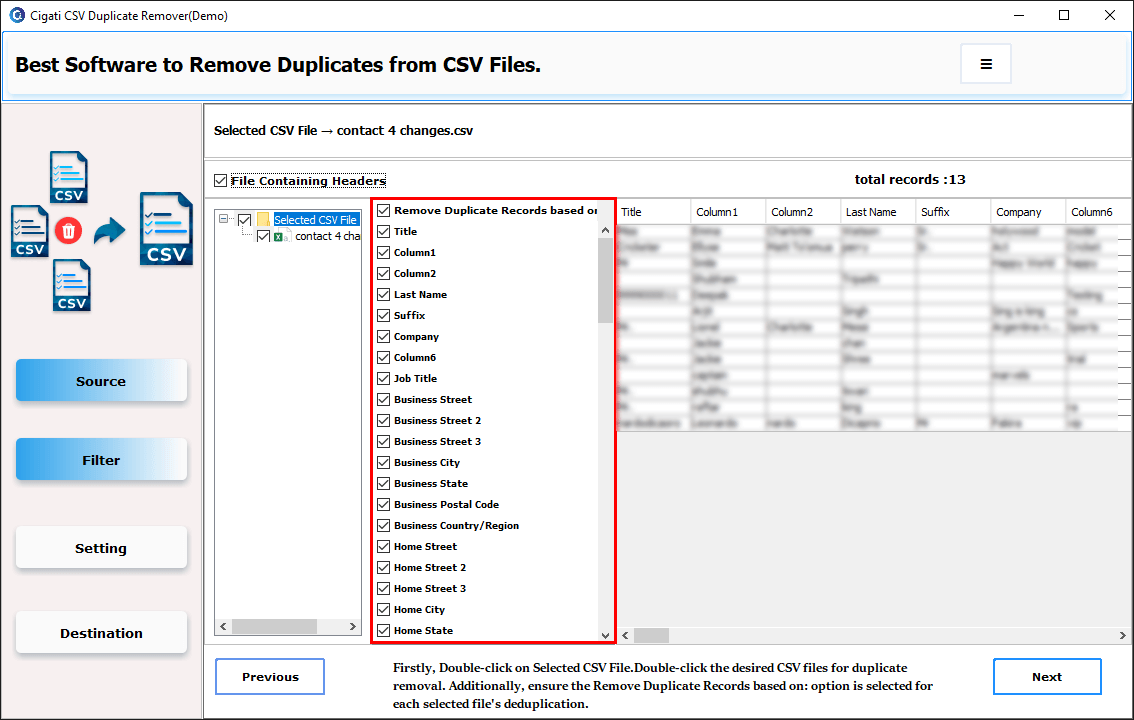
After previewing and selecting the columns, click the Next button to proceed.
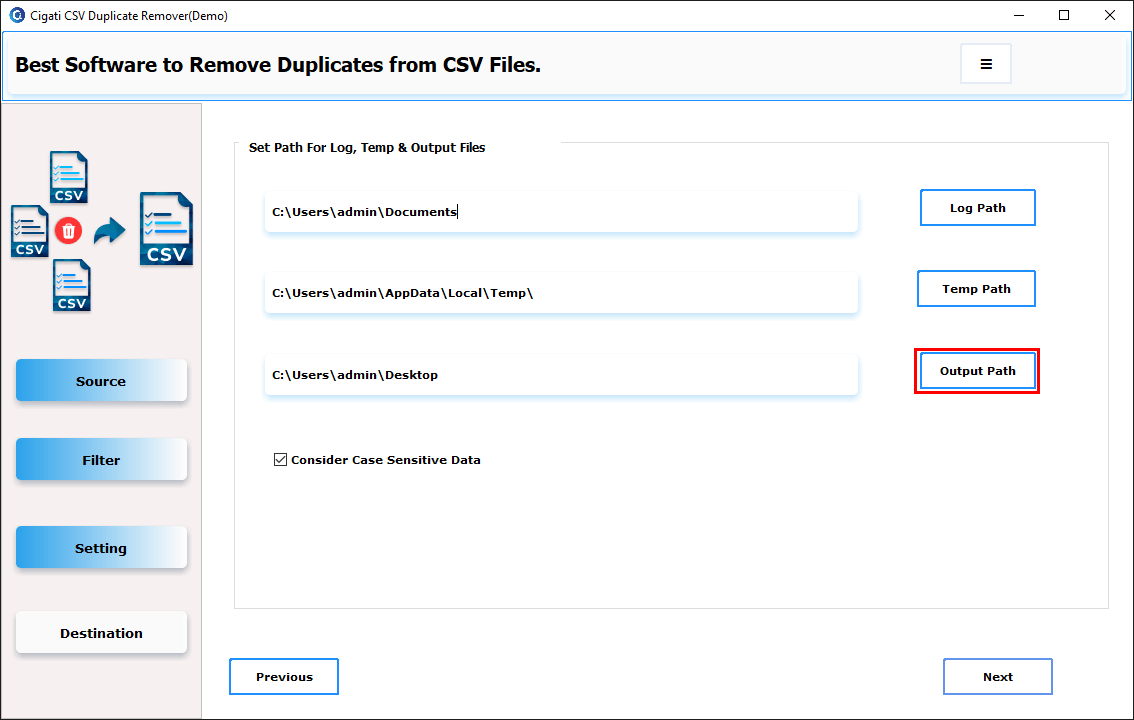
Click Output Path to set the location for saving the output file.
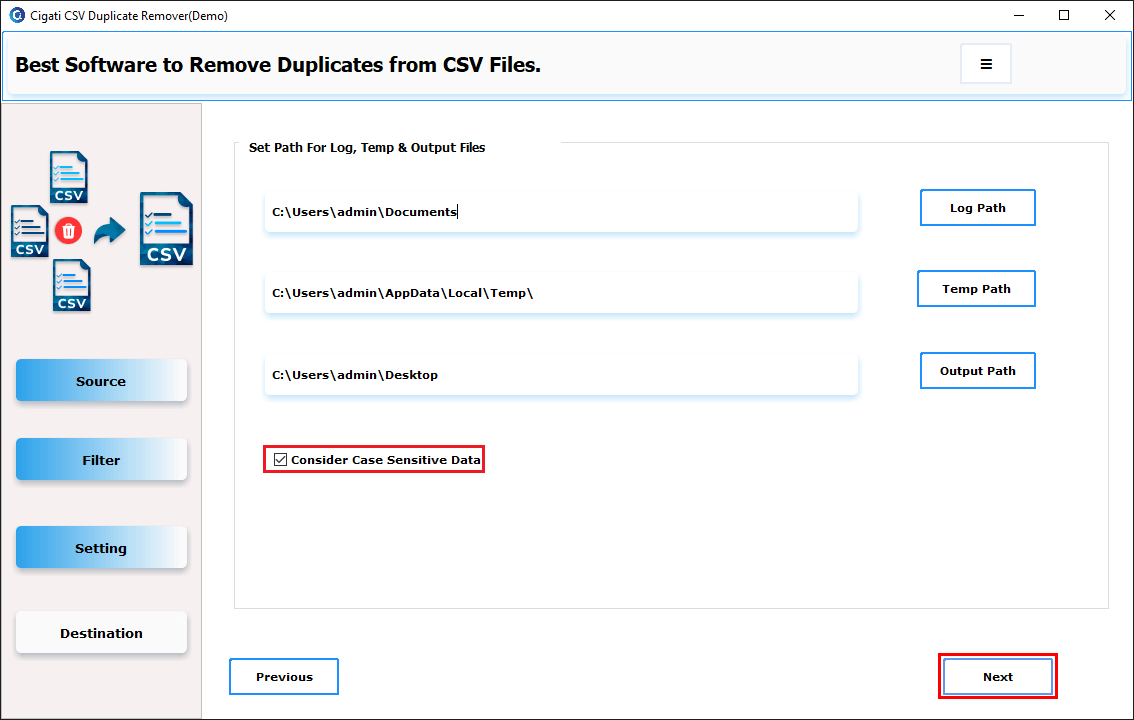
Tick the Consider Case Sensitive Data option to treat uppercase and lowercase entries as distinct. Then click the 'Next' button to start the removal process.
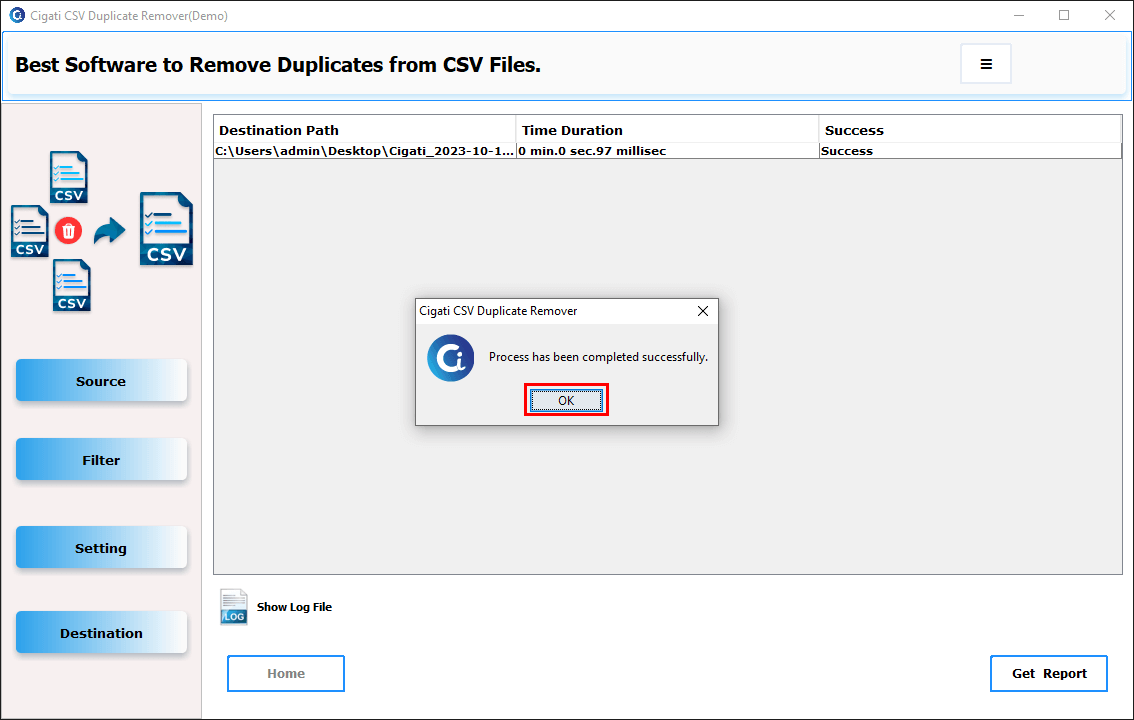
Finally, the process has been completed successfully. Click the OK button to view the output file.