DWG Converter
4.7
A user-friendly application with an intuitive design for beginners to navigate effortlessly.
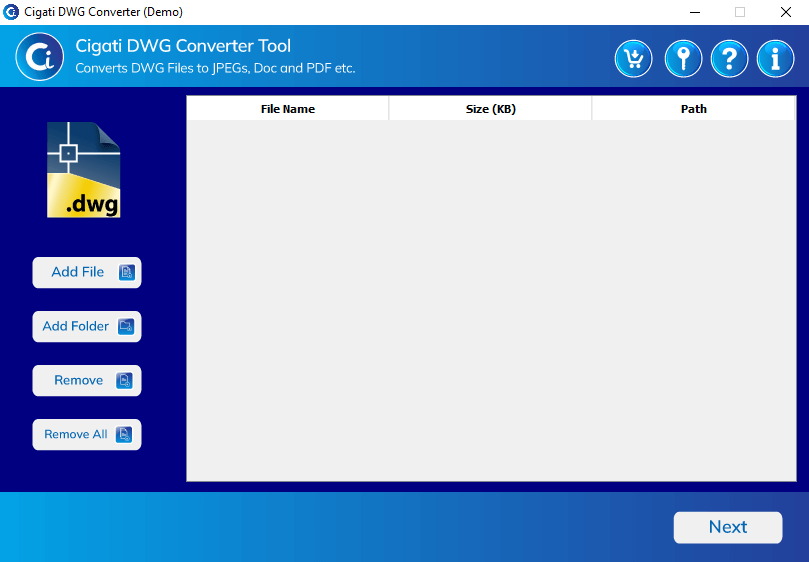
Download and install the Cigati DWG Converter Software.
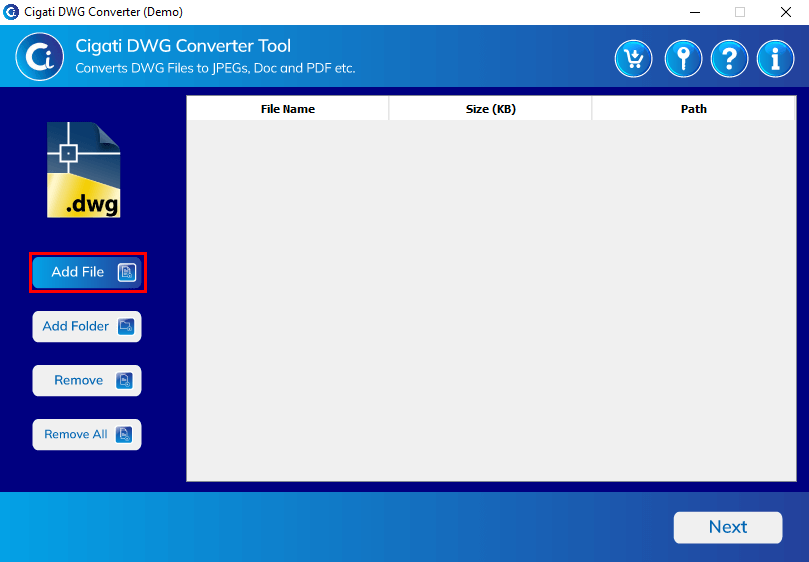
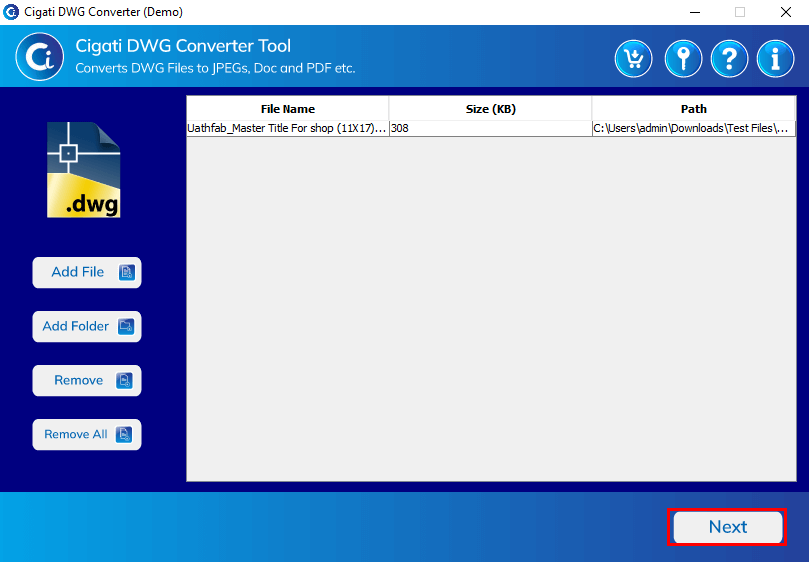
Click the Add File button to add the DWG file.
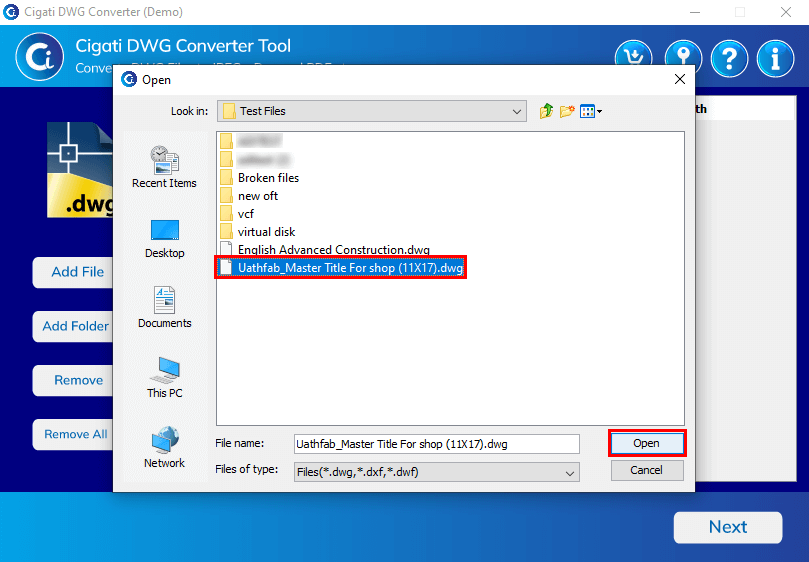
Select the DWG file from your system and press the Open button.
Click the Next button to proceed.
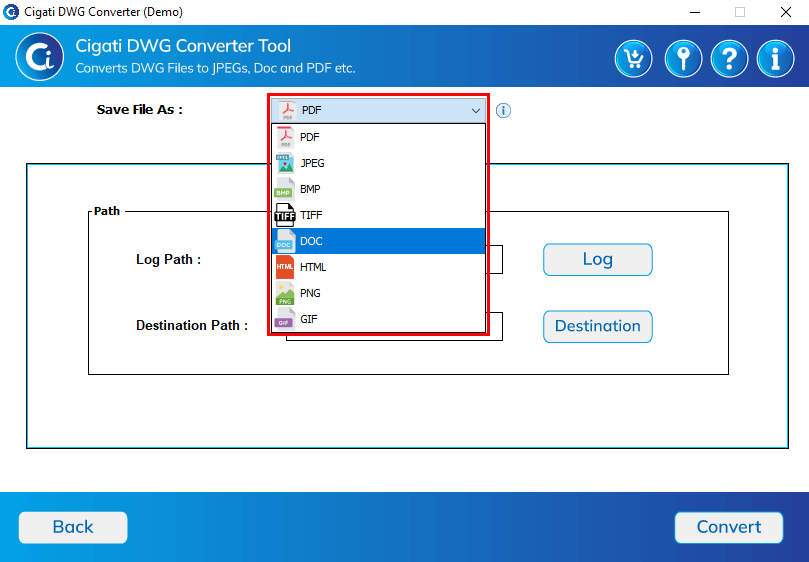
Choose the saving format from the drop-down menu.
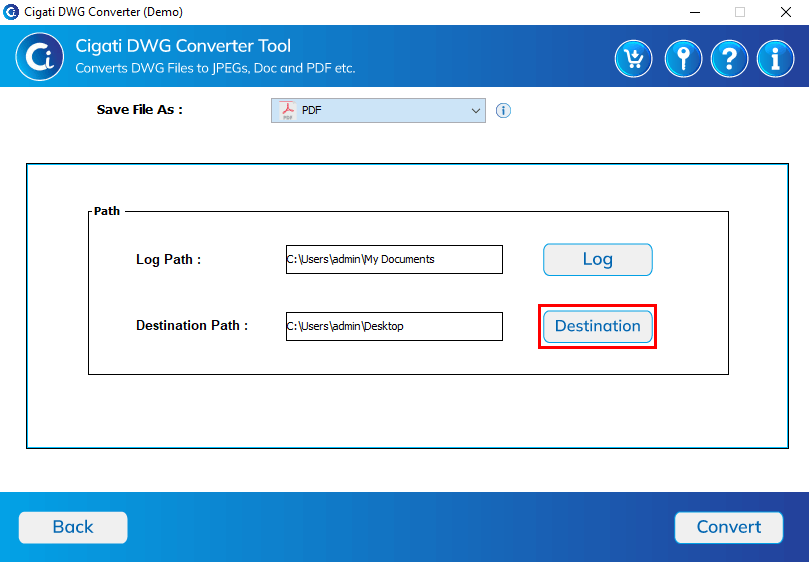
Tap the Destination button to specify the location for the output file.
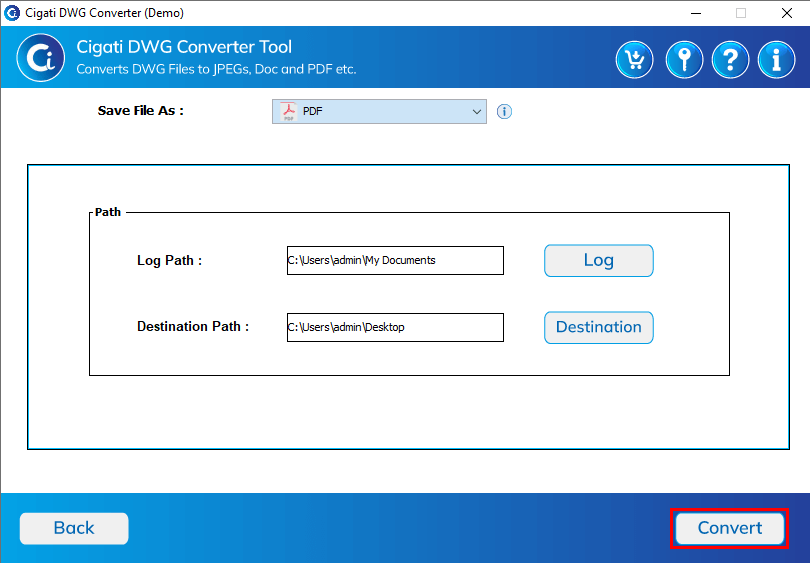
Click the Convert button to start the conversion process.
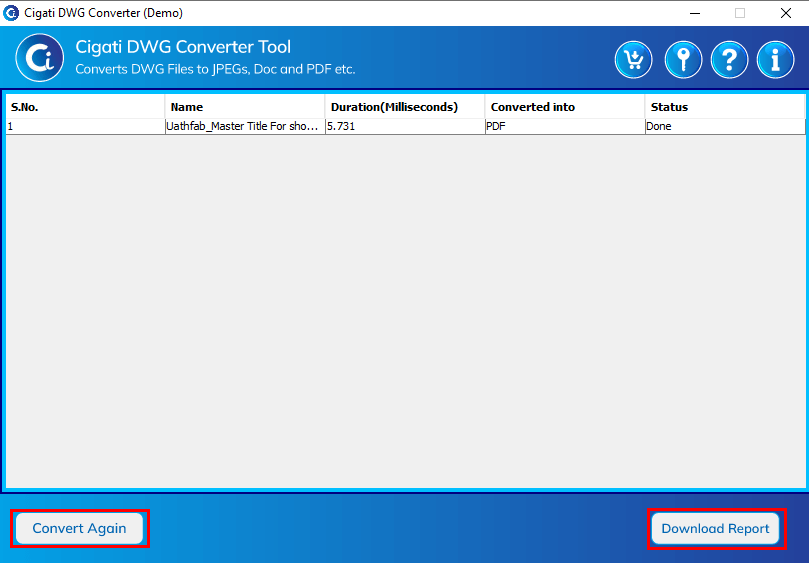
Download the report by clicking the Download Report button.