Email Address Extractor Software
4.7
Steps to Extract Email Addresses from Various Email Clients
A user-friendly application with an intuitive design for beginners to navigate effortlessly.
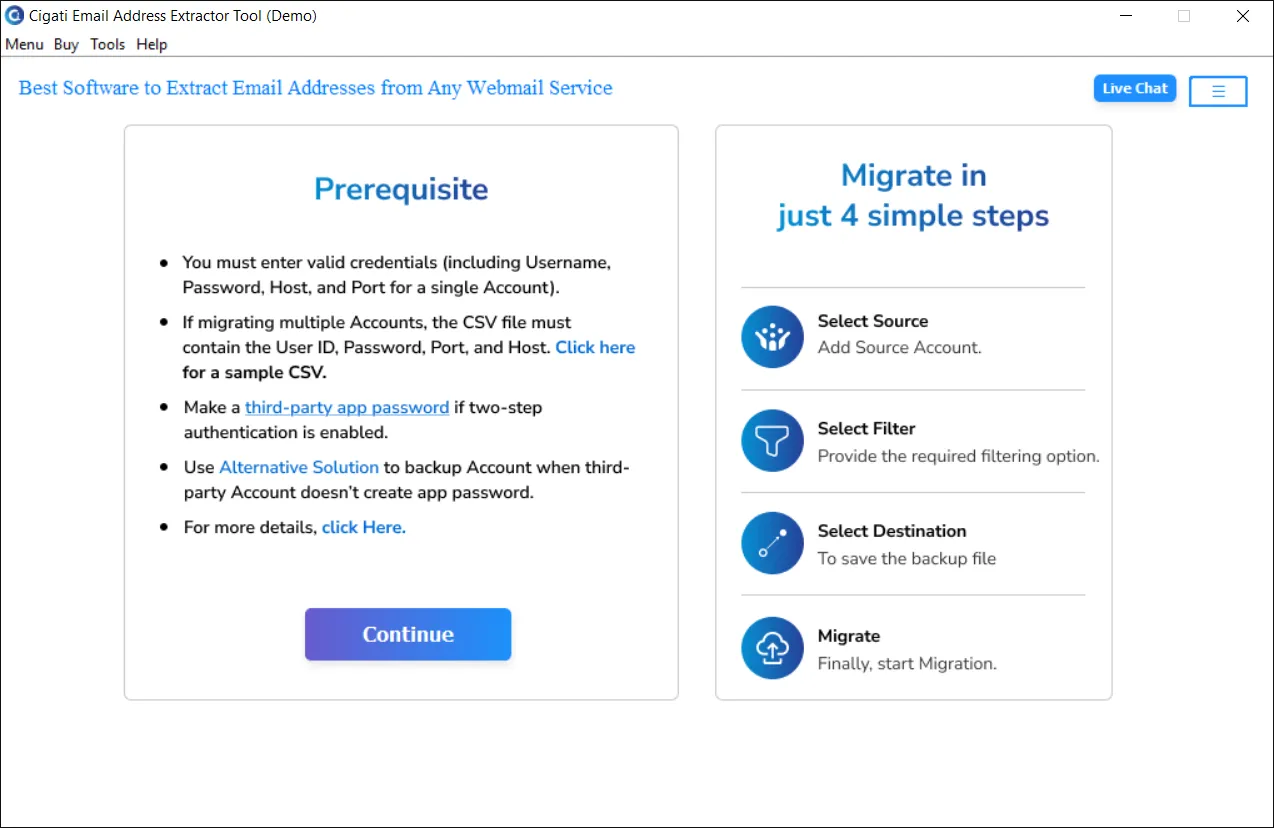
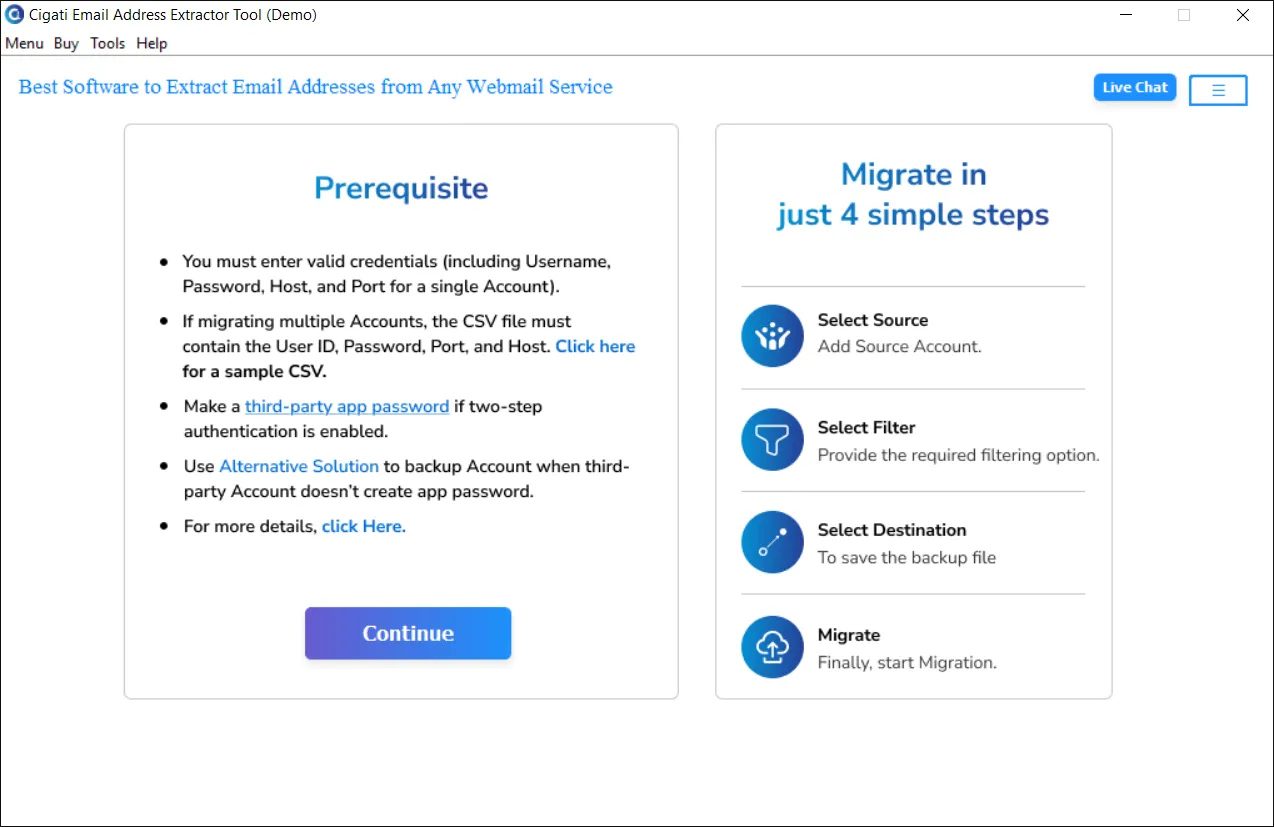
Download the Cigati Email Address Extractor and run it as an administrator.
Click the Continue button to proceed.
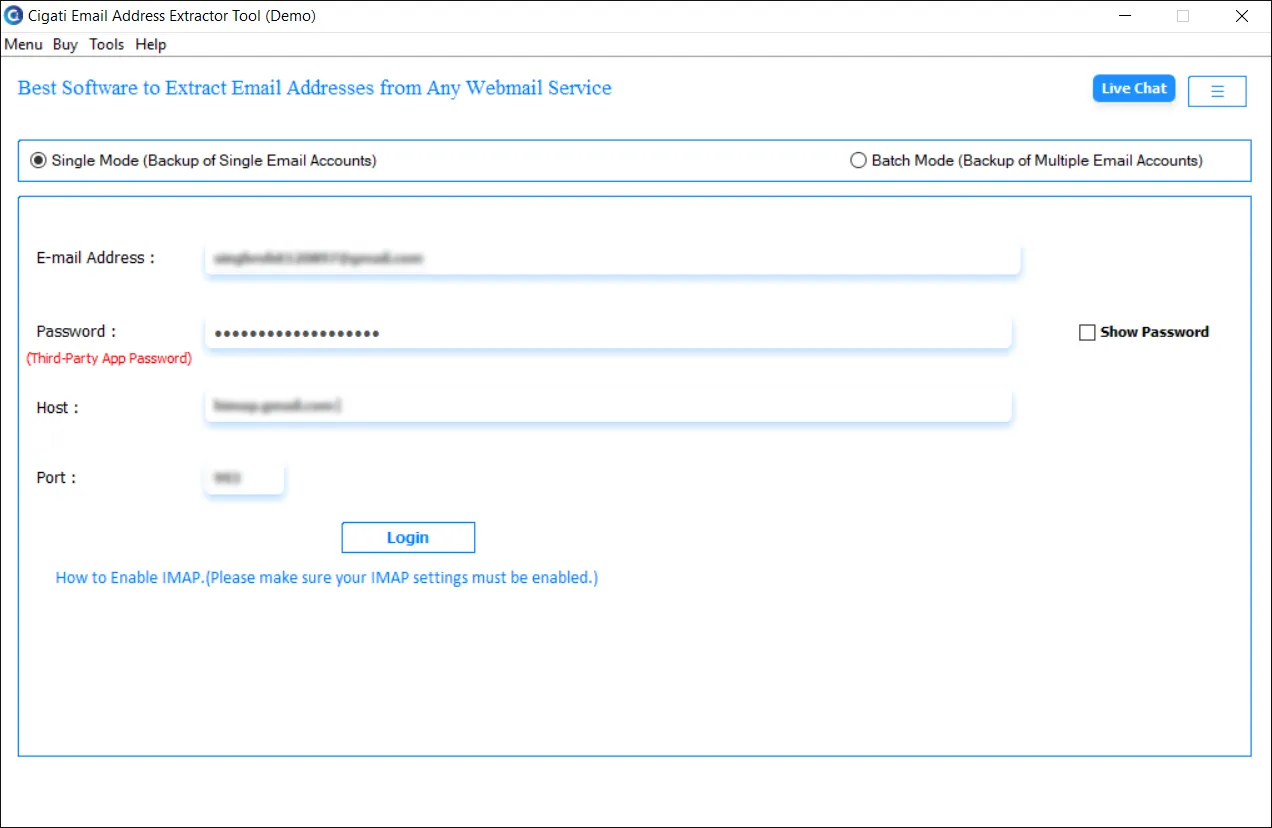
Enter your login credentials, including User ID, Password, Port Number, and IMAP Host, then click the Login button.
Note: If authentication fails or login errors occur, please consult our help guide or verify your webmail’s IMAP settings, host, and port information for a seamless login.
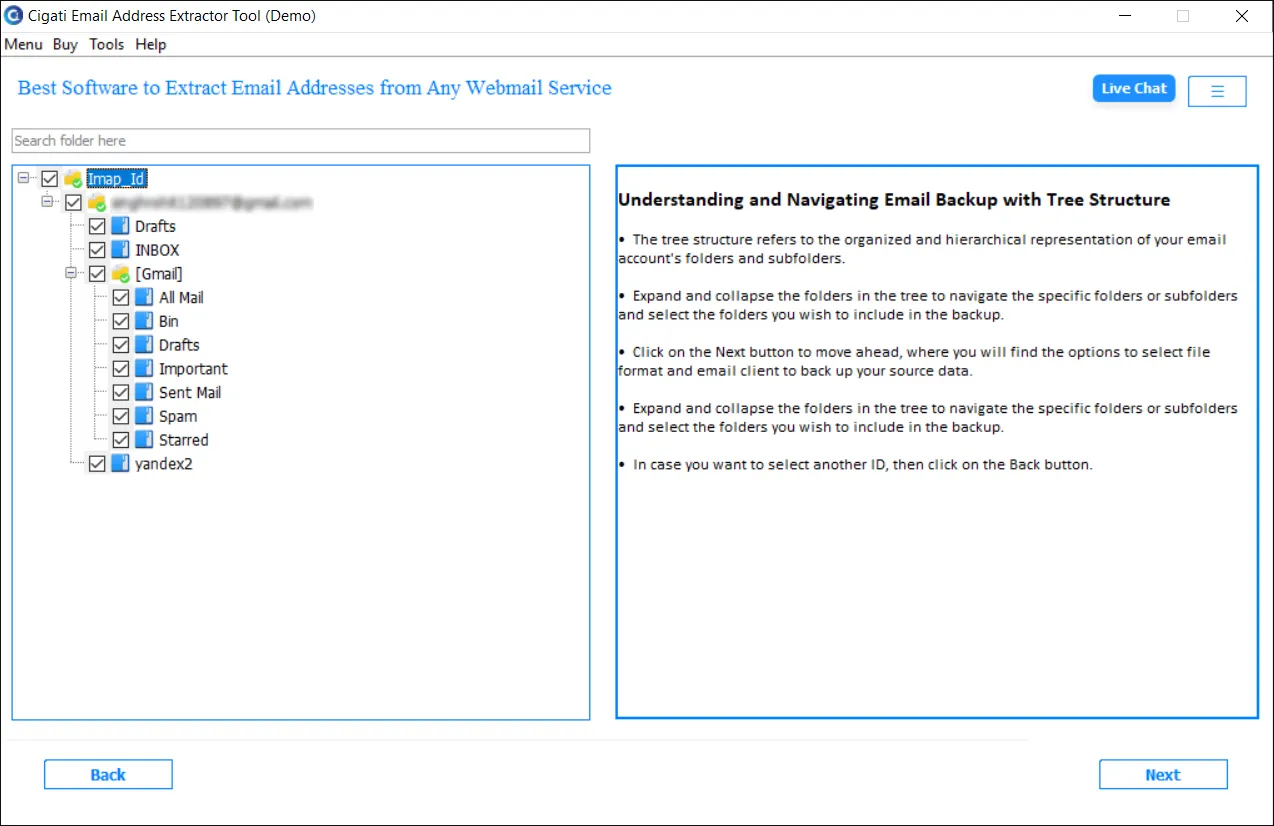
Select the desired folders from the tree-structured list and click the Next button.
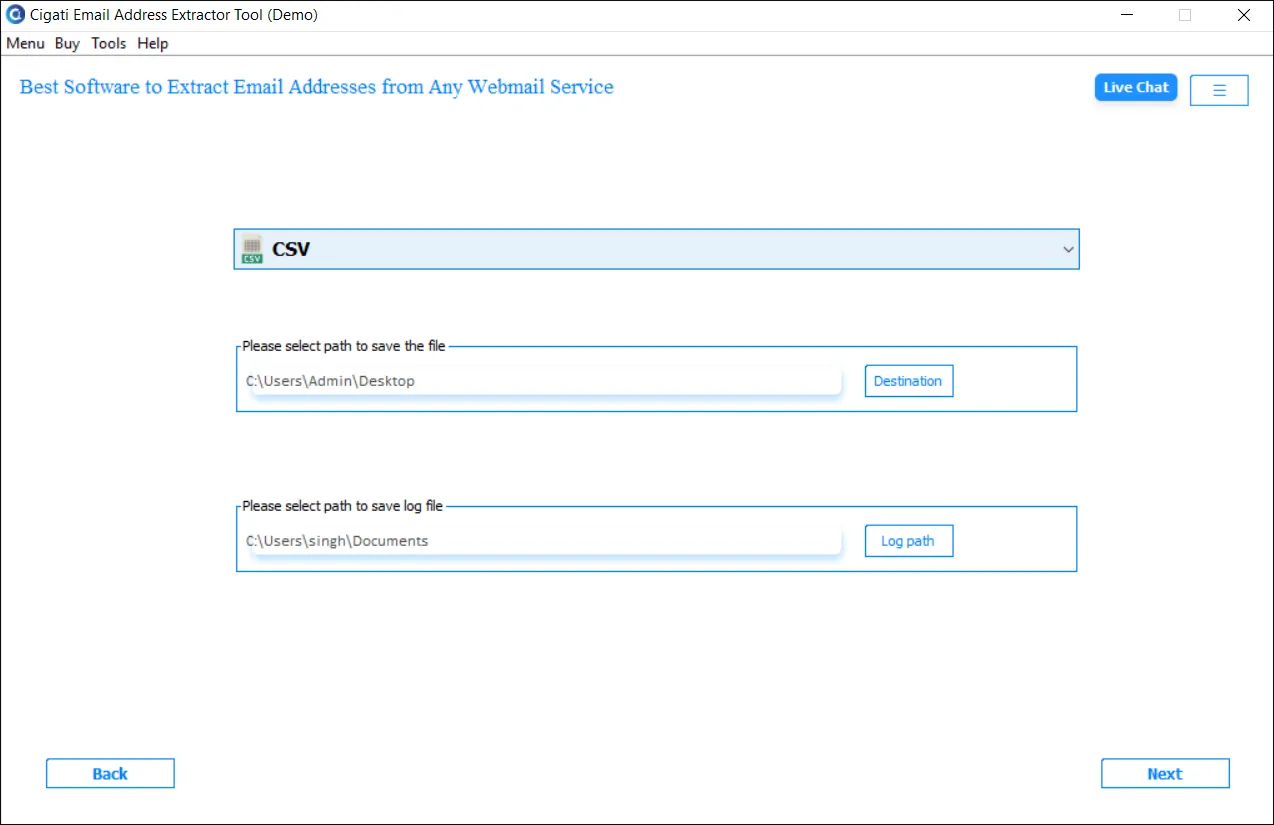
Choose the output format (CSV or TXT) from the drop-down menu, then click Next.
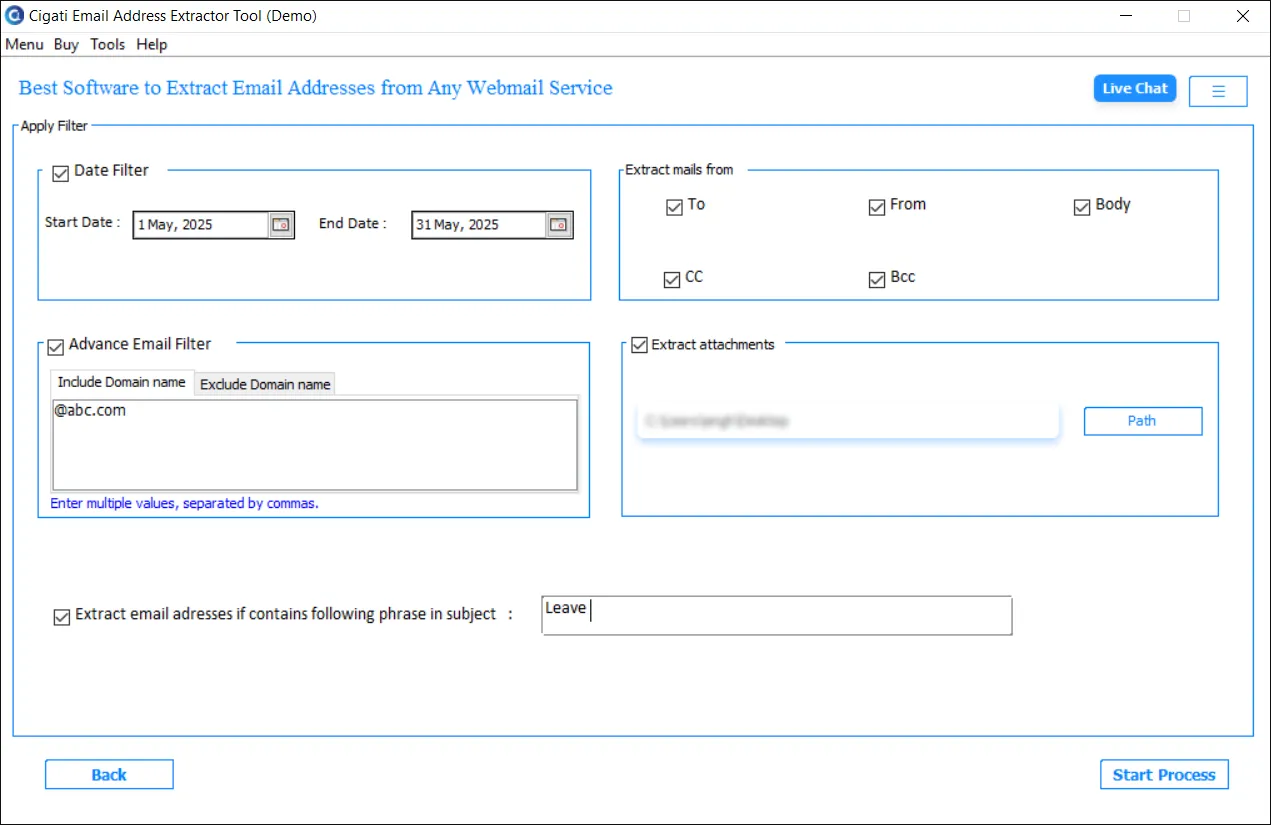
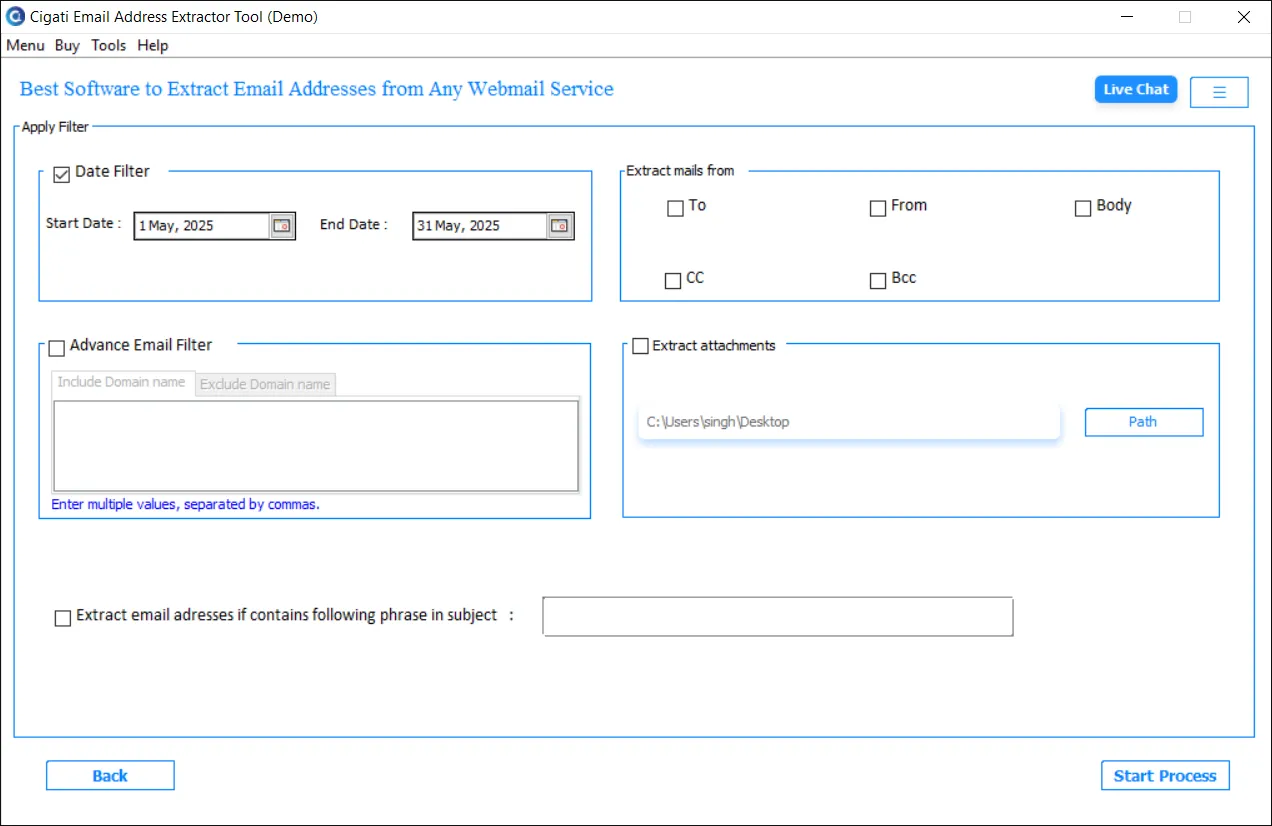
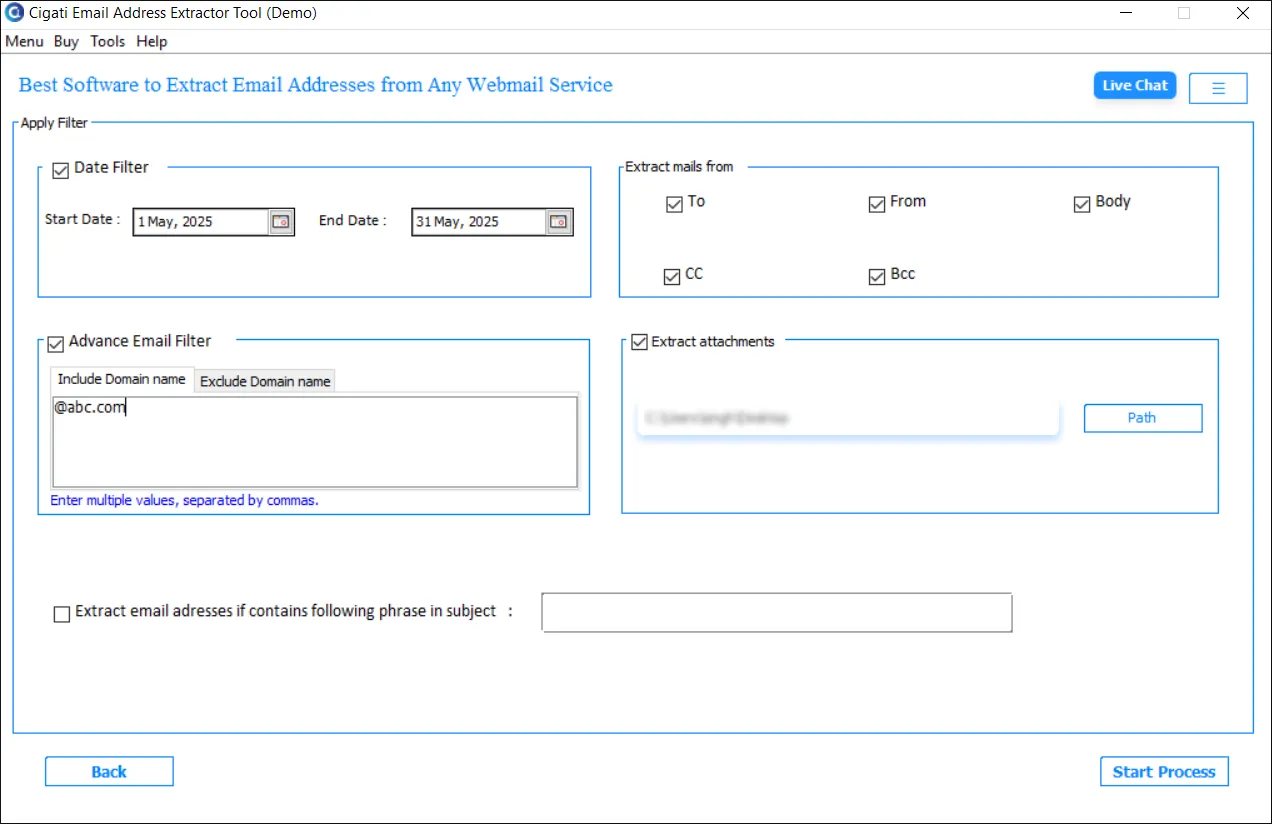
Use the Date Filter option to extract emails within a specific date range.
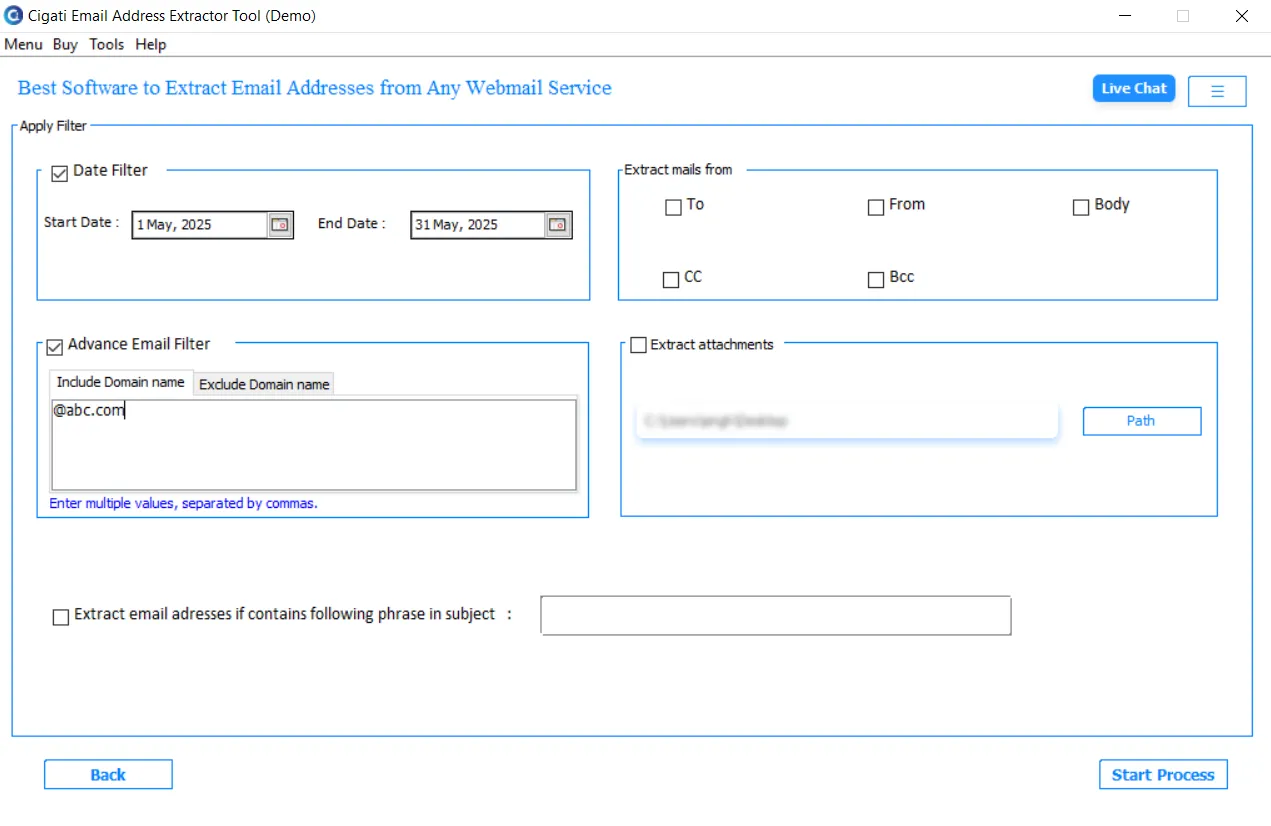
Apply the Advanced Email Filter to include or exclude specific domain names for targeted email ID extraction.
Select the email components (To, From, Body, Cc, Bcc) from which you want to extract email addresses.
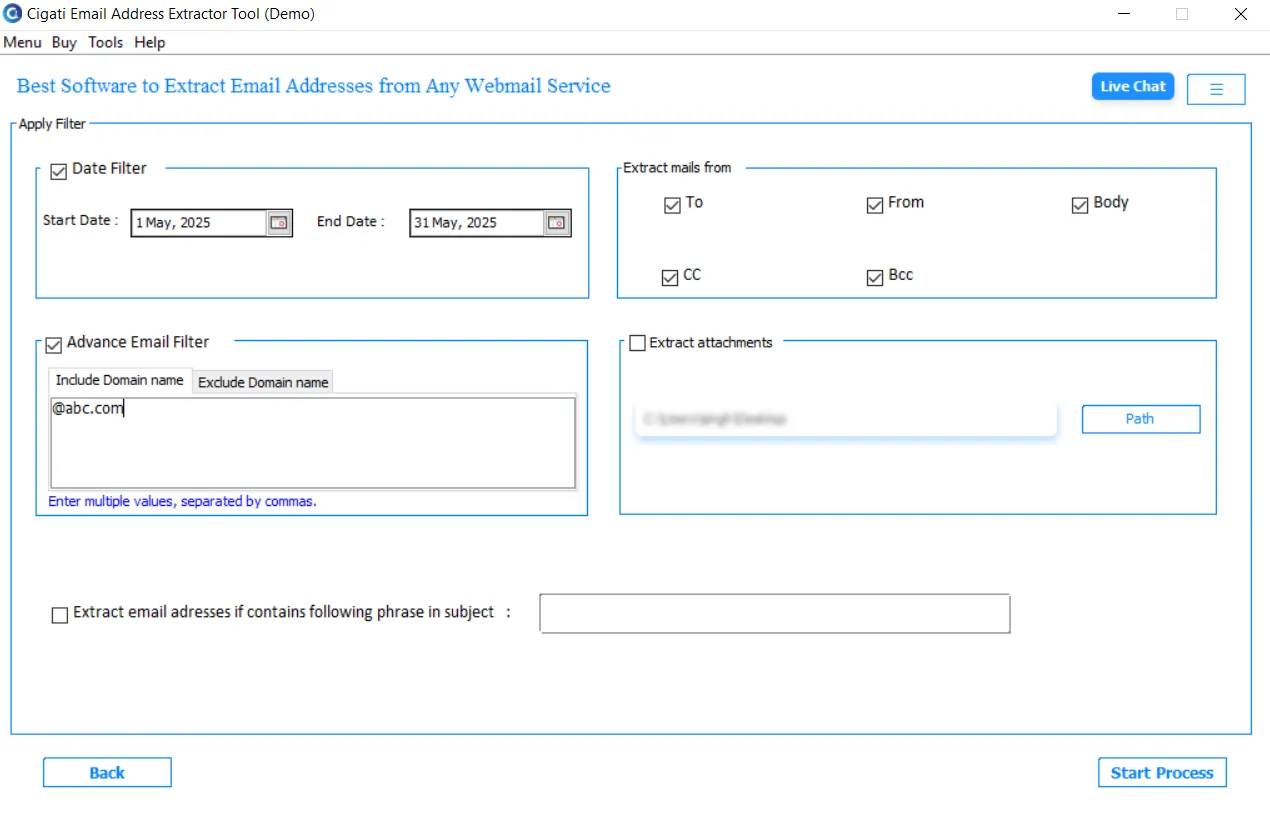
Enable the option to extract attachments from the emails, if needed.
Choose to extract email addresses using an exact match search in the subject line.
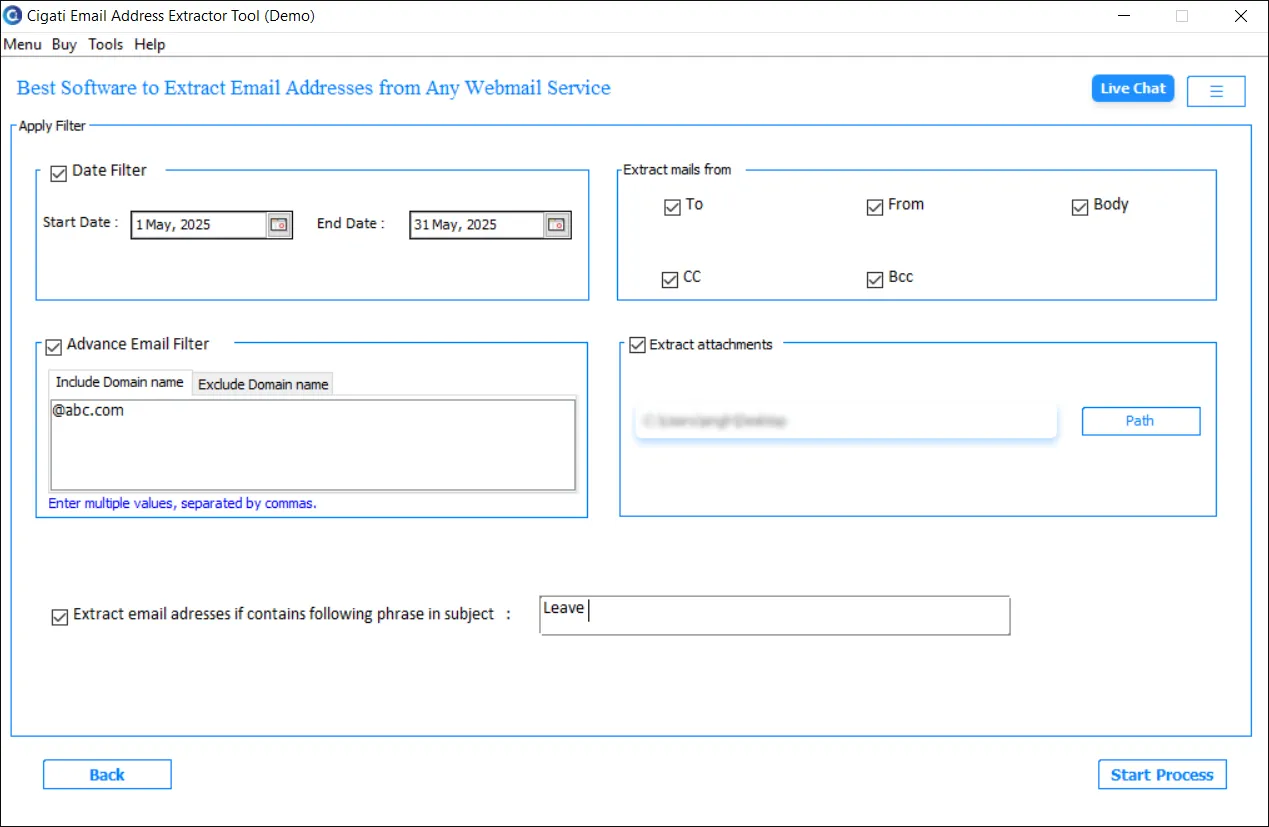
Click the Start Process button to begin the extraction.