EPUB to PDF Converter
4.7
A user-friendly application with an intuitive design for beginners to navigate effortlessly.
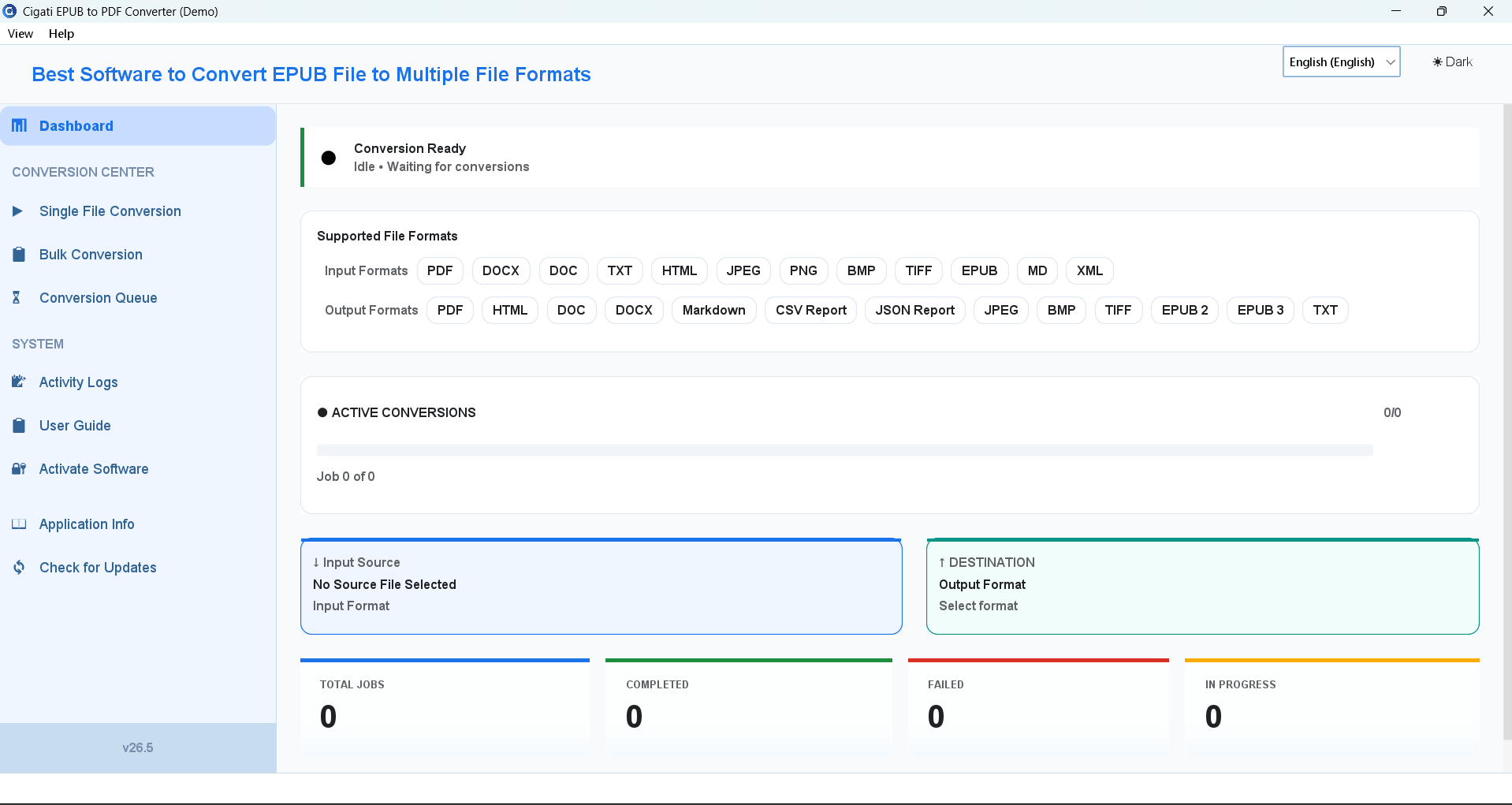
Download, install, and launch the Cigati EPUB to PDF Converter on your PC.
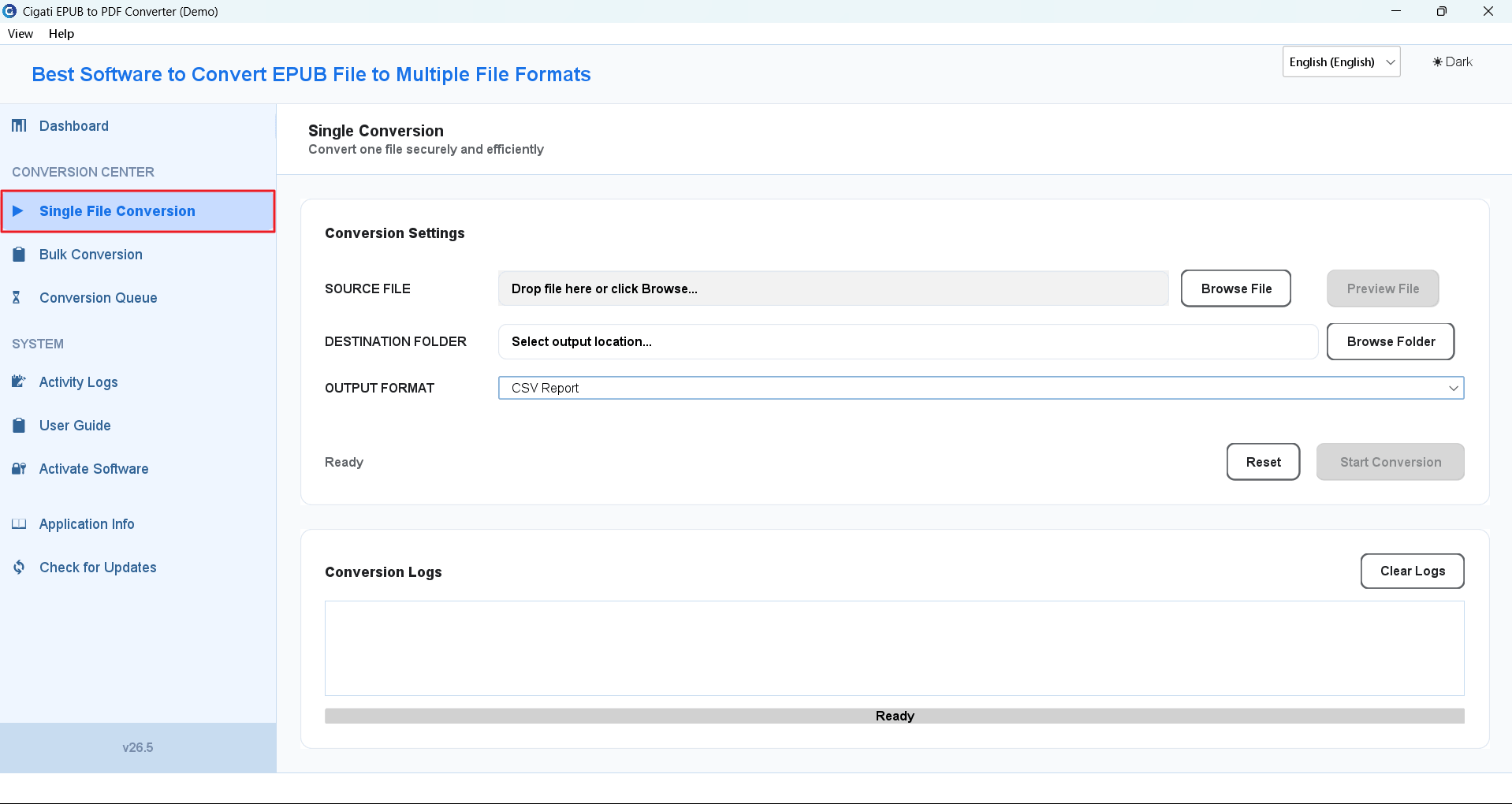
From the left panel, choose the Single File Conversion option to convert an individual EPUB file.
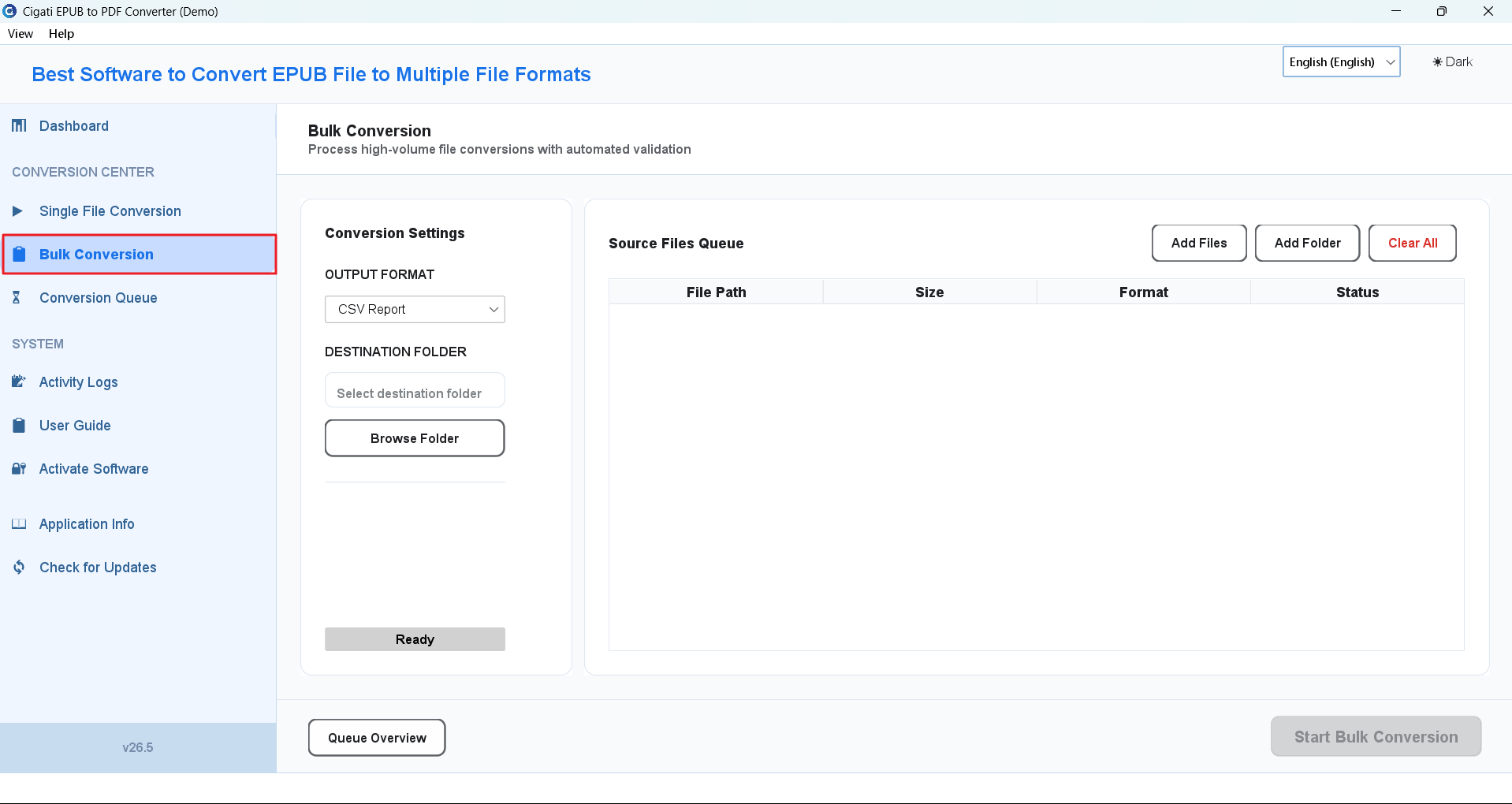
Alternatively, select the Bulk Conversion option to add a folder for batch EPUB conversion.
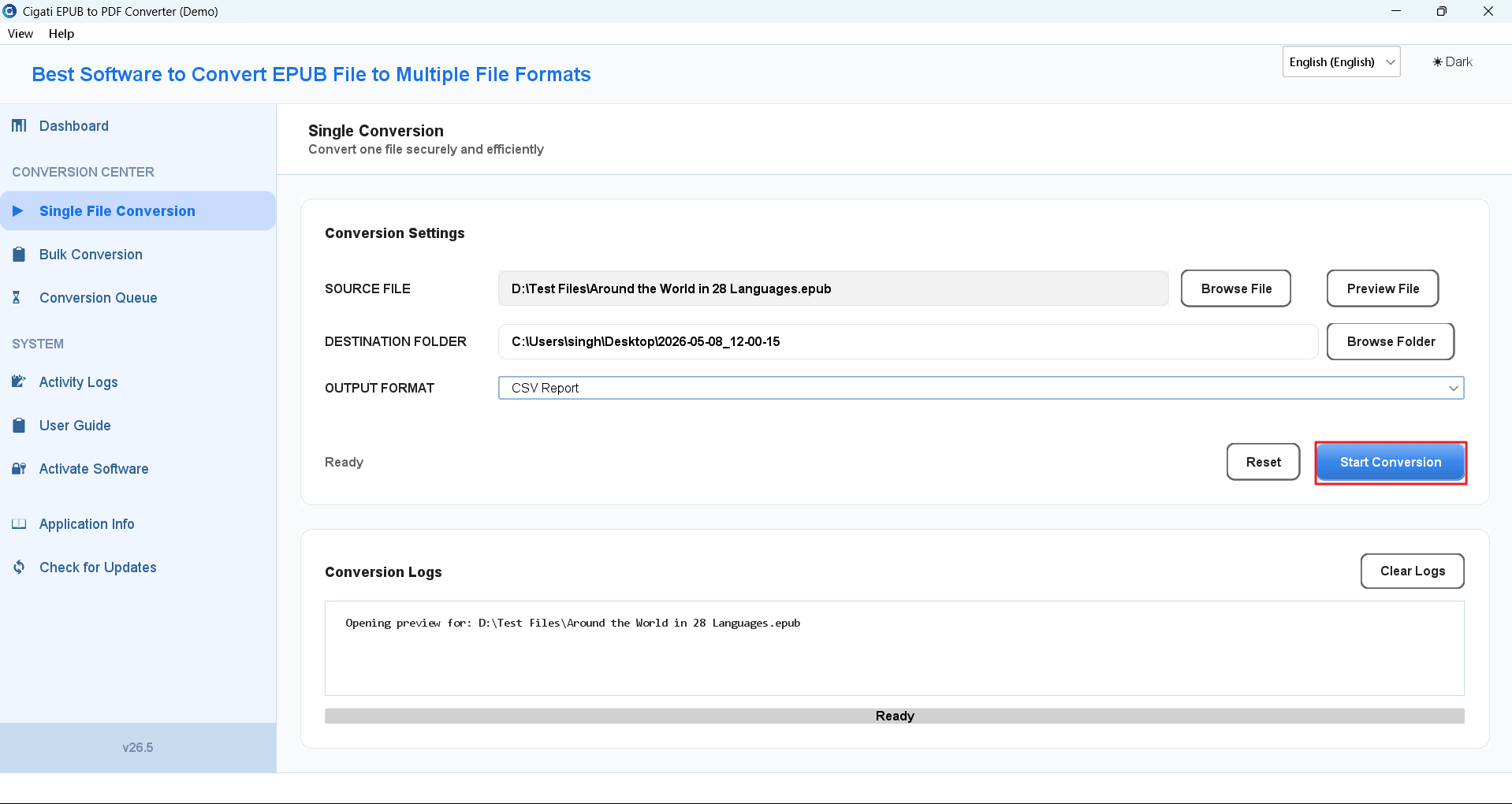
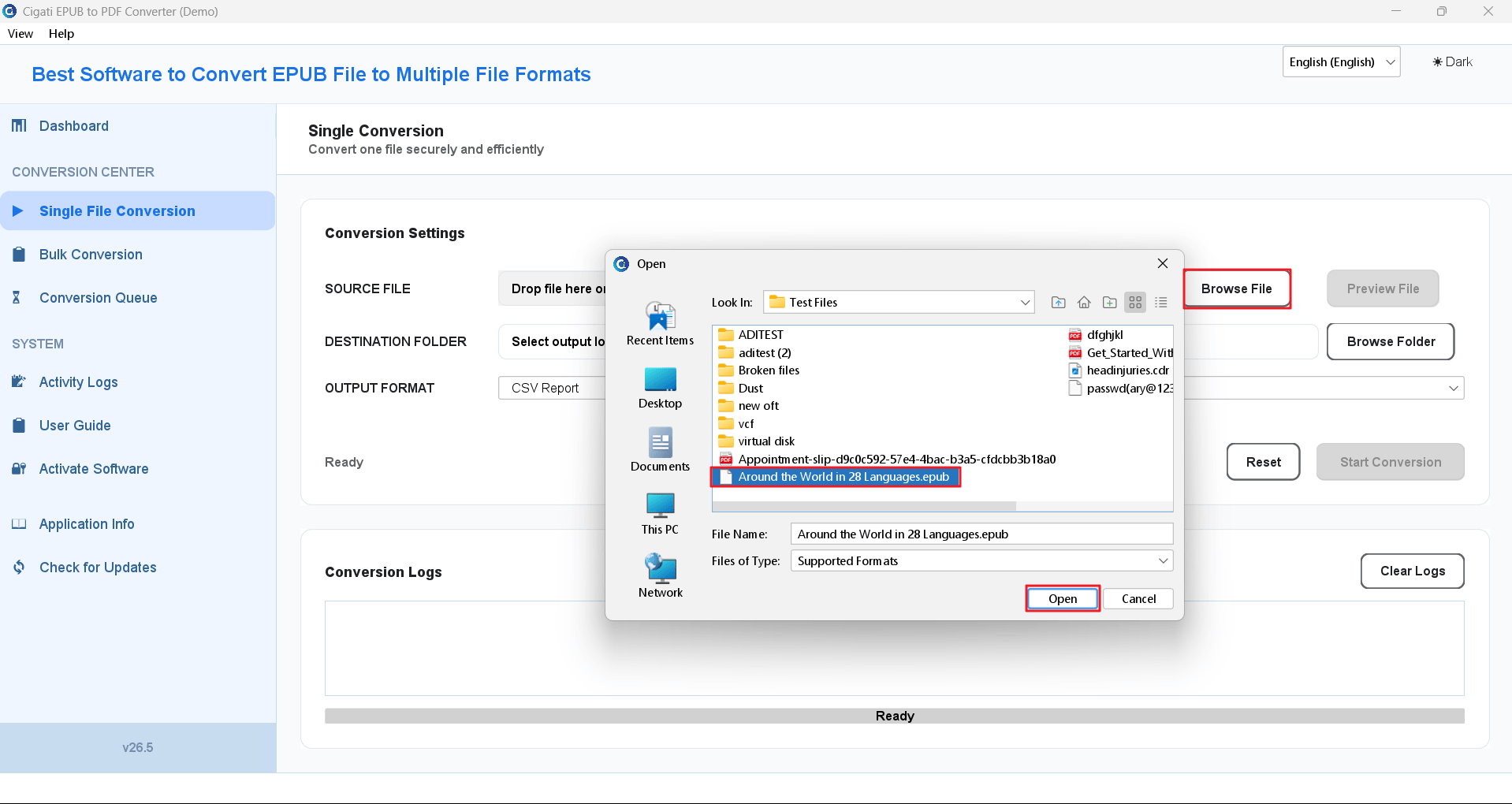
Click the Browse File button, select the EPUB file, and click Open.
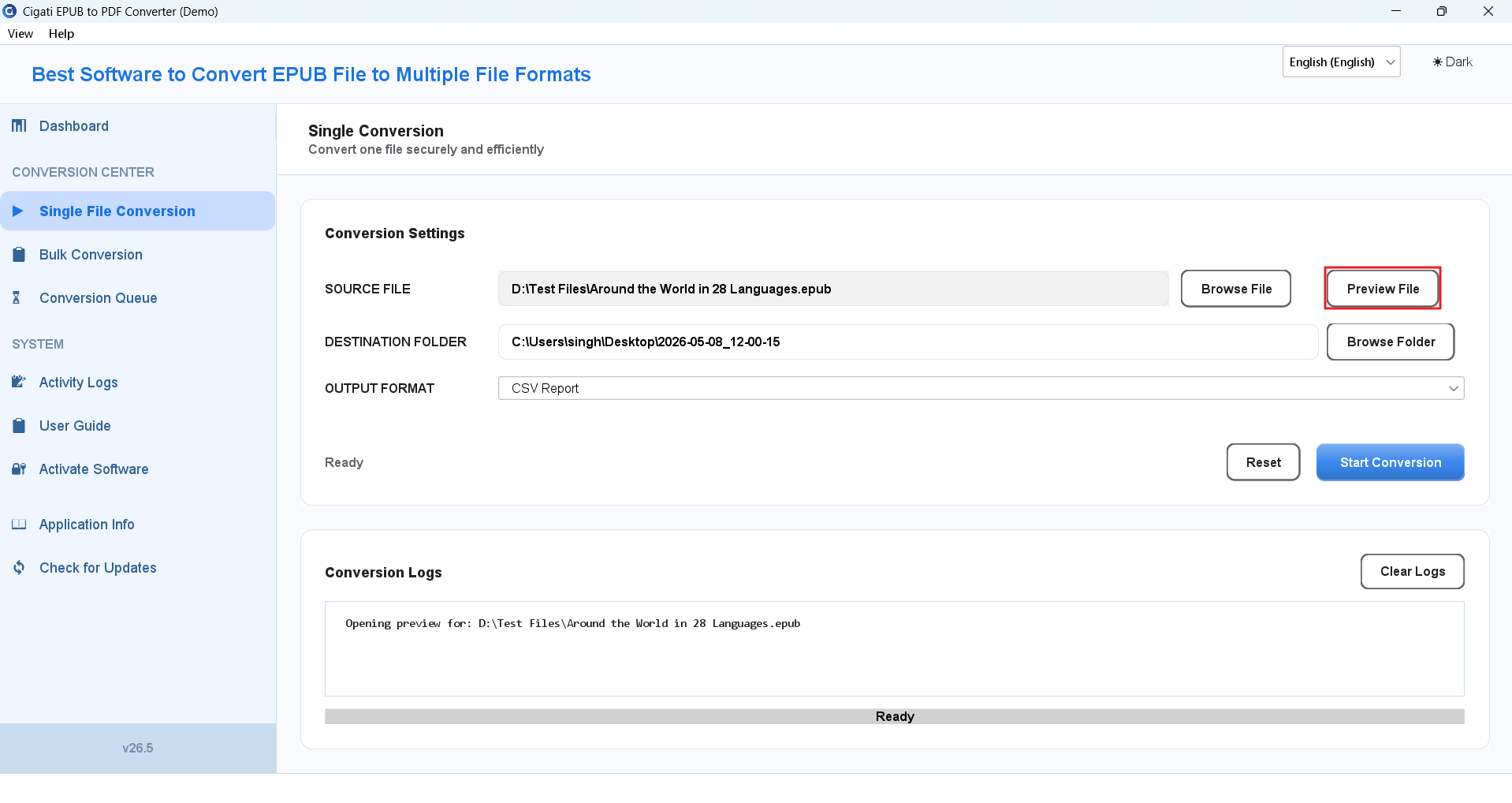
Use the Preview File option to view the EPUB file data before conversion.
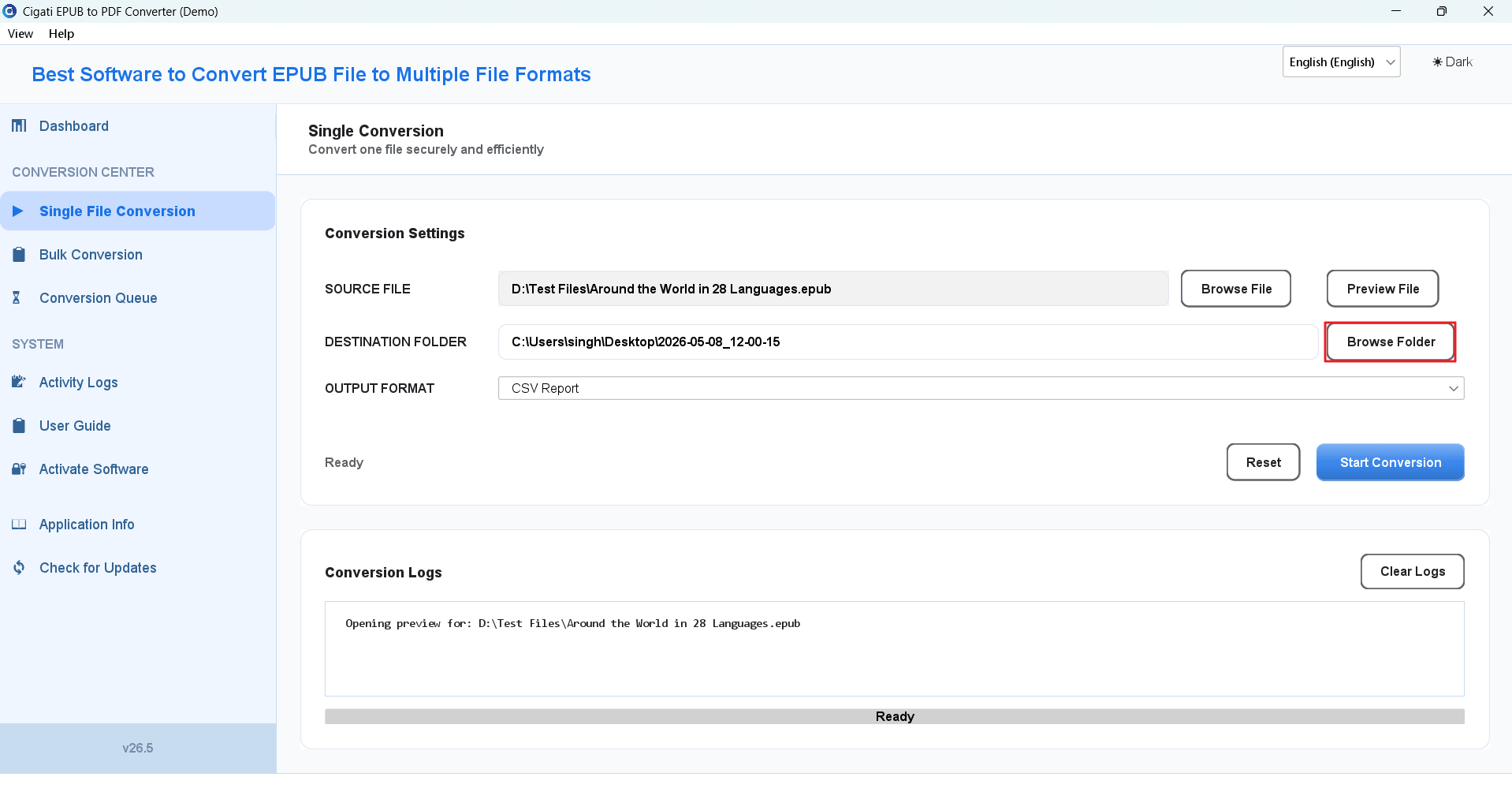
Click the Browse Folder button to choose the destination path for saving the converted files.
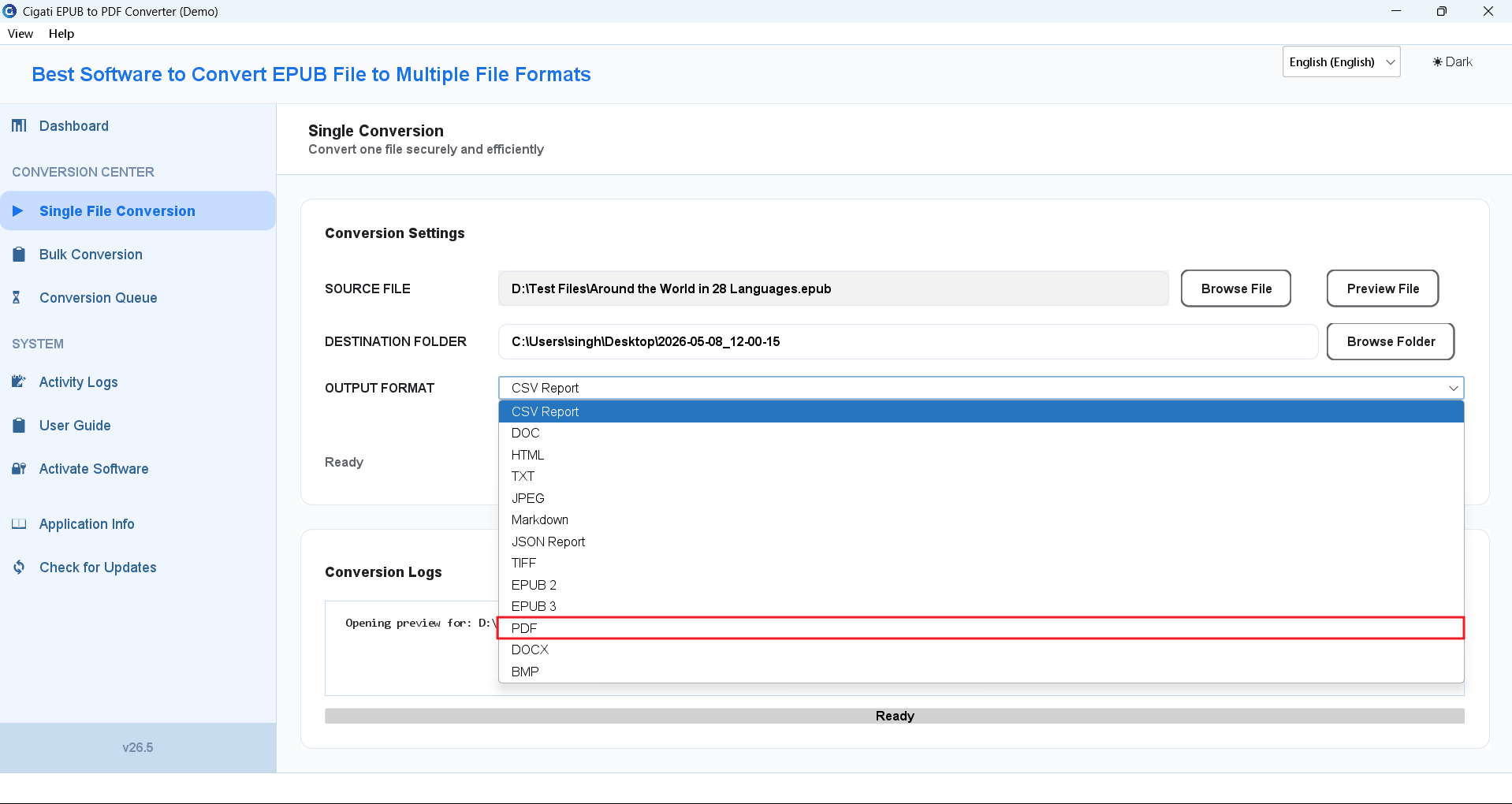
Select PDF from the Output format drop-down list.
If required, click the Reset button to remove all added files and clear the settings.
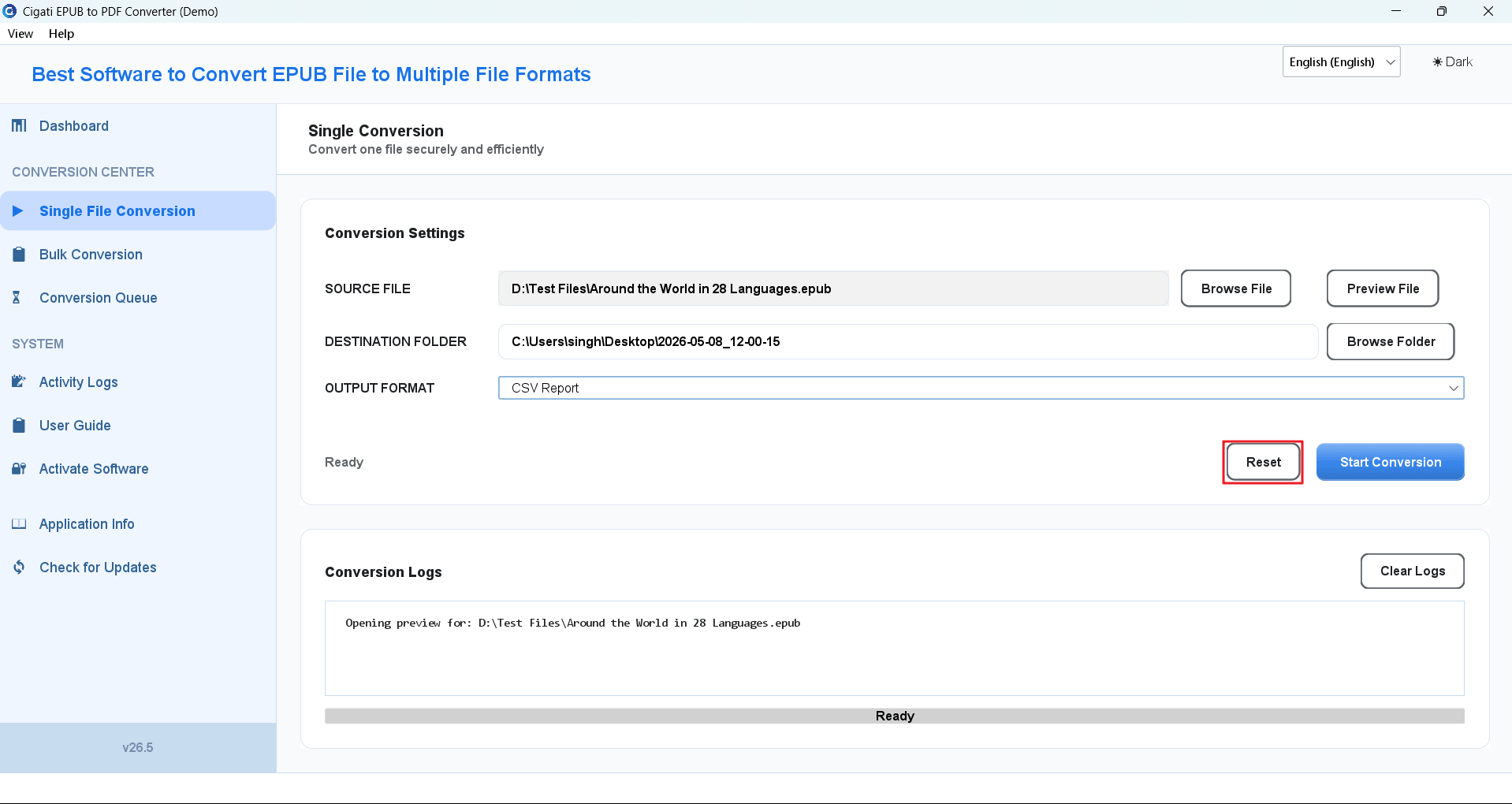
Finally, click the Start Conversion button to begin the EPUB to PDF conversion process.