How to Recover EDB and STM file from corrupt Exchange BKF file.
Go through this how to guide to learn about the software working and features of this utility.
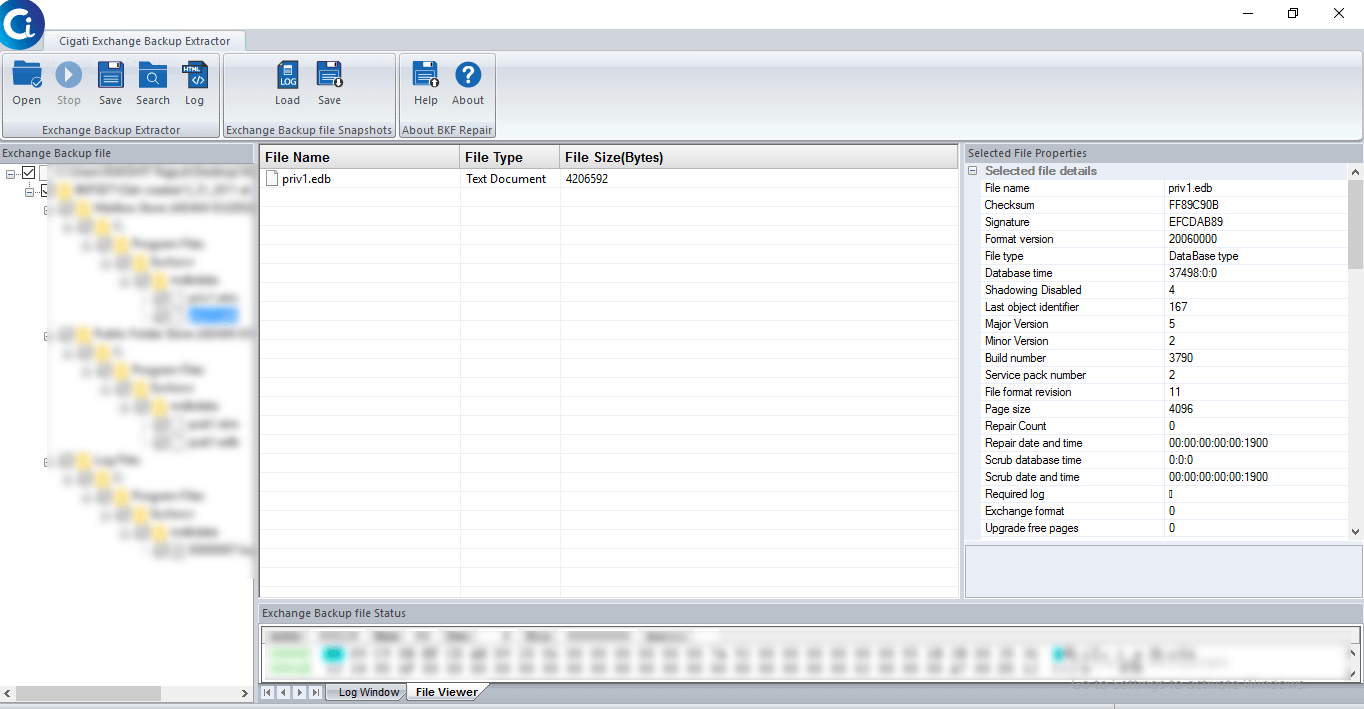
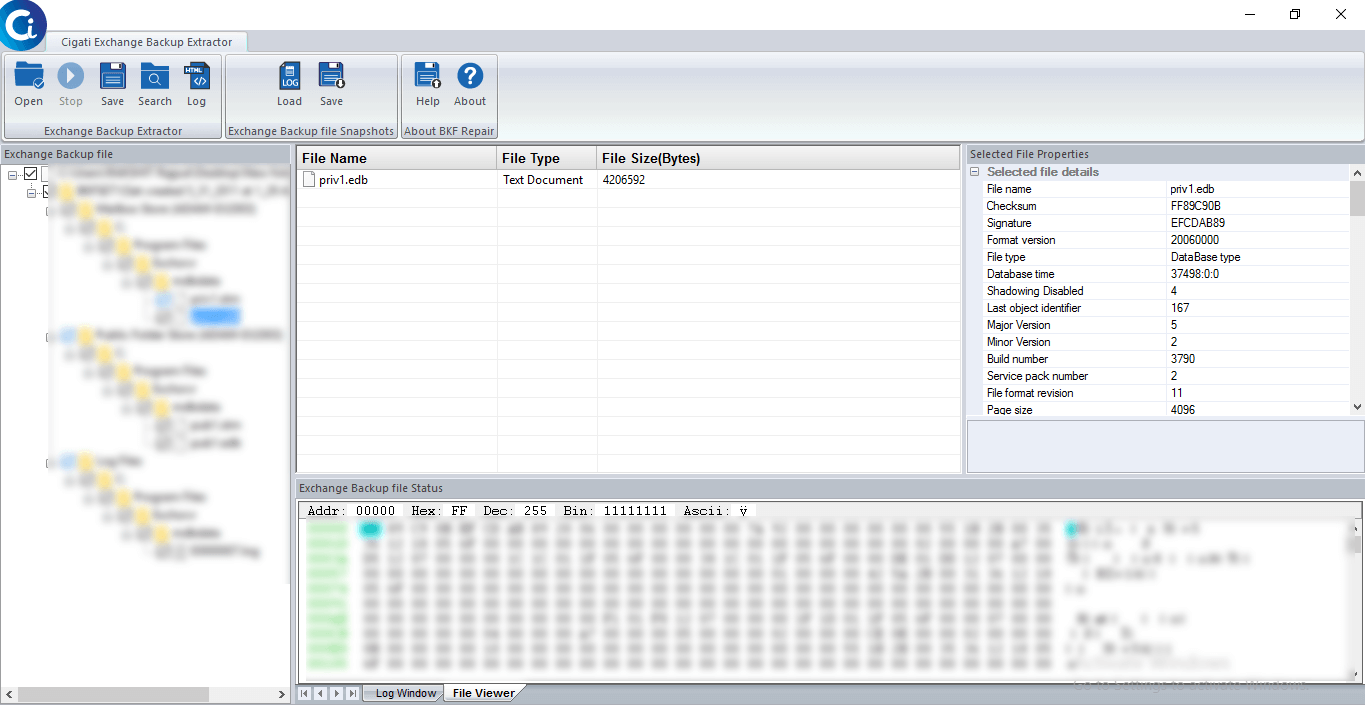
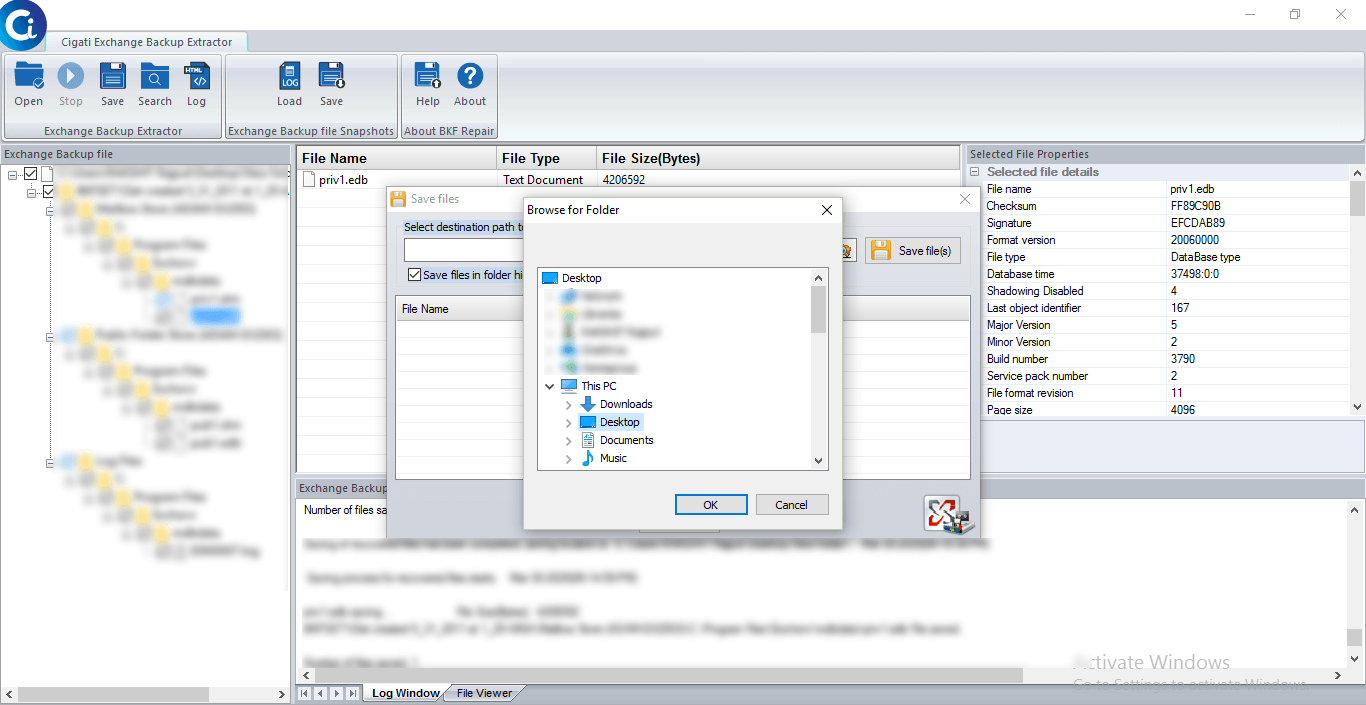
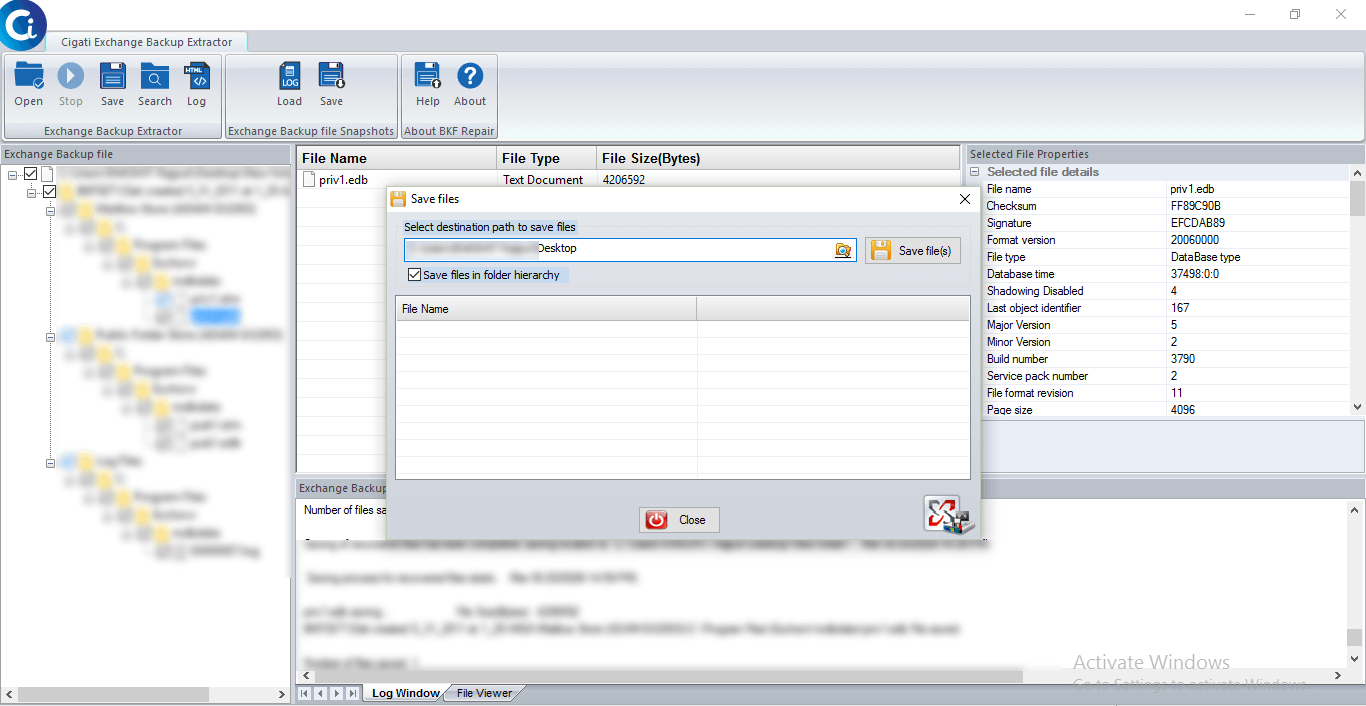
Cigati Exchange Backup Extractor restores mailboxes from BKF files that have been damaged or corrupted. This Exchange Backup Recovery tool lets you restore all important things in the mailbox such as emails, contacts, calendars, notes, journals, sent items etc. This professional exchange backup recovery program integrates a quick search algorithm to locate MS Exchange BKF files in any given volume or drive inside your device. The tool includes some sophisticated features that make the backup process quicker. It provides the tree structure of the recovered files. It also allows you to choose the destination folder for the recovered files. Therefore it is the best utility for extracting the mailboxes of Exchange backup.
Key Features of Cigati Exchange Backup Extractor
- Successfully repairs Exchange backup BKF files
- Show preview of mails and other mailbox items
- Option to save a recovered file on the chosen destination folder.
- Easiest GUI to understand the tool quickly.
Updating the Software
There is no need to update the software as the tool has been designed in such a way that it gets updated automatically. However, if you want to know the details on various updates, you can check out our NEWS section.
How to take backup of Exchange Backup files
Here's a Quick guide to securely backup Exchange files
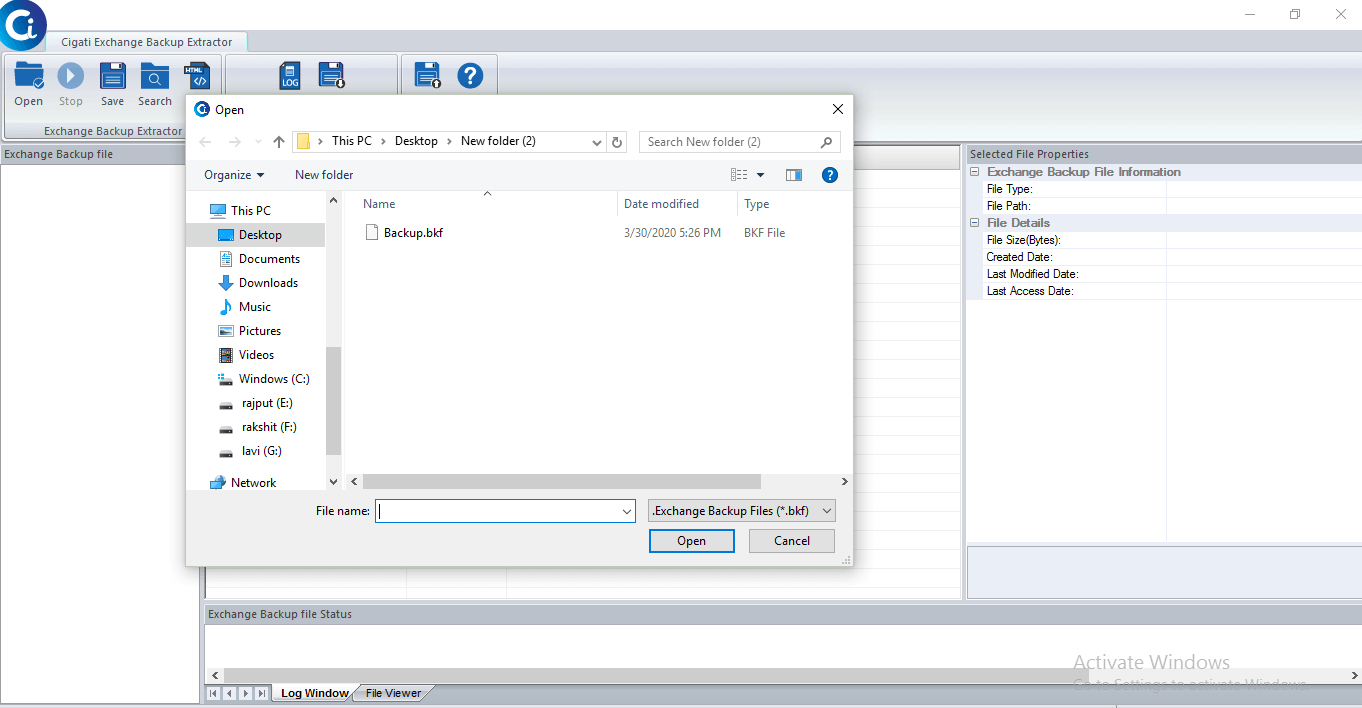
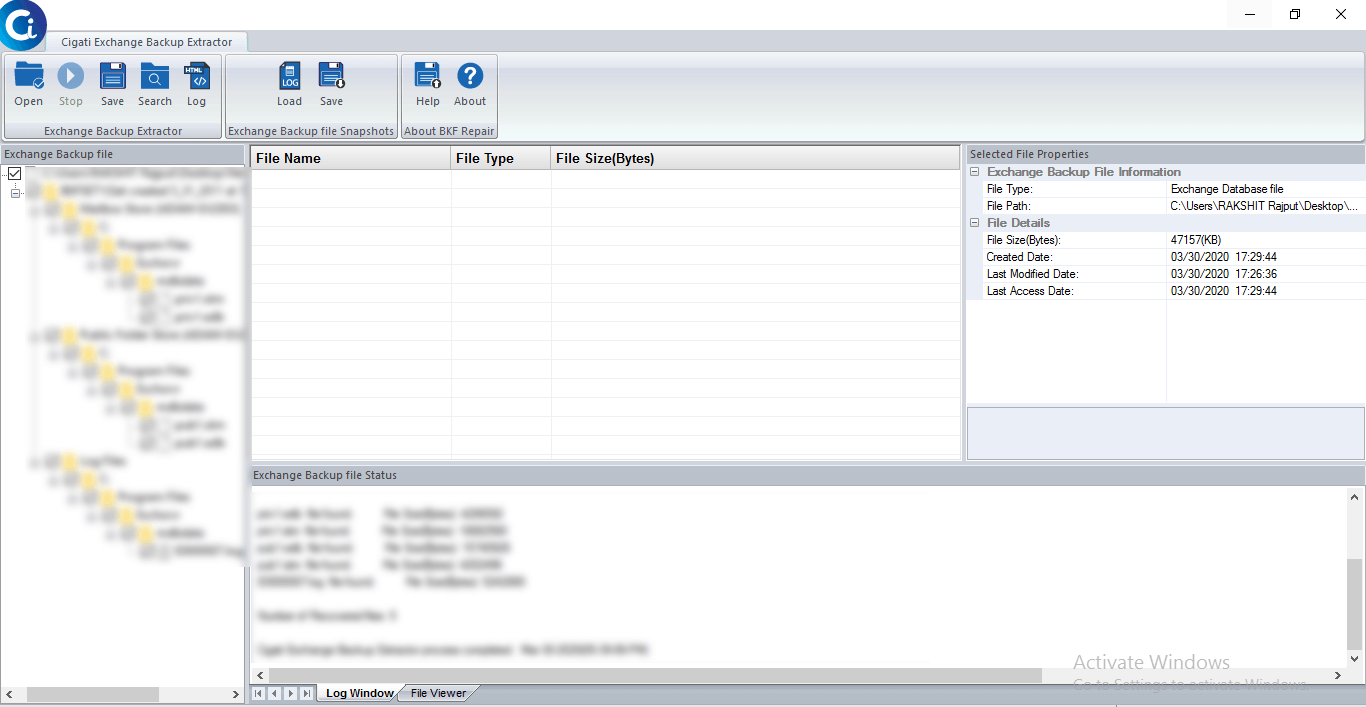
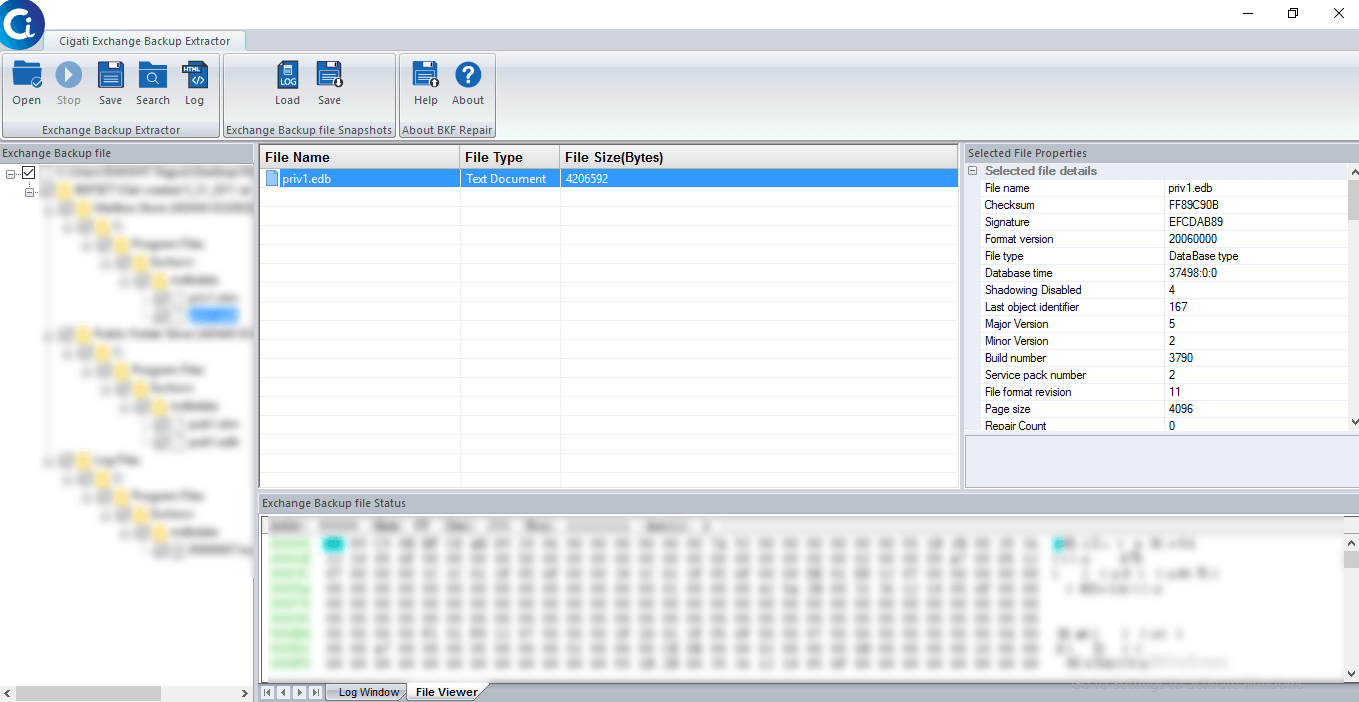
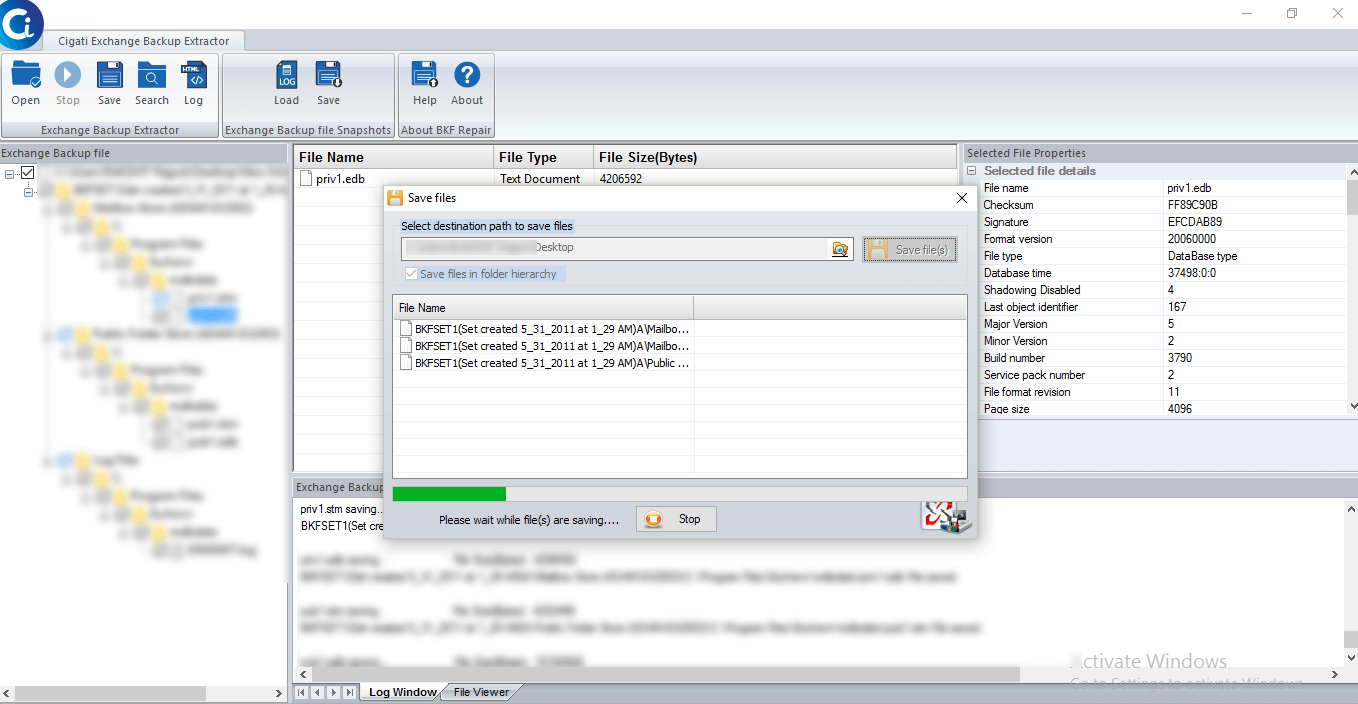
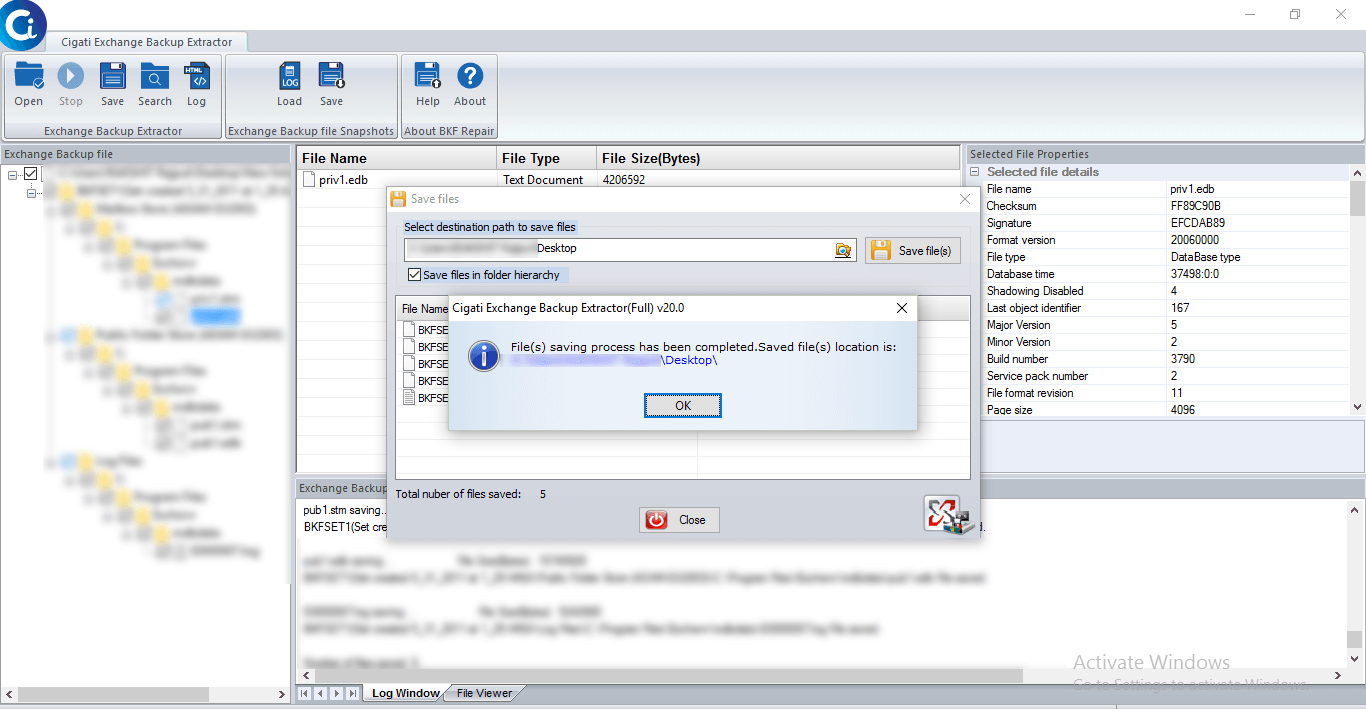
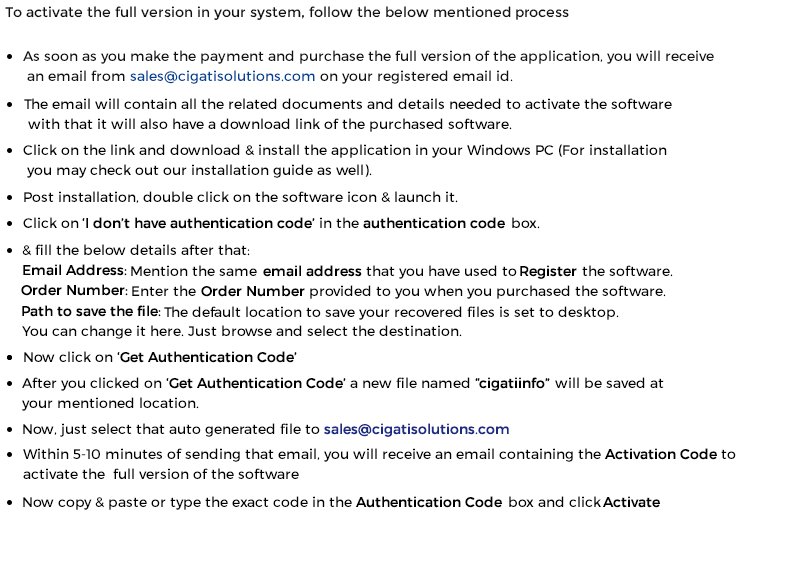
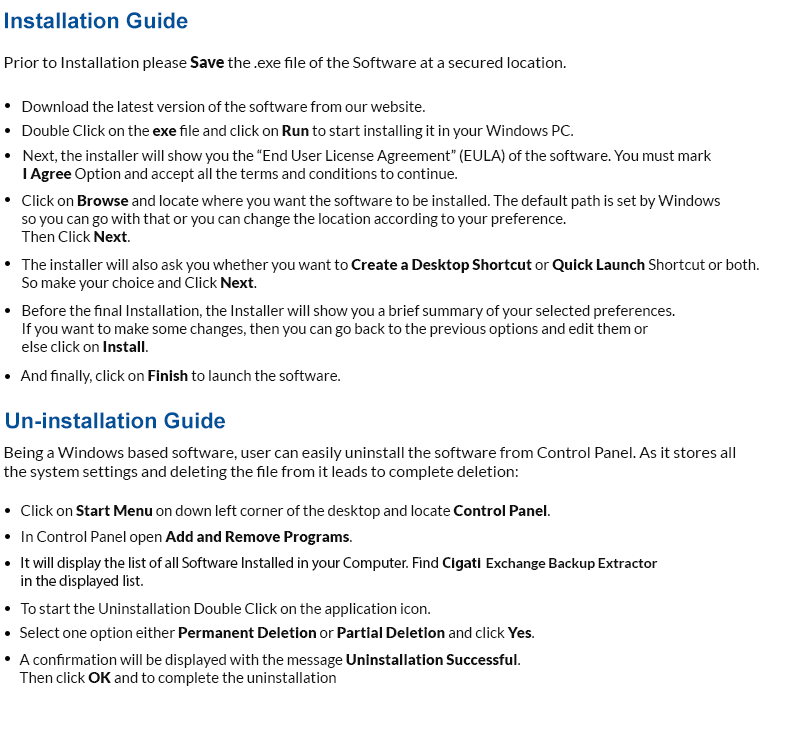
Cigati Exchange Backup Extractor Software
- Includes a New & interactive GUI.
- Quick Preview of recovered items in a tree structure.
- Developed with new and updated algorithms.
Demo Version
The demo version of this software allows users to preview all of their BKF files and data stored in them. However, to save the files in your system users need to purchase the full version
Purchasing the Full Version
Users can easily purchase the full version of the software which includes all the features mentioned in it. The software licenses are distributed in three categories so choose the best suited license:
Single User
Single user license is the type of license which is suggested for one person / user to use the software for non-commercial purposes. The single user license or personal license is intended for home users and designed for non-commercial purposes only. Single license users can install the software on one or two systems at any given time.
Administrator
The Administrator license has been designed for users who want to use the application in a corporate, business, academic or in a government environment. In layman terms, the given license has been designed to be used at multiple computers within a single geographical location. The Administrator license will be assigned in the organization name provided at the time of purchase.
Technician
The Technician license is intended for users / technicians and corporations who have clients or offices all around the world. The license will be issued under the organization’s name and can be used on multiple systems at multiple locations. The license is non-transferable and gives you permission for unlimited data recovery.
Software Support
For any technical assistance or queries shoot us your question at support@cigatisolutions.com or you can even contact our software support team available 24x7 at your service.
User Interface
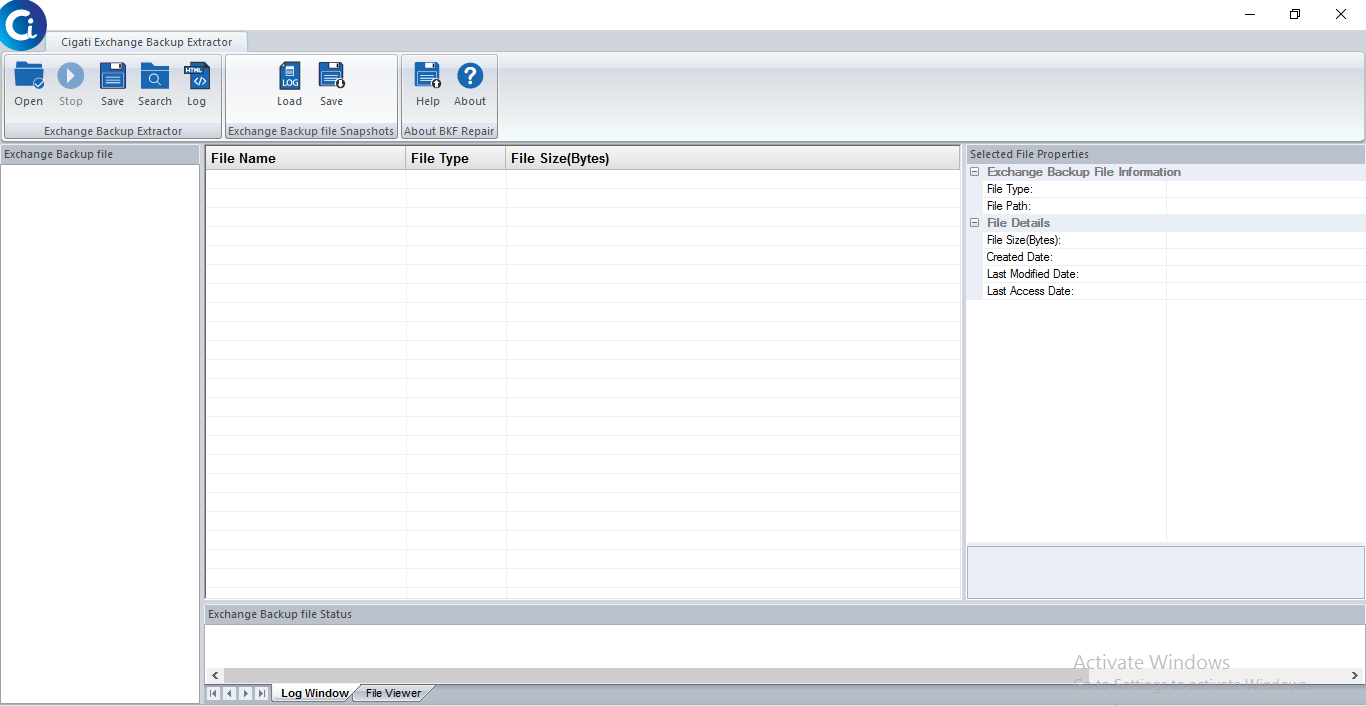
Cigati Exchange Backup Extractor tool has been developed using an easy-to-use Interface that makes work simple even for inexperienced users to backup their data without any technical support.