JSON File Converter
4.9
A user-friendly application with an intuitive design for beginners to navigate effortlessly.
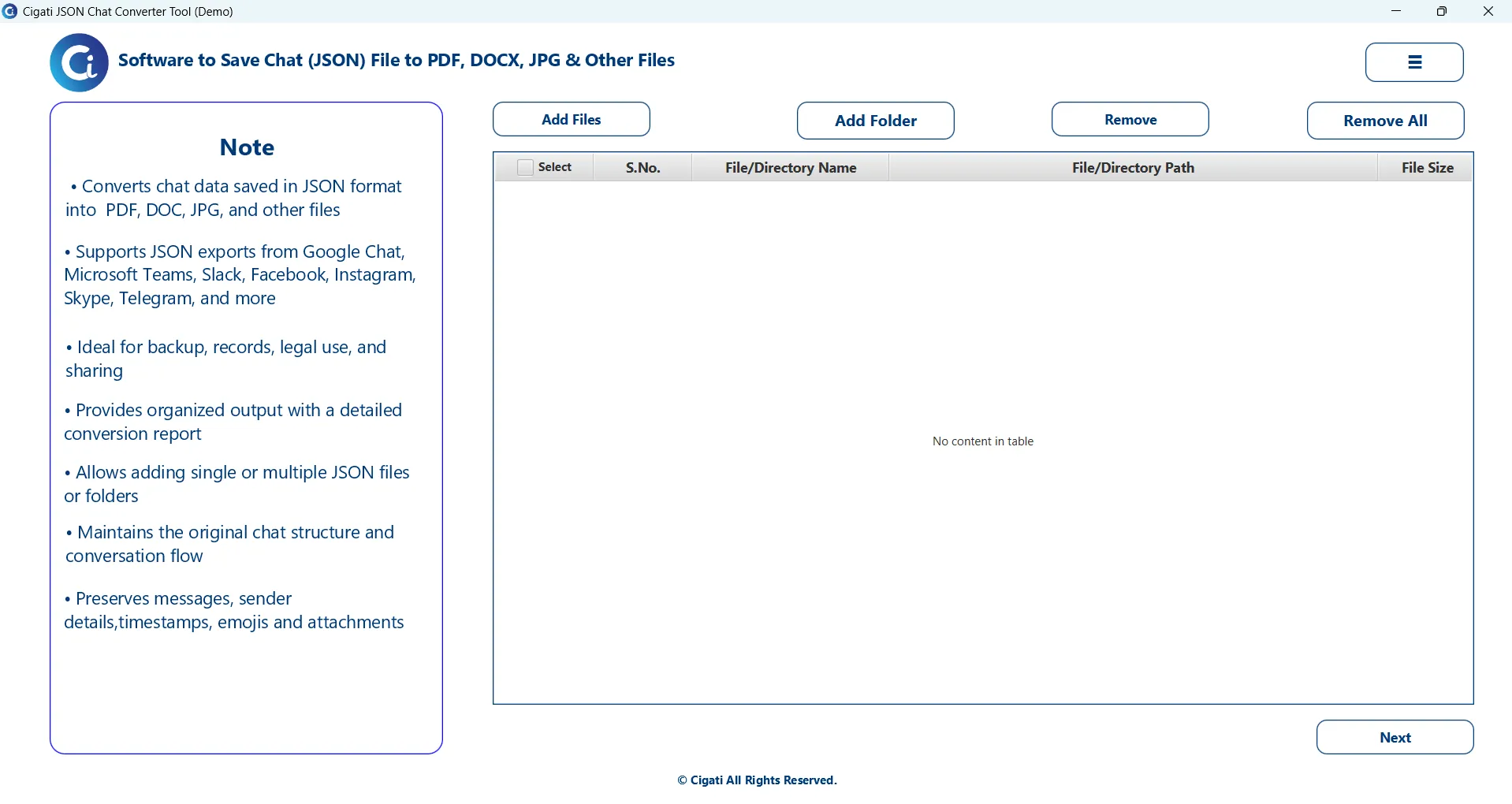
Download, install, and launch the Cigati JSON File Converter with administrator privileges.
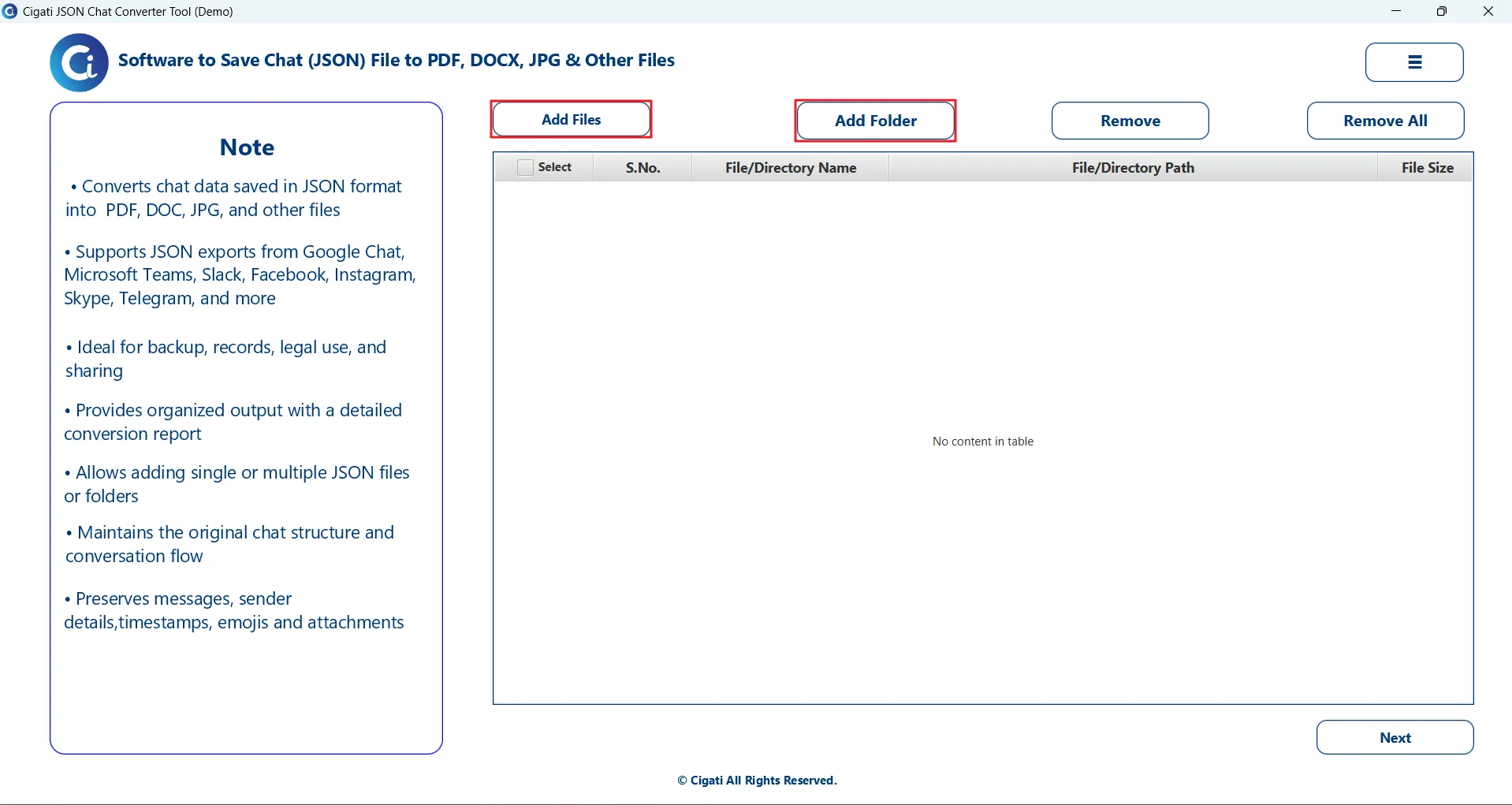
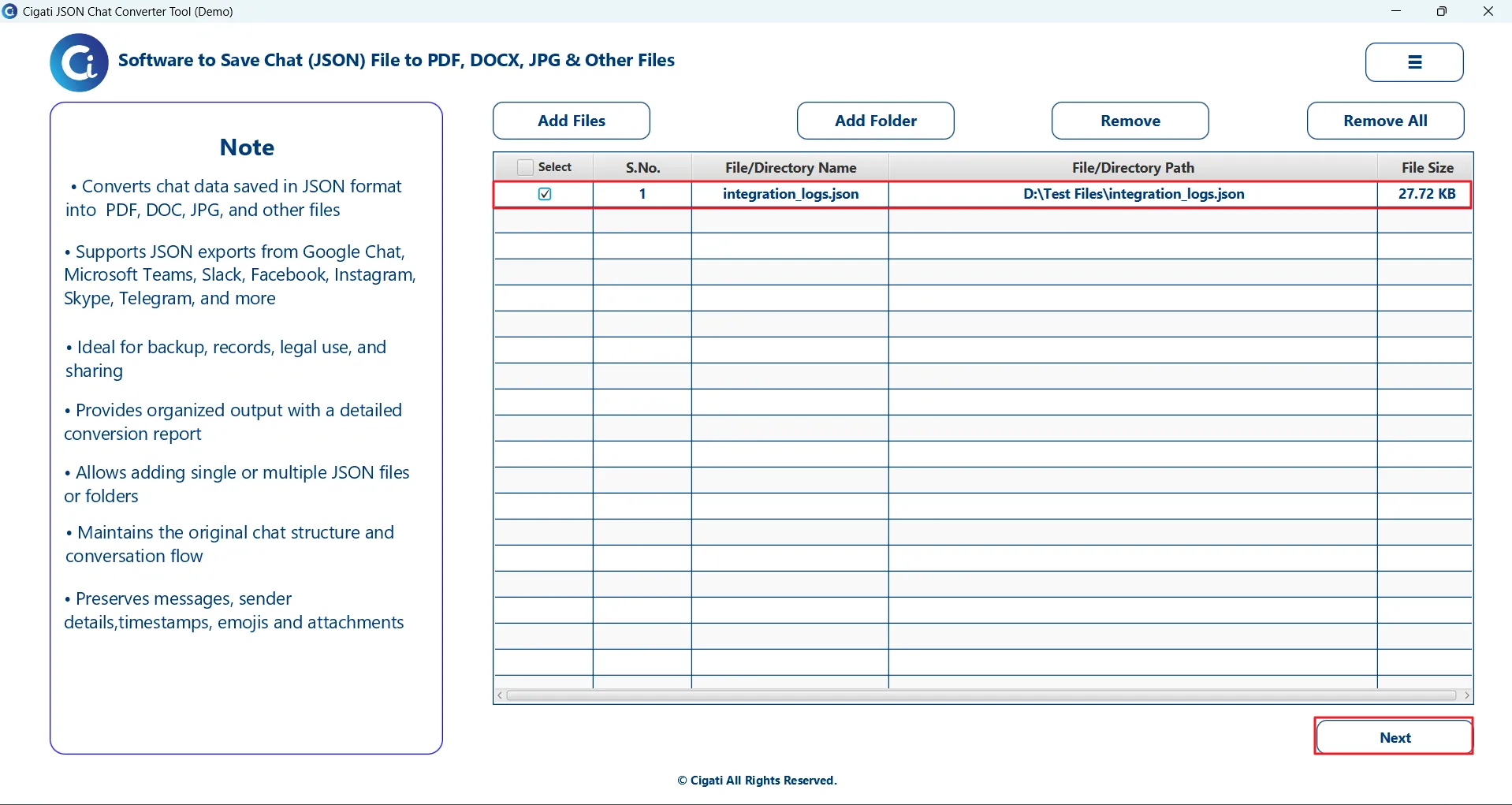
Click on Add Files or Add Folder to browse and load your JSON file(s) into the software.
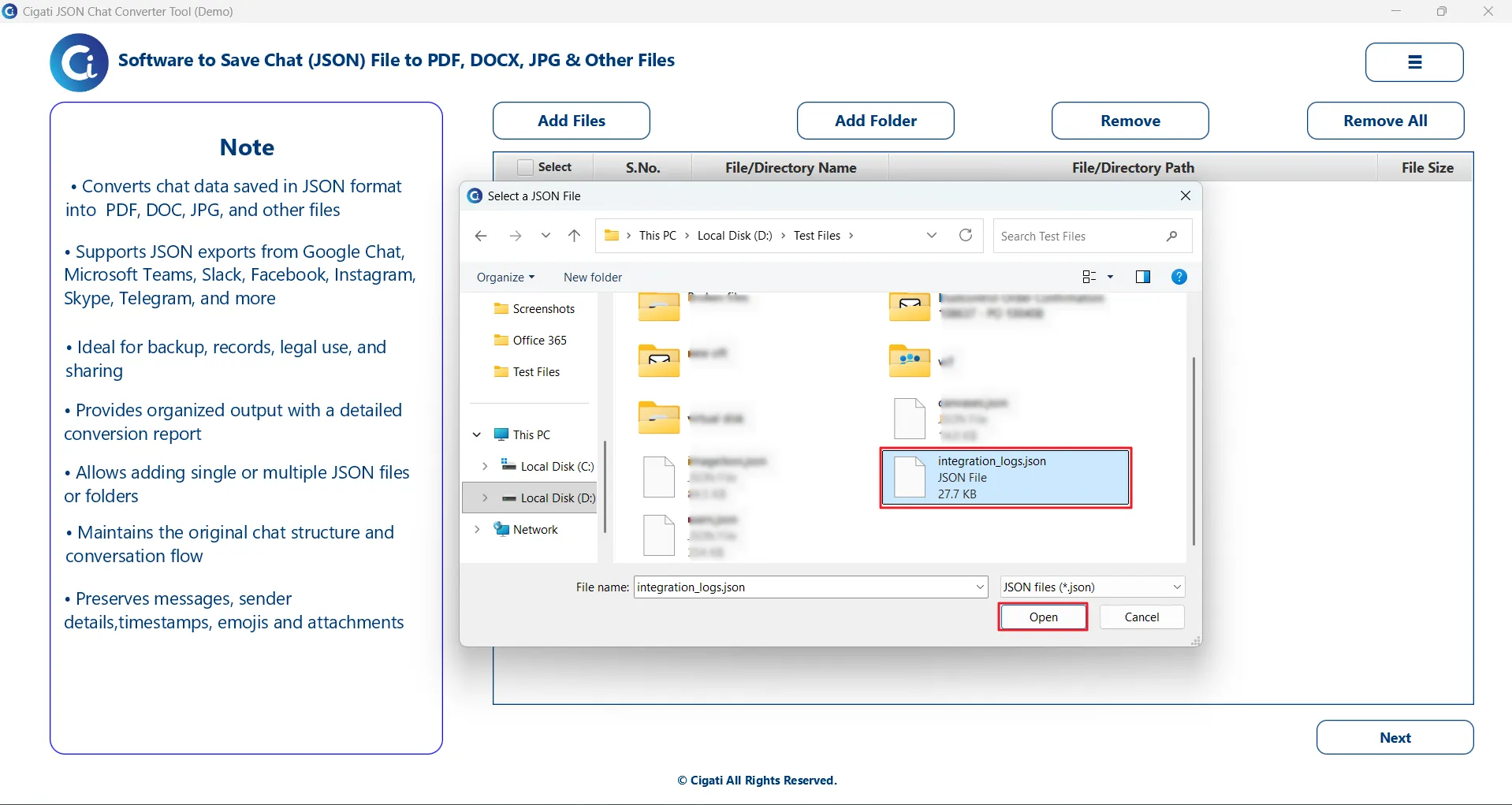
Select the required JSON file(s) and click the Open button to add them to the list.
The added file(s) will be displayed in the preview panel. Select the desired JSON file from the list and click Next to proceed.
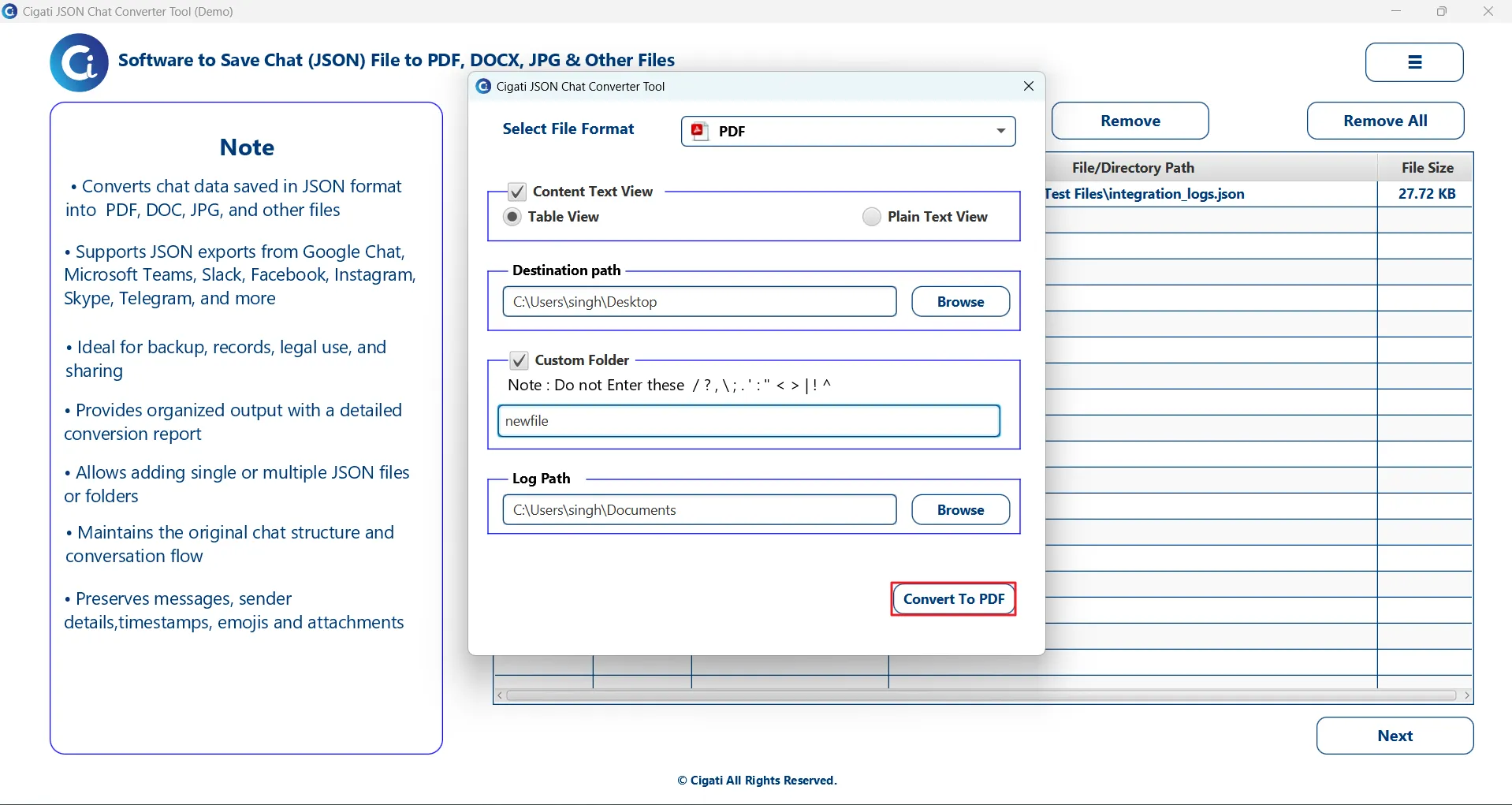
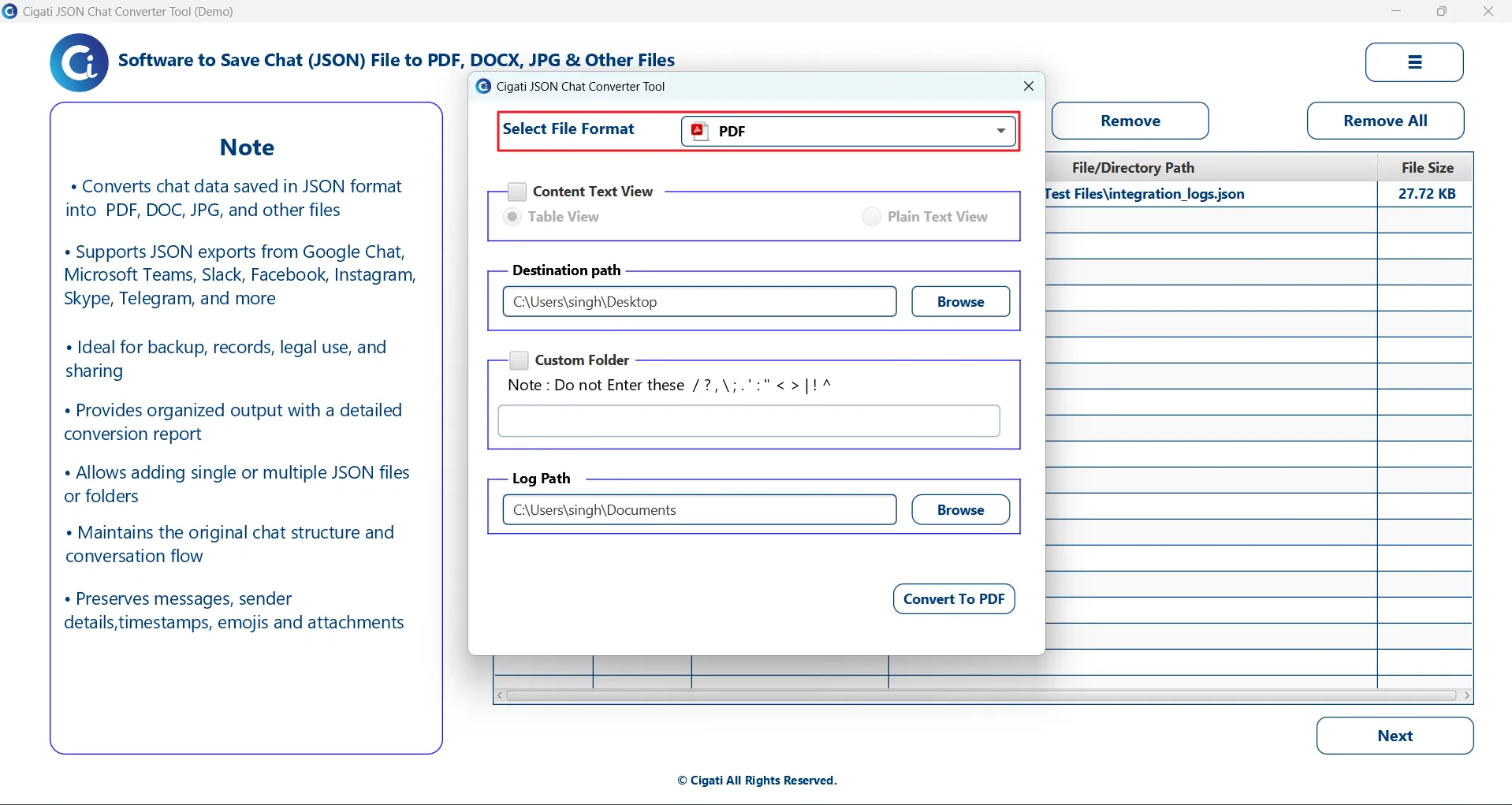
From the Output Format drop-down menu, choose PDF as the export format.
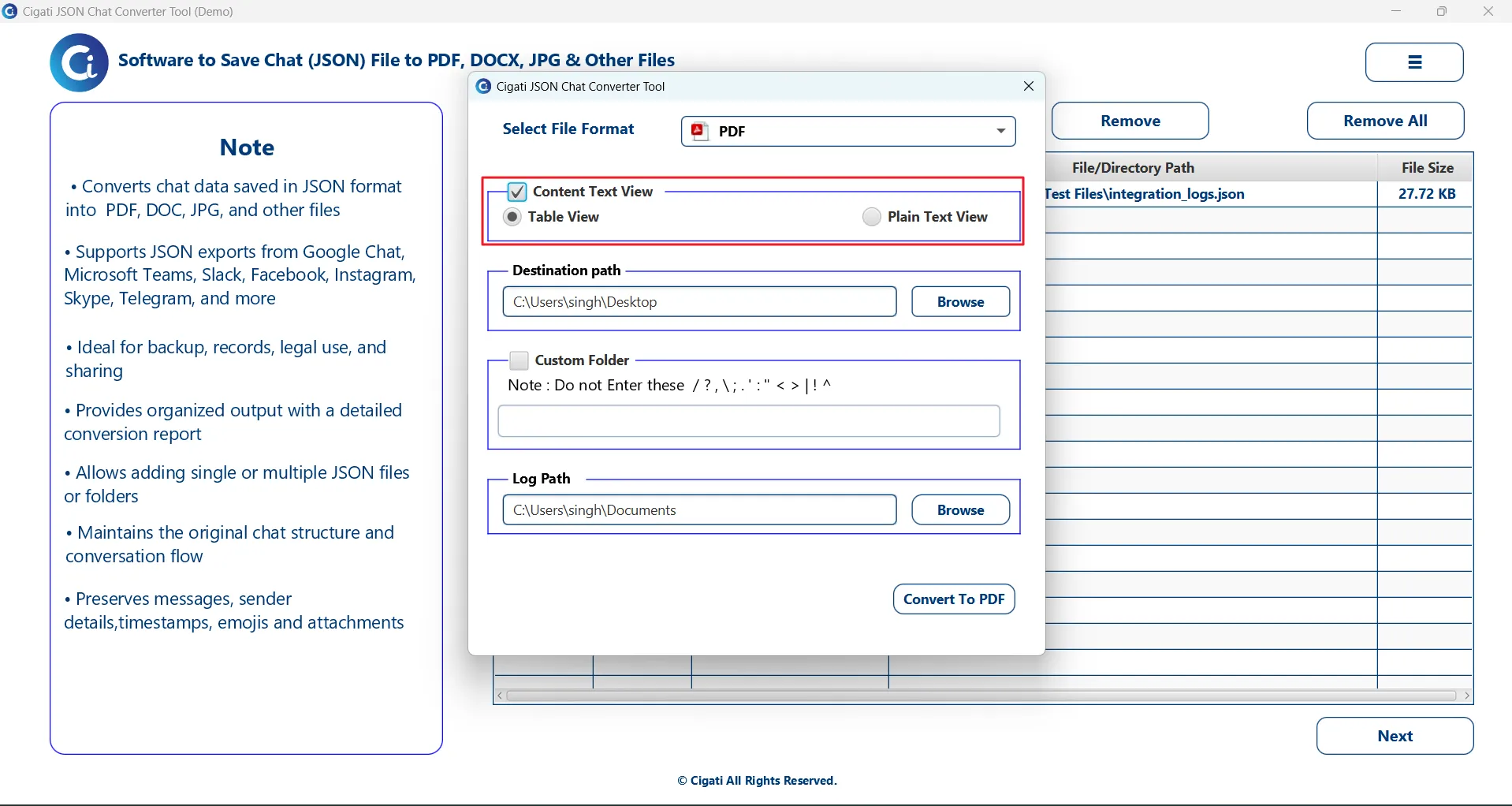
Enable the Content Text View option to select your preferred viewing style:
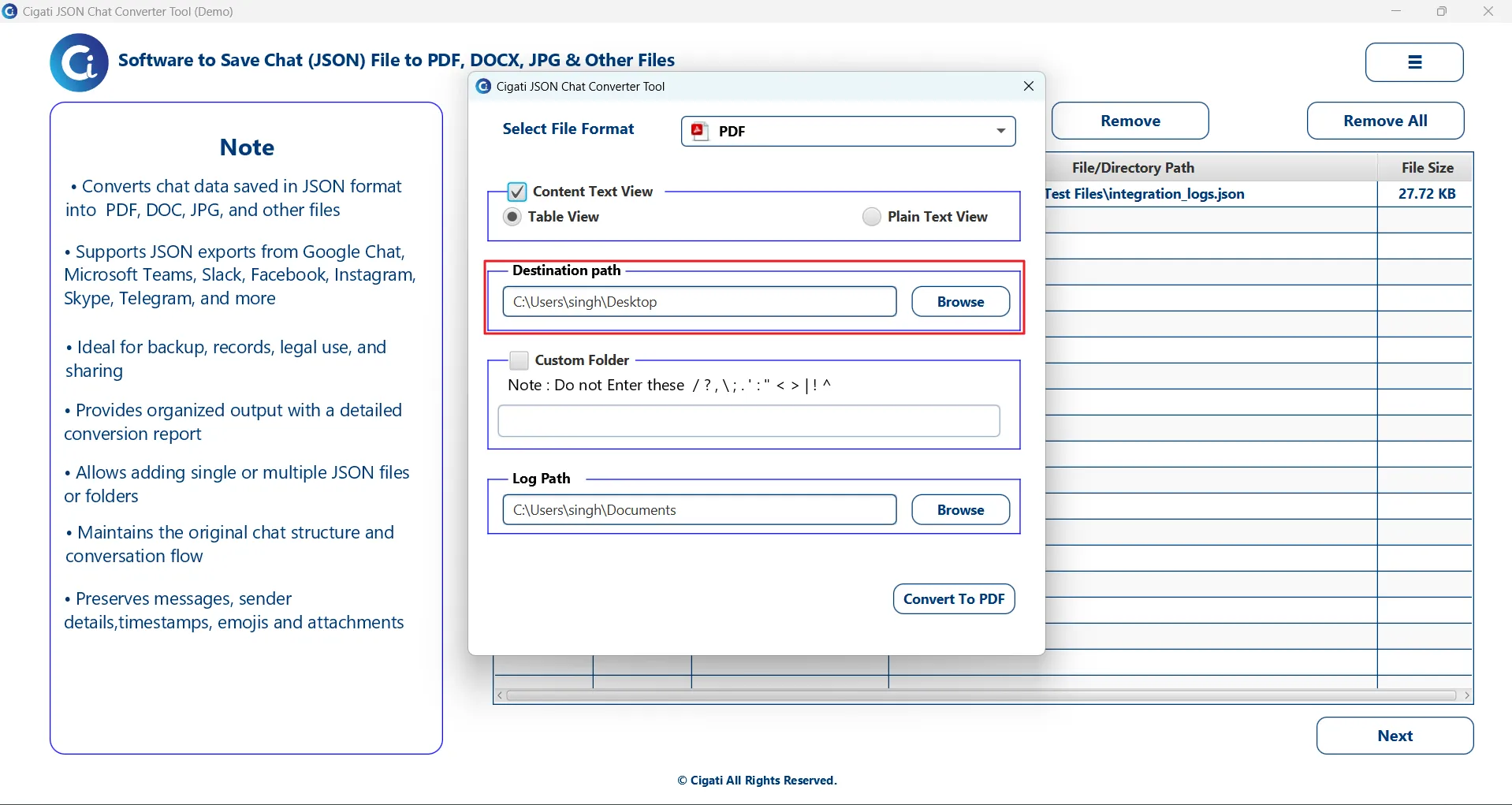
Click on the Browse button to select the folder location where the converted PDF file will be saved.
Use the Custom Folder option to assign a specific name to the output folder for better organization.
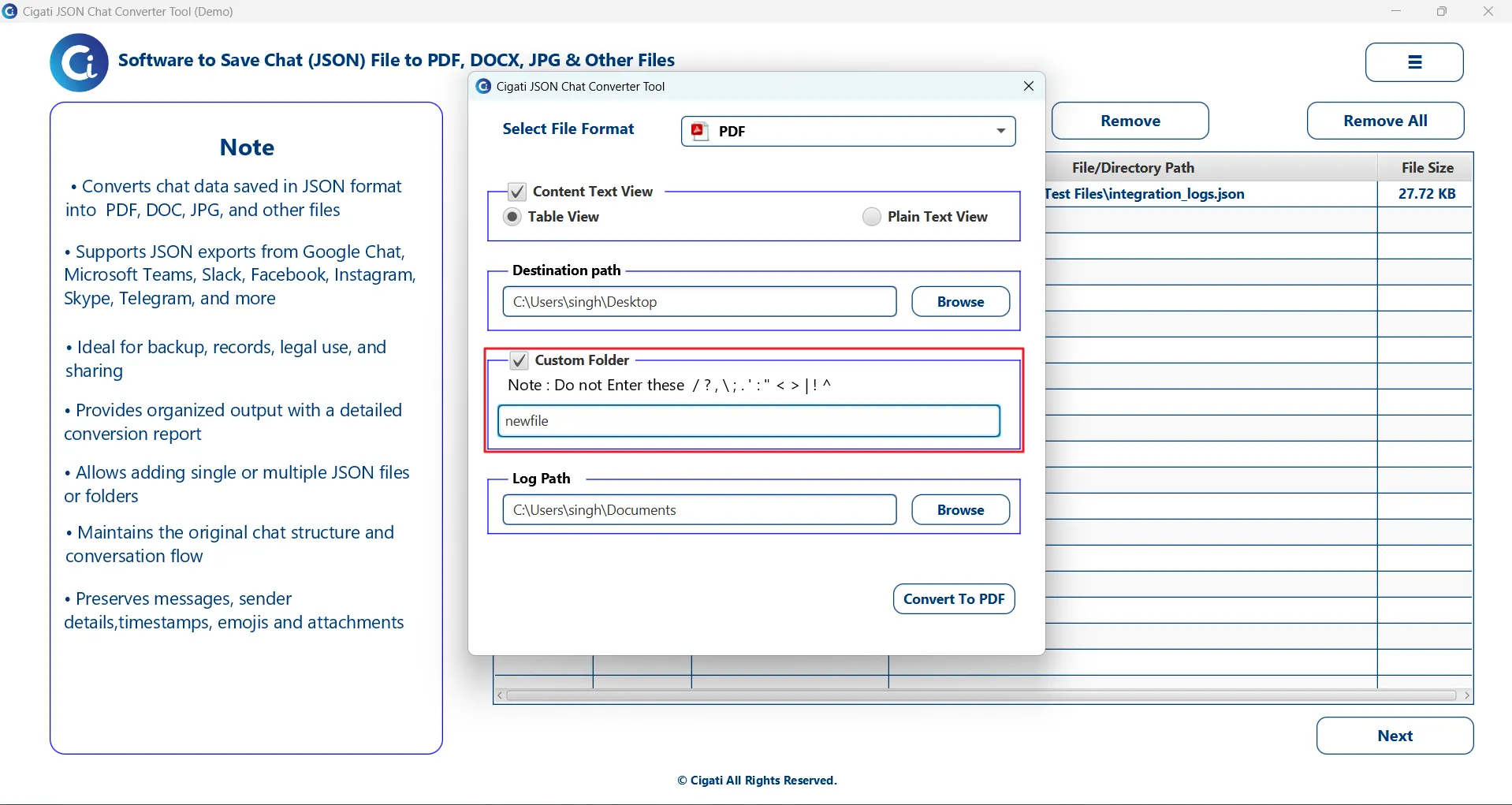
Click the Convert to PDF button to begin the conversion process.