MySQL Database Repair Tool
4.7
Know-How to Use Cigati MySQL Database Repair Software for Repair & Recovery MYSQL Database
A user-friendly application with an intuitive design for beginners to navigate effortlessly.
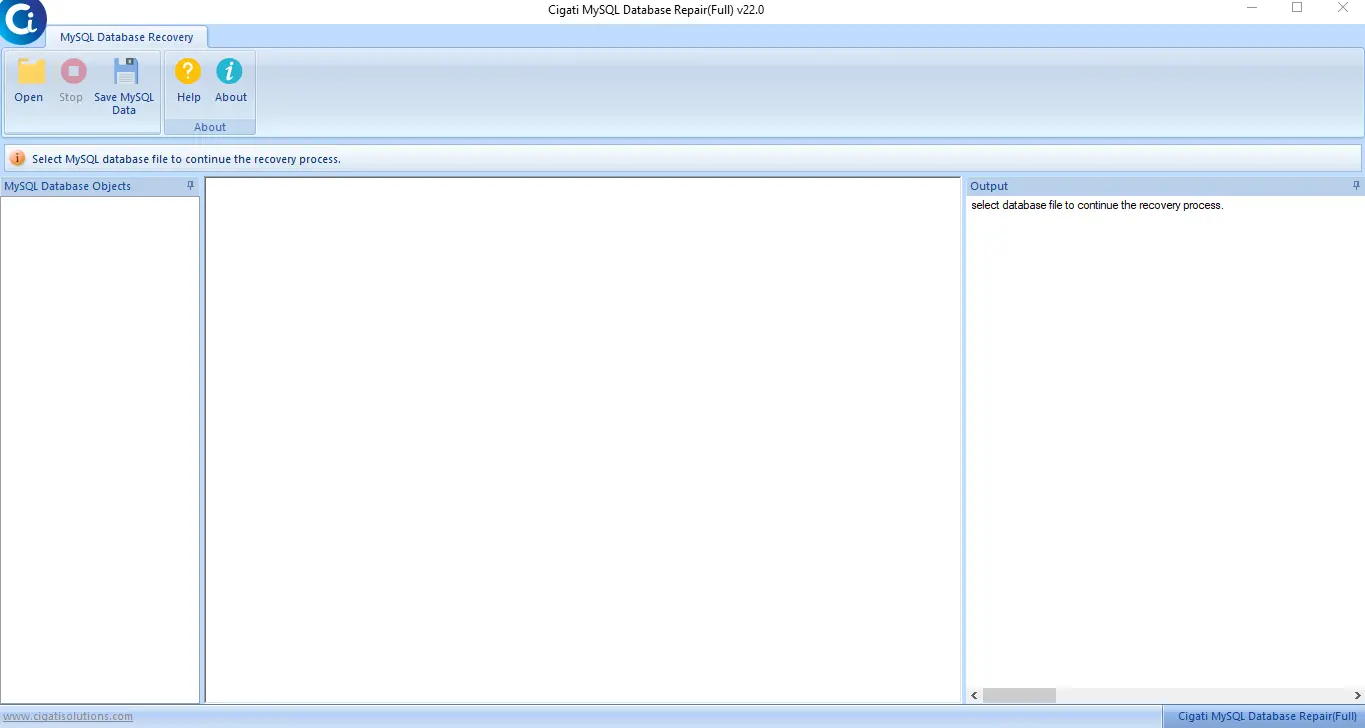
Download and Run MySQL Database Recovery Tool.
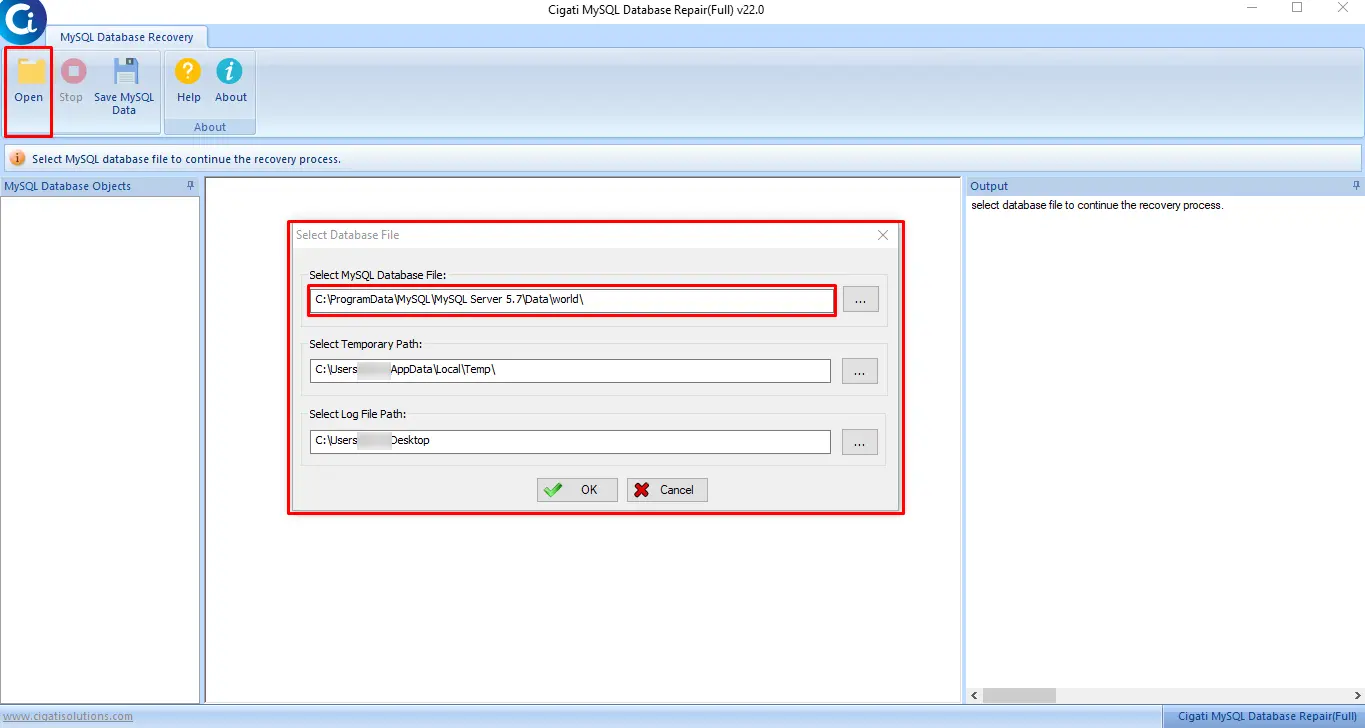
Click on the Open button to Browse the MySQL file and press the Ok button.
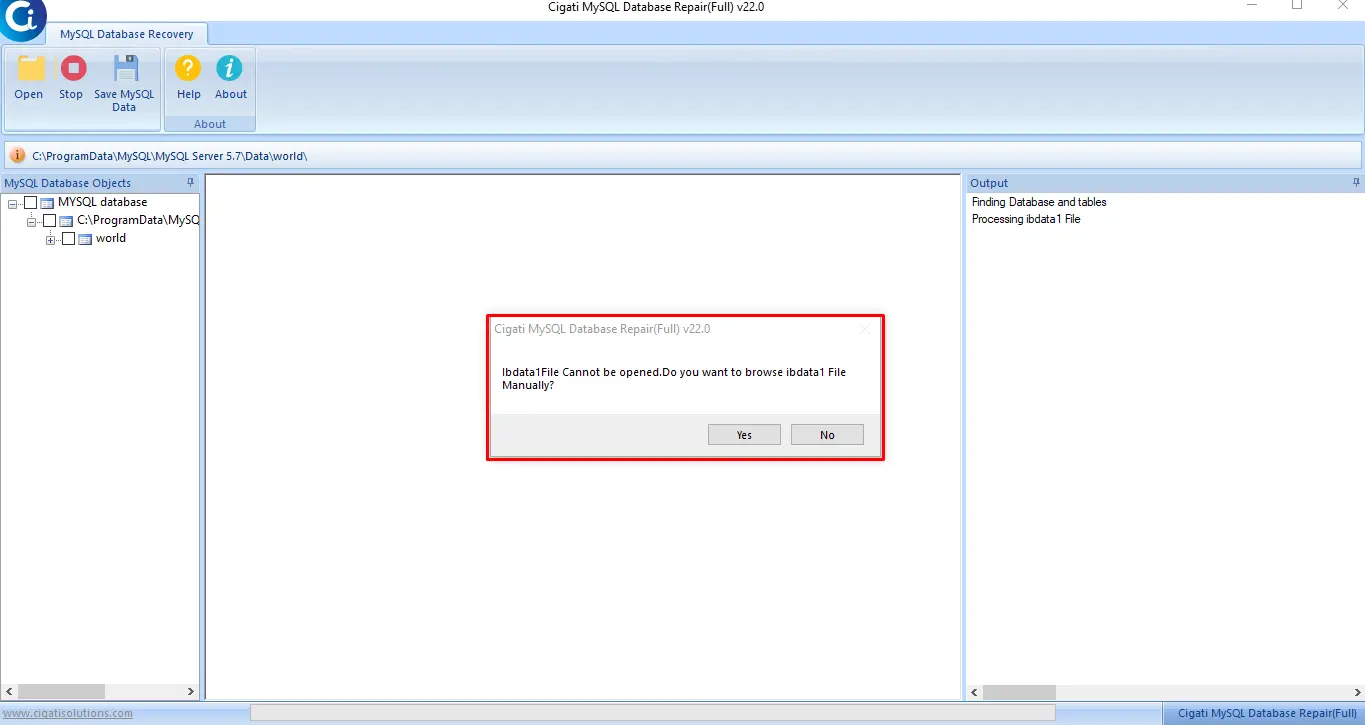
Here if the IBdata1file cannot be opened click on the Yes button to browse MySQL db file manually.
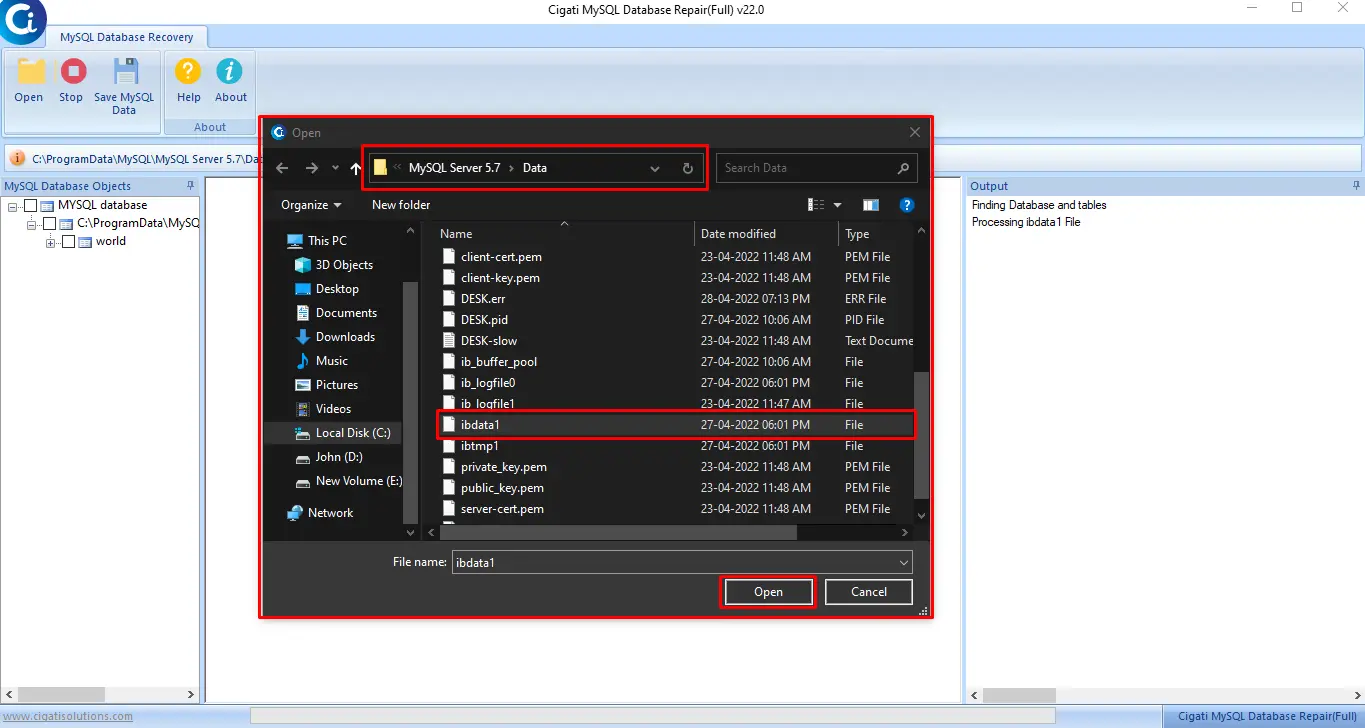
Now, choose the IB data file and press the Open button.
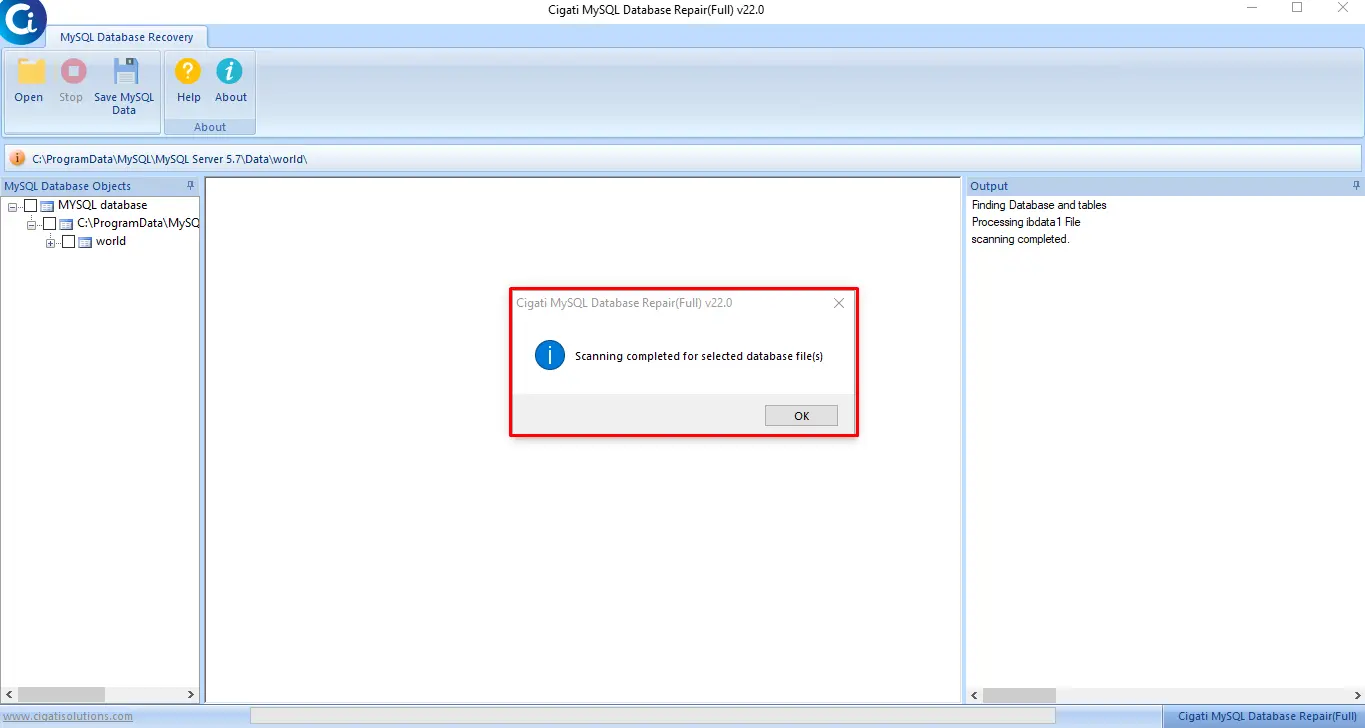
The scanning process is Completed. Click on the Ok button.
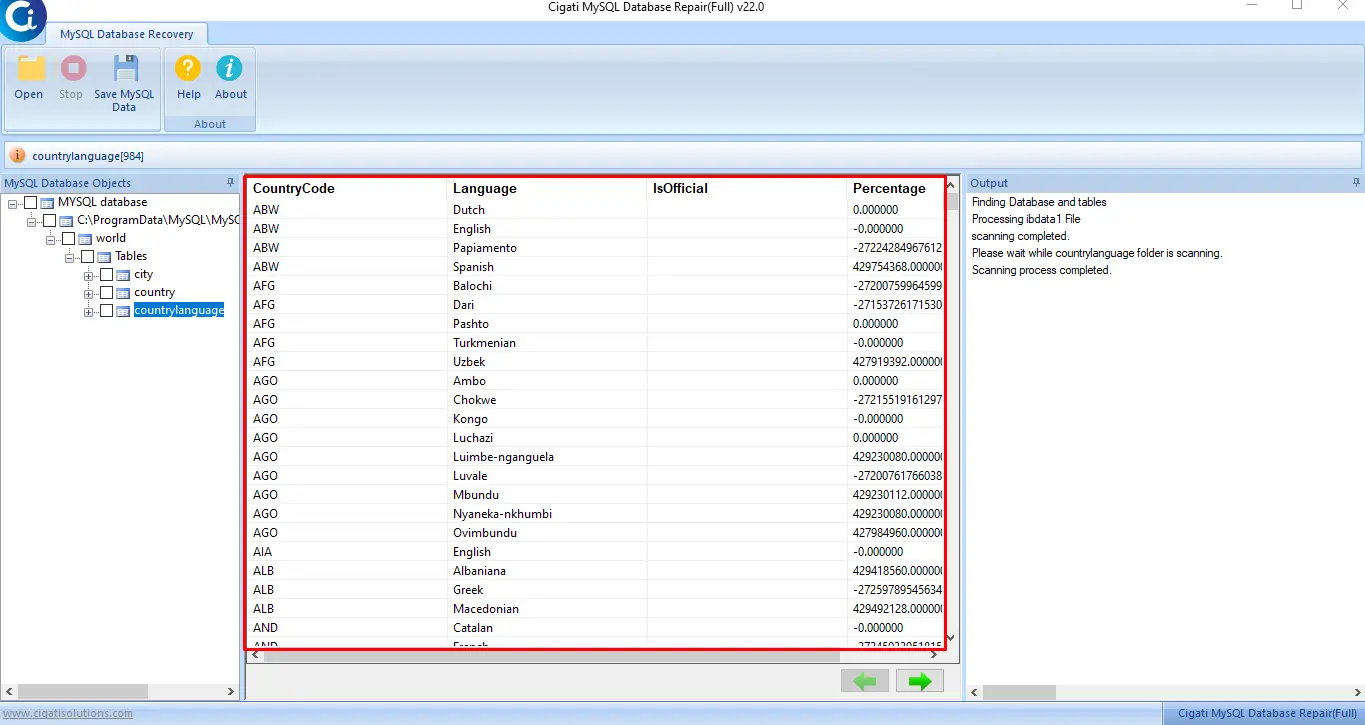
After that, you can Preview the selected database items.
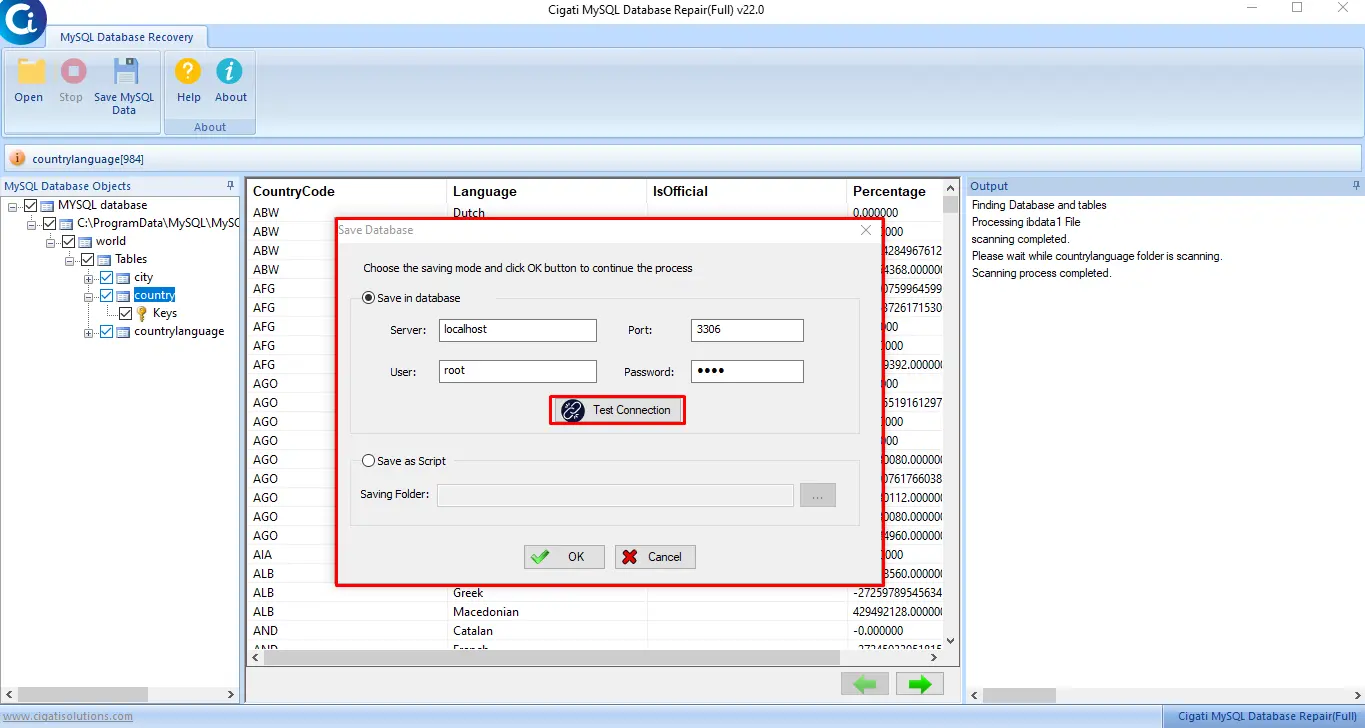
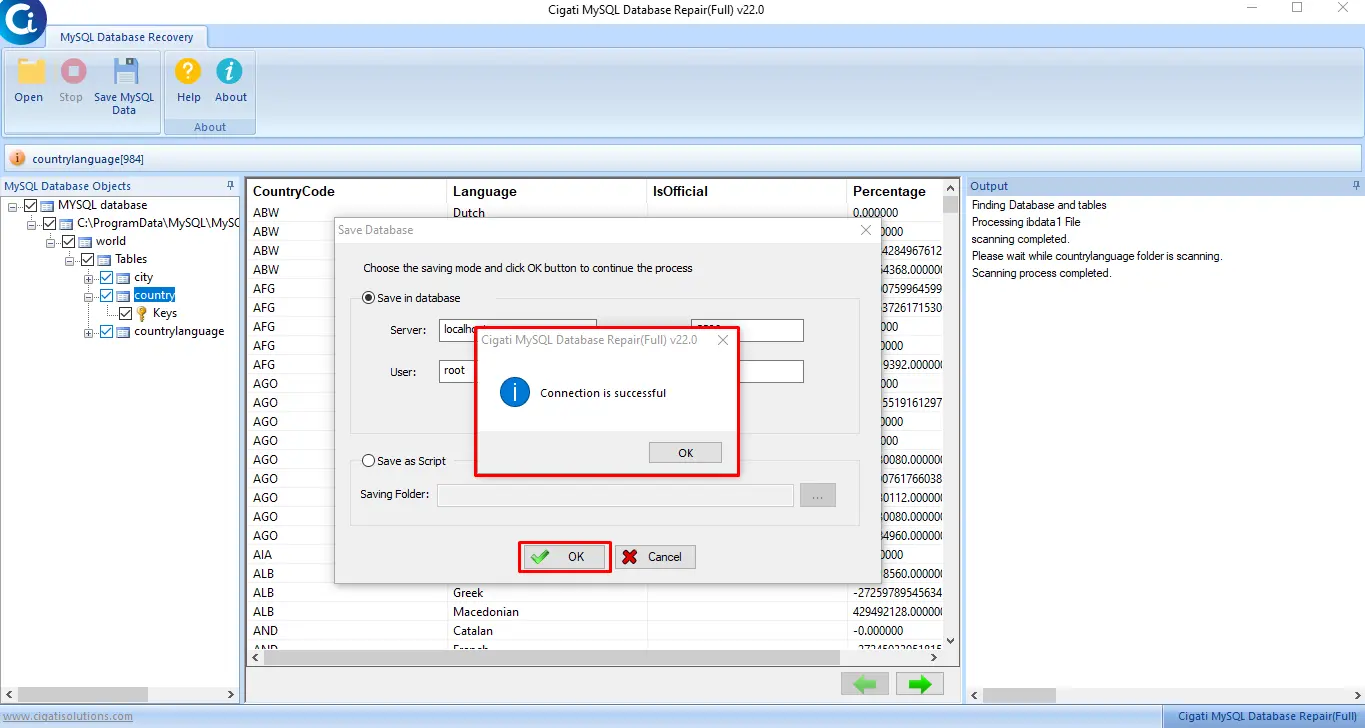
In the next step, choose the Save in Database options to enter the required Server, Host, Username, Password, and press the Test Connection button. (Save in Database: Using this option you can save the database into the database file).
Here your connection is successful. Click on the Ok button to continue the process.
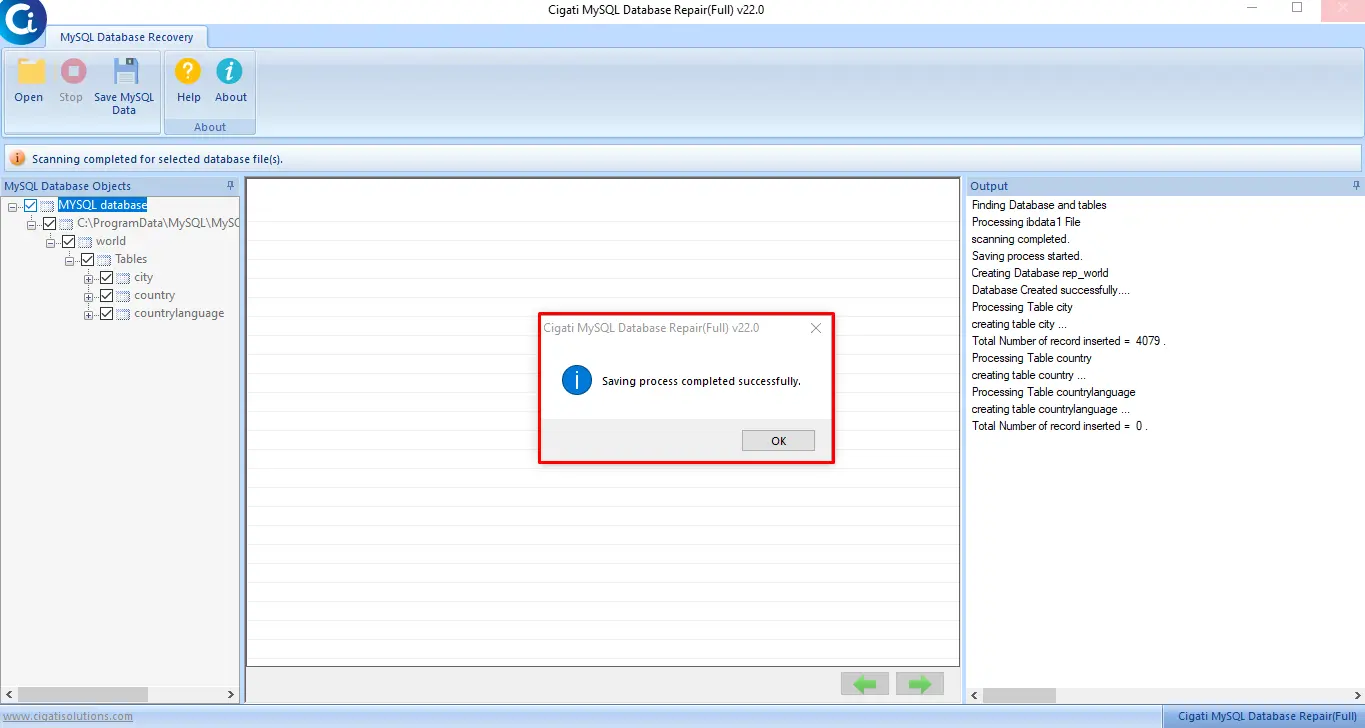
After this, the saving process is Completed successfully.
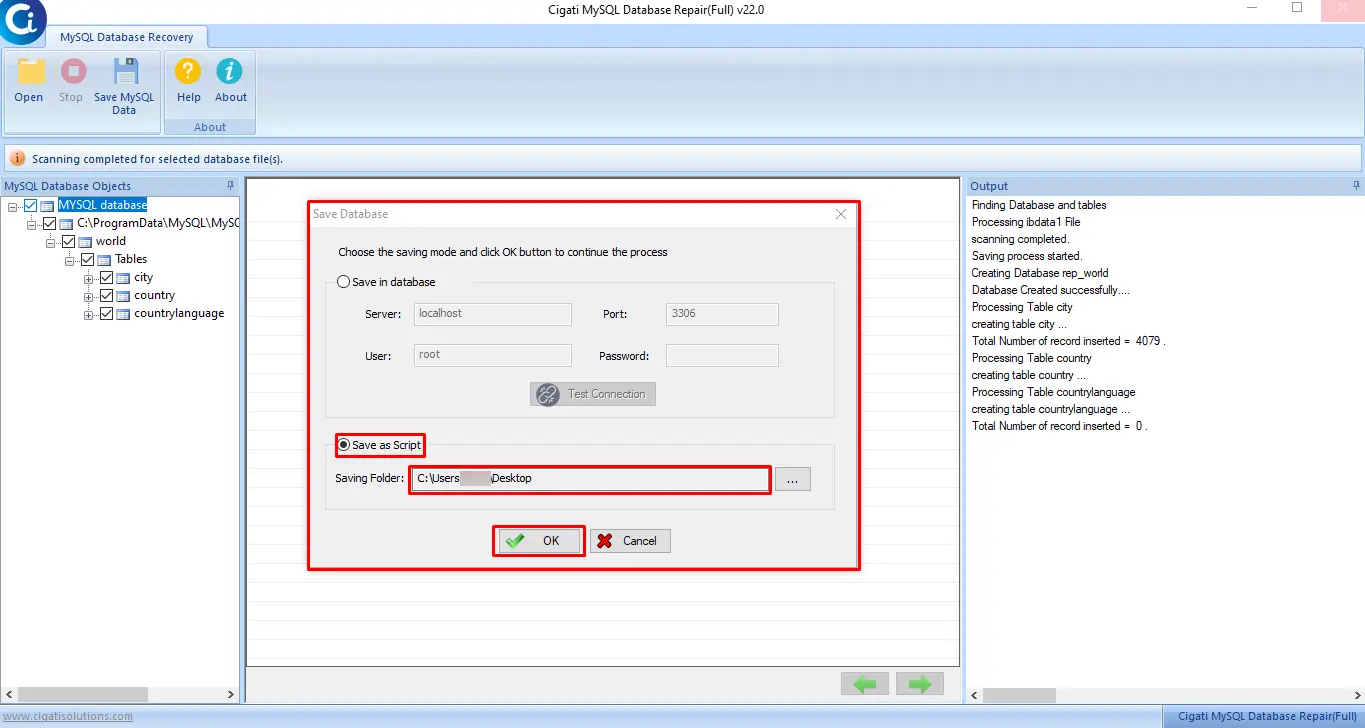
If you opt for the Save as Script option, choose the Saving Folder and press the Ok button.
(Save as Script: Here you can save your recovered database items as a script.)
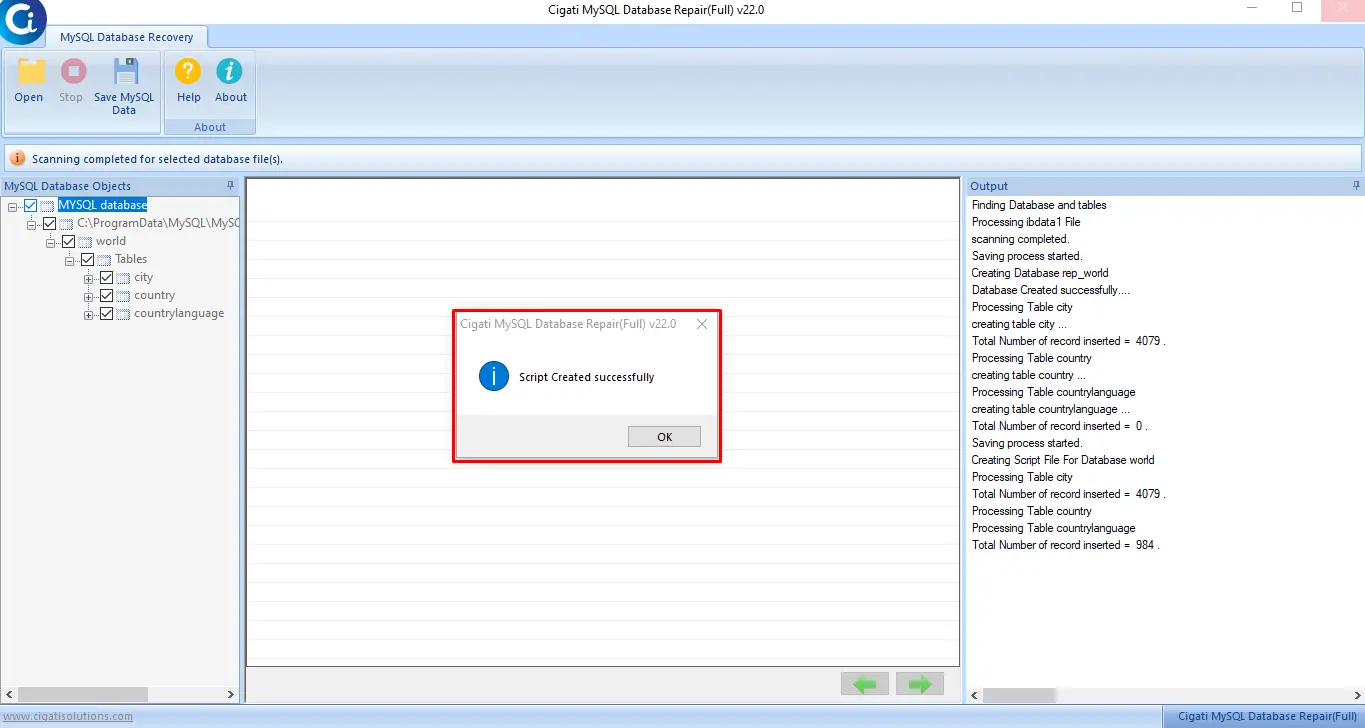
At last, your script is created successfully. Click the Ok button.