OLM Splitter Tool
4.9
A user-friendly application with an intuitive design for beginners to navigate effortlessly.
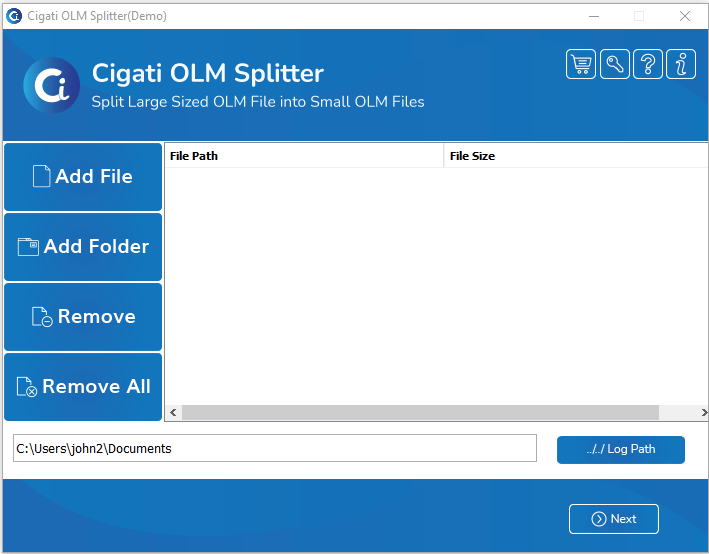
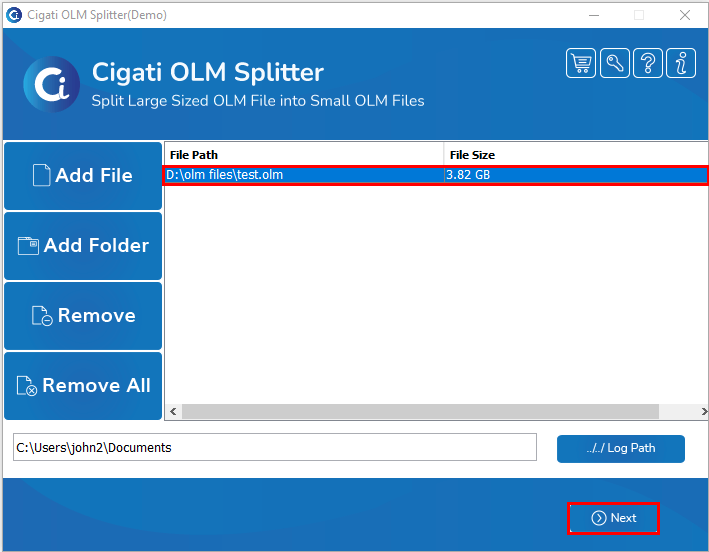
Download and Install the Cigati OLM Splitter Tool and Run as Administrator.
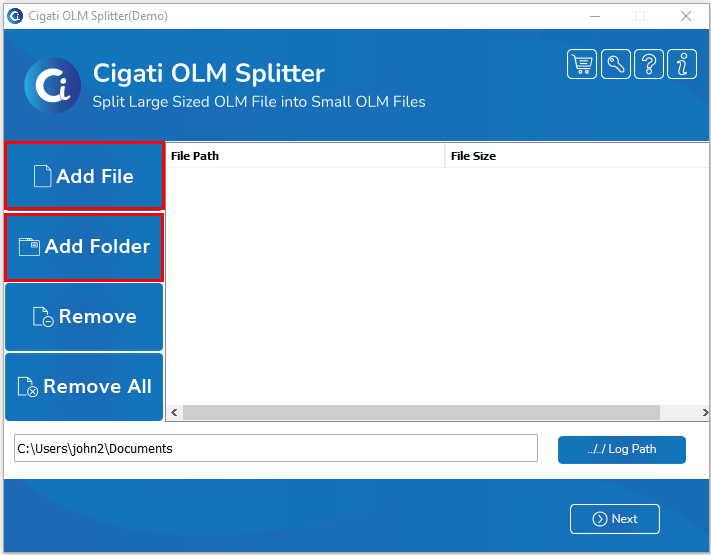
Click on the Add File or Add Folder option to import a single oversized OLM file or a folder with multiple OLM files.
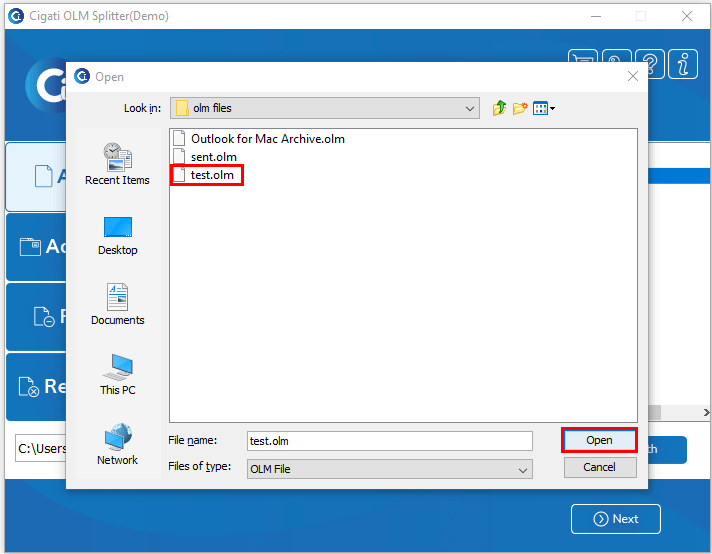
Select the OLM file from your system and click on the Open button to add it.
After selecting the imported oversized OLM file, click the Next button to initiate the process.
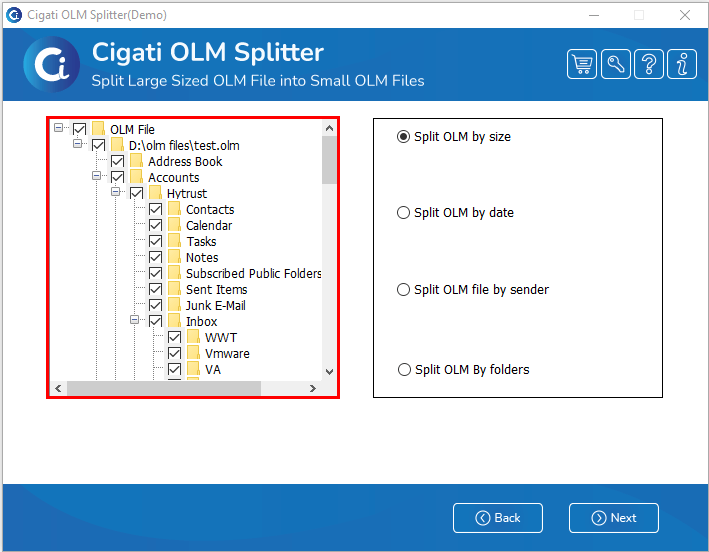
From the left panel, select the displayed folder to specify the one you want to split.
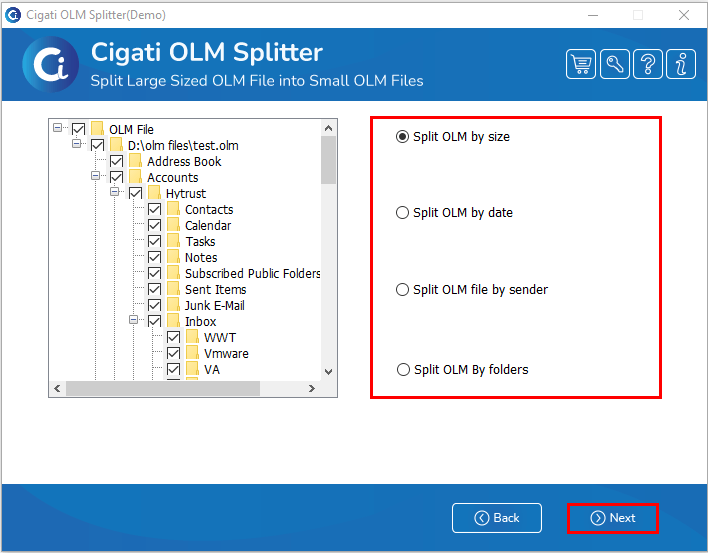
Now, select the option based on which you want to split the OLM file, and click the Next button. You can split the OST file using one of the following options:
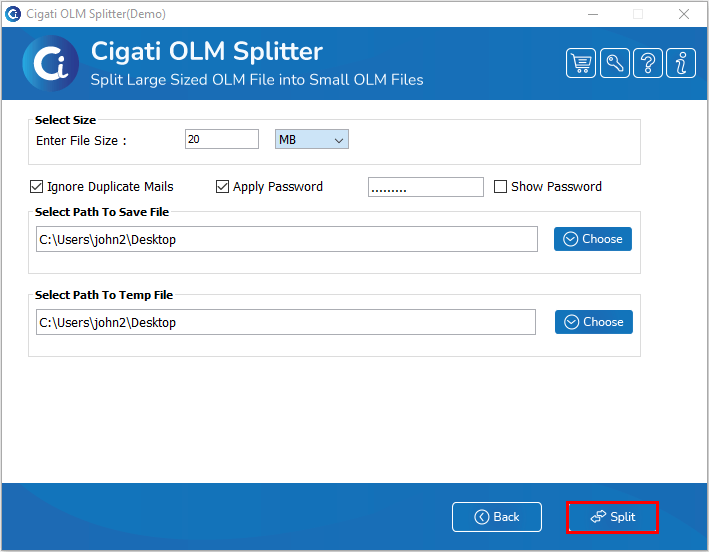
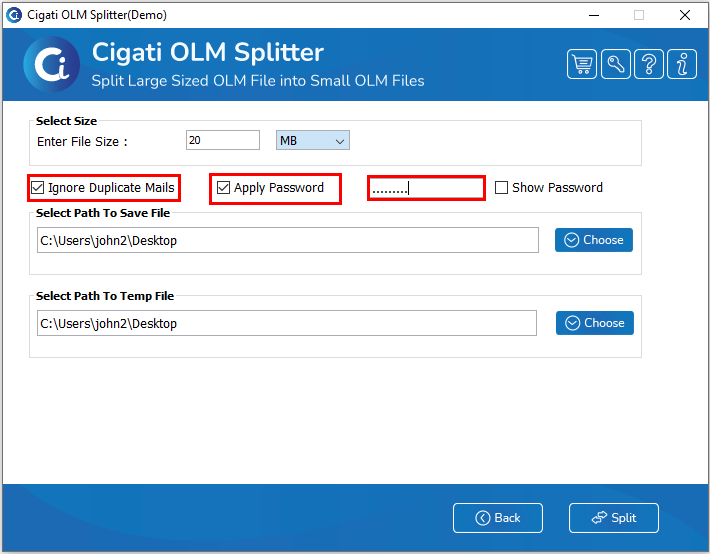
In the next wizard, enter the OLM file size to define the size (MB/GB) of the resultant files.
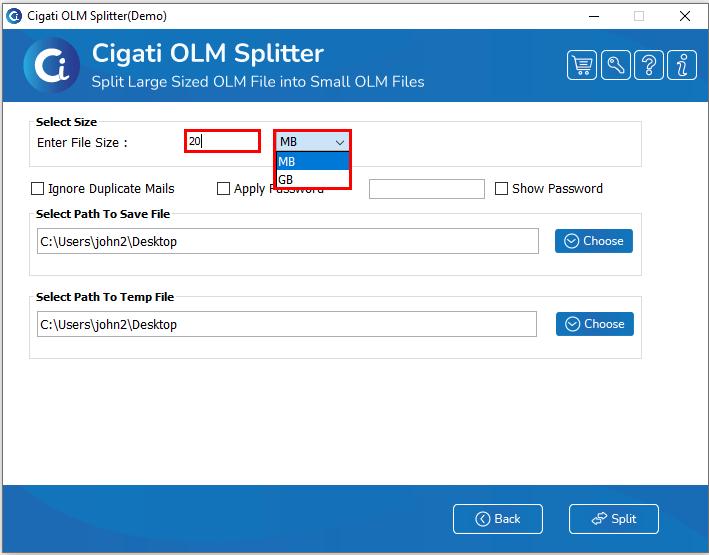
Now, check the Ignore Duplicate Mails option to prevent multiple splits of the same file, and then tick the Apply Password option to secure the resultant file data.
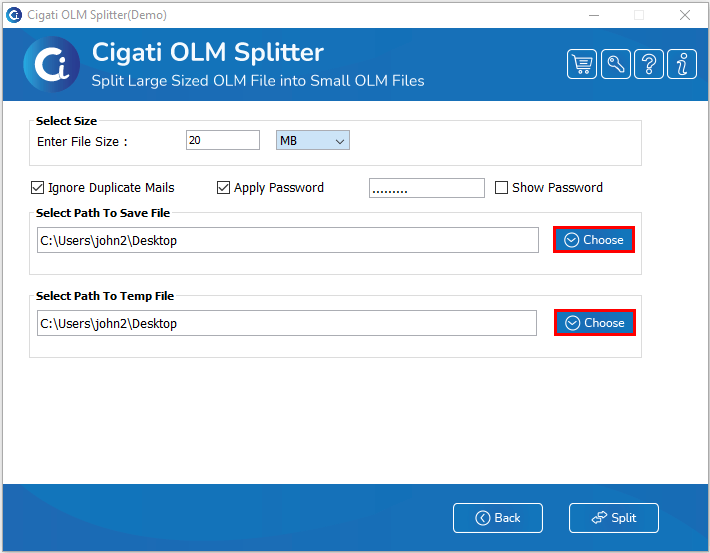
Click the Choose button to select the path for saving the file and specify the destination for the resultant file. You can also choose the path for the temp file within this wizard.
Click the Split button to start the splitting process.