OST File Recovery
4.7
How to Perform Recovery of Corrupt OST file
A user-friendly application with an intuitive design for beginners to navigate effortlessly.
Step by Step Guide to Know How to Recover Corrupt Outlook OST Emails
Download and Install Cigati OST Recovery software.
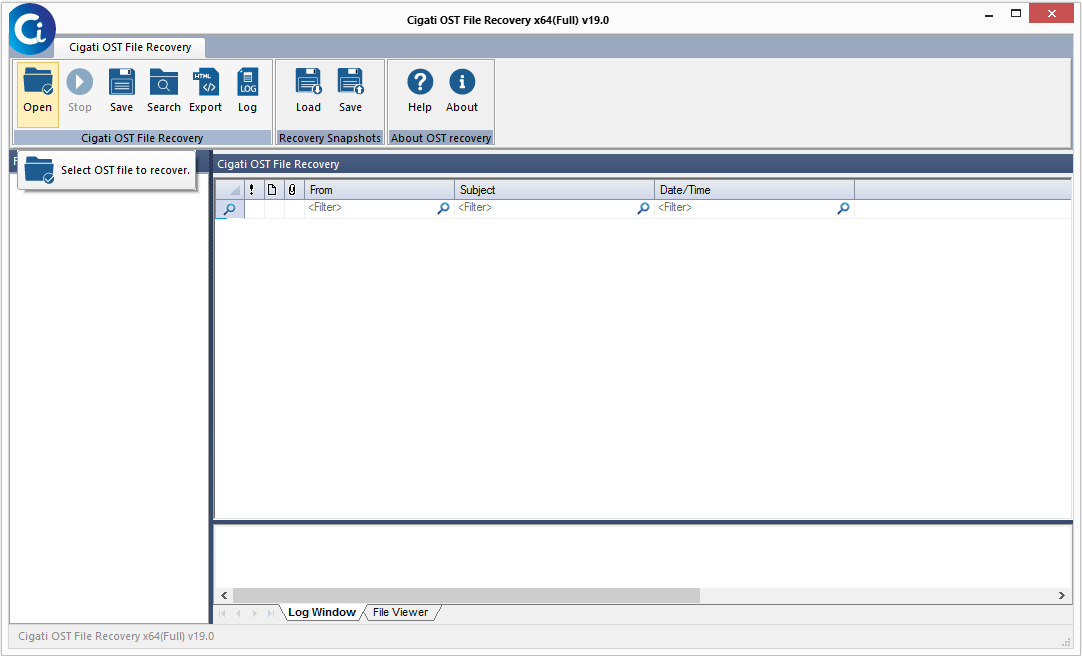
Click on the Open button to add OST files.
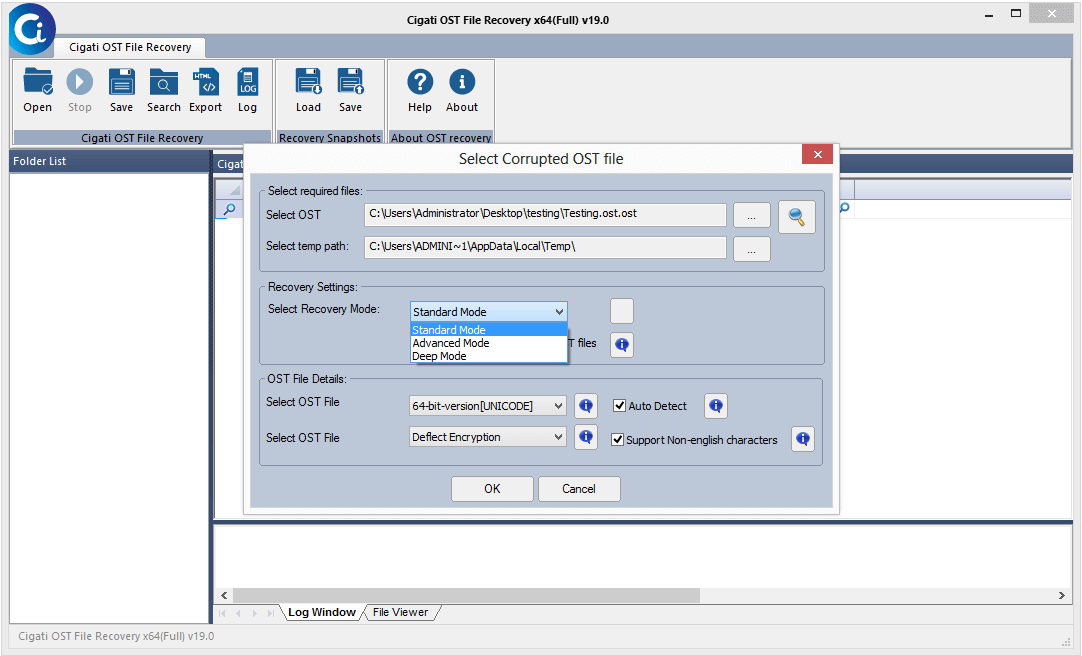
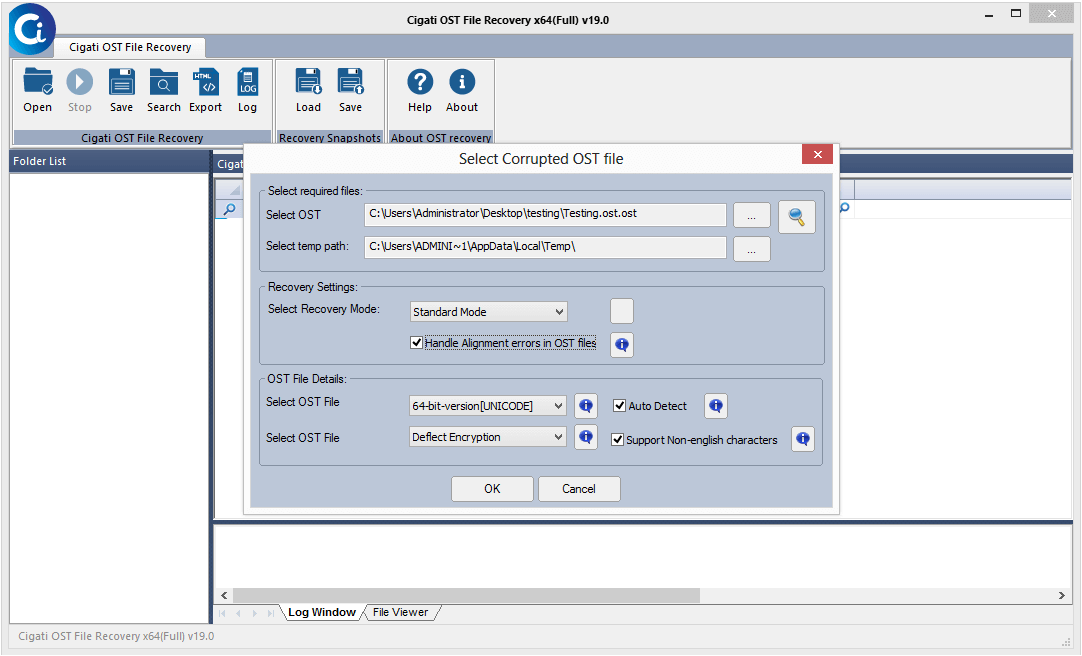
Now, choose the mode for recovery of OST files.
Check the OST file details.
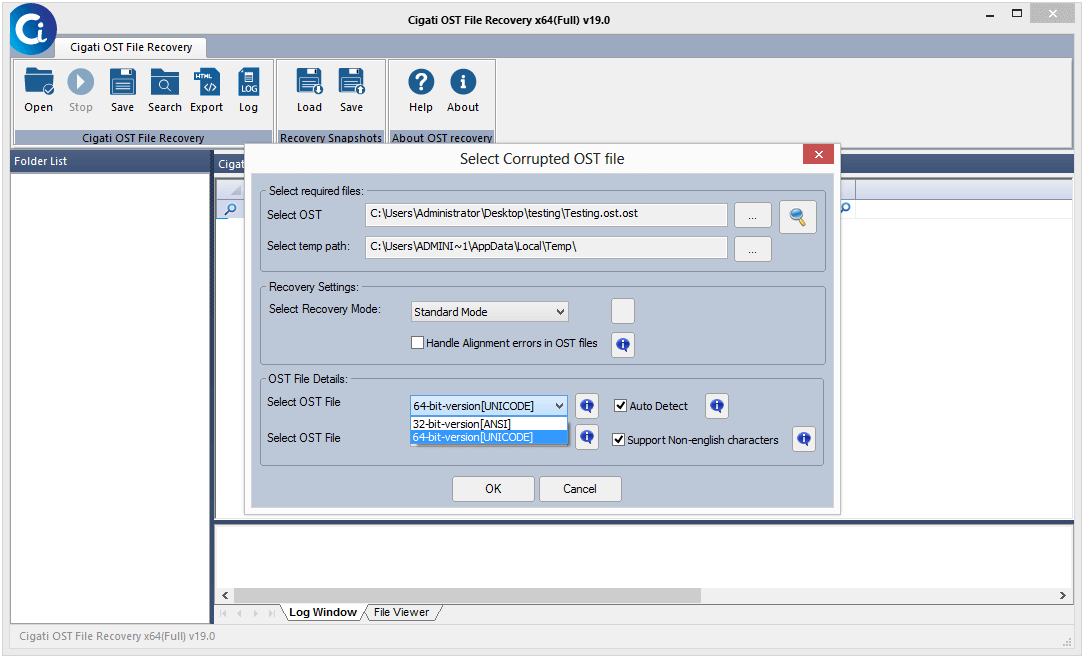
Here, you can also select the types of encryption.
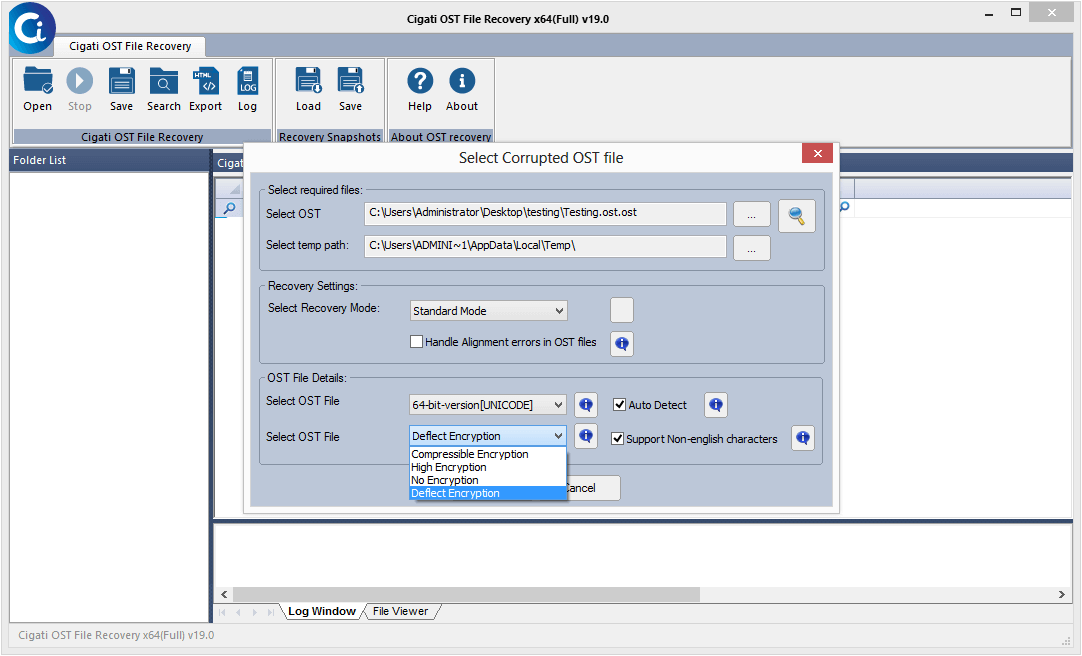
Tap on the OK button to move further.
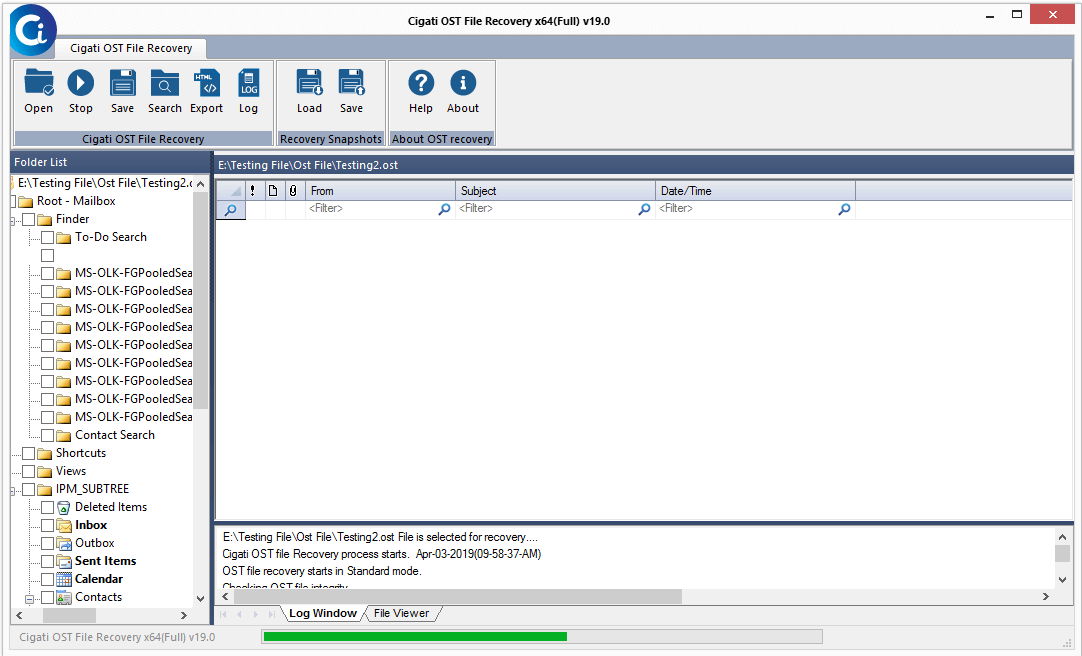
Now, the software will start the process.
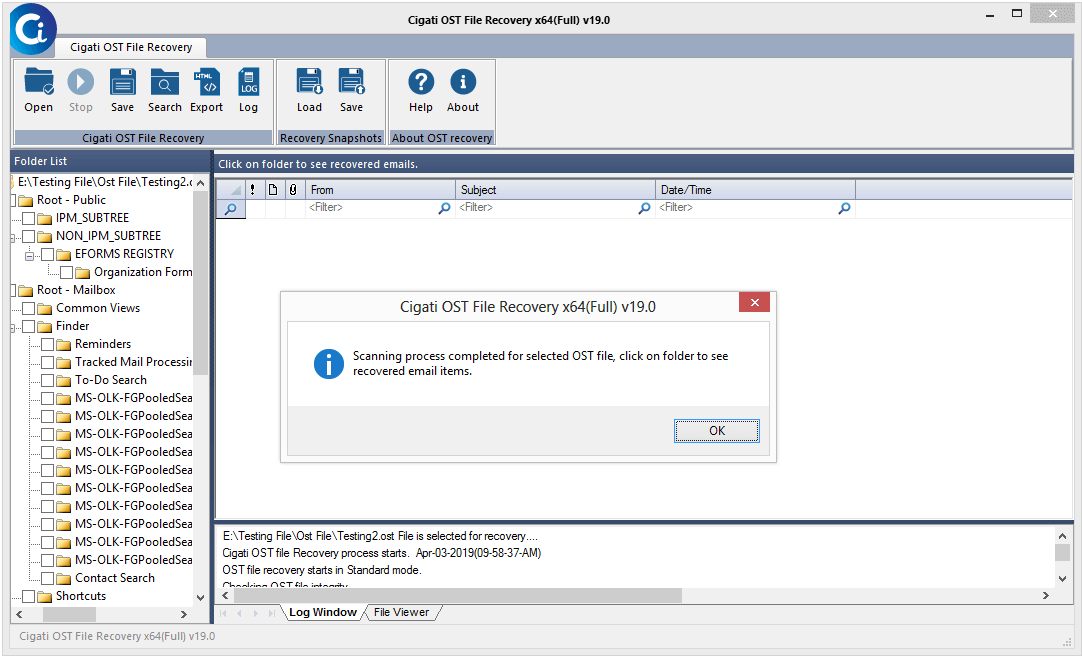
The scanning process of selected OST files is executed. Click Ok.
After that, tap on the Save button to save the recovered OST file.
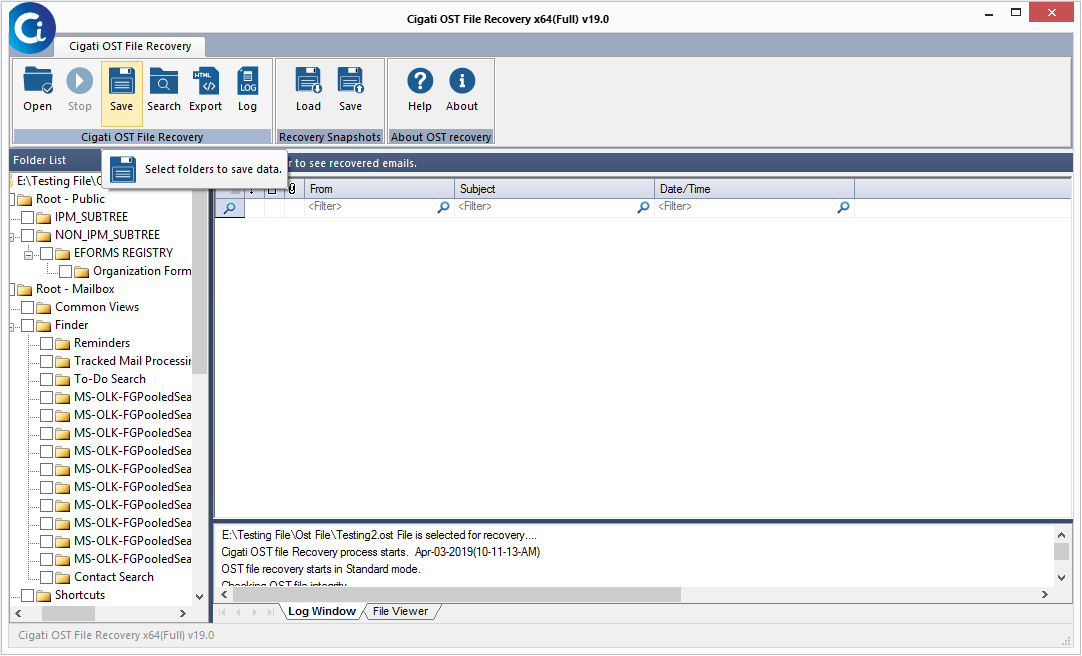
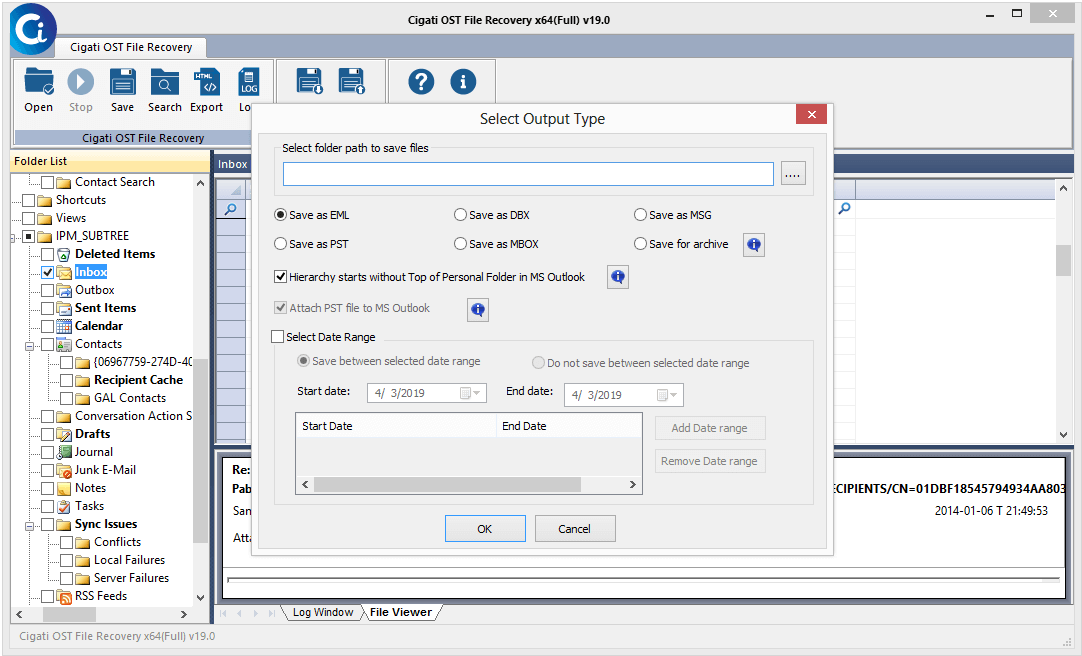
Choose the saving formats and other requirements. Tap OK.
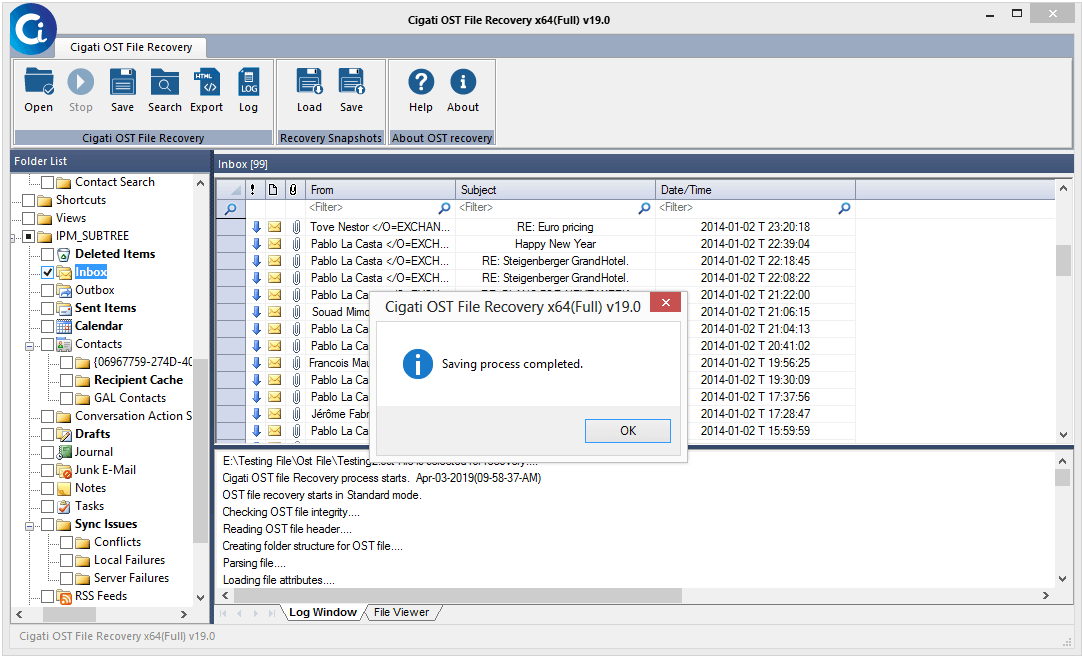
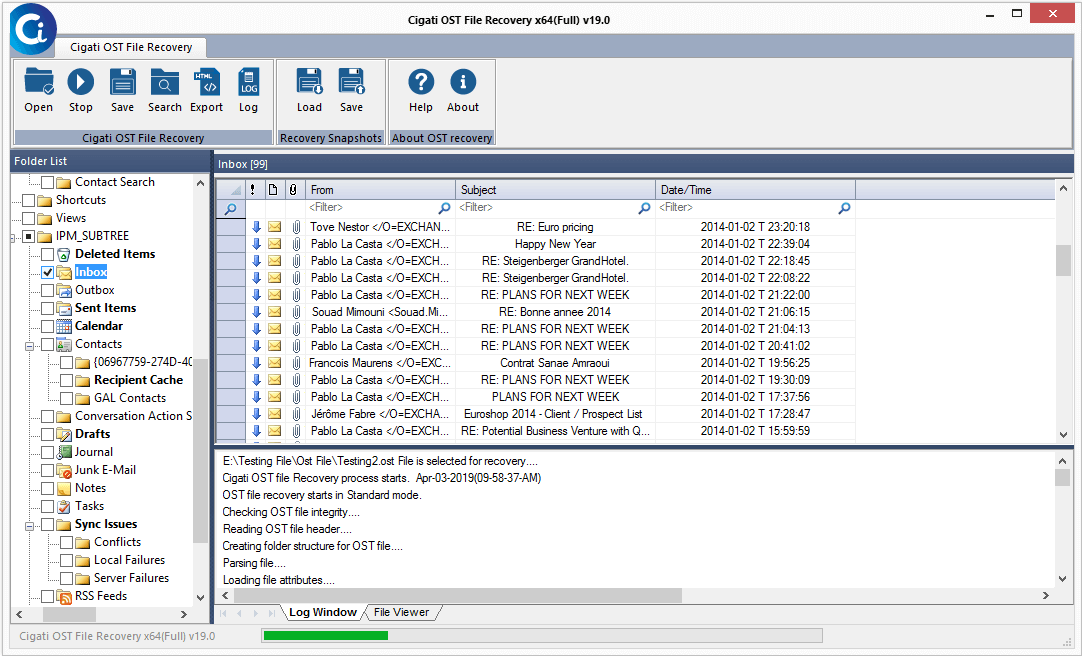
Now, the saving process gets initiated.
Click Ok to end the process.