PST File Recovery
4.7
How to Repair Corrupt PST Files
A user-friendly application with an intuitive design for beginners to navigate effortlessly.
A Complete Guide to Recovering Corrupt Outlook PST files.
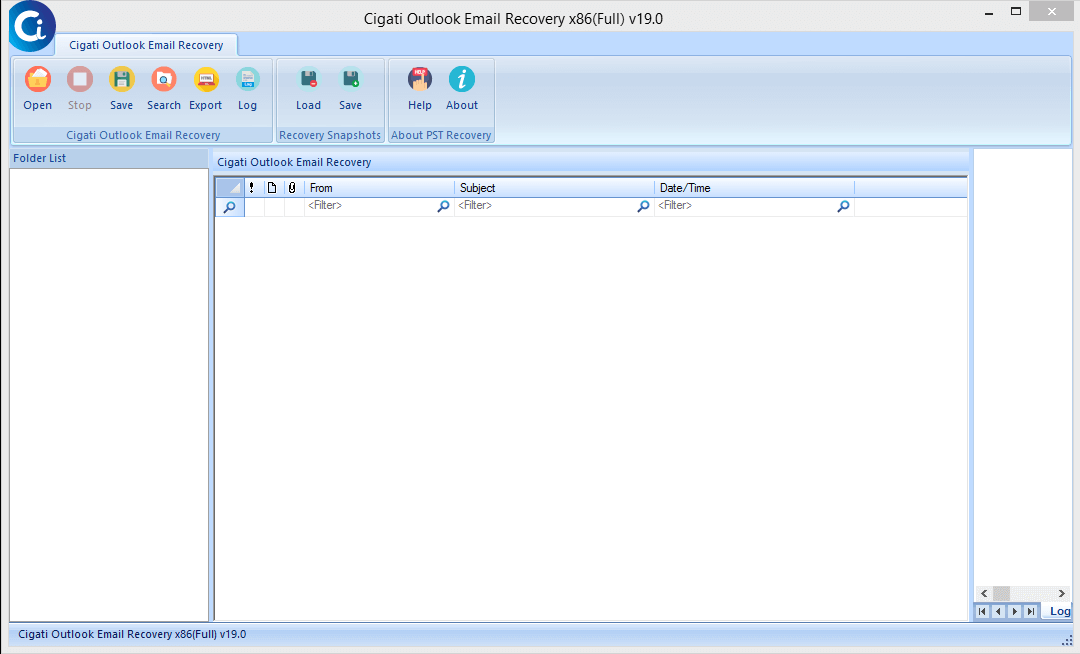
Download and Install Cigati PST Recovery Software.
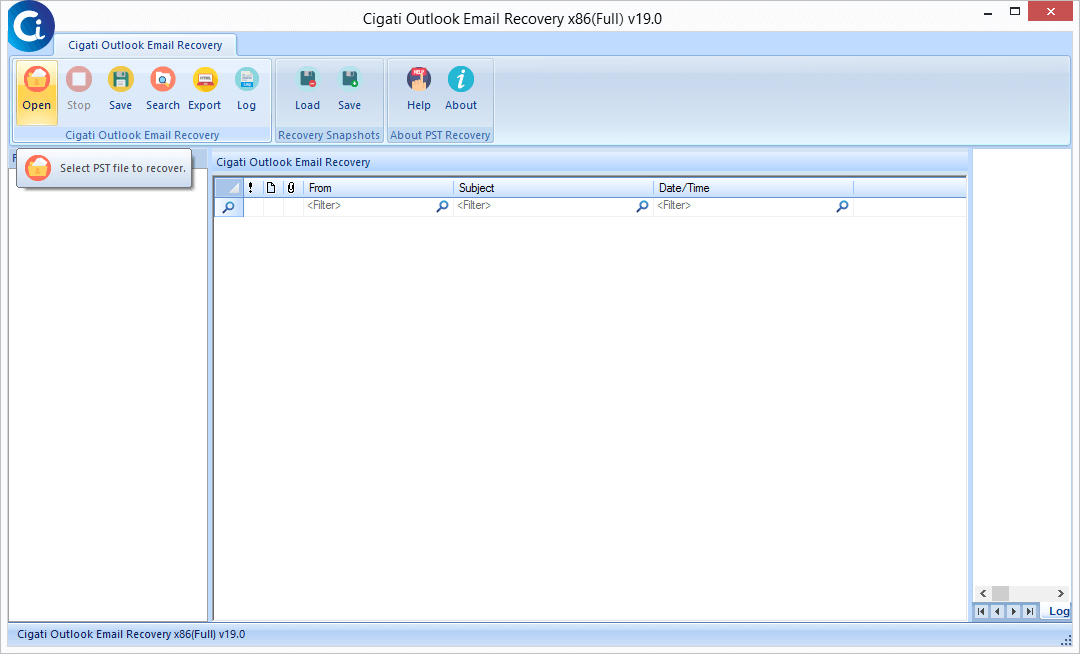
Click on the Open button to add PST files for recovery.
Now, choose the mode of recovery as per your requirements.
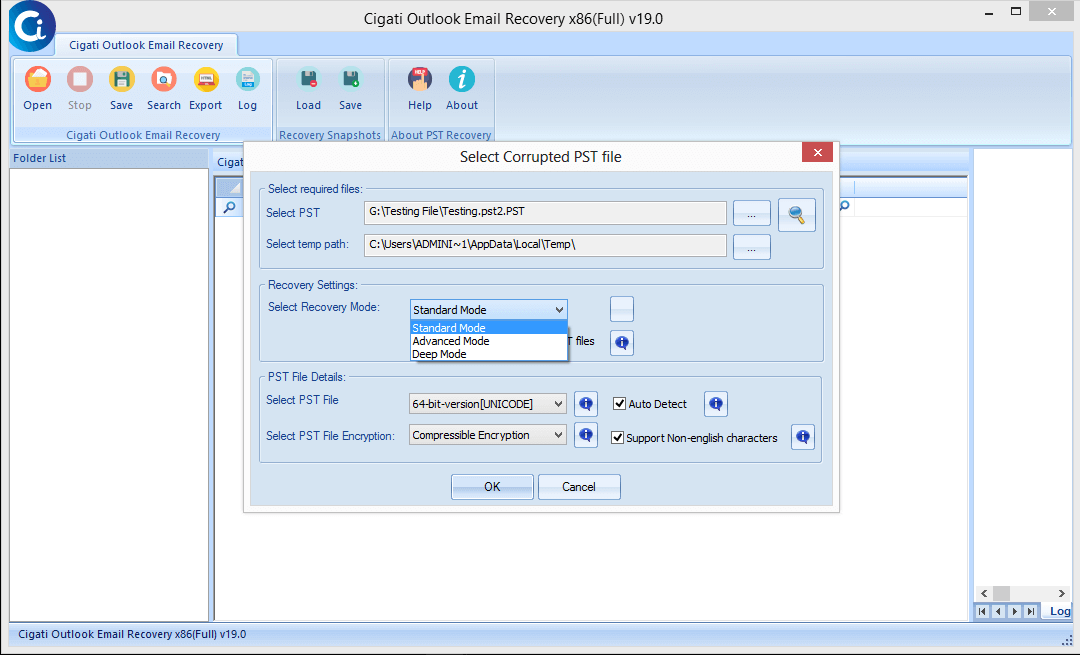
Here, the software will scan the selected PST file. Click Ok.
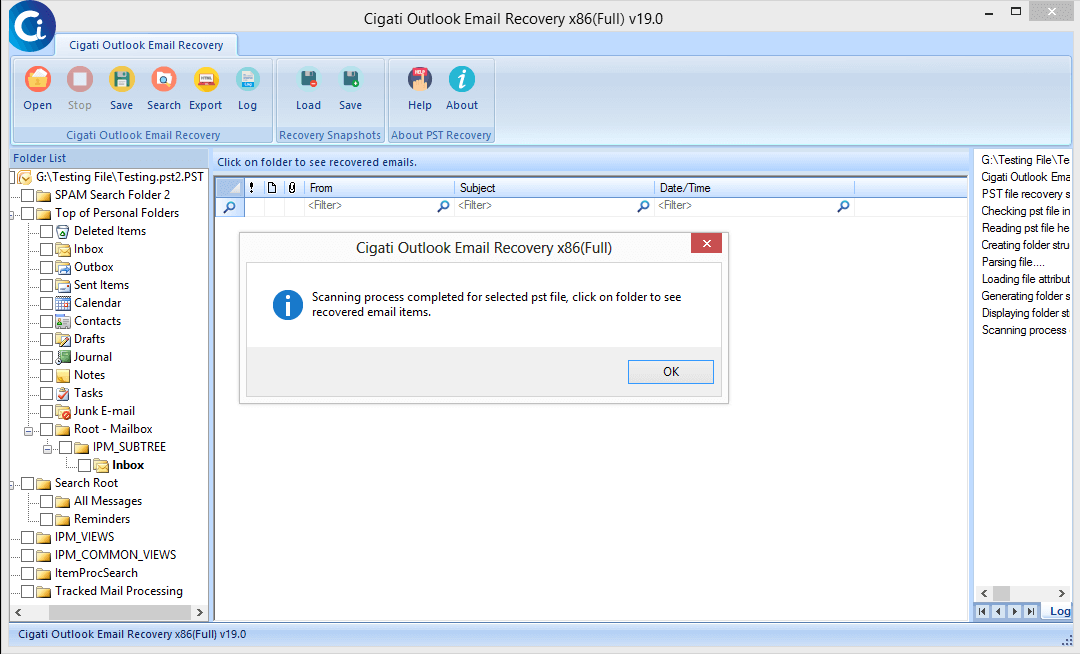
After the scanning process, the software will display a tree structure of selected PST files.
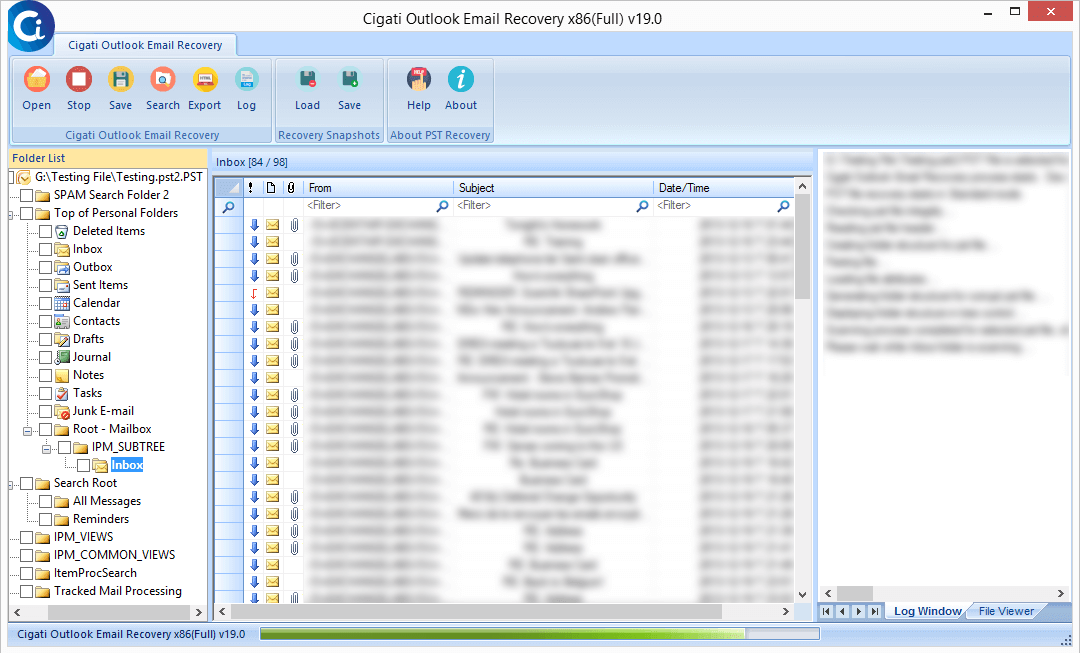
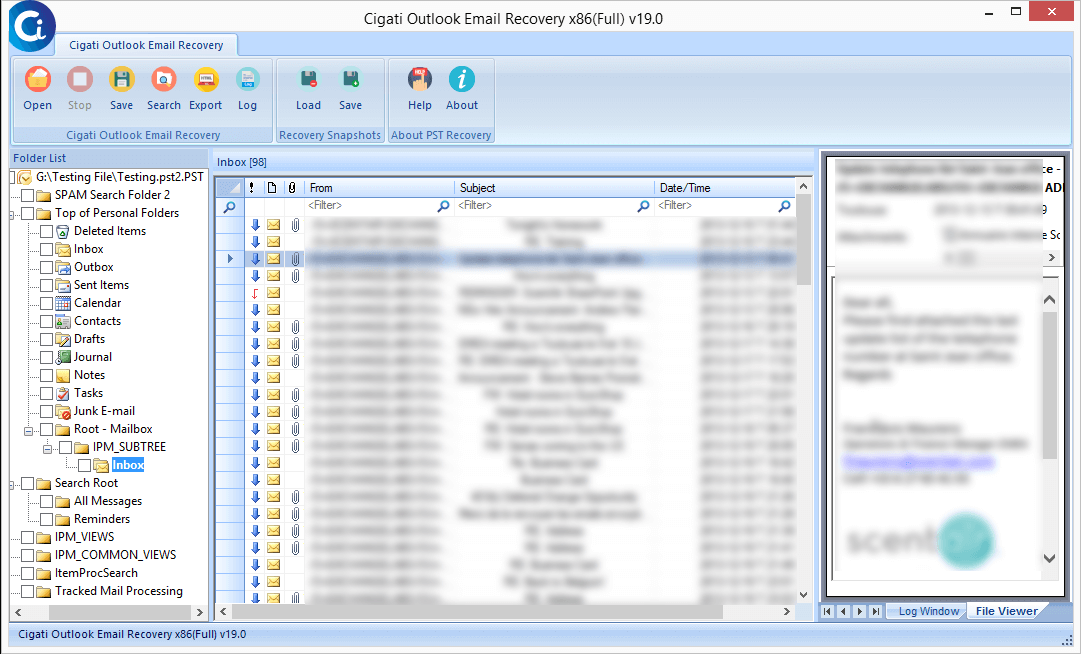
Here, you can preview the emails of the selected PST files.
You can opt for the snapshot feature.
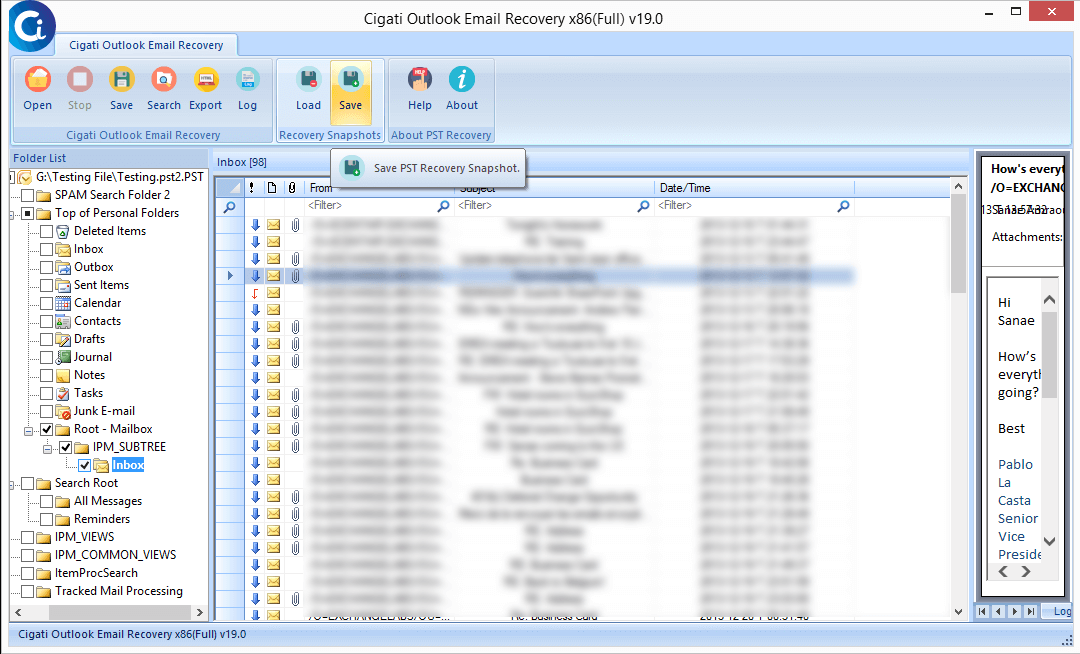
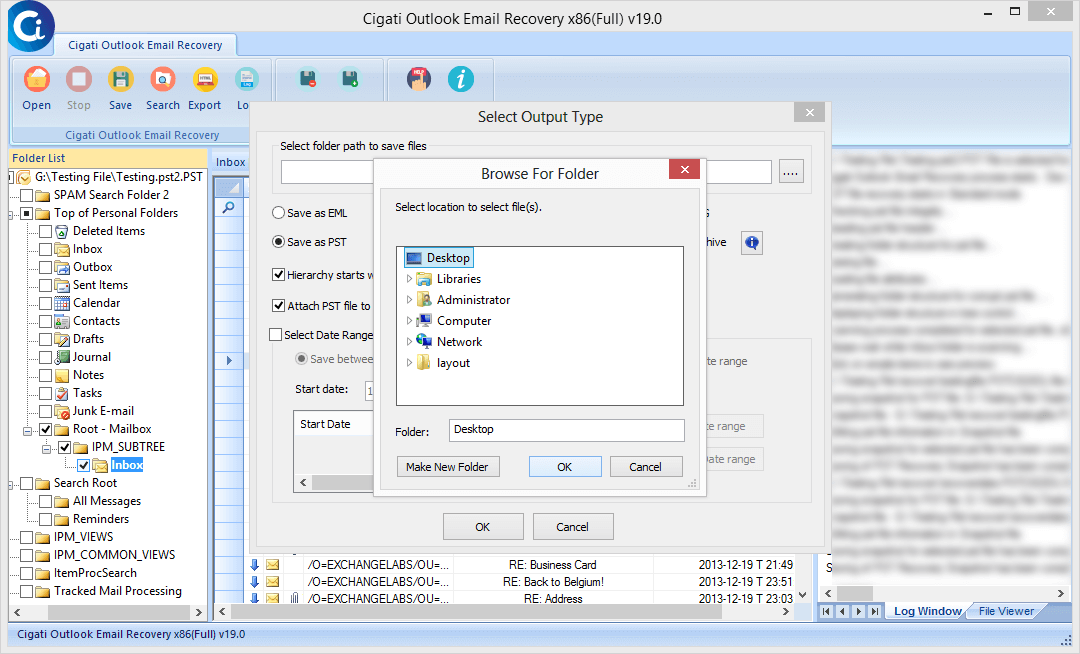
Now, select the path to save the snapshot of recovered data.
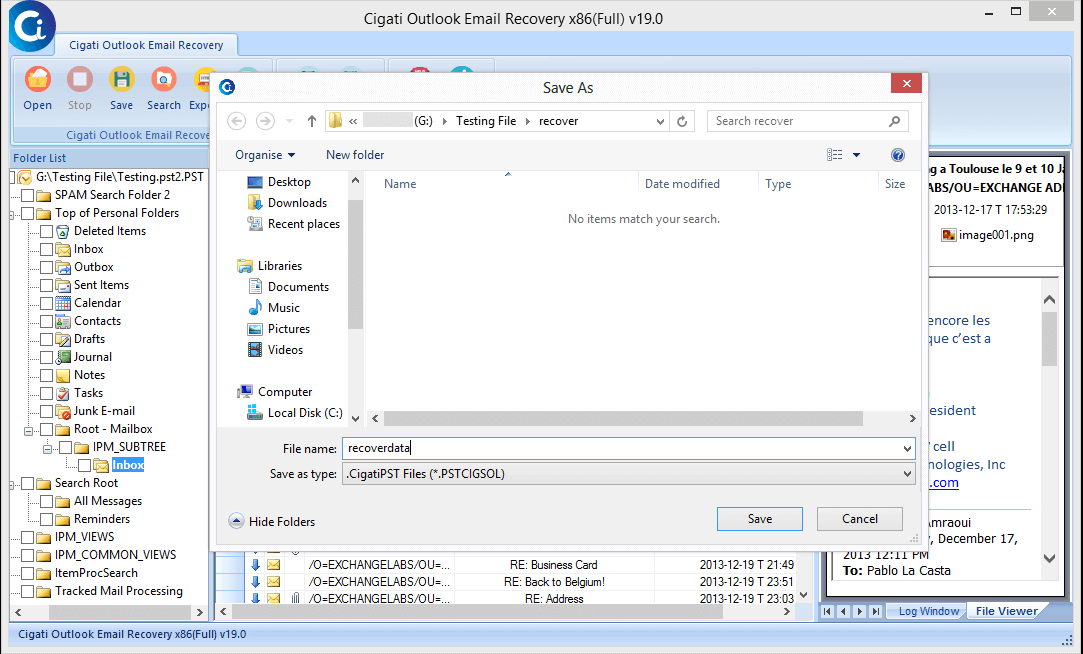
Click Ok to proceed further.
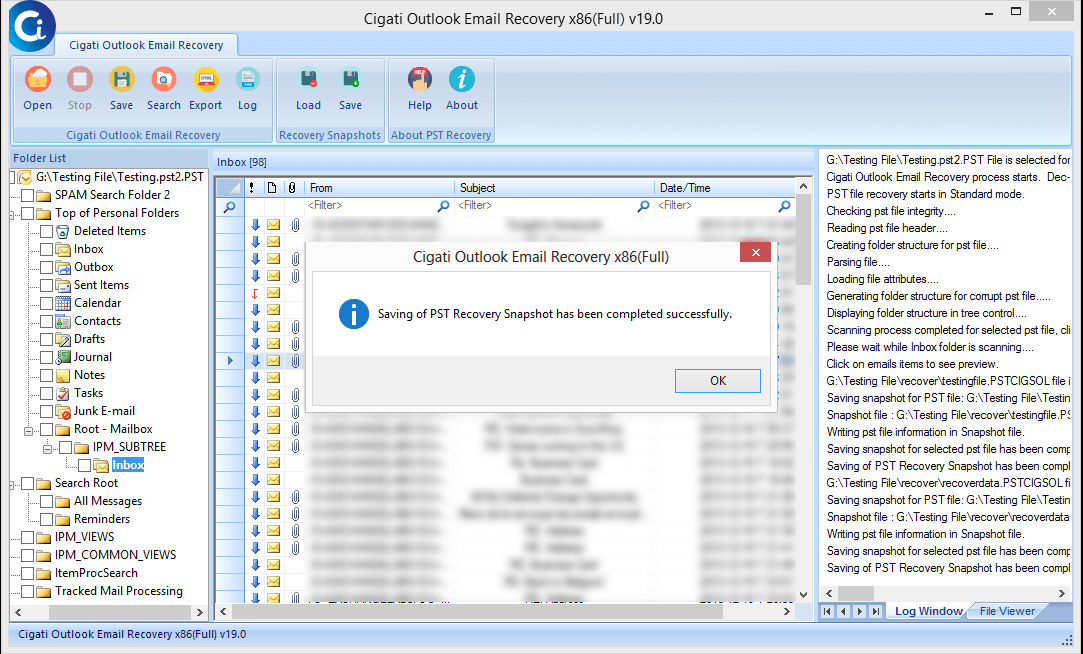
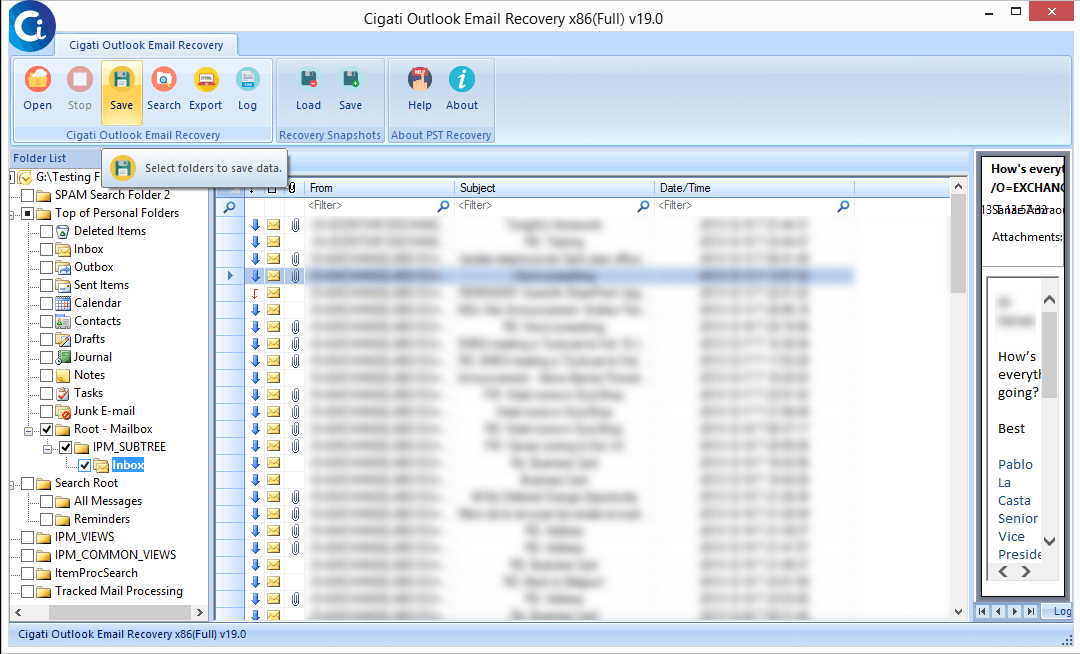
After that, tap on the Save button to download the recover data on the desired path.
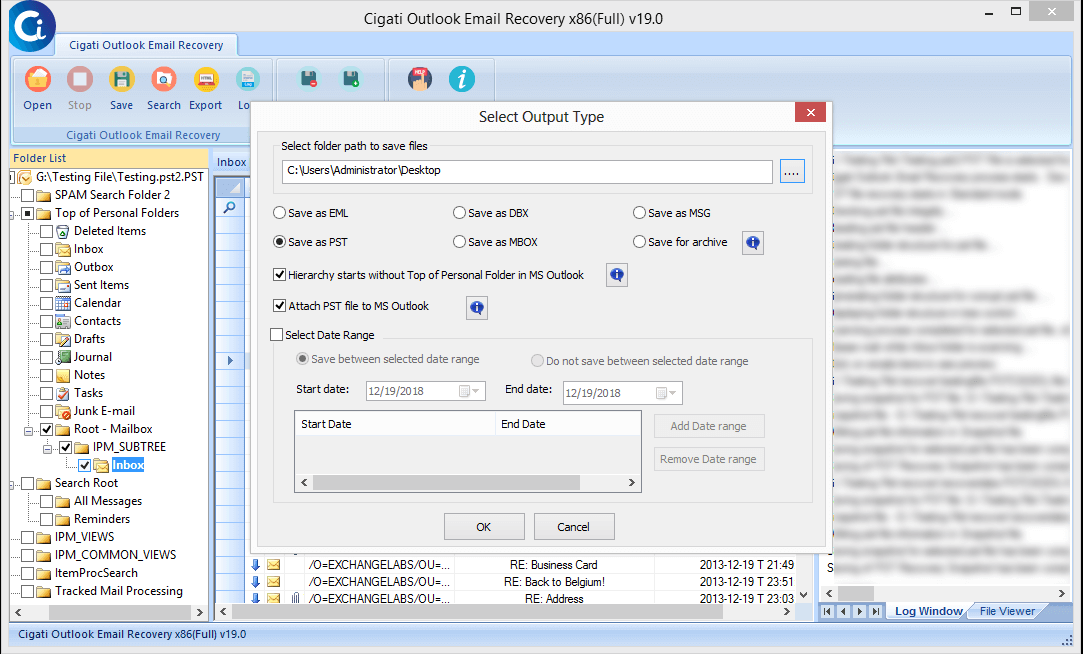
You can choose the saving formats from the available option like PST, EML, MSG, etc. Additionally, check the box Attach PST file to MS Outlook.
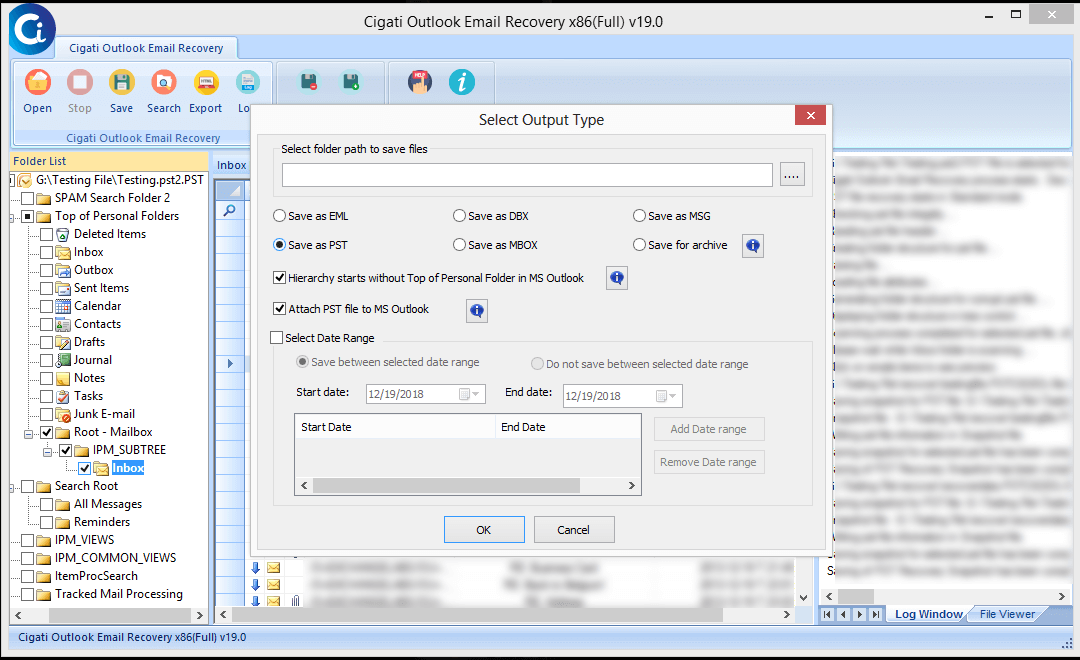
Here, you can select the Date range filter as per your requirement.
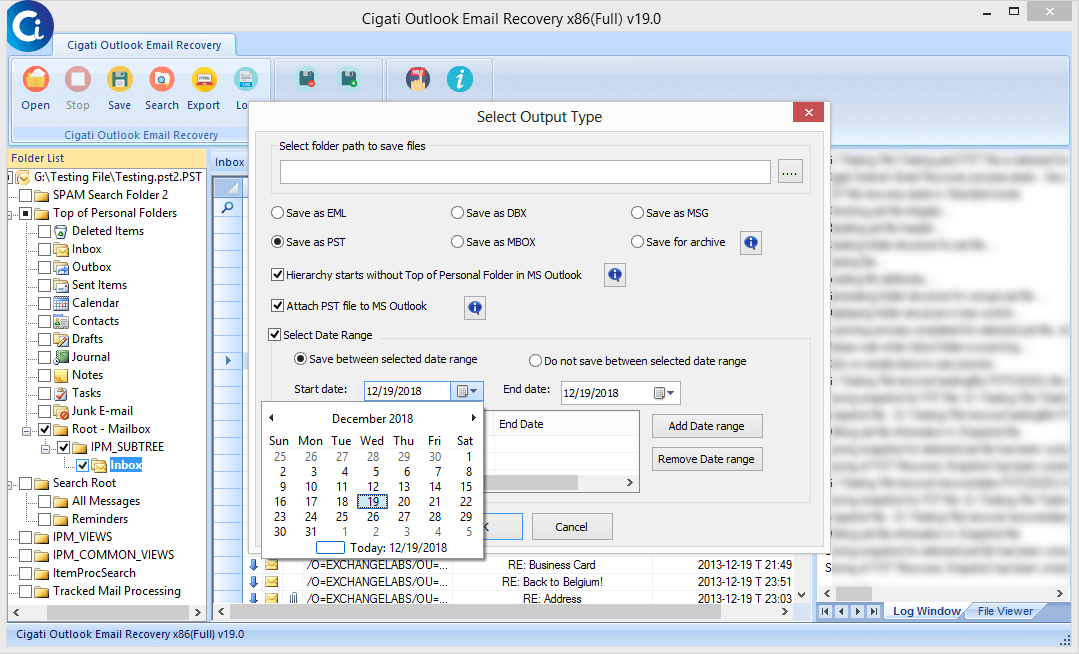
Find the location and click on the OK button to confirm the saving path.
Click on Ok to begin the process.
Nope, the process gets started.
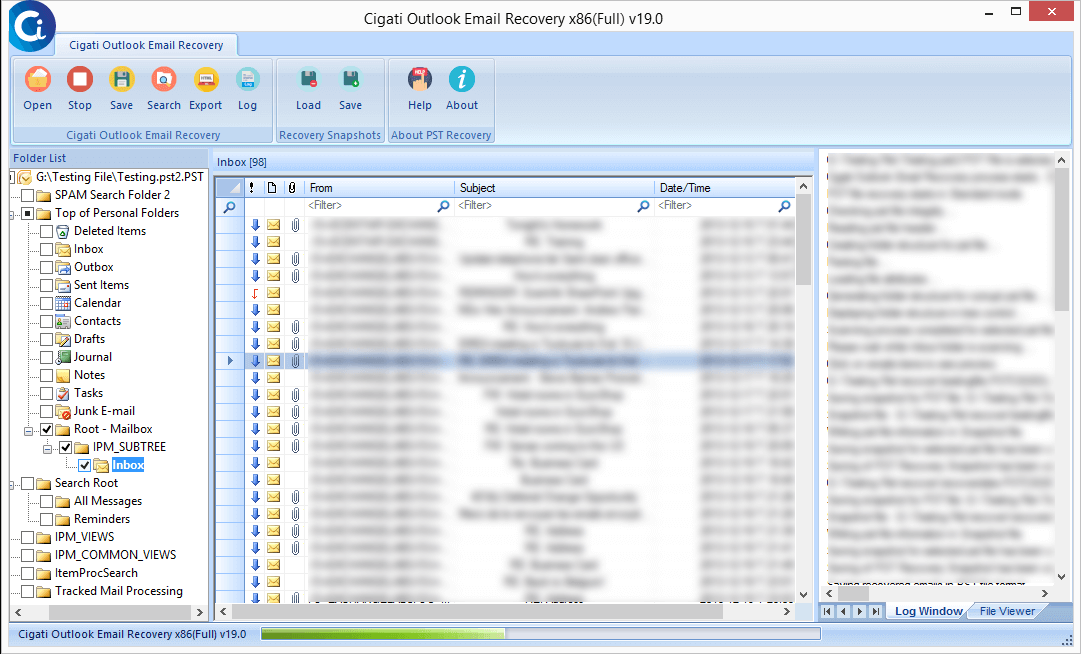
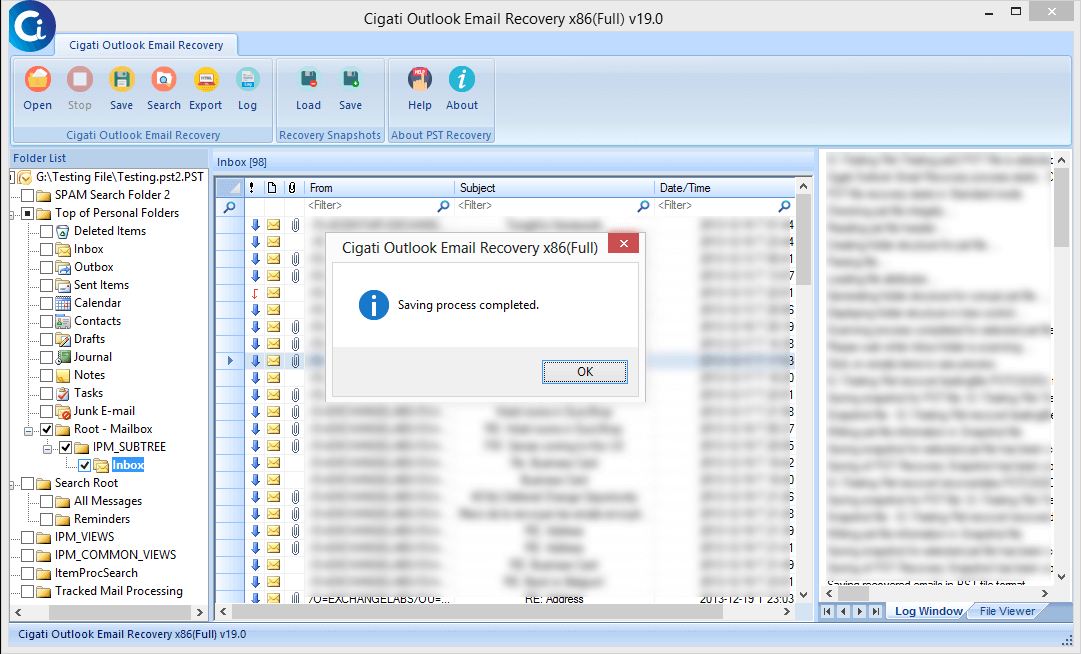
Finally, you have recovered the PST file and saved it at your chosen location.