PDF Converter Tool
4.8
A user-friendly application with an intuitive design for beginners to navigate effortlessly.
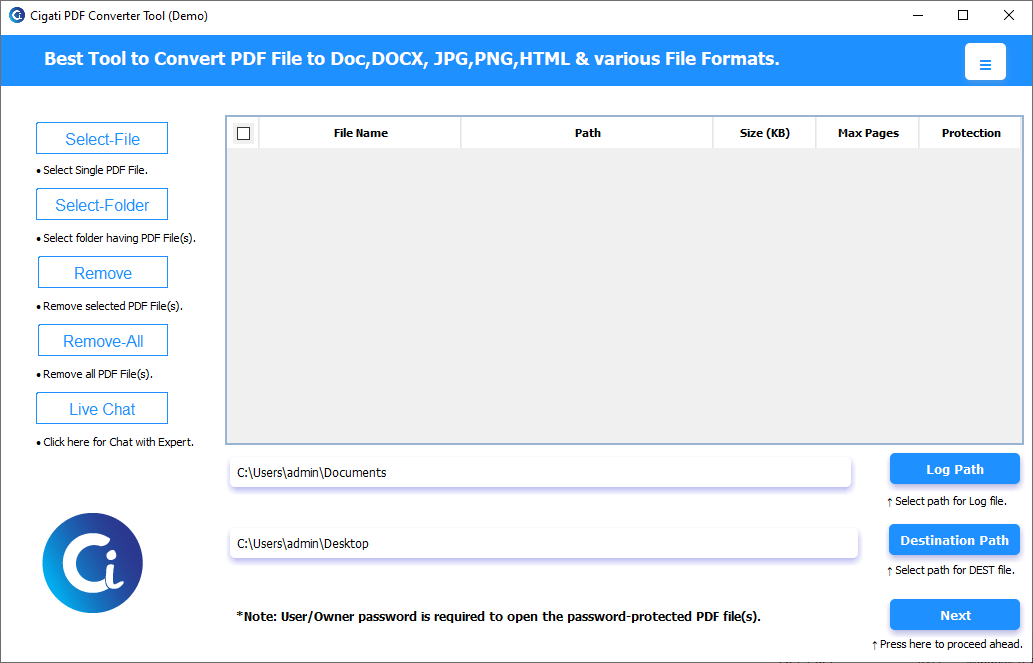
Download the Cigati PDF Converter Tool and run it as an administrator.
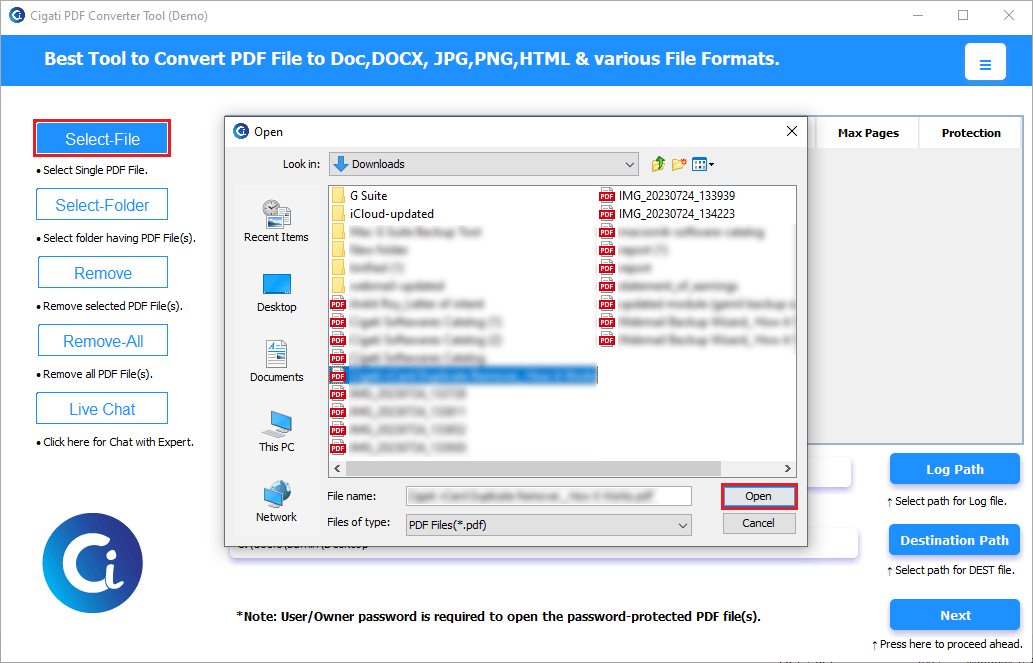
Click the Add File button to select the PDF file, and then press the Open button.
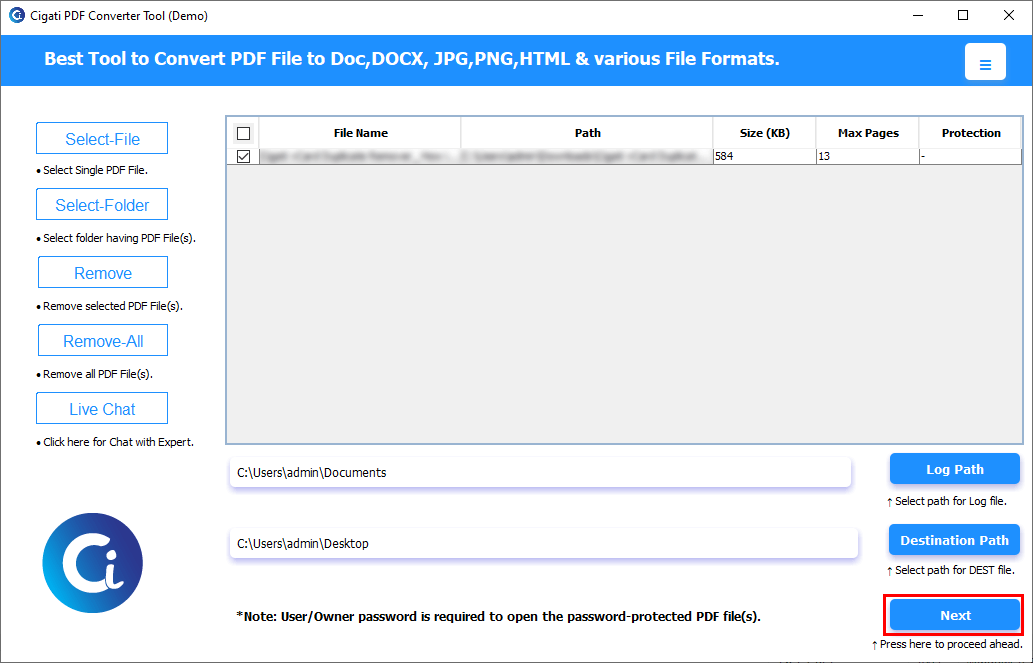
Select the files and click the Preview button to view the added PDF files. Afterwards, click the Next button.
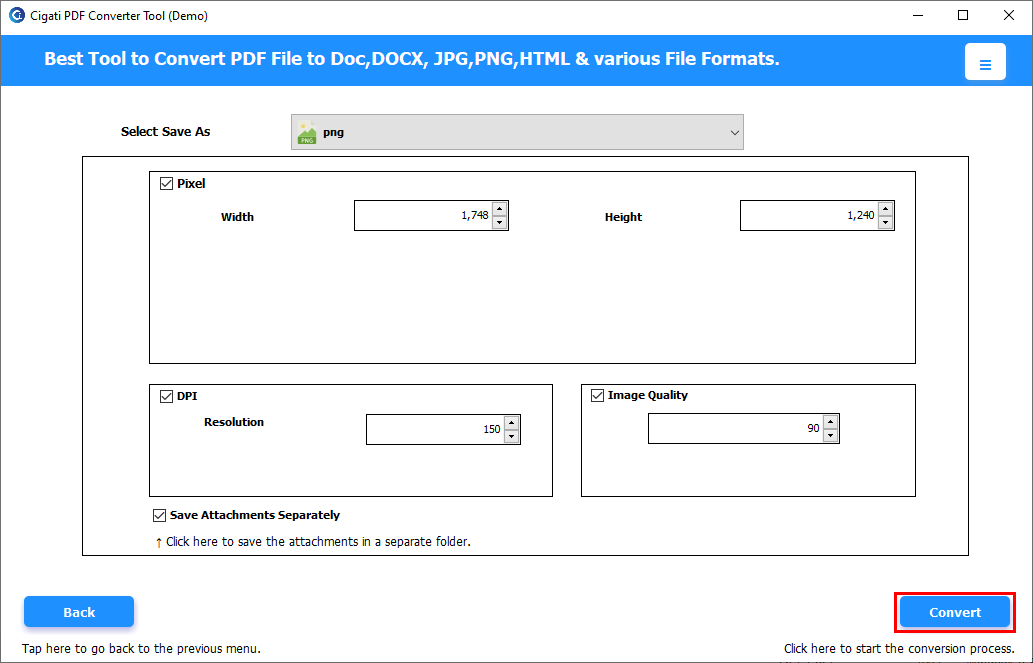
From the Output drop-down menu, select the PNG format.
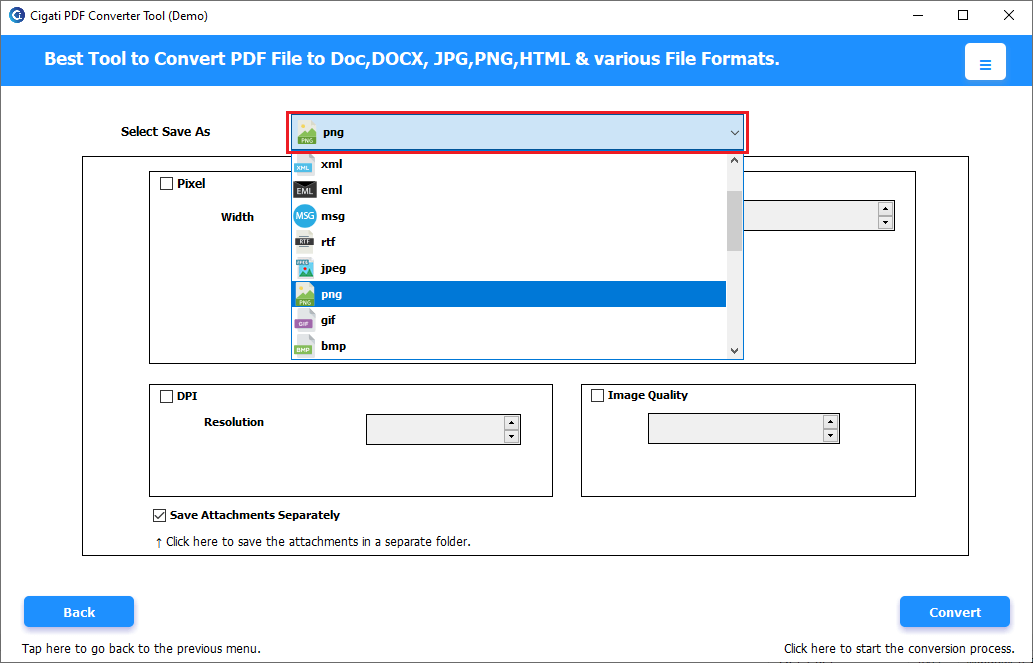
Use the additional features provided by the wizard to optimize the resultant file data. If converting PDF files to an image format, you can use the following options to enhance image quality:
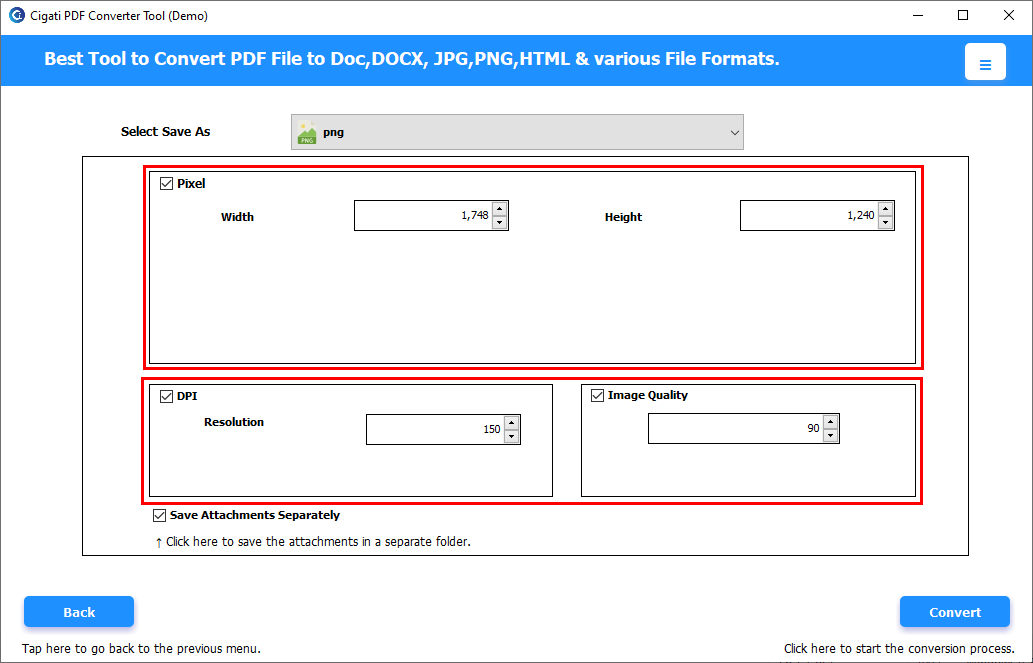
Click the Convert button to initiate the conversion process.