PDF Protect Tool
4.7
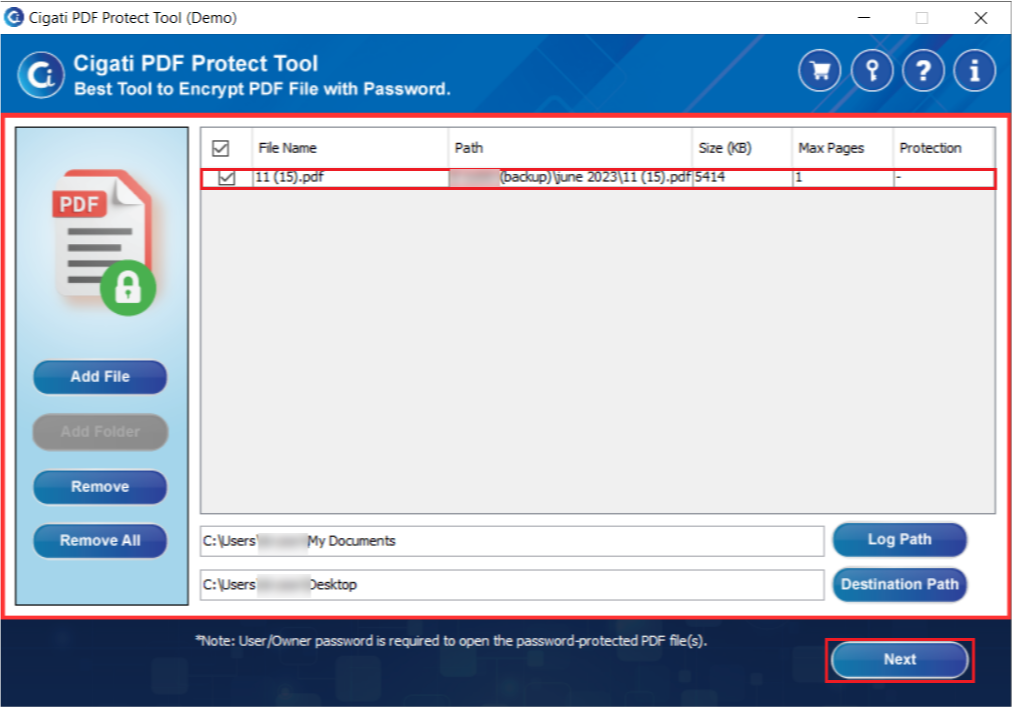
Install and run the PDF Protection Tool on your computer.
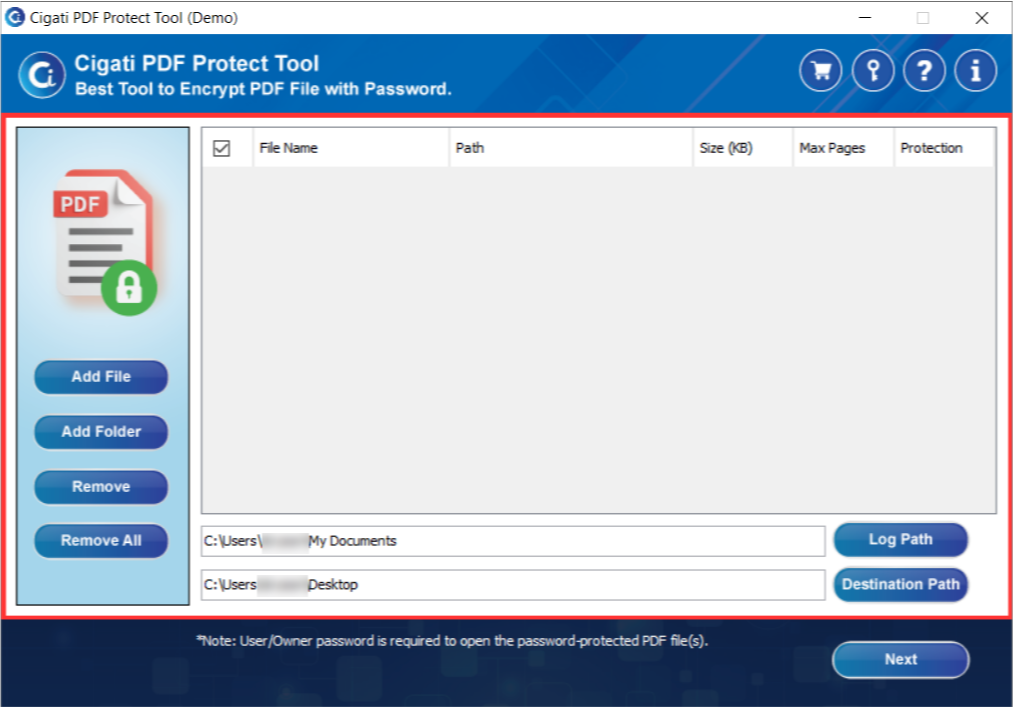
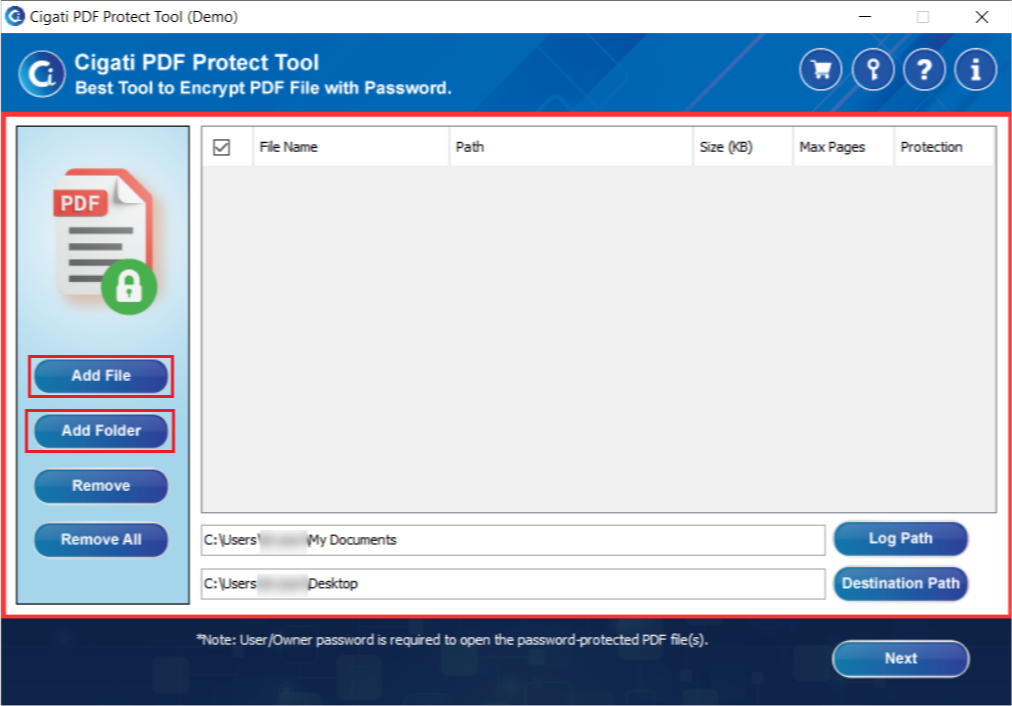
Click the Add File or Add Folder button to choose a single PDF file or an entire folder.
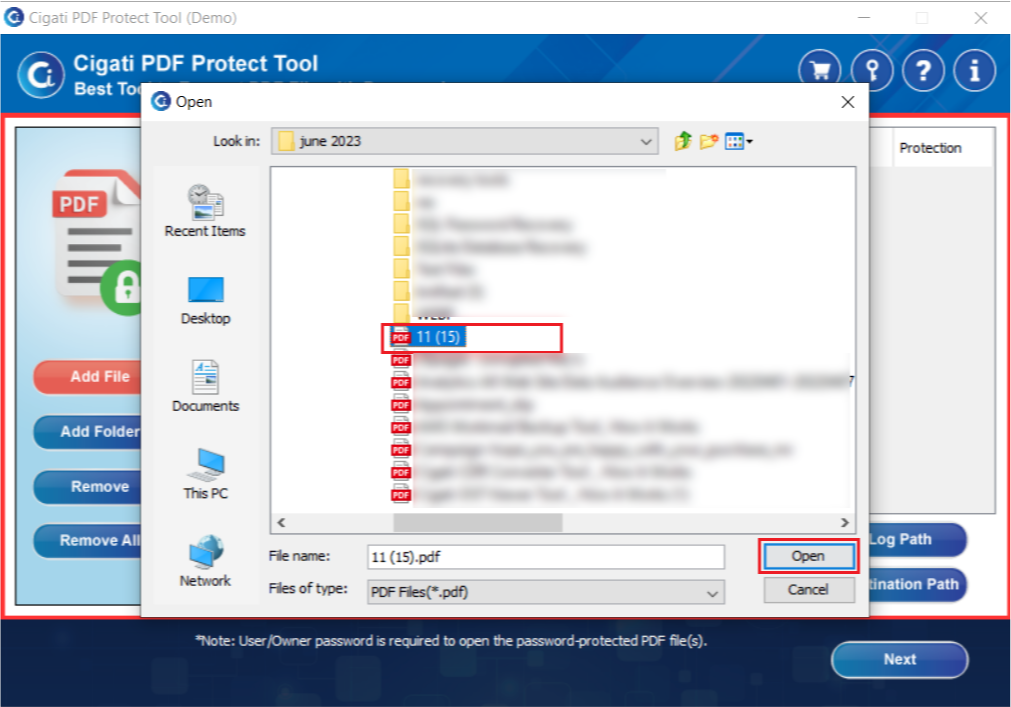
After selecting your PDF, click the Open button to add the PDF file to the tool.
Tick the checkbox next to the PDF file and click the Next button to proceed.
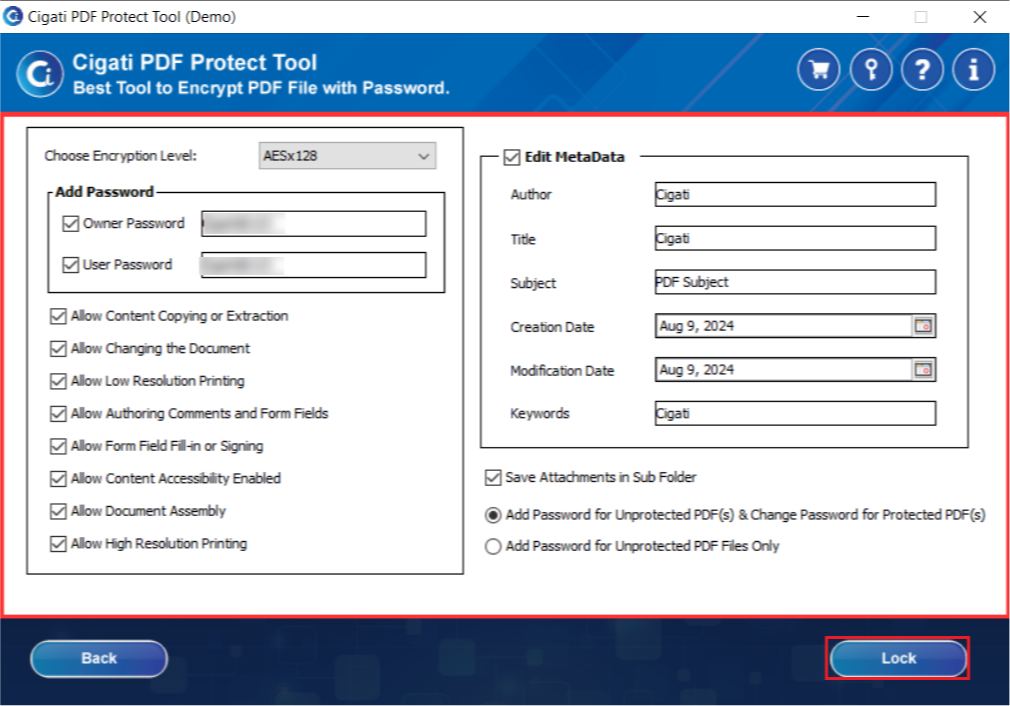
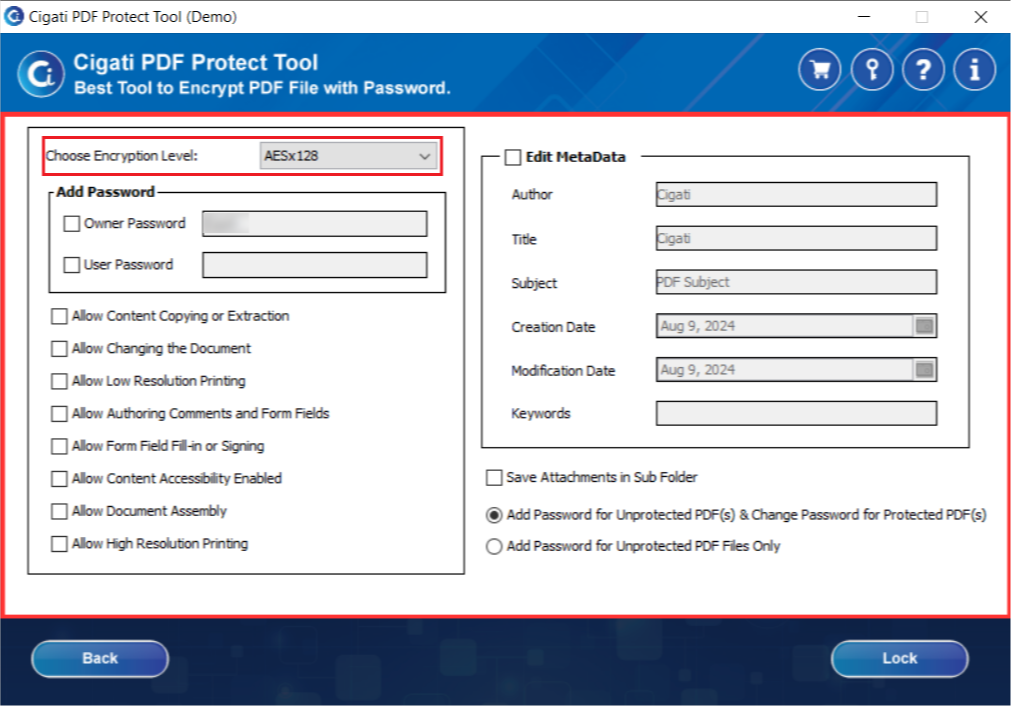
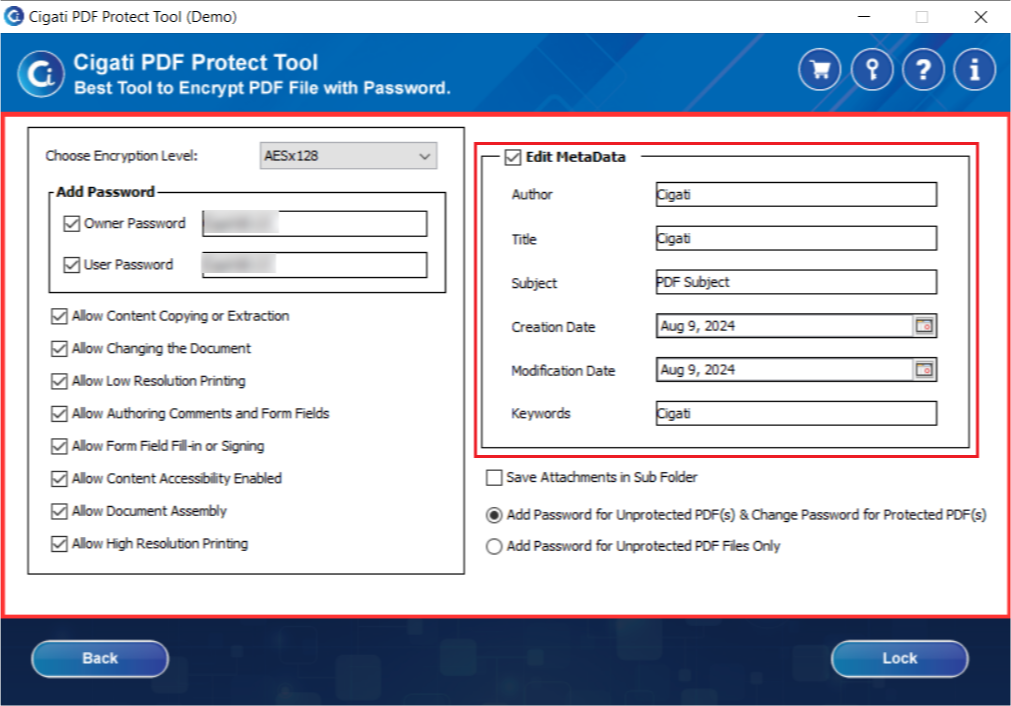
Select the desired encryption level from the Output drop-down menu.
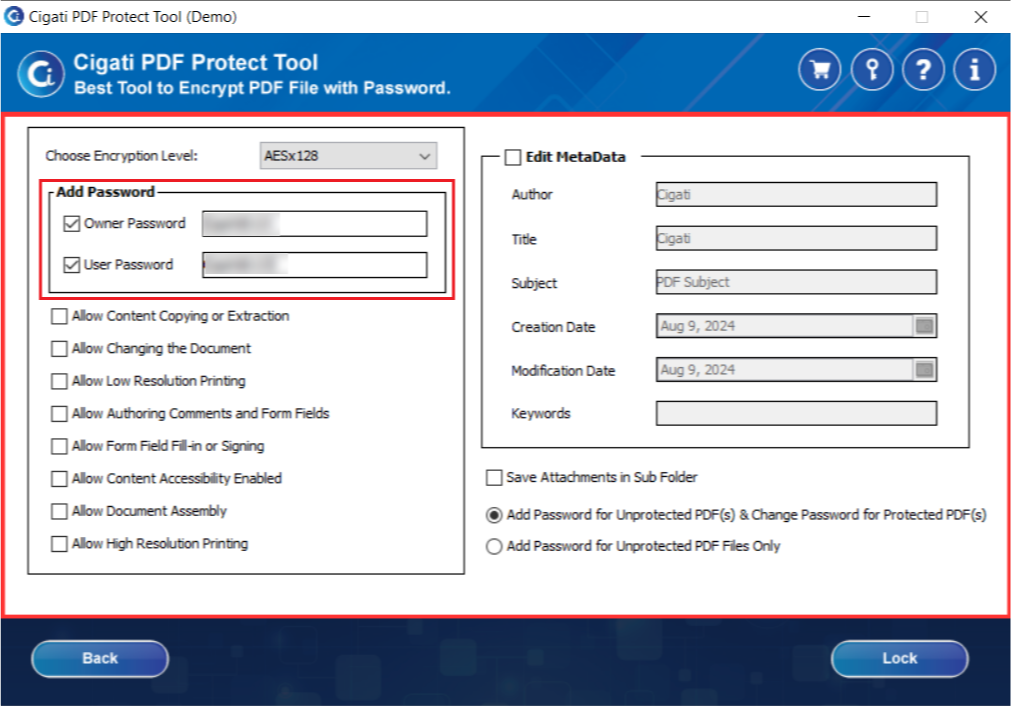
Check the Add Password option and enter both the Owner and User passwords.
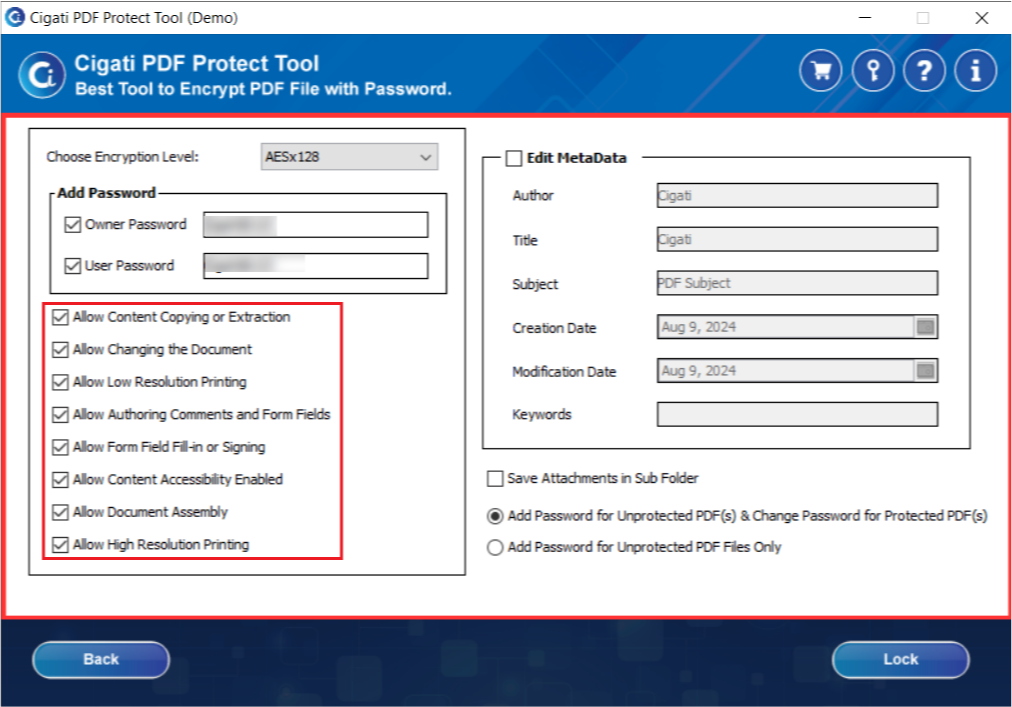
Select the permissions you want to grant or restrict for your PDF files.
You can modify the PDF file description by filling in the relevant fields.
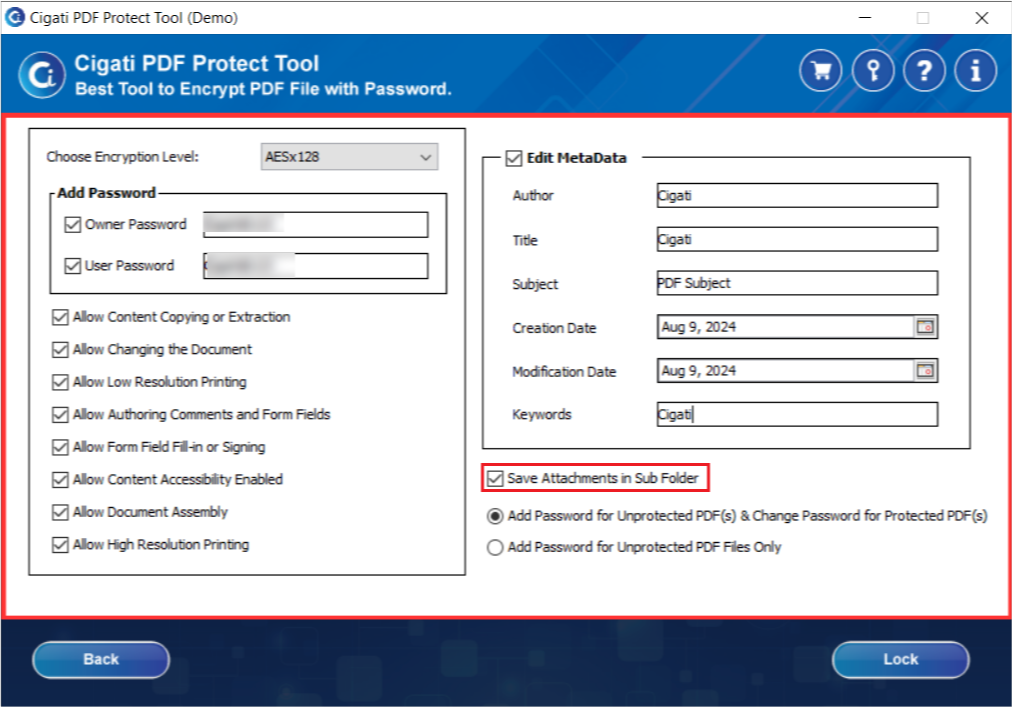
Check the Save Attachments in Separate Folder option to store attached files in separate folders.
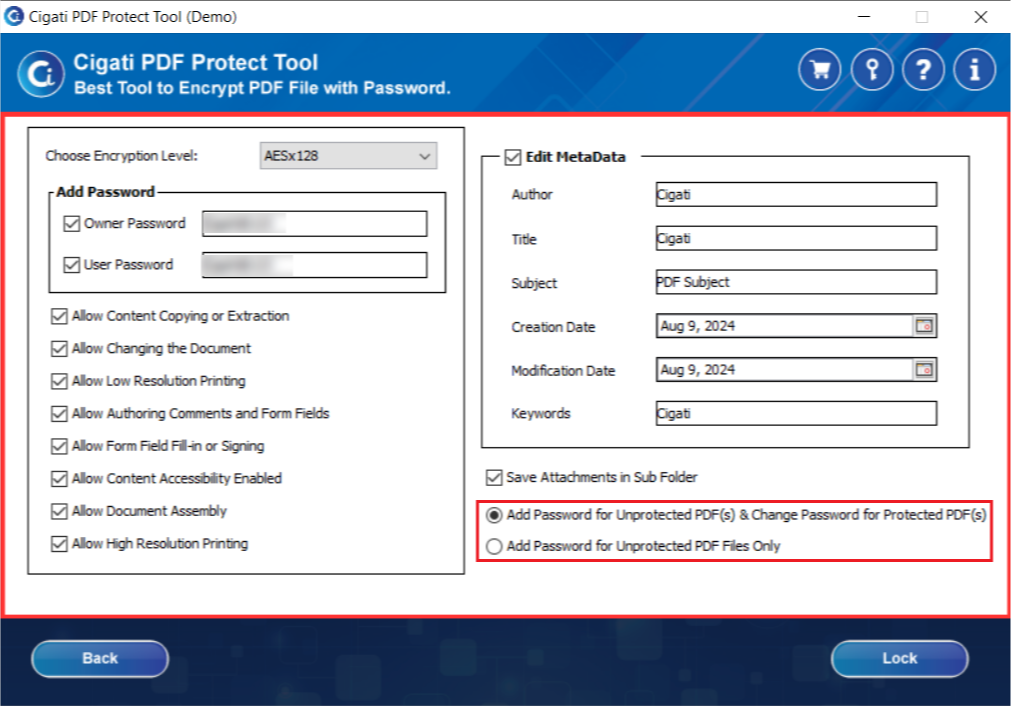
Choose either Add Password for Unprotected Files & Change Password for Protected Files or Add Password for Unprotected Files.
Click the Lock button to initiate the process of protecting or locking the PDF files.