How to Split MAC PST Files With Ease
Here is a detailed step by step guide on how you can split large sized MAC PST files without any hassle.
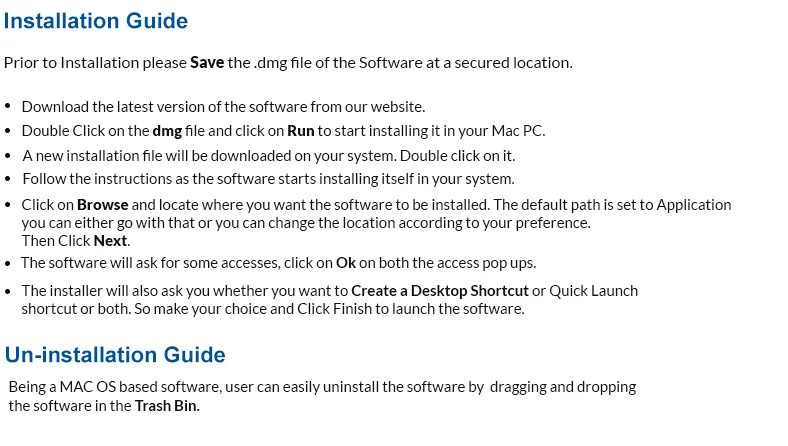
Cigati MAC PST Splitter is an excellent software to split large and oversized PST files into many small PST files without any data alteration. This software has been designed to split unmanageable PST file into multiple PST to avoid corruption issues. It can split one or more PST files in a single attempt and doesn’t affects the integrity and alignment of any PST file. Some added features of Mac PST Splitter is that it runs on all the versions of Mac OS and while splitting the PST file keeps all the content intact as they were in the previous file.If the user is using the software for the first time then there is no problem because the GUI of the software is simple and there is no need of any technical support.
Plus Points Of Cigati MAC PST Splitter
- Splits Large Outlook PST Files.
- No chance of any data Alteration while splitting the PST files.
- Splits Encrypted and Password Protected PST Files as well.
- Divides PST Files on the basis of Dates and Folders.
- Breaks Oversized PST Files on the basis of Sender’s Email I.D. and Size.
- Supports all the versions of Mac OS.
- User-Friendly Graphical User Interface.
Updating the Software
There is no need to update the software as the tool has been designed in such a way that it gets updated automatically. However, if you want to know the details on various updates, you can check out our NEWS section.
How to Split Large Sized MAC PST Files
Here is a detailed guide on how to use the application and split your PST files without any hassle.
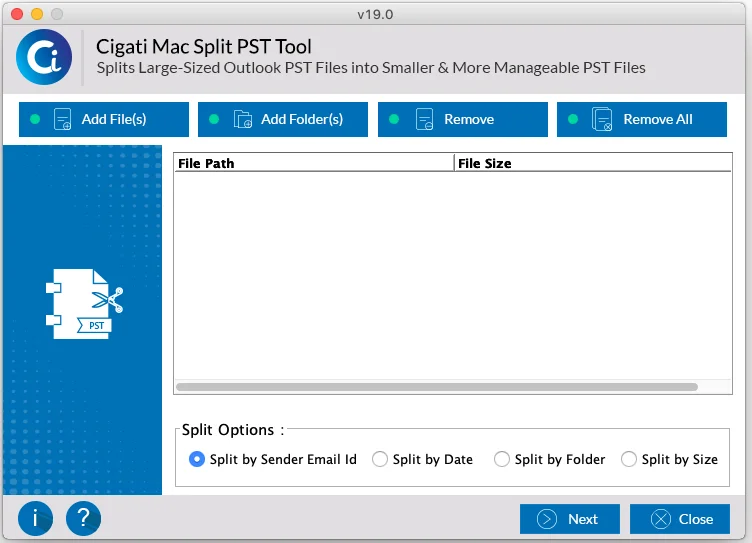
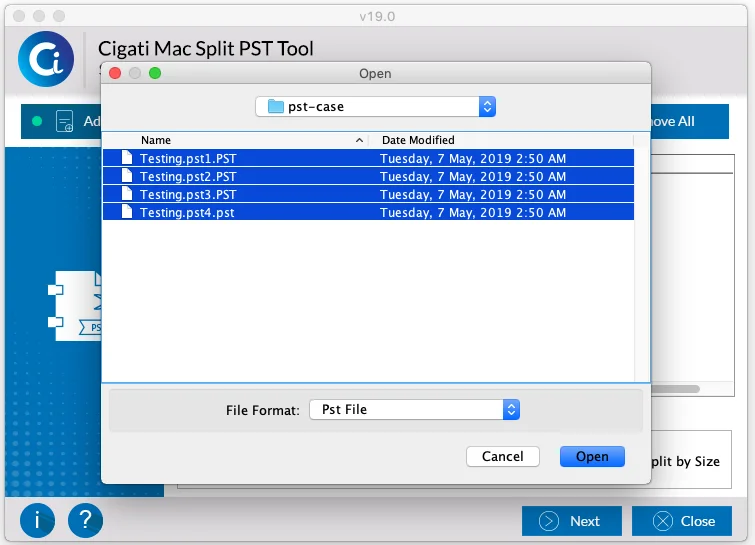
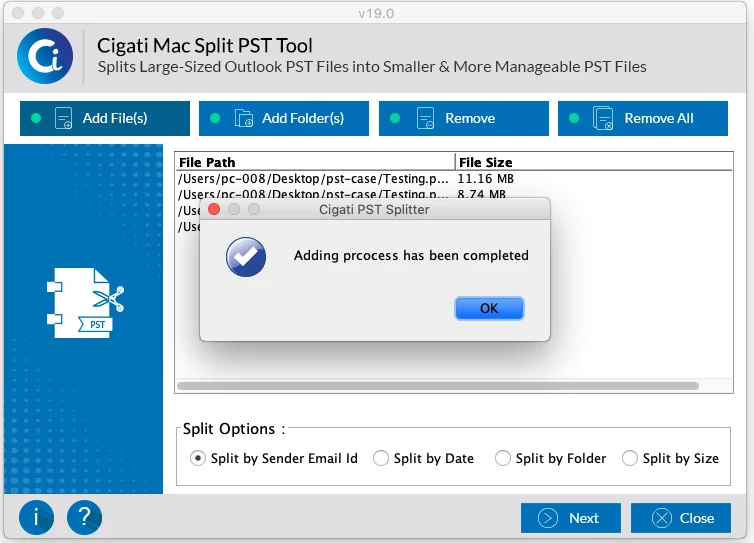
Step 01: Download & launch Cigati PST Splitter. To split or divide the files on the basisof email id, select Split by Sender Email id as shown in the image. And click on Add Files.
Note: To know how to split files by date go to step 09.
To know how to split files by folder go to step 12.
To know how to split files by date size go to step 15.
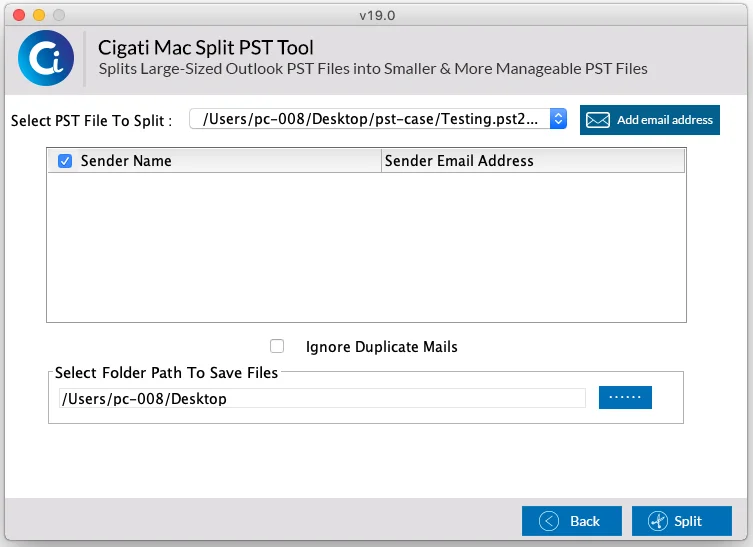
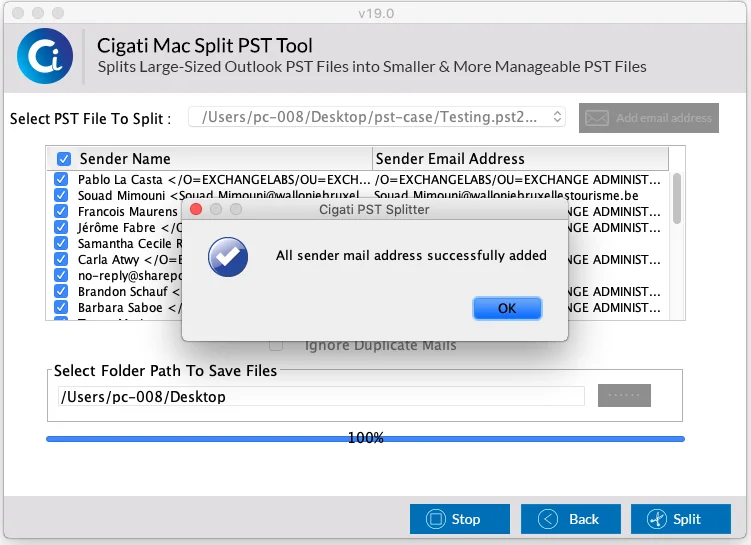
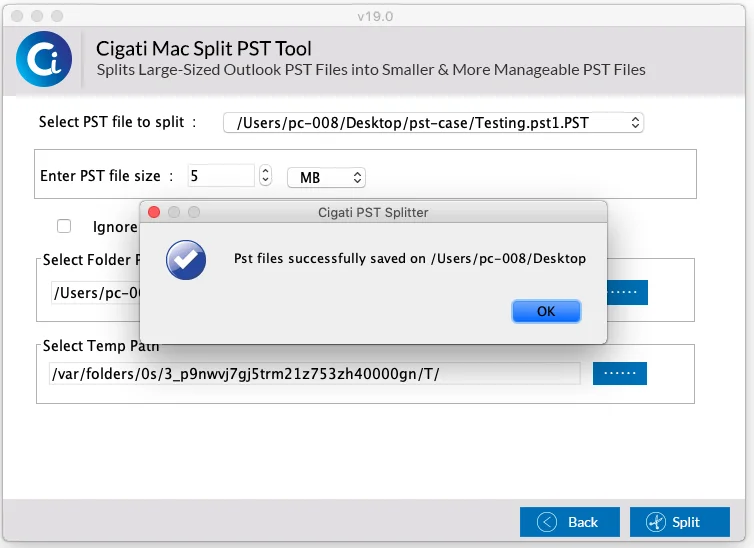
Step 06: To ignore duplicate emails on your email id select Ignore Duplicate Mails and click on Split.
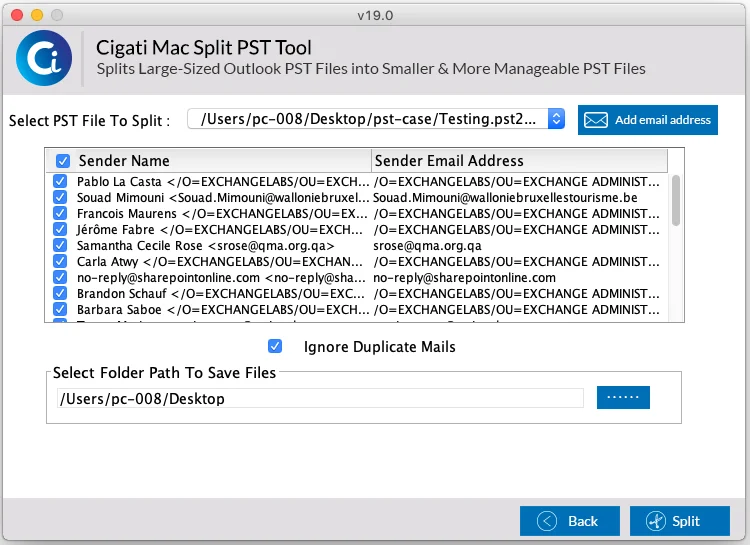
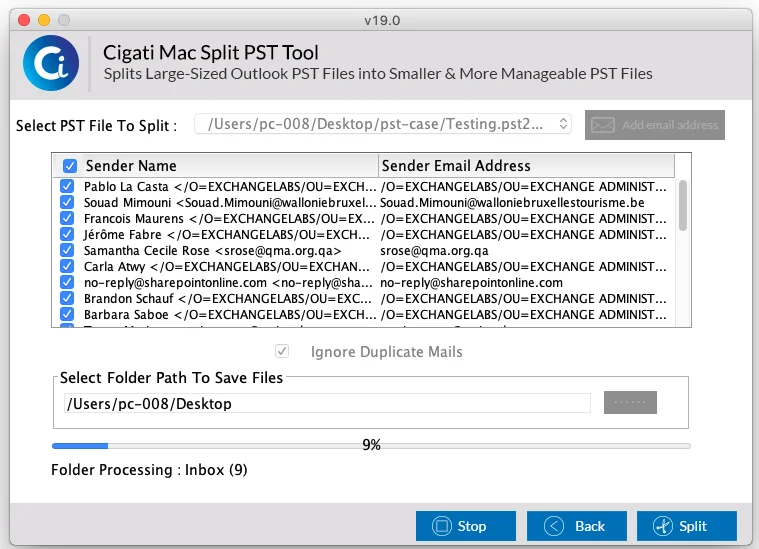
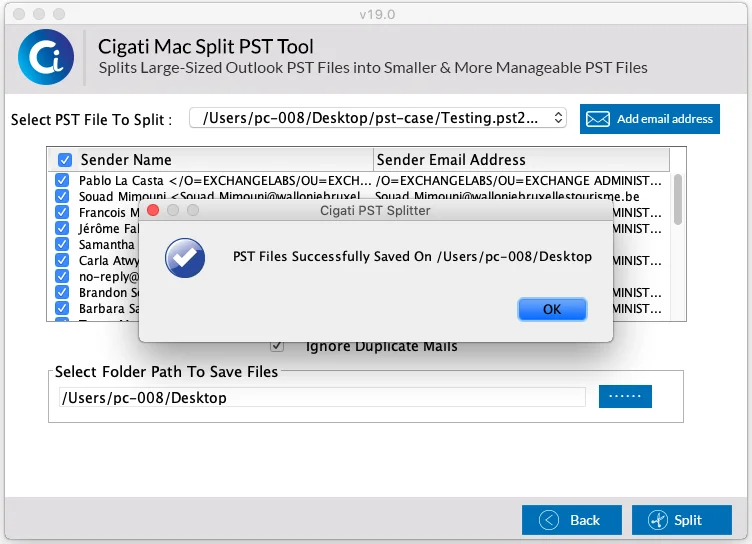
Step 09:To split files by date, click on Split by Date and click on Add Files.
Note: To know how to split files by folder go to step 12.
To know how to split files by date size go to step 15.
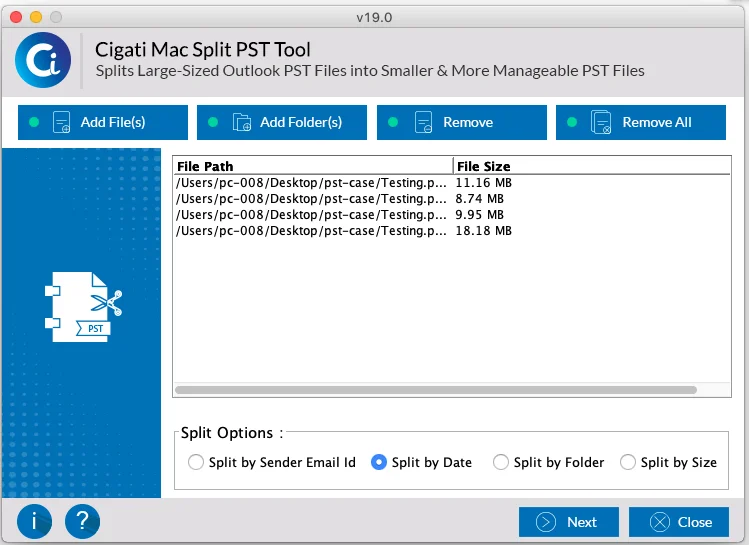
Step 10:Here, you can split the files by selecting the dates, create a single PST file or a separate PST file as per your need and size or can even use the Ignore duplicate mails option to ward of duplicate emails. After doing this click on Split.
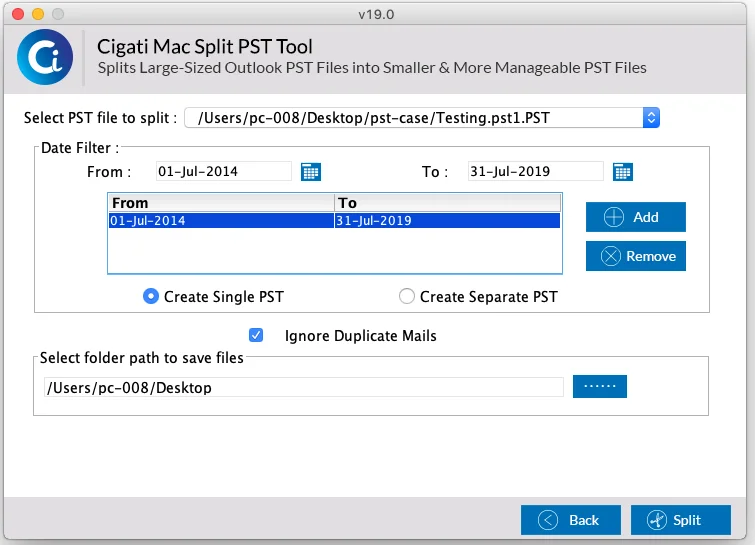
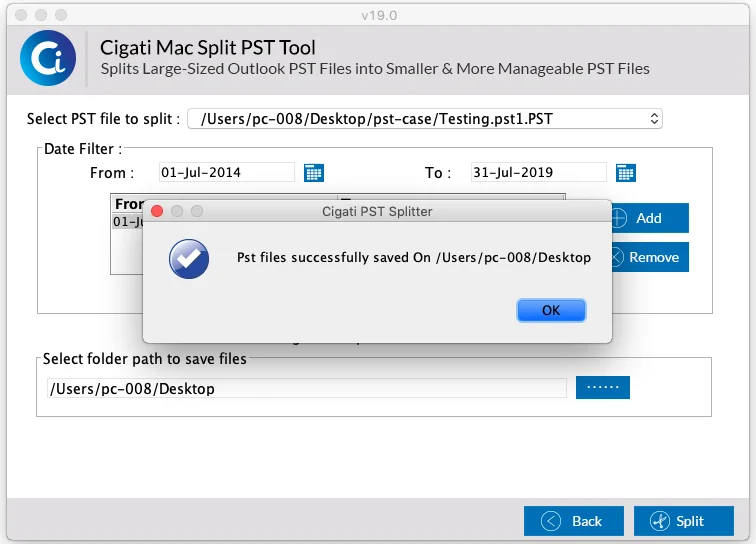
Step 12: Now click on Split by folder, to split your PST files by folder and then click on Add Files.
Note: To know how to split files by date size go to step 15.
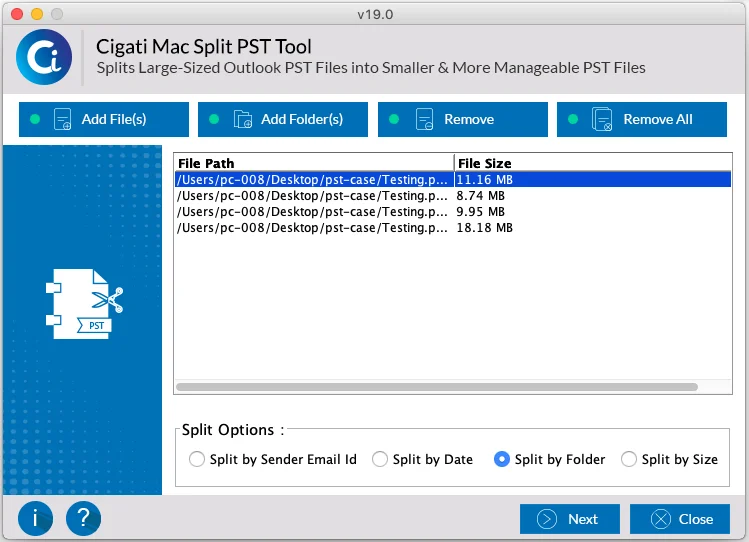
Step 13: Here you can preview all your data and emails stored in that folder. Double click on every file and preview it. Post previewing click on Split.
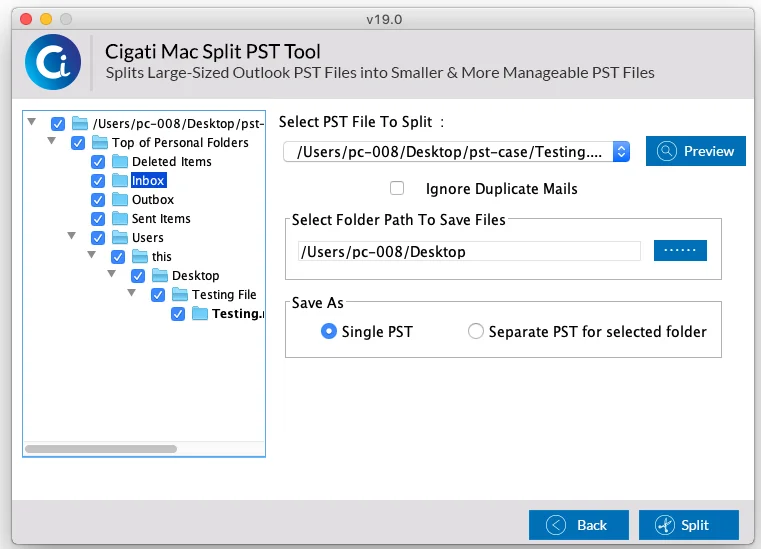
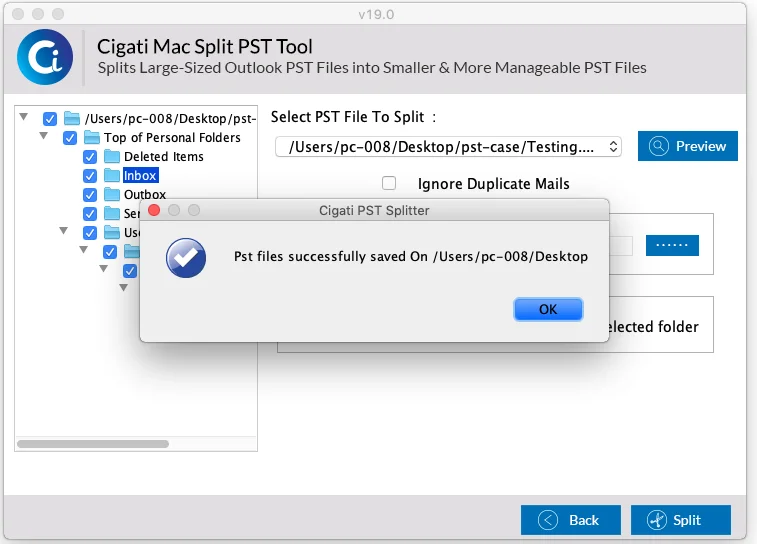
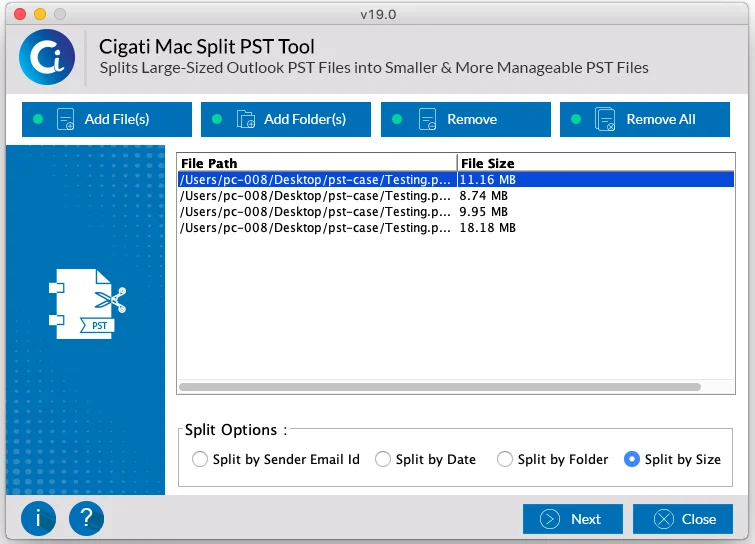
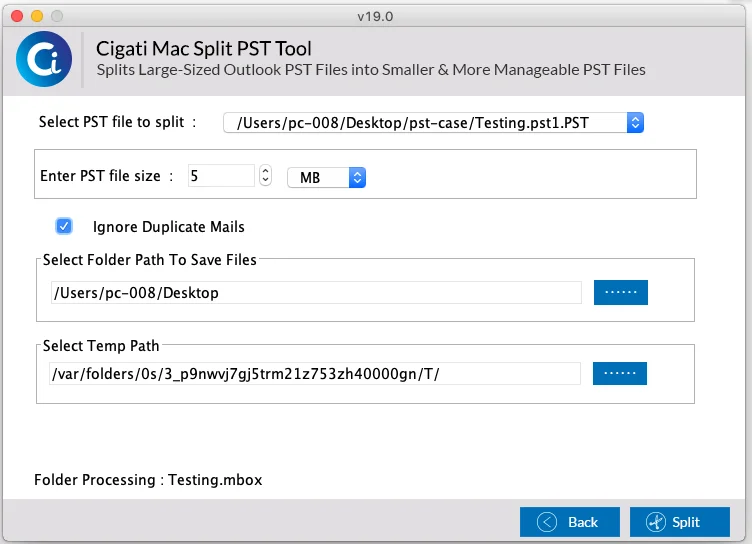
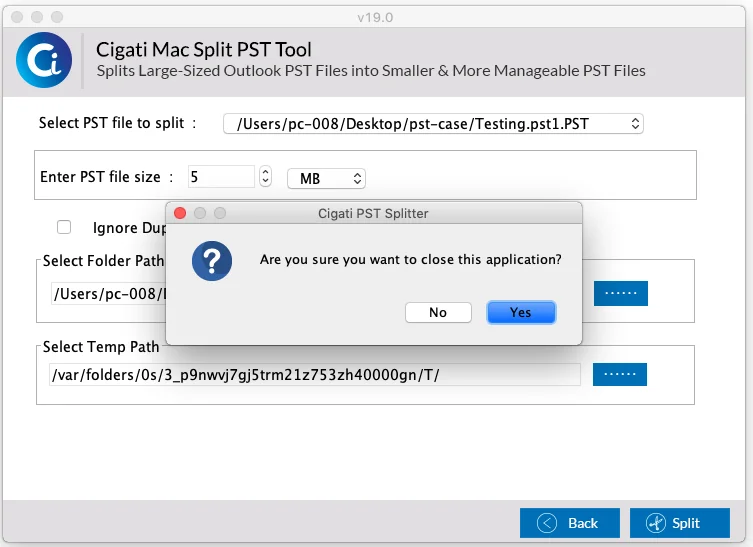
Step 16: Here you can select the PST files that you want to split, ignore the duplicate emails stored in that file and select the saving folder. Post selection click on Split.
What’s New in this Version?
- New & enhanced GUI.
- Support all versions of MAC OS.
Demo Version
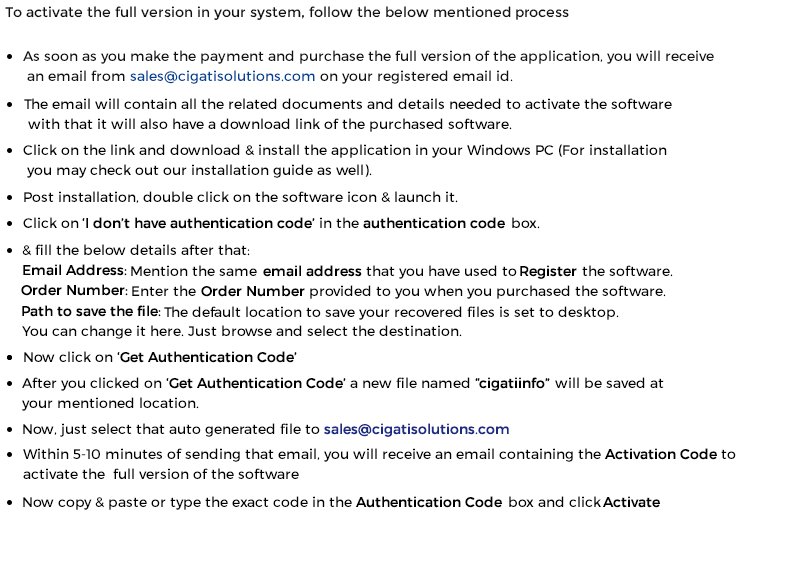
The demo version of this software allows users to preview all of their files and data stored in OST files. However, to save the files in your system users need to purchase the full version
Purchasing the Full Version
Users can easily purchase the full version of the software which includes all the features mentioned in it. The software licenses are distributed in three categories so choose the best suited license:
Single User
Single user license is the type of license which is suggested for one person / user to use the software for non-commercial purpose. The single user license or personal license is intended for home users and designed for non-commercial purpose only. Single license user can install the software on one or two systems at any given time.
Administrator
The Administrator license has been designed for users who want to use the application in a corporate, business, academic or in a government environment. In layman terms, the given license has been designed to be used at multiple computers within a single geographical location. The Administrator license will be assigned in the organization name provided at the time of purchase.
Technician
The Technician license is intended for users / technicians and corporations who have clients or offices all around the world. The license will be issued under the organization’s name and can be used on multiple systems at multiple locations. The license in non-transferable and gives you permission of unlimited data recovery.
Software Support
For any technical assistance or queries shoot us your question at support@cigatisolutions.com or you can even contact our software support team available 24x7 at your service.
User Interface
Cigati MAC PST Splitter has been developed with an easy to use GUI, making it a cake walk even for a novice user to migrate their data without any technical assistance.
The application contains Menus that let users to access various other features that the software is providing.
Menus
When you download & launch the MAC PST Splitter, you will find the following interface and Menus:
Help: Click Help button to know more about the software.
Stop: Click Stop button to stop the splitting process.
Browse: Click Browse button to locate your PST files.
Next: Click on Next button to go to the next step.
Back: To go back to the previous step click on Back button.
Split PST File: Click Split PST File button to start the splitting process.