SQL Password Recovery
4.7
Learn How to Use Cigati SQL Password Recovery to Reset SQL Database Password
A user-friendly application with an intuitive design for beginners to navigate effortlessly.
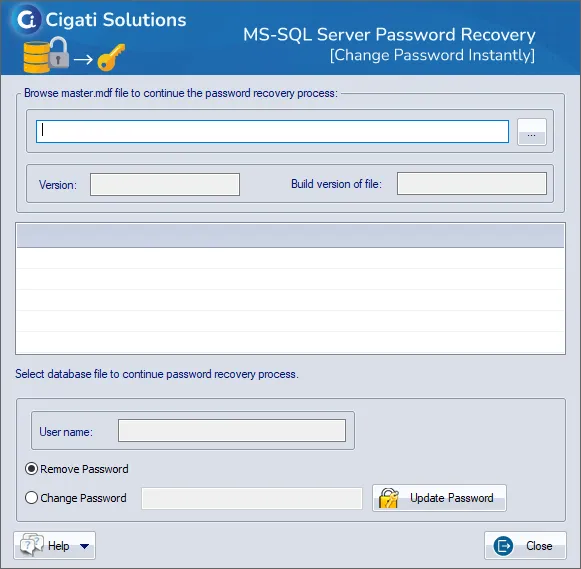
Download and Install the SQL Password Recovery Software.
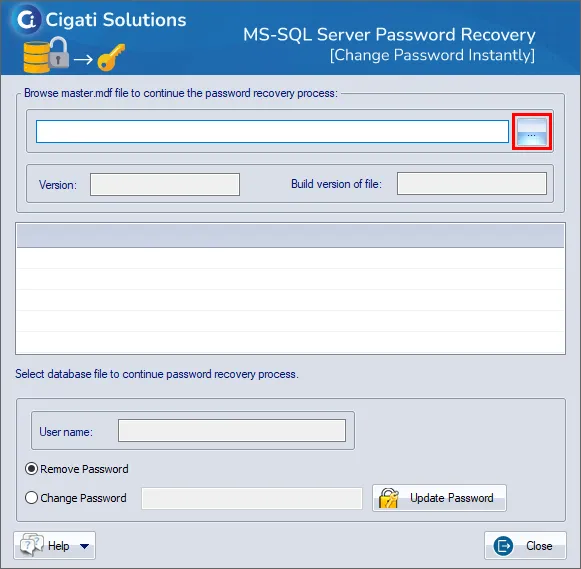
Click on the Browse button to select the MDF or NDF file.
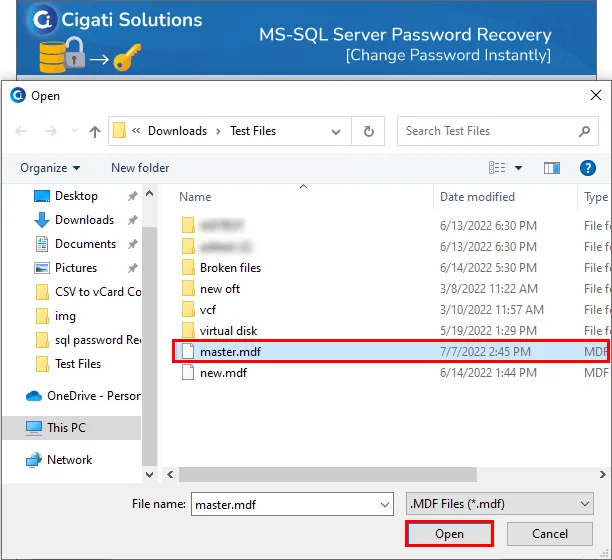
Now, choose the file from your system and press the Open button.
Here you can view the Version and Build Version of the file.
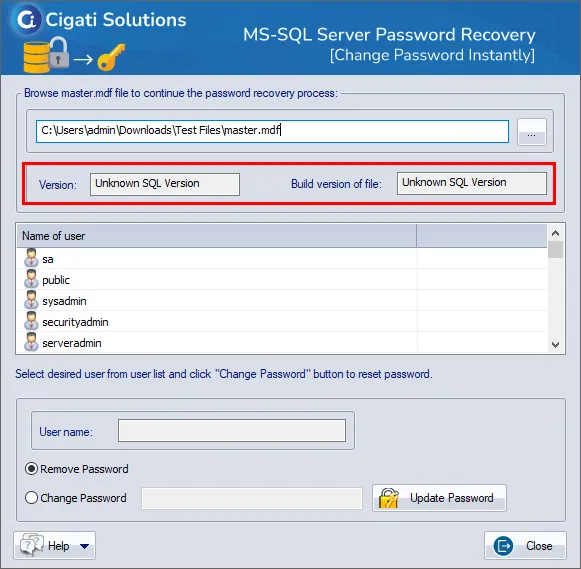
Then, select the desired User Name from the user list.
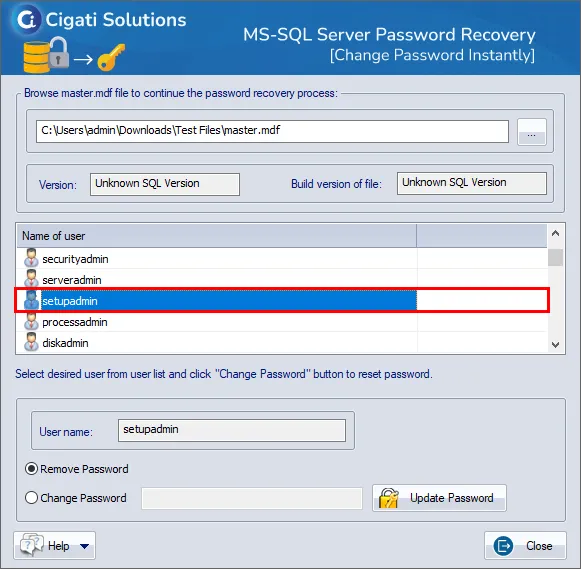
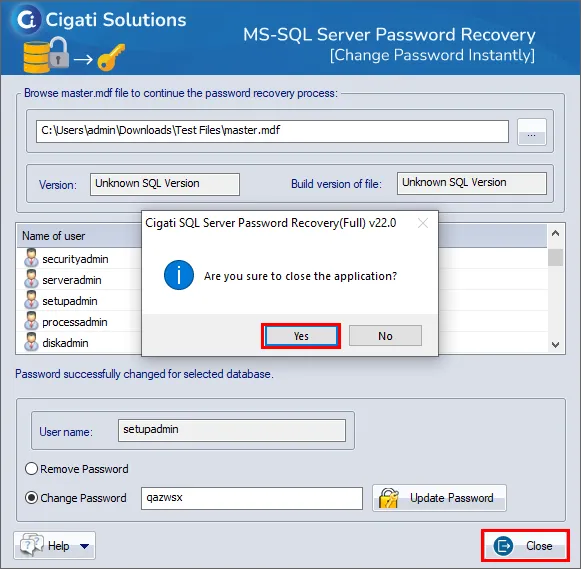
After that, select the option either Remove Password or Change Password button to successfully unlock the password from the selected user name.
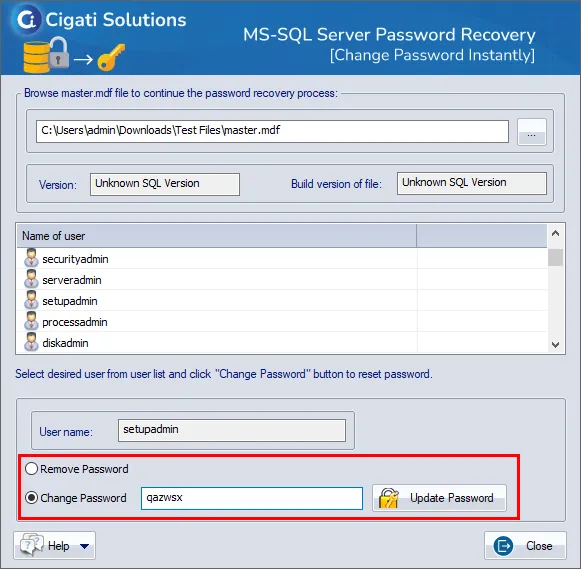
In the end, click on the Close button and hit the Yes button to end the application.