XML File Converter Tool
4.9
A user-friendly application with an intuitive design for beginners to navigate effortlessly.
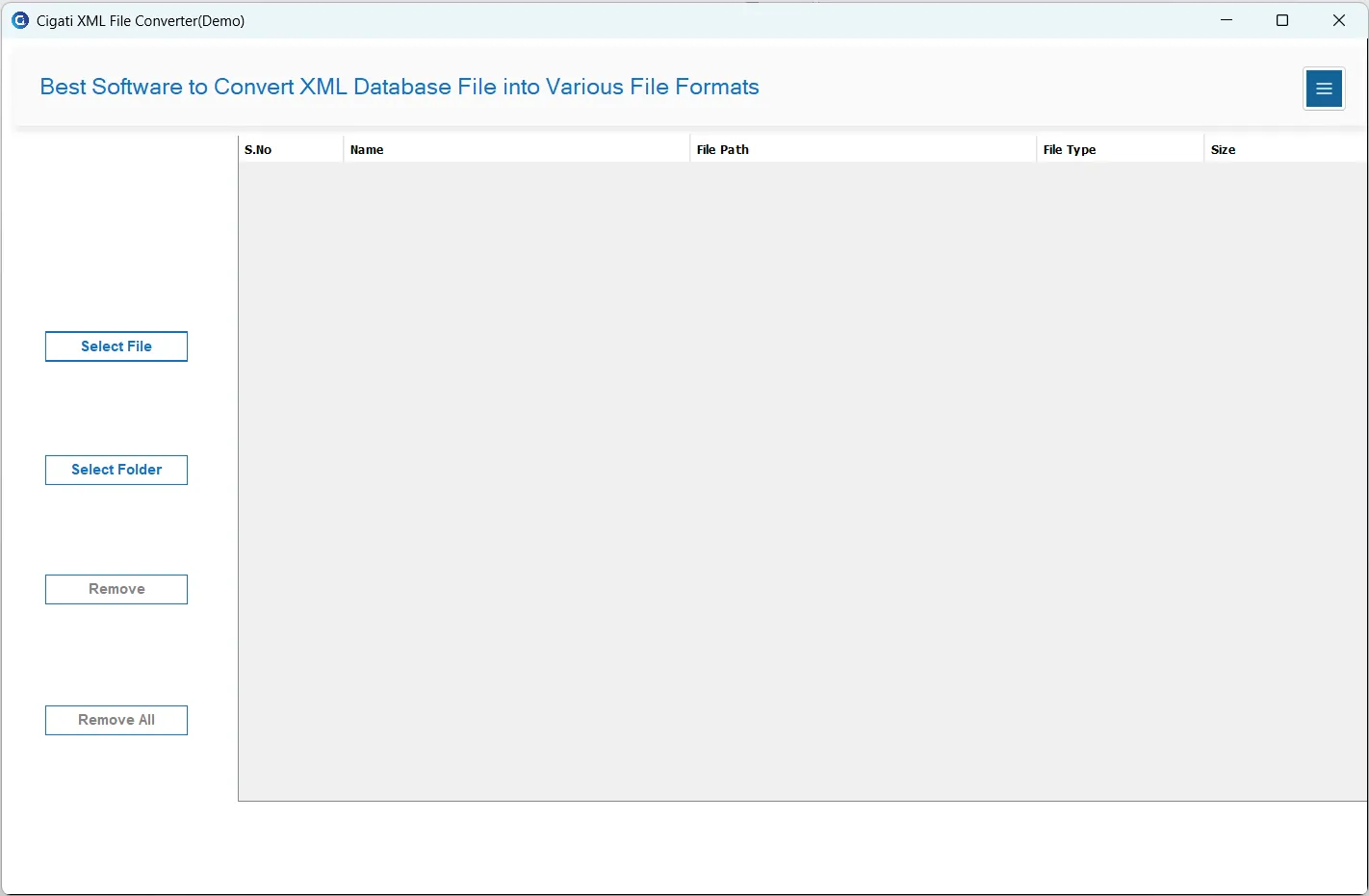
Download and launch the Cigati XML File Converter on your local system.
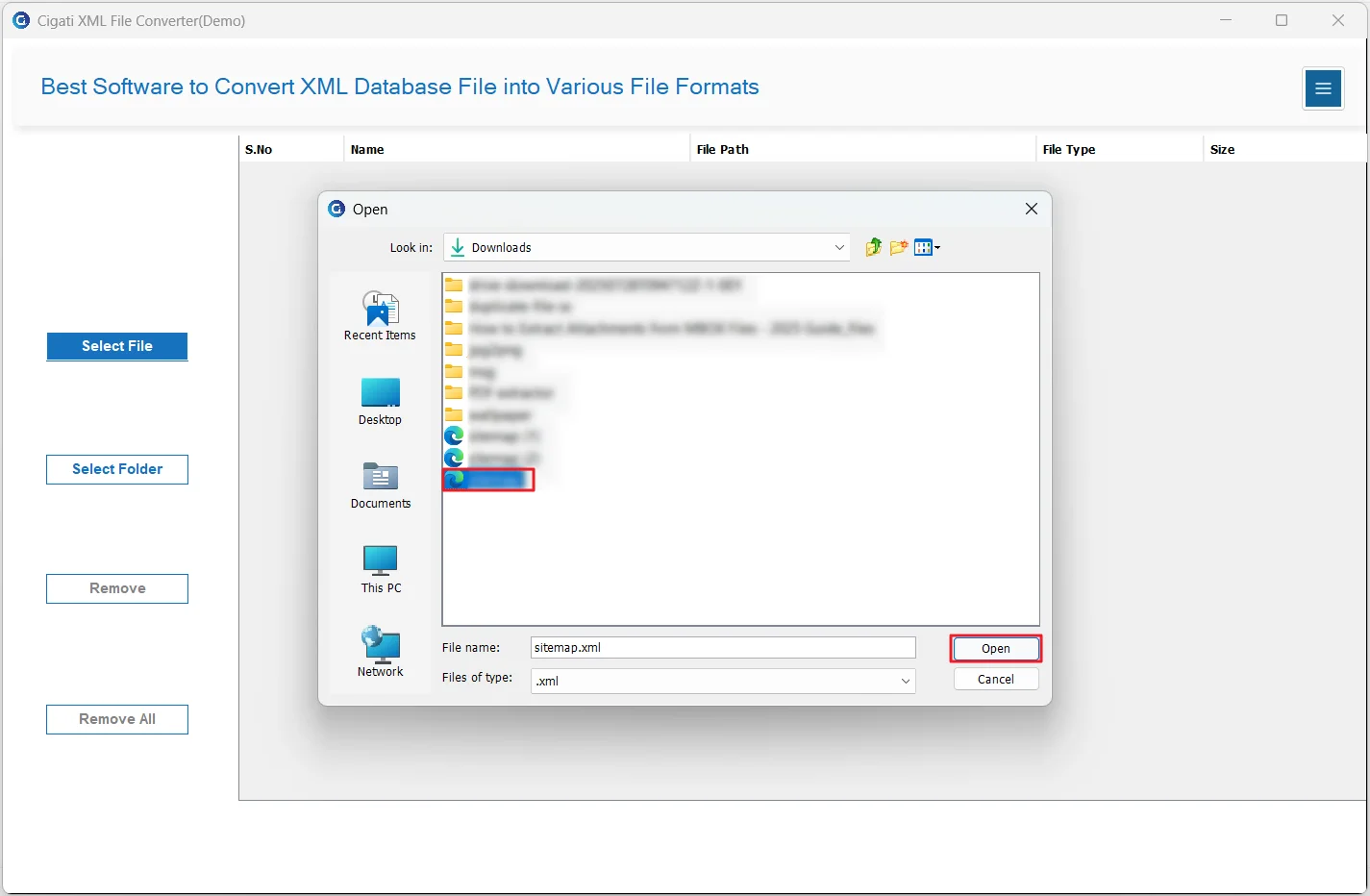
Choose either the Single File or Select Folder option to browse and select XML files from your system.
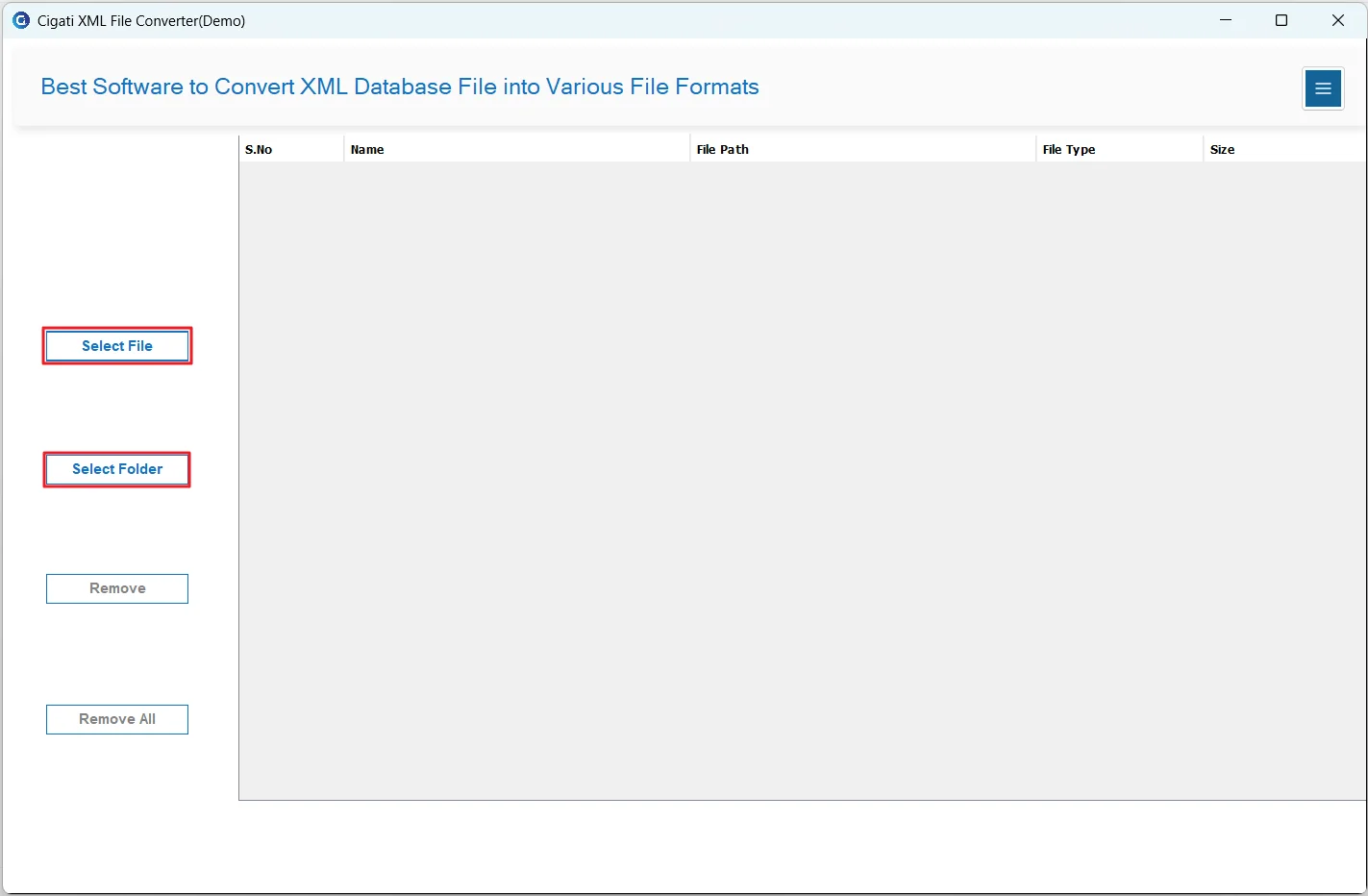
Select the required XML file and click the Open button to add it.
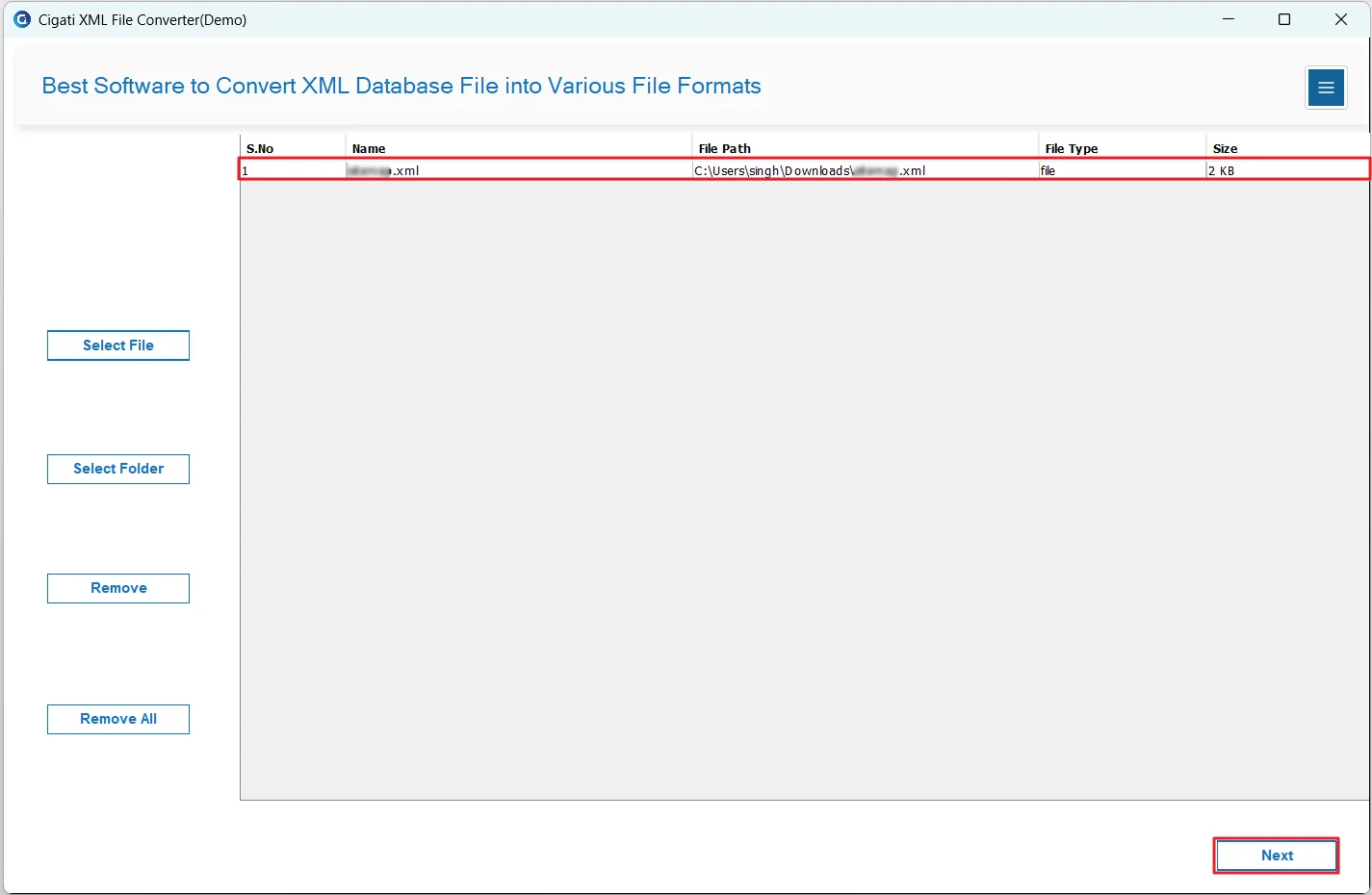
The selected XML file(s) will appear in the list. Click Next to continue.
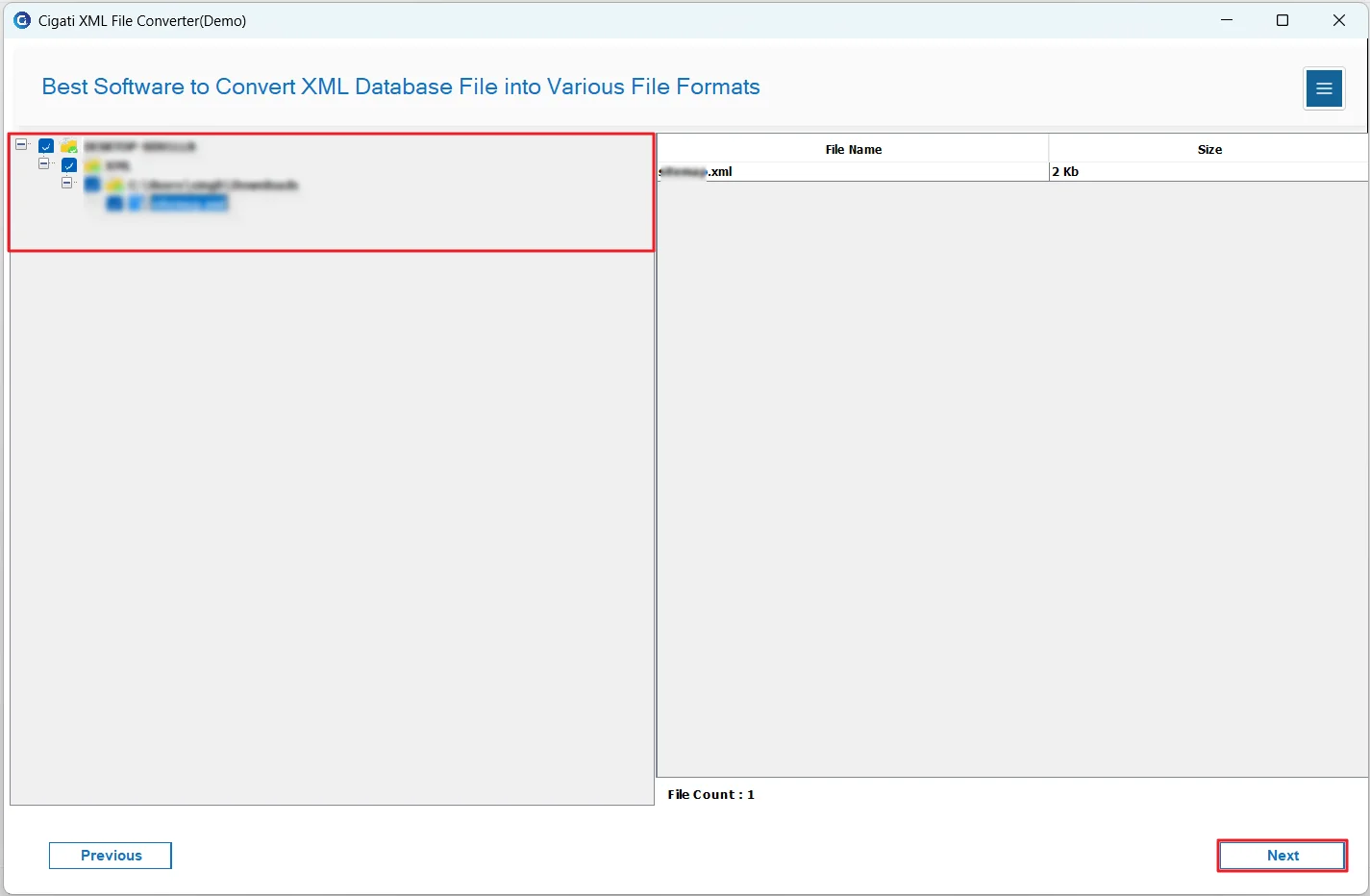
Select the folders you want to convert and click Next to proceed.
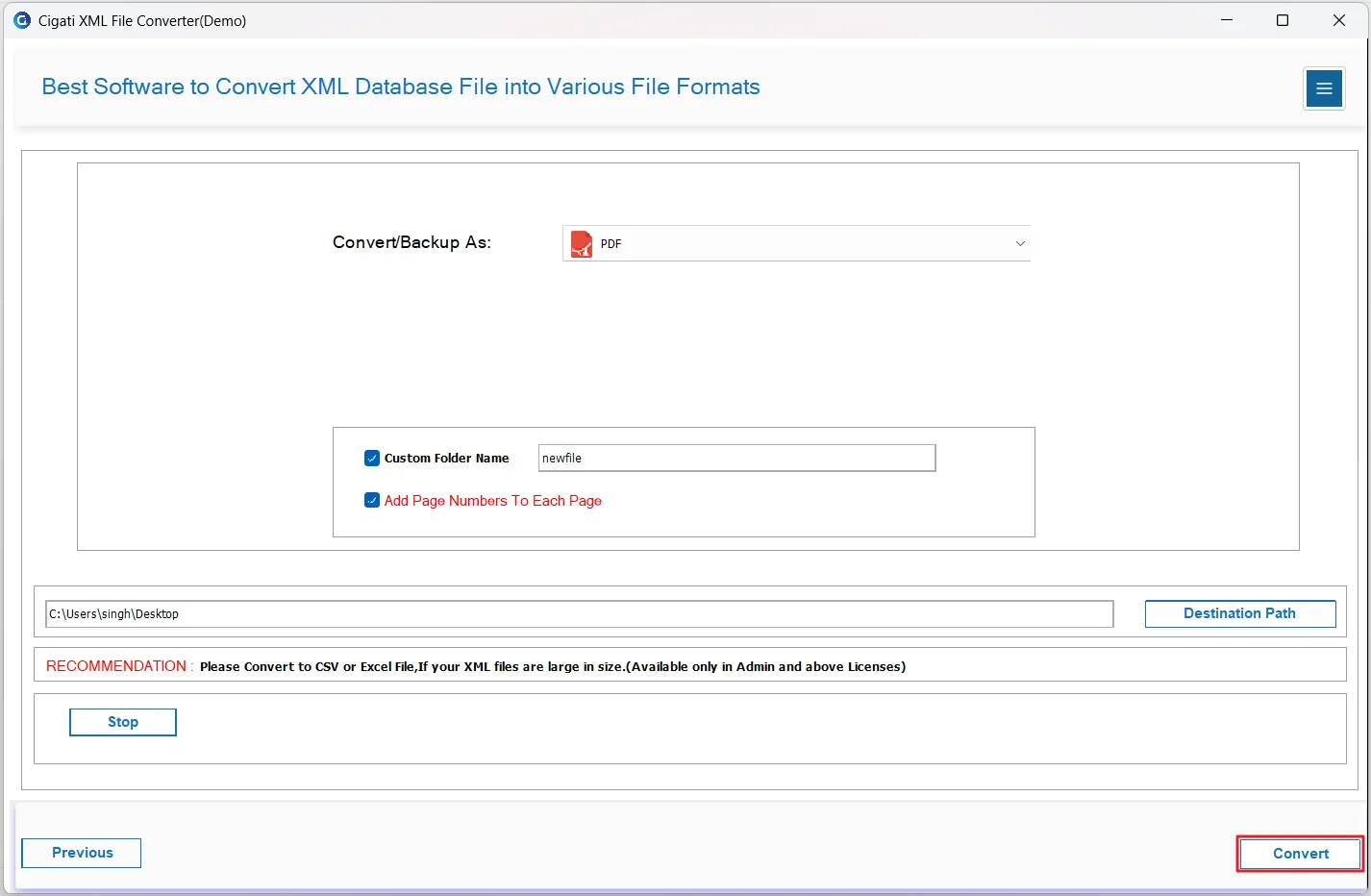
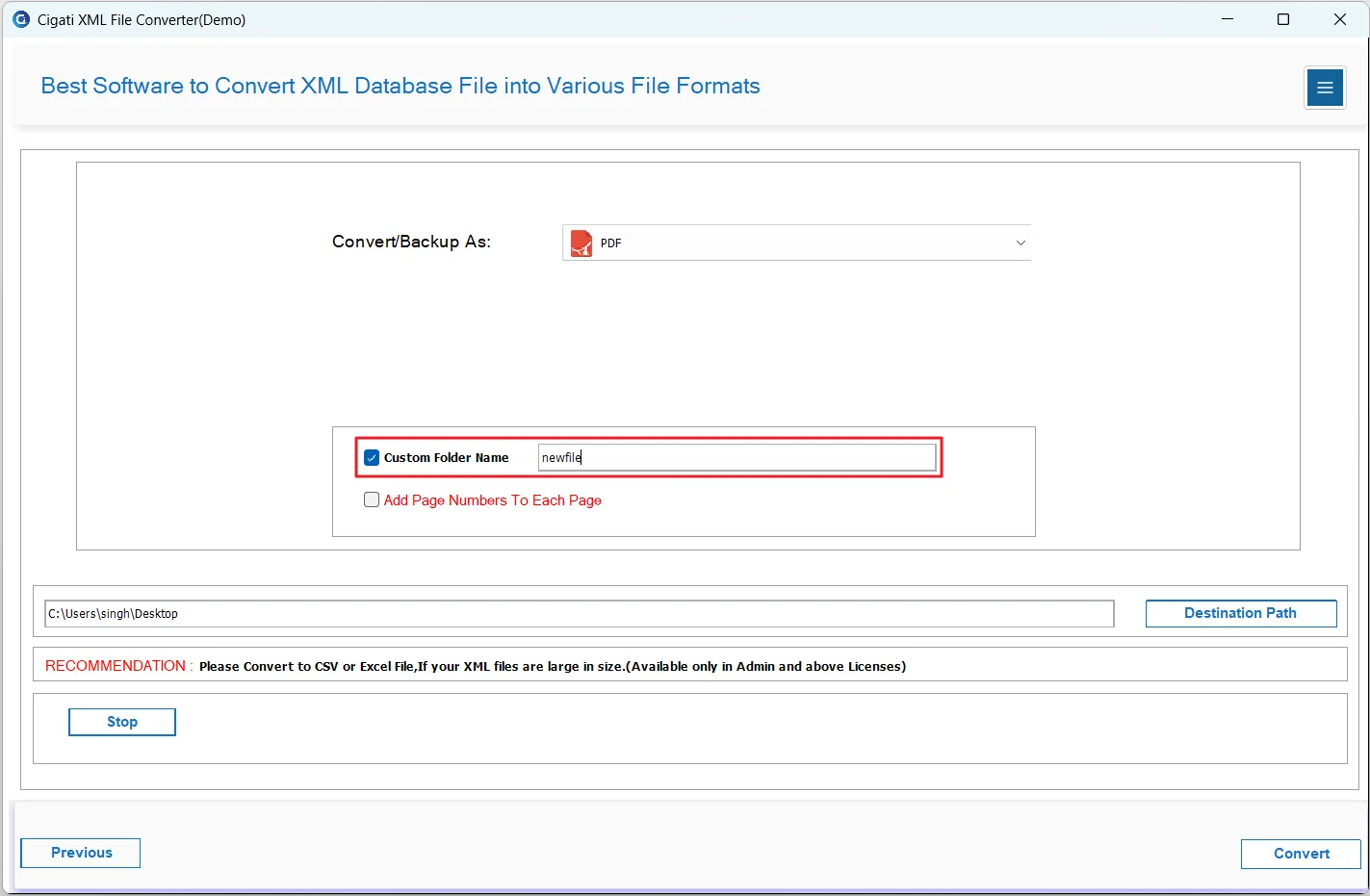
Choose PDF from the Output drop-down menu.
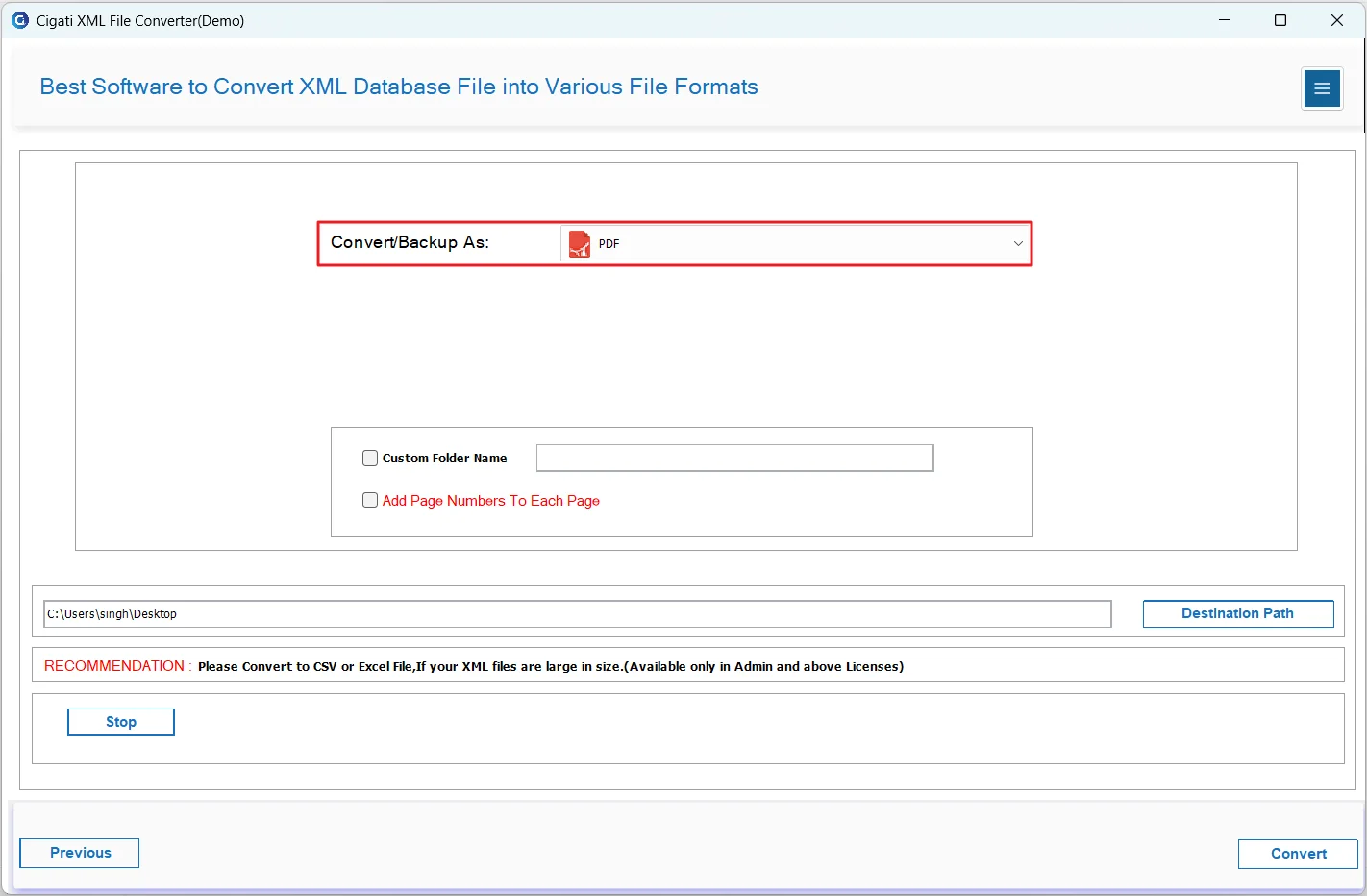
Use the Custom Folder Name option to assign a specific name to the output folder.
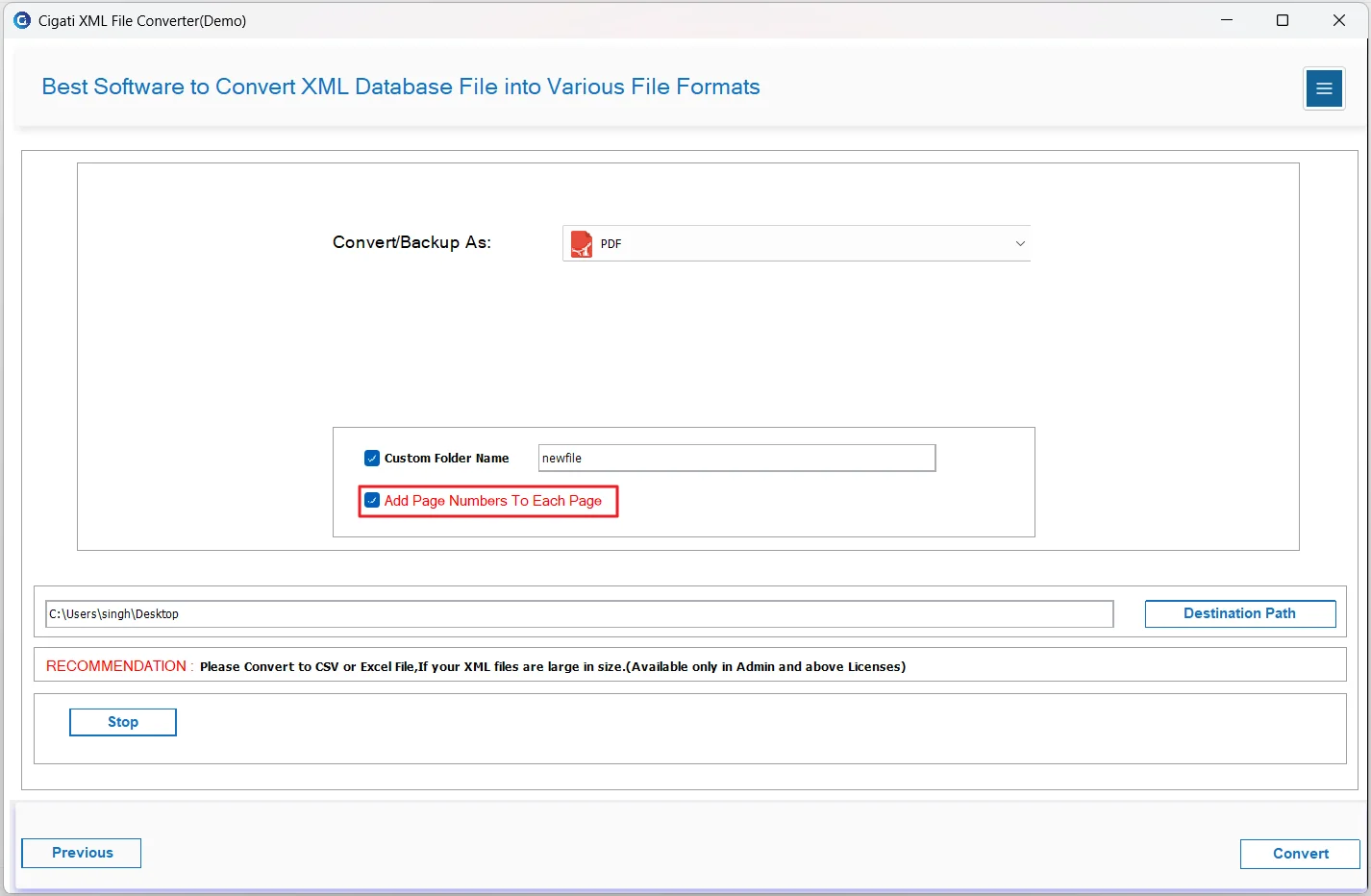
Enable the “Add Page Numbers to Each Page” option to insert page numbers into the PDF pages.
Click the Convert button to start the conversion process.