Zimbra Mail Converter
4.7
Step-by-Step Guide to Convert Zimbra .tgz Files to Outlook .pst File Format
A user-friendly application with an intuitive design for beginners to navigate effortlessly.
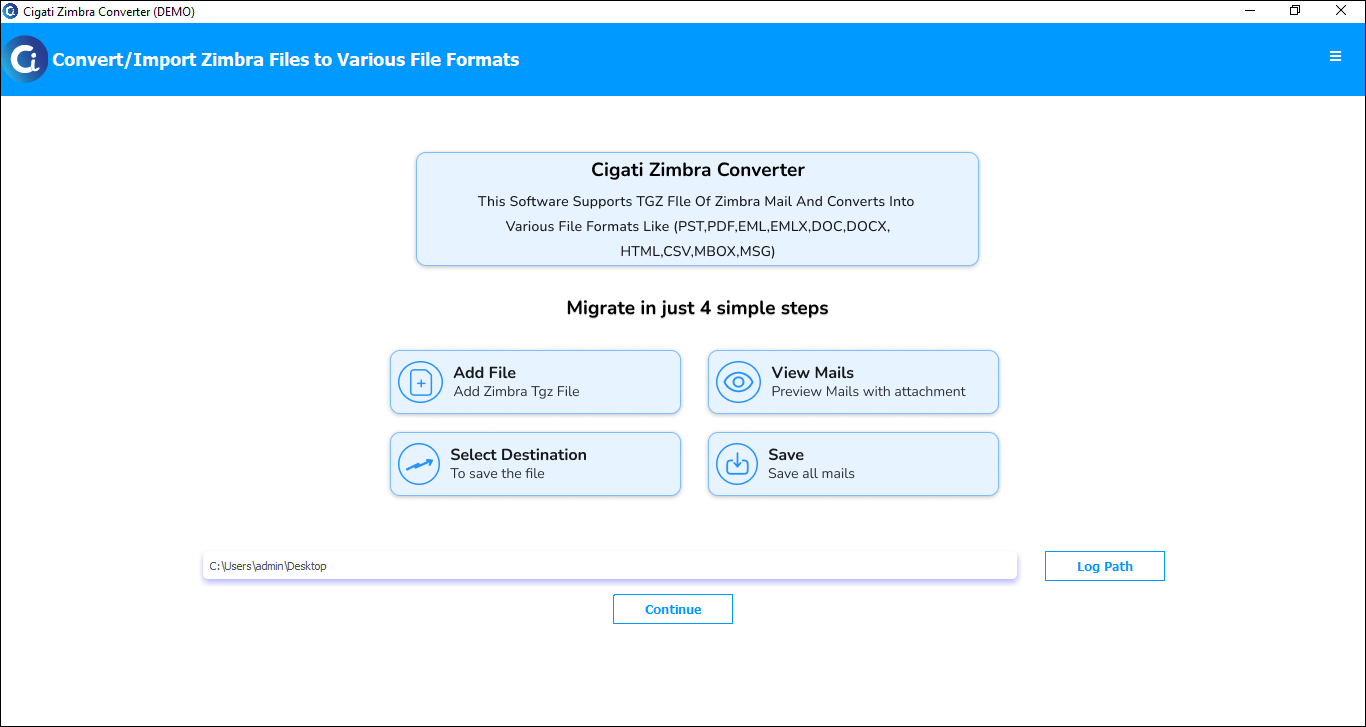
Initially, download and Run the Cigati Zimbra Mail Converter Tool.
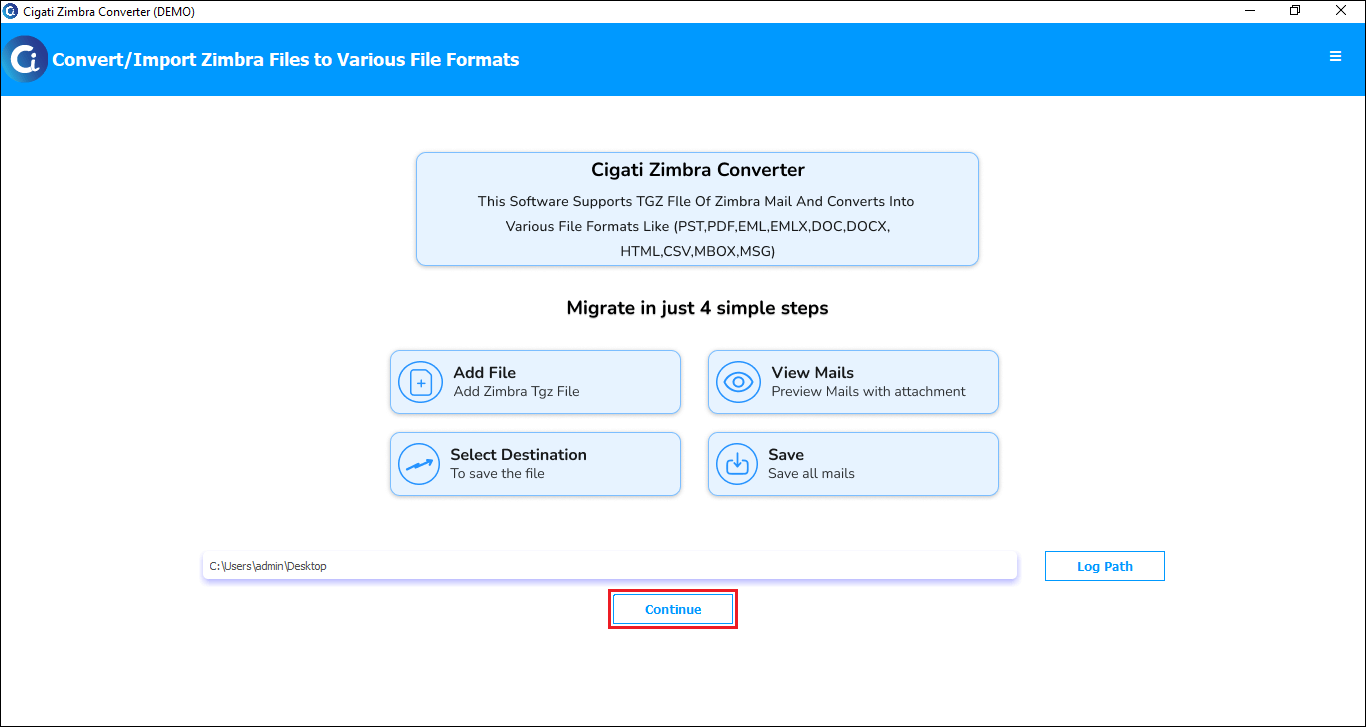
Click Continue to proceed further.
Click Add File or Add Folder to choose a Zimbra file, then click Open.
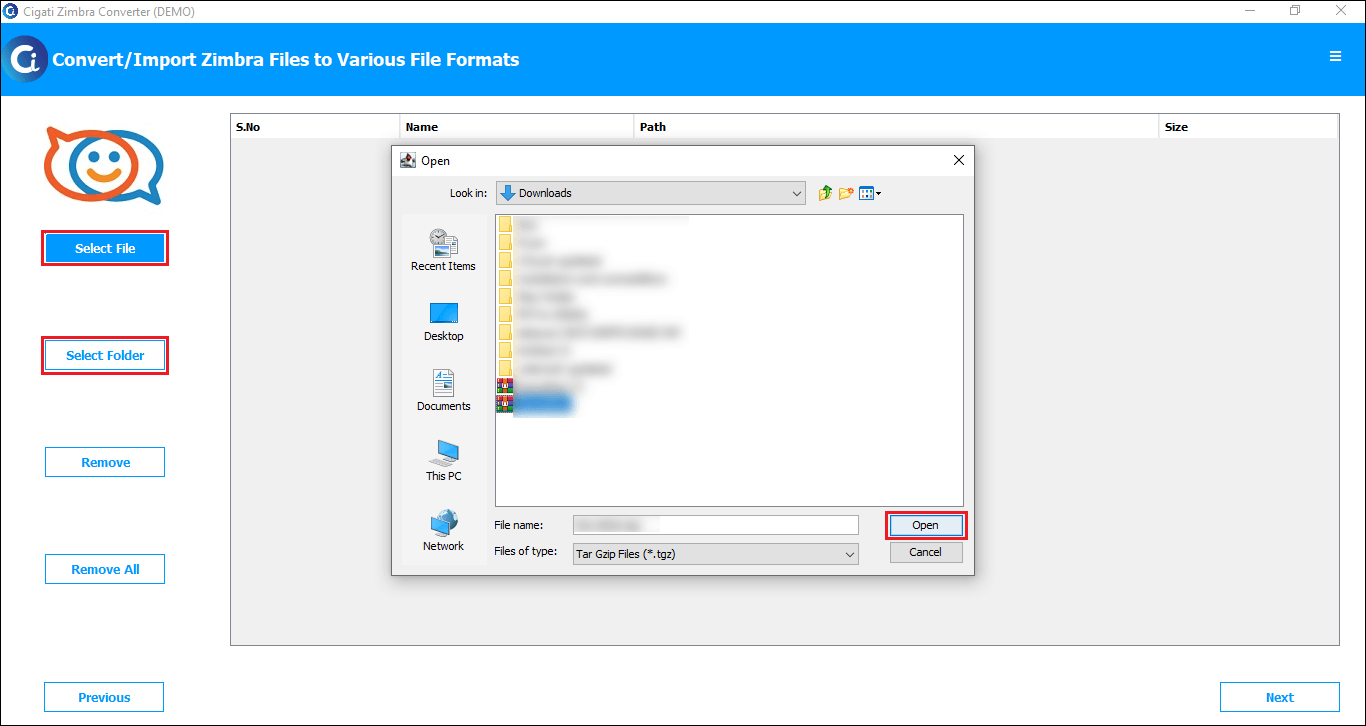
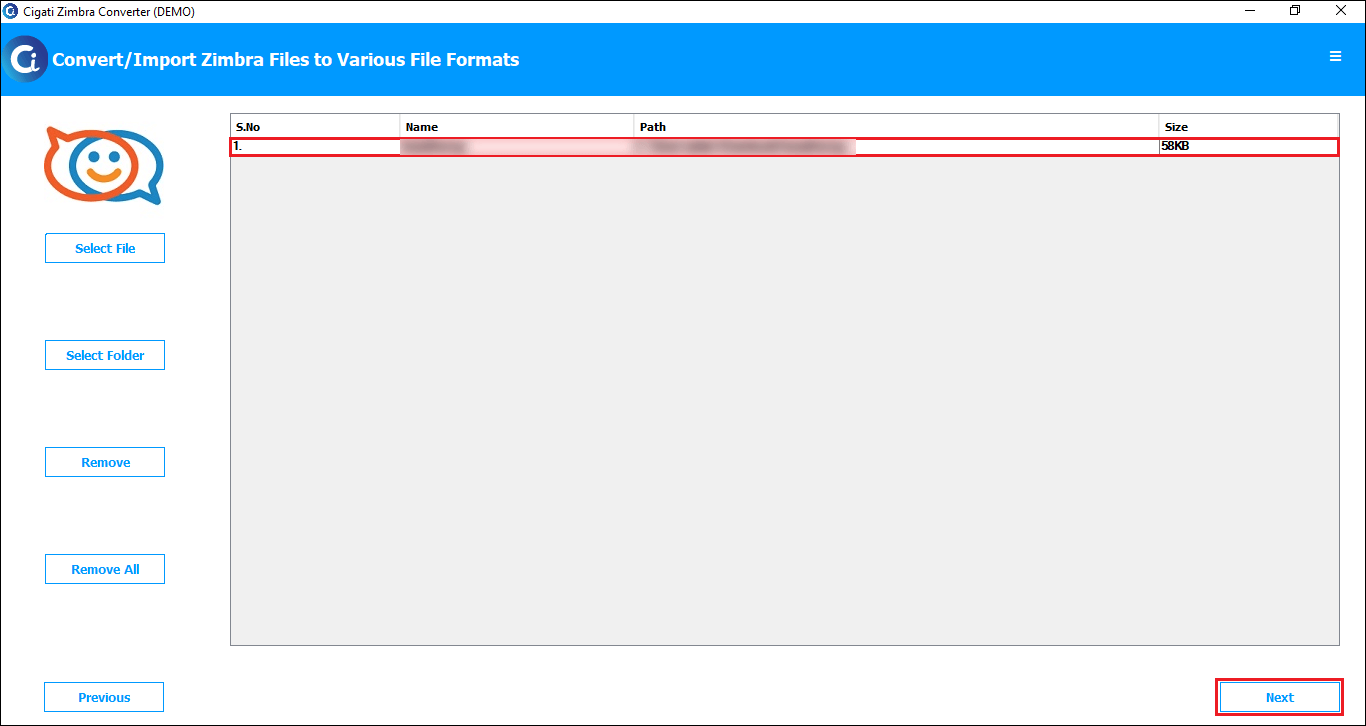
Now you can see the added TGZ file in the preview panel. Click Next to proceed.
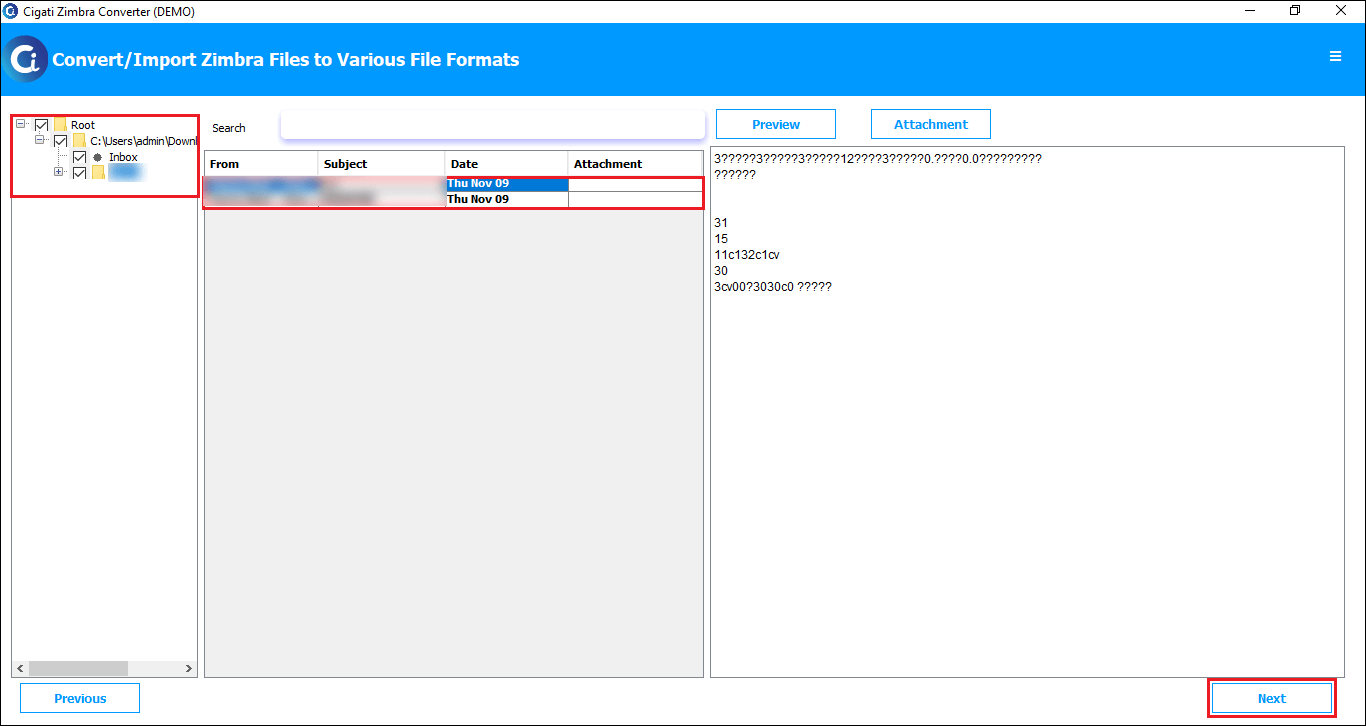
Select folders from the preview list, then click Next.
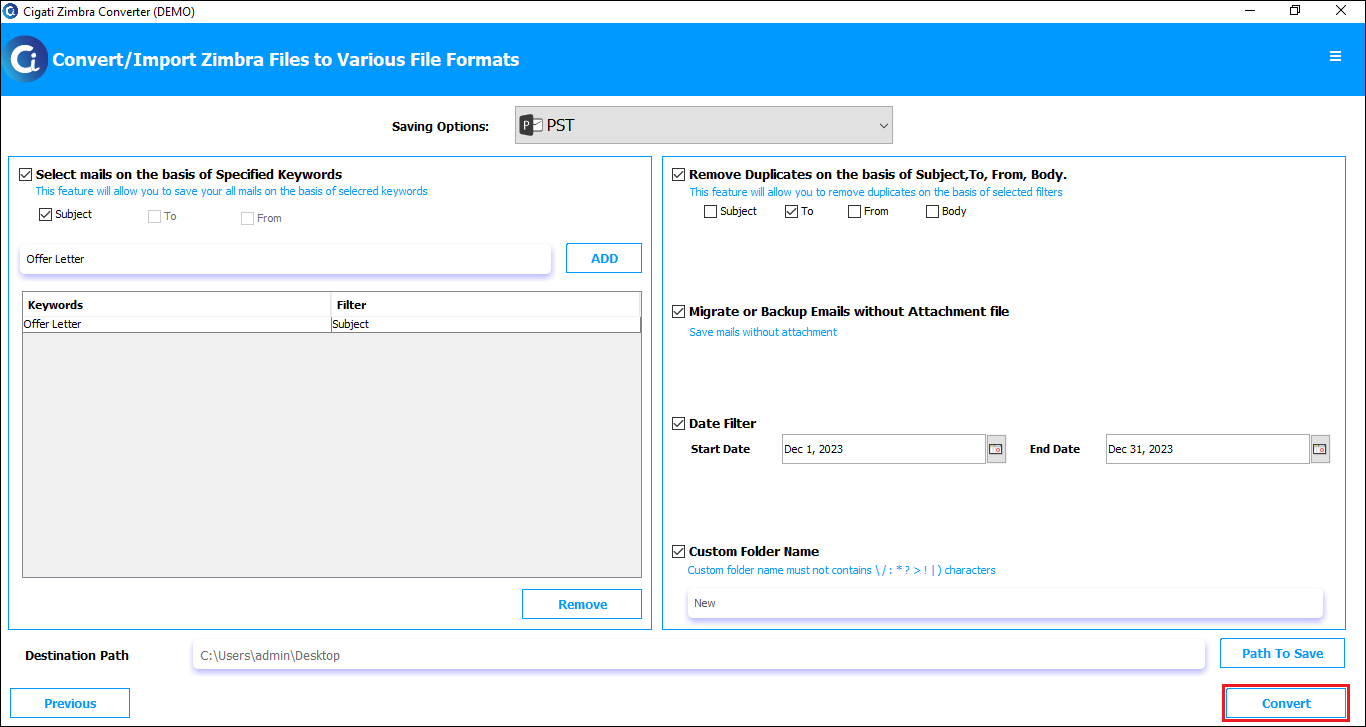
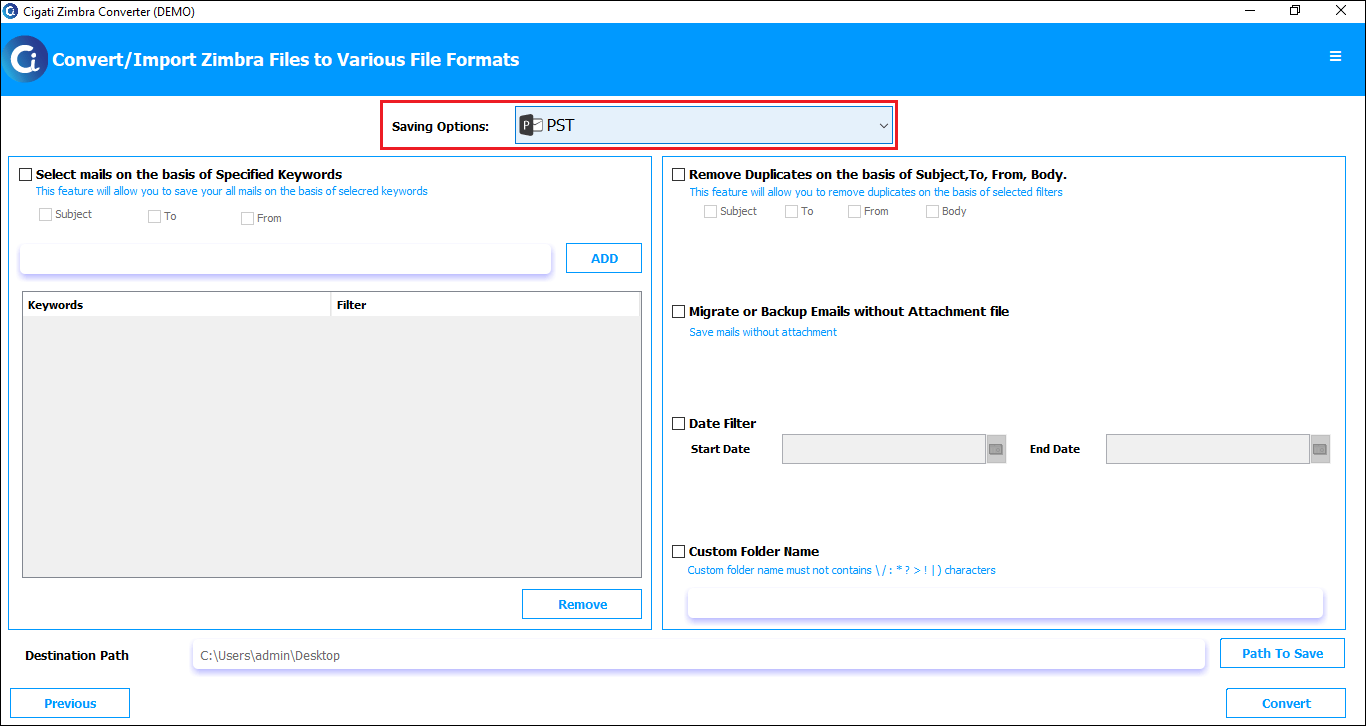
Now, pick the PST format from the drop-down options.
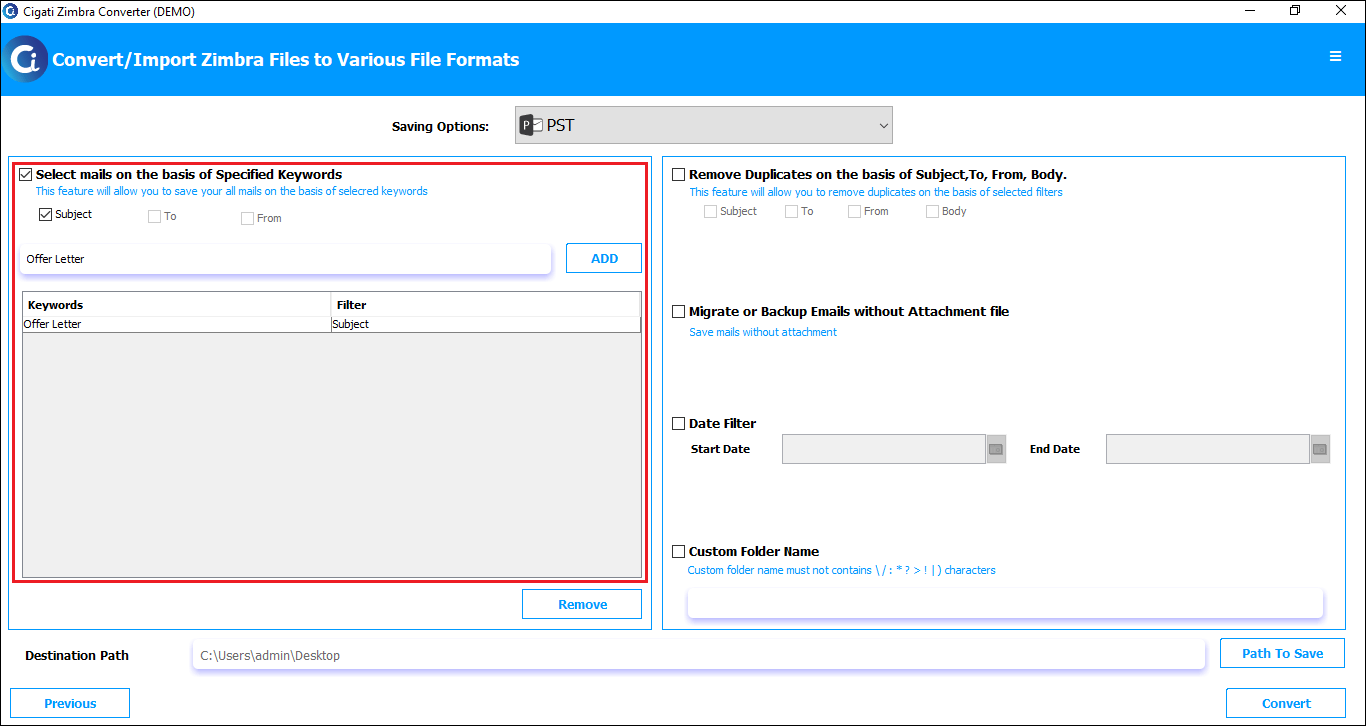
Check the Select Mails on the Basis of Specific Keywords option to filter emails with specific keywords.
Select Remove Duplicates based on Subject, To, From, and Body to eliminate duplicate emails during conversion.
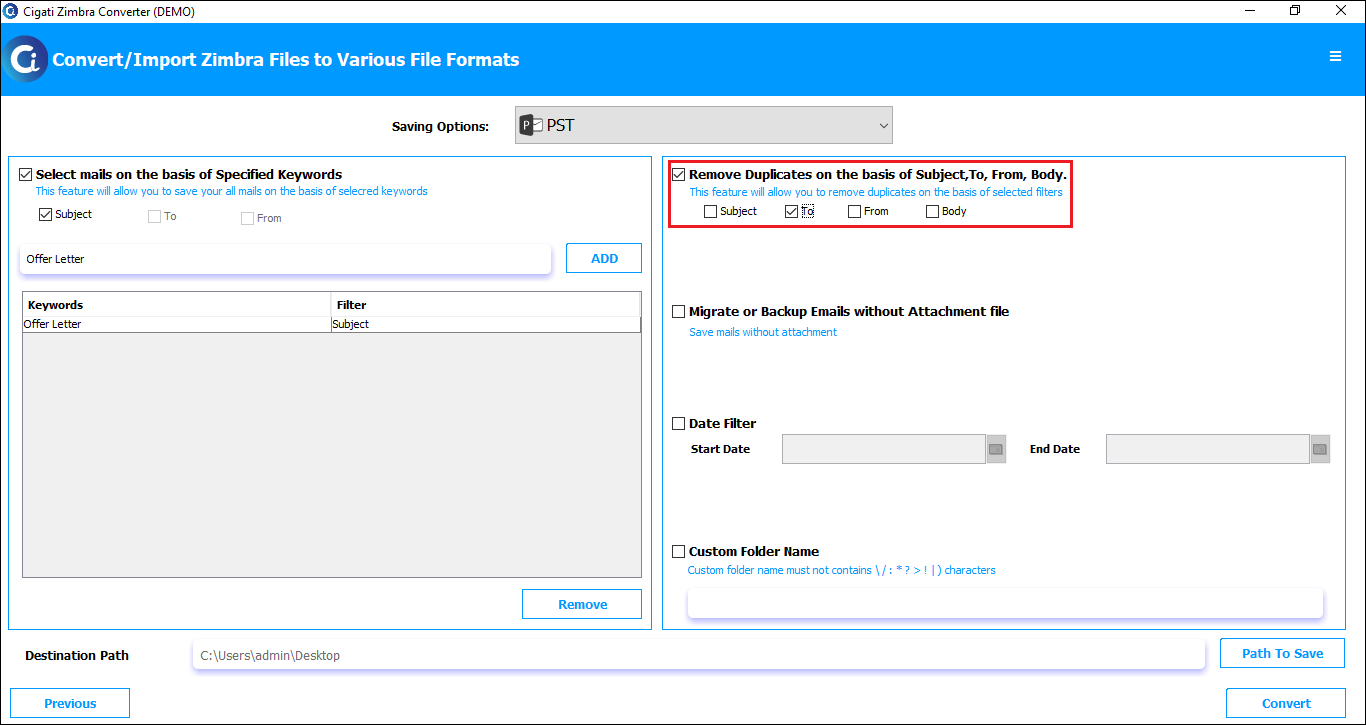
Check the Migrate or Backup Emails without Attachment Files option to exclude email attachments.
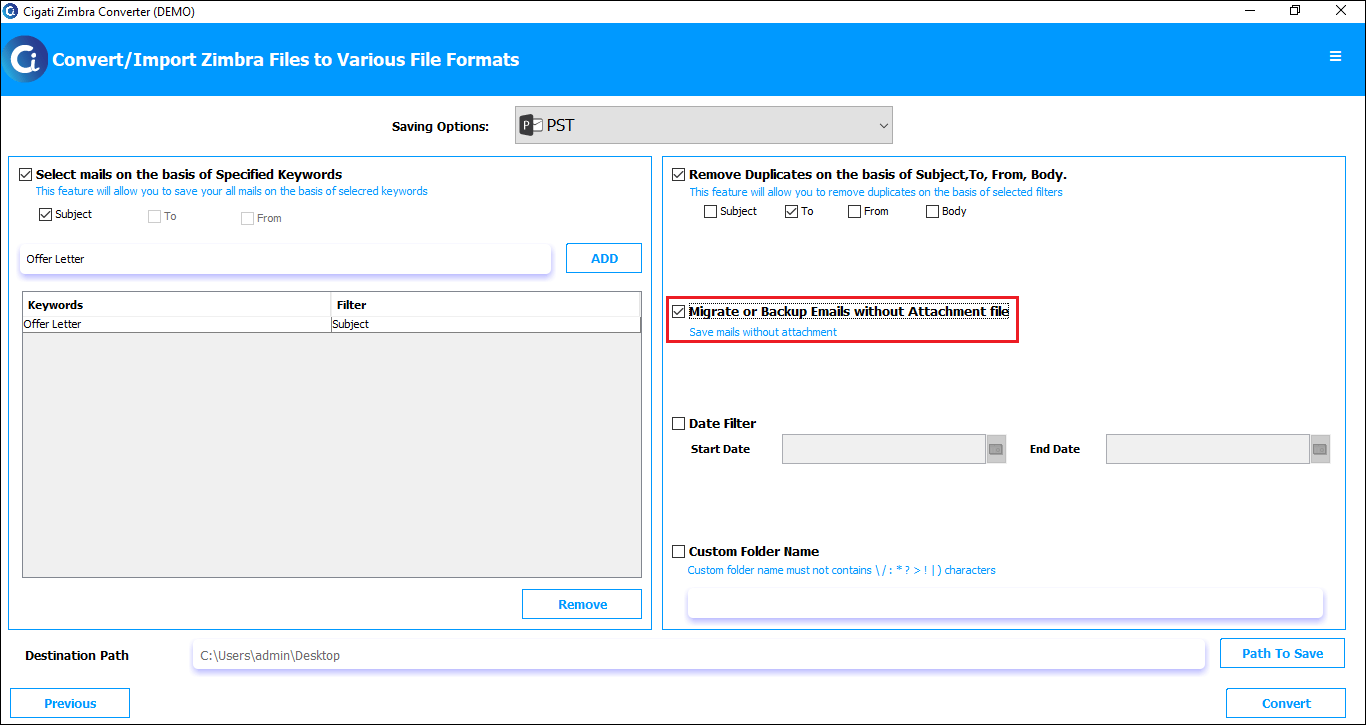
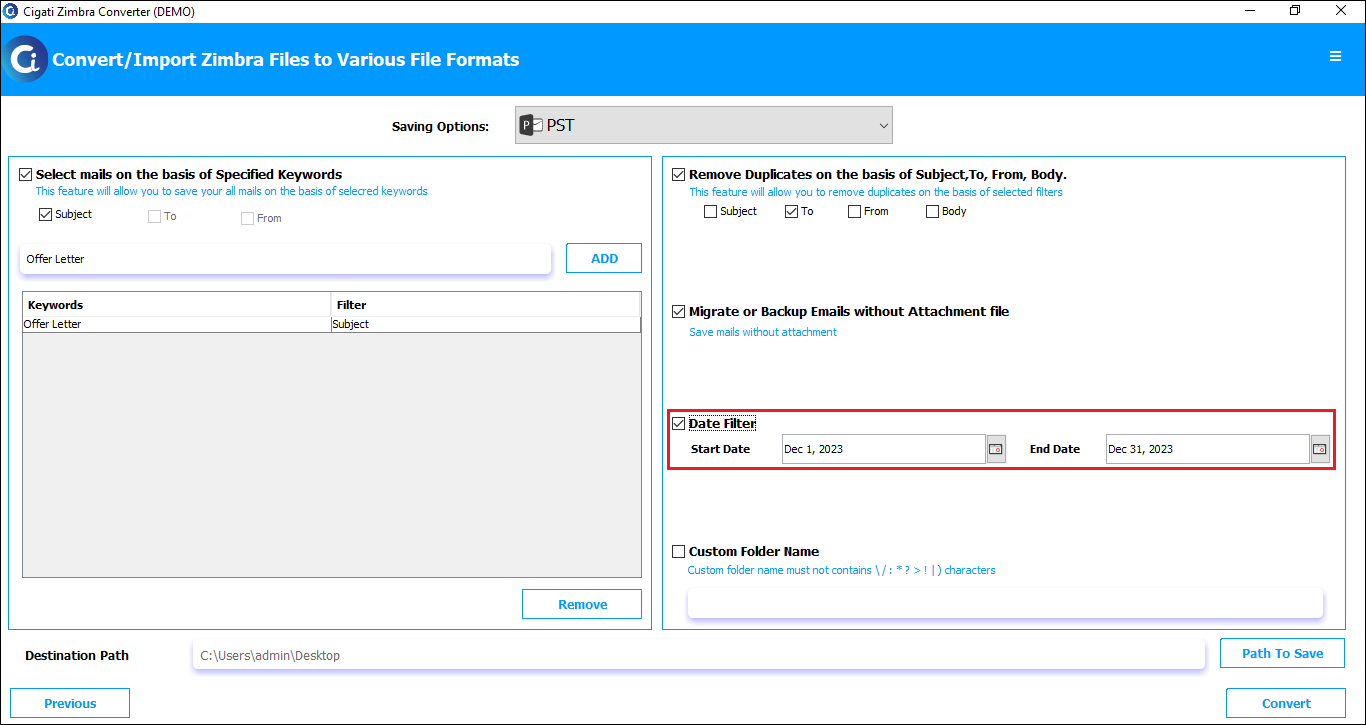
Pick the Date Filter Option facilitates the selective conversion process between two date ranges.
Check the Custom Folder Name option and enter the desired name in the provided field.
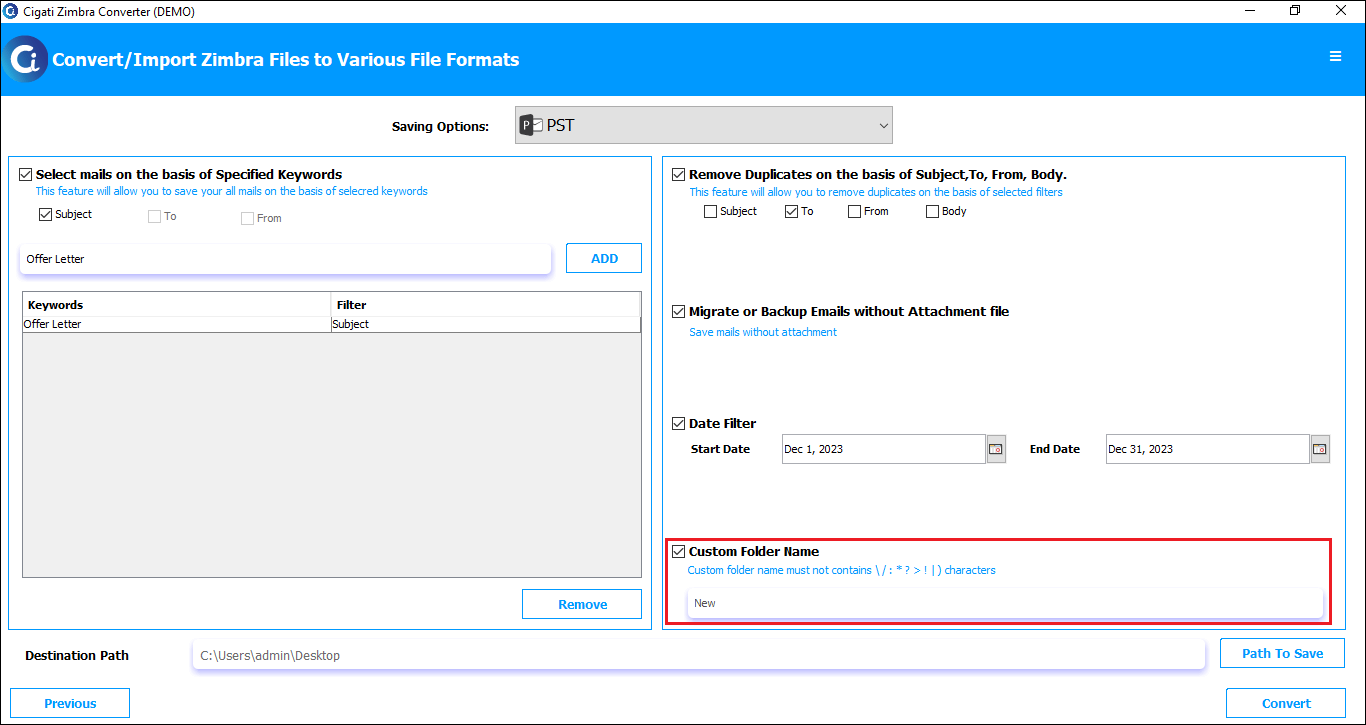
Click the Path to Save button to select the destination for the saved file.
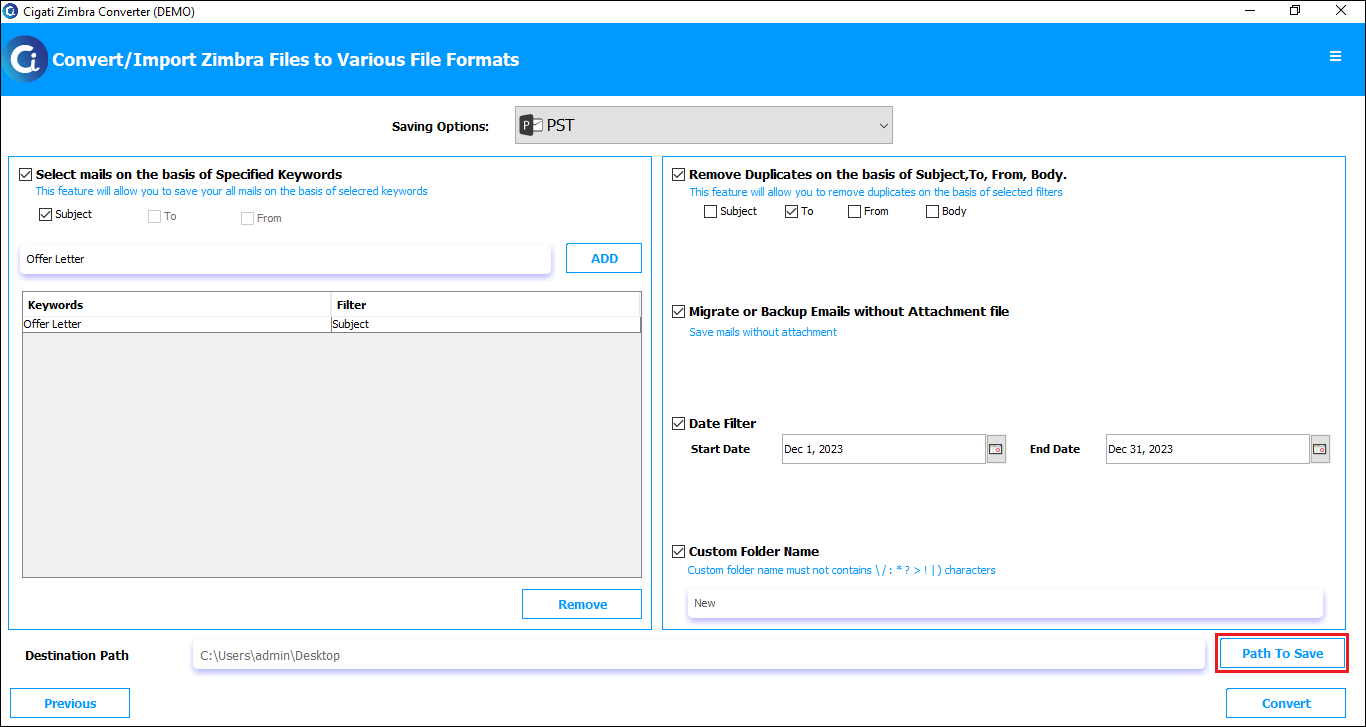
Finally, click the Convert button to begin the conversion procedure.