Software Guide Cigati BKF Repair Tool
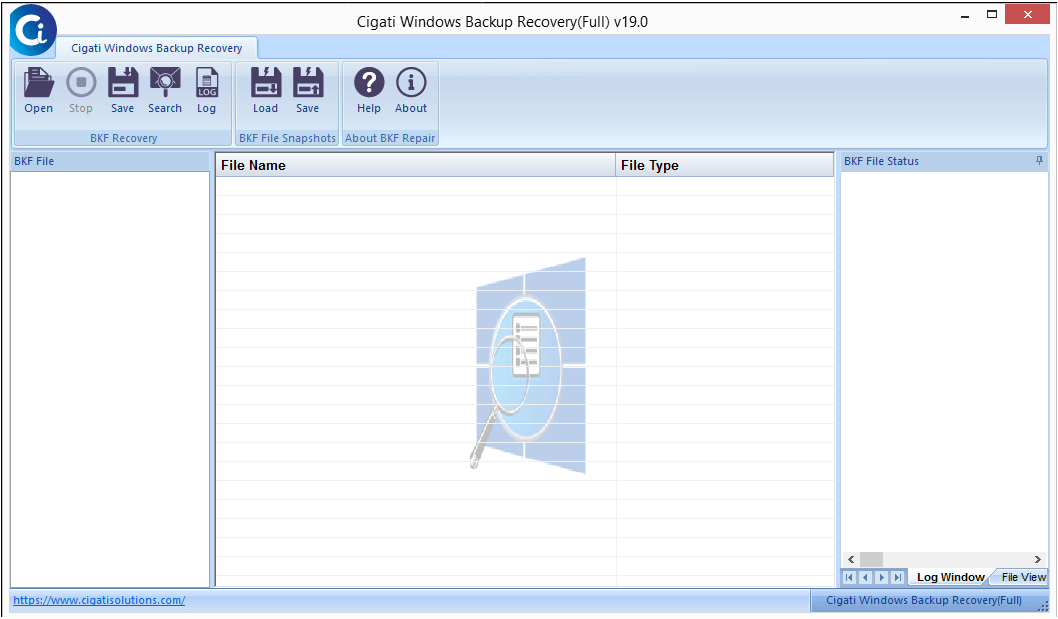
Here is a detailed step by step guide on how to recover your Windows Backup files (.bkf) with the help of this software
How To Get Back Inaccessible Windows Backup Files
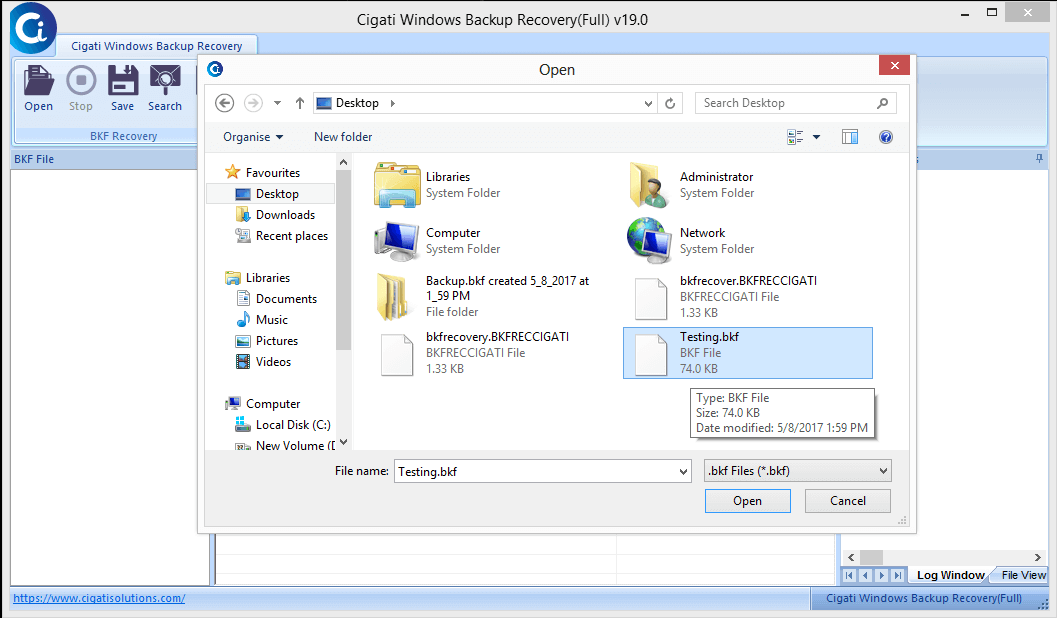
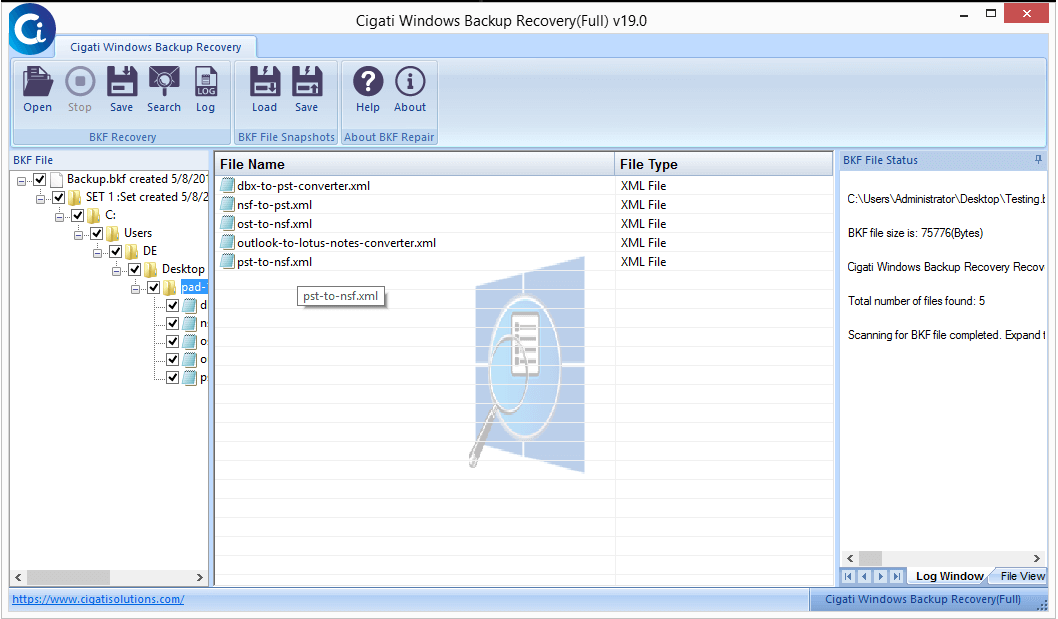
Here is a detailed step by step guide on how to use the software and recover your data with ease
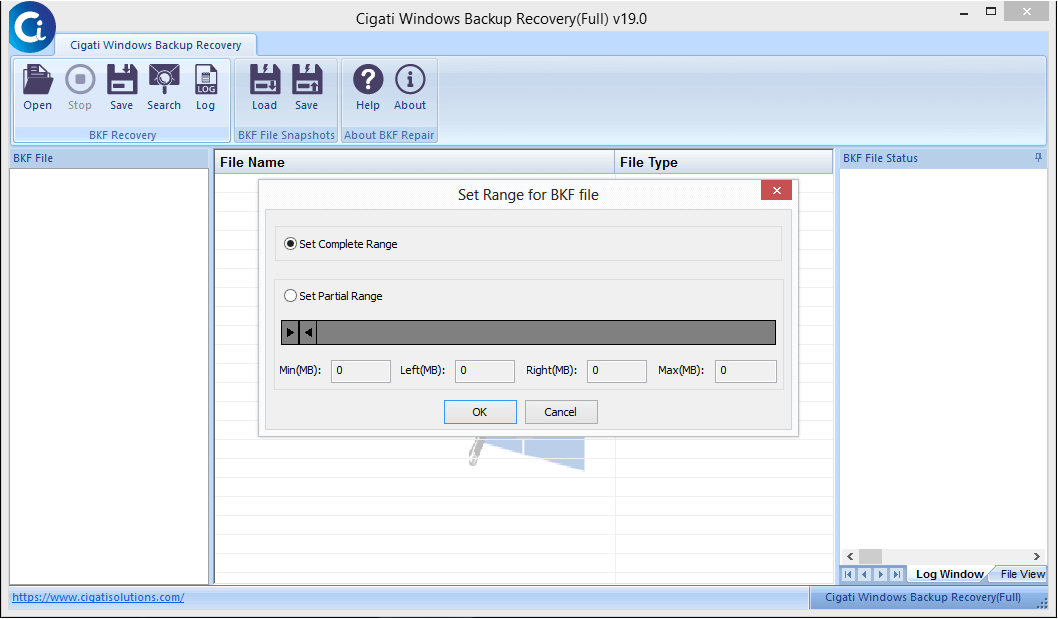
Here, choose the range of recovery like Complete or Partial range. Tap OK to proceed further.
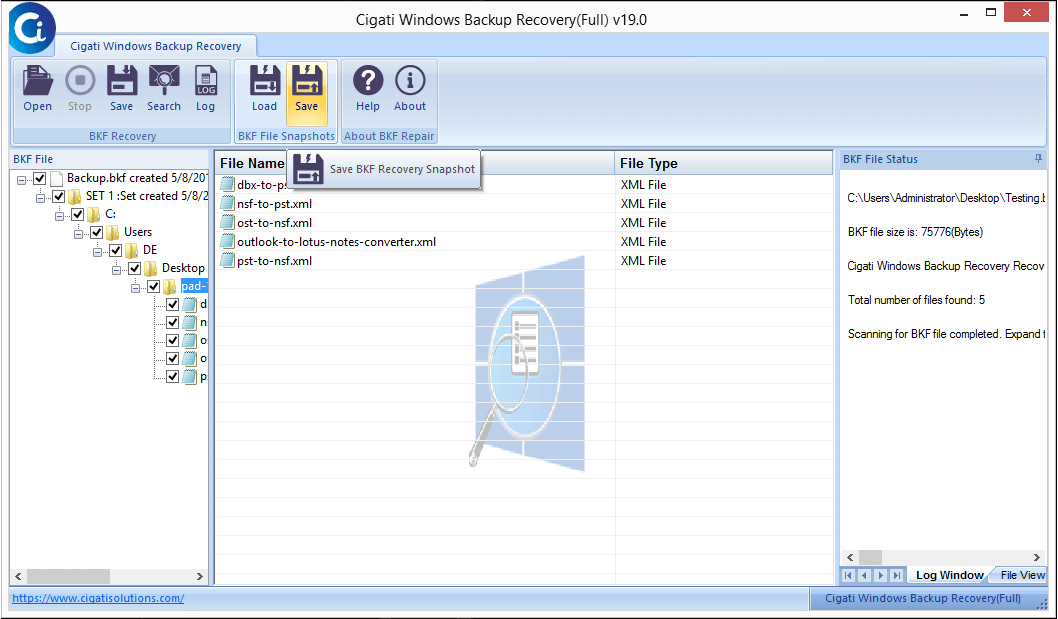
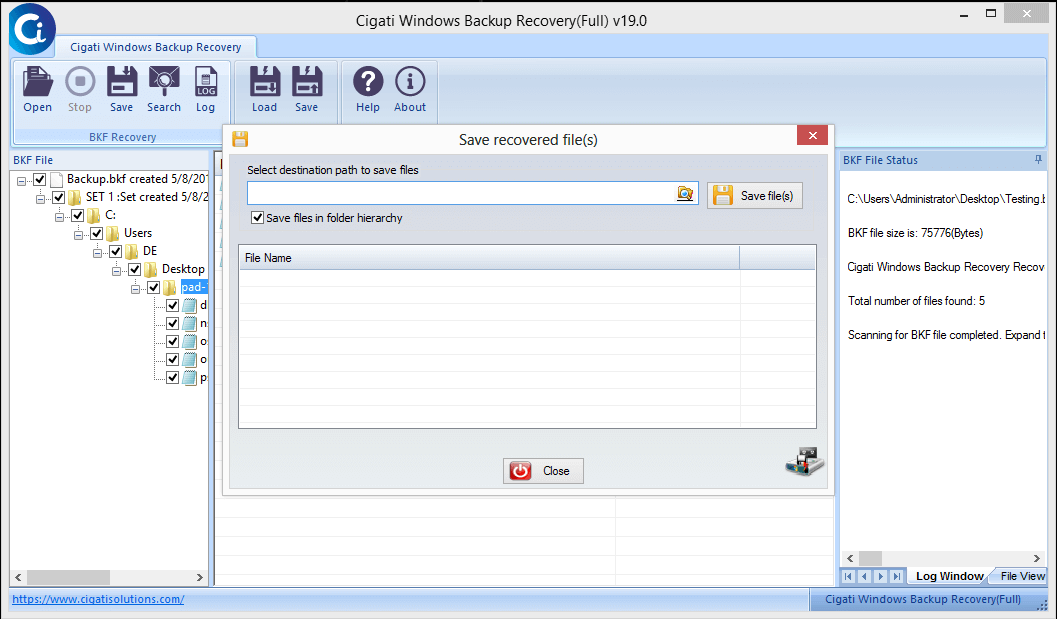
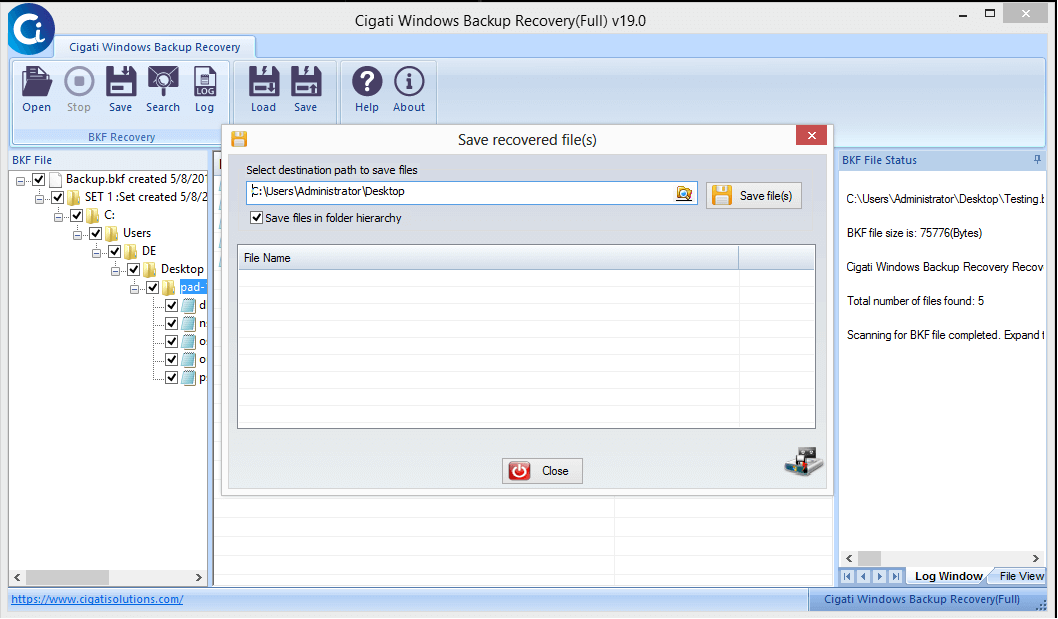
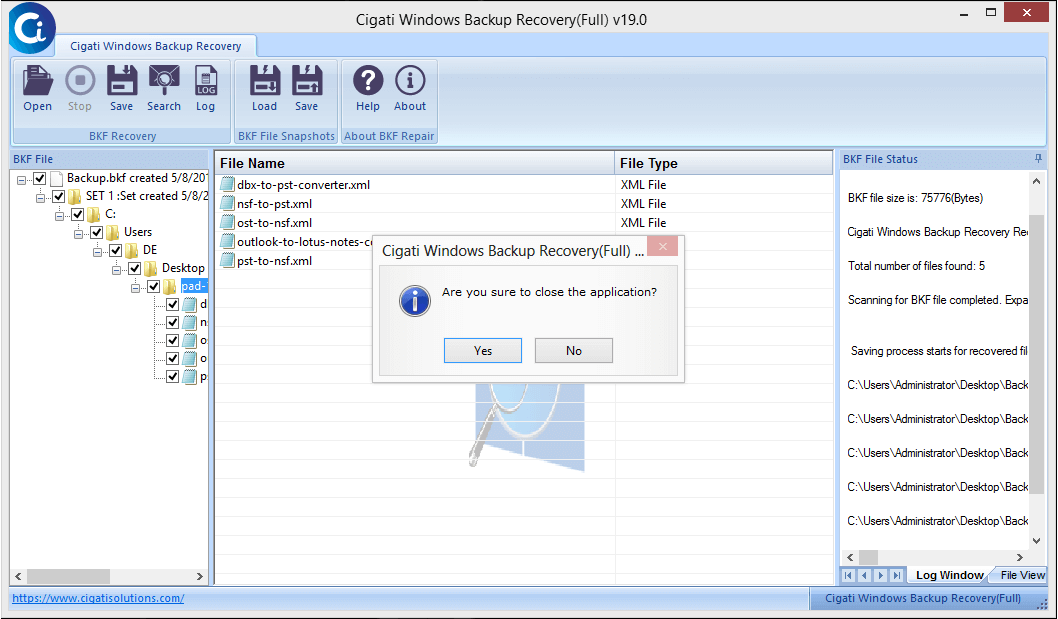
To activate the full version in your system, follow the below-mentioned process.
- As soon as you make the payment and purchase the full version of the application, you will receive an email from sales@cigatisolutions.com on your registered email id.
- The email will contain all the related documents and details needed to activate the software with that, it will also have a download link to the purchased software
- Click on the link and download & install the application on your Windows PC (For installation you may check out our installation guide as well).
- Post-installation, double click on the software icon & launch it.
- Click on “l don't have authentication code” in the authentication code box. & fill the below details after that:
Email Address: Mention the same email address that you have used to register the software
Order Number: Enter the Order Number provided to you when you purchased the software
Path to save the file: The default location to save your recovered files is set to desktop. You can change it here. Just browse and select the destination - Now click on 'Get Authentication Code'
- After you clicked on 'Get Authentication Code' a new file named "cigatiinfo" will be saved at your mentioned location.
- Now, just share that auto-generated file to sales@cigatisolutions.com
- Within 5-10 minutes of sending that email. you will receive an email containing the Activation Code to activate the full version of the software
- Now copy & paste or type the exact code in the Authentication Code box and click Activate.
Queries Regarding BKF File Repair Tool
Complete range defines- recovery of the full size of the BKF file. Wheres, In the partial range you can fix the BKF file size of recovery.
The software supports the latest version of windows including Windows 10, Windows 8.1, Windows 8, Windows 7, Windows Vista, Windows XP.
Note: Try the free version to evaluate the performance of the software for free.Click here to order the full version of the software.