SQL Recovery Tool
4.7
Here is a detailed step by step guide on how to recover and repair your SQL database files with the help of this software
A user-friendly application with an intuitive design for beginners to navigate effortlessly.
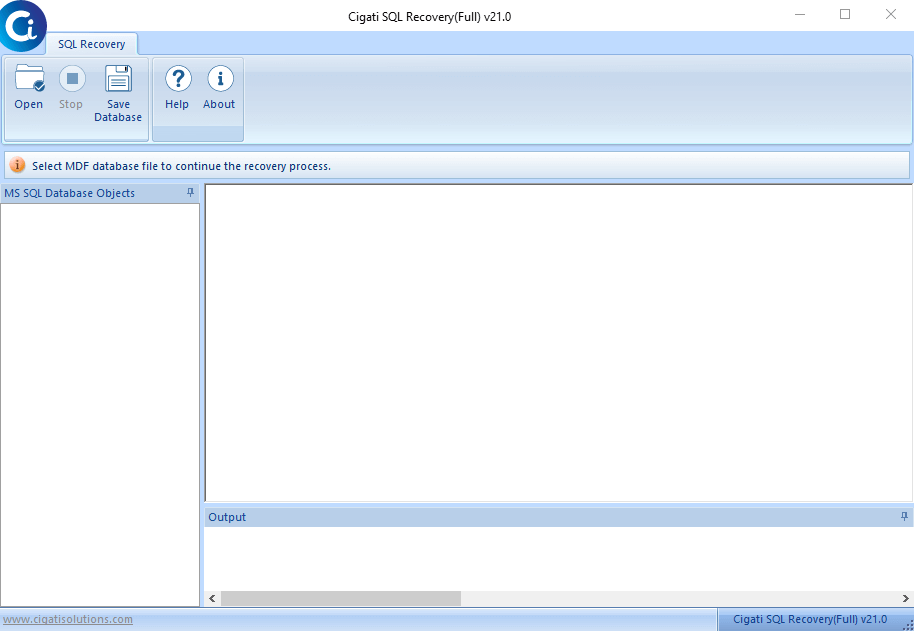
Start and launch the tool first.
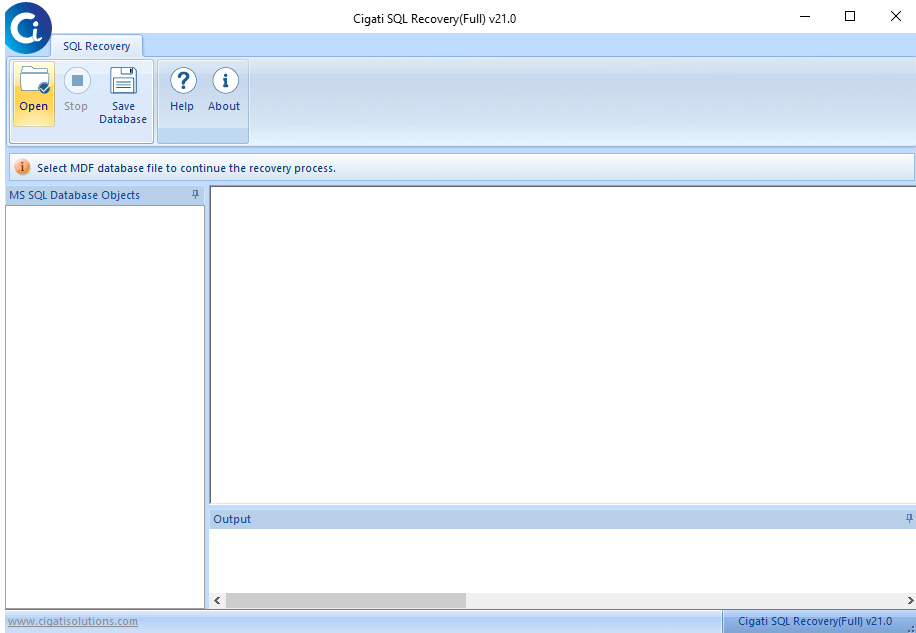
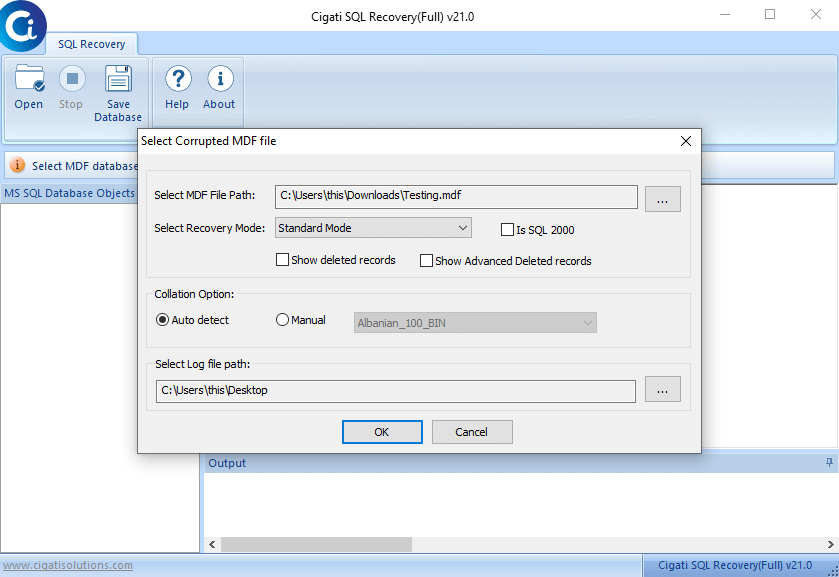
Then go to the left side corner of the tool and hit the Open button. Search the corrupt MDF file from the browse button for recovery. Click OK.
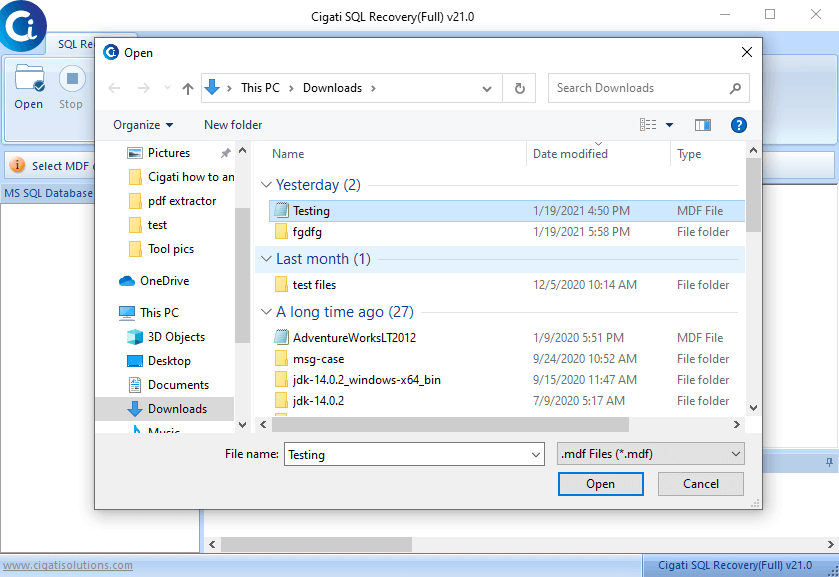
Choose the damaged MDF file in the list. Press open to confirm your file selection.
Select the modes to add during the scanning process.
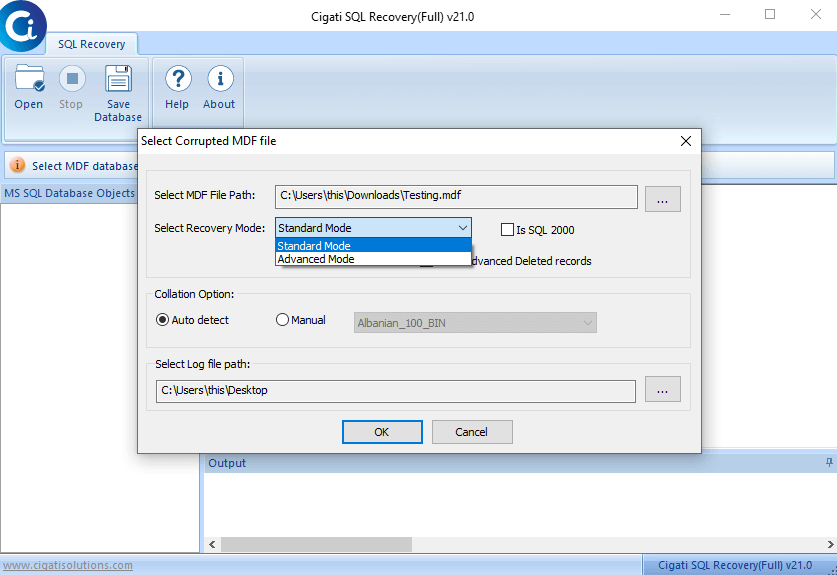
Choose the auto-detect option or manual option to add during the scanning process. Hit OK then.
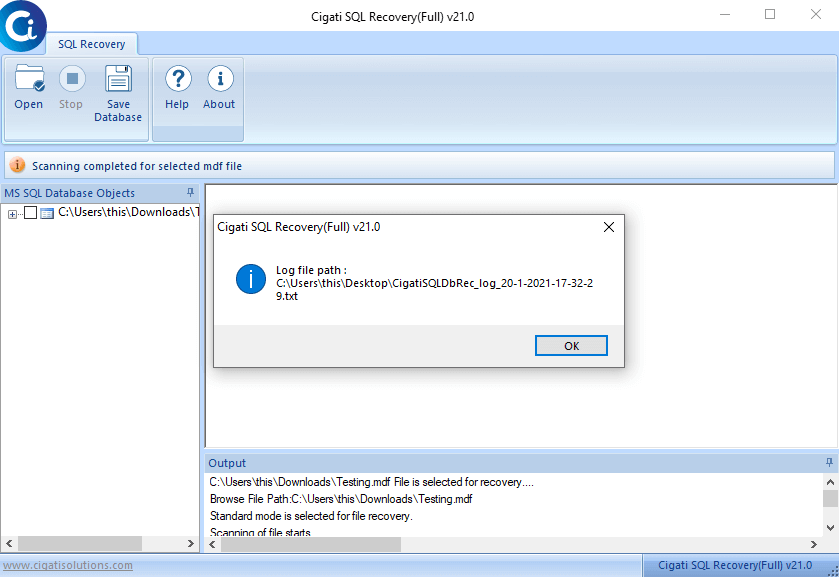
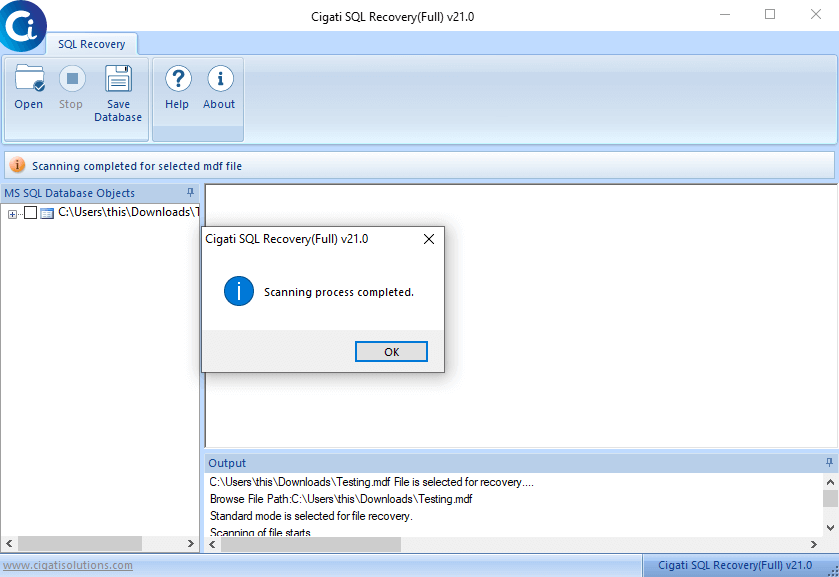
Now, the scanning process will start. After sometimes, a pop-up of completion will appear, press OK on it.
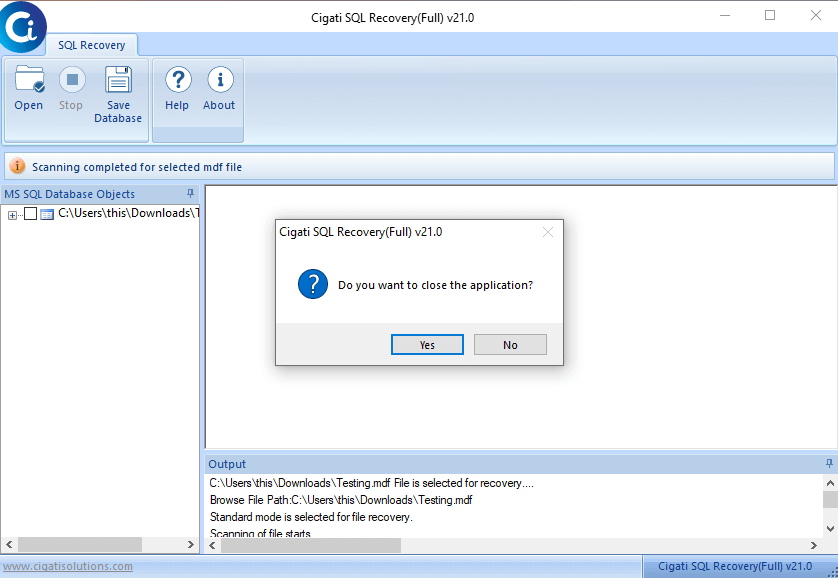
A notification box appears to exit the application, click on Yes.
At last, a pop-up message shows the file saving path, just press the OK button.