How to Convert EML Data files into different File Formats & Email Clients
Here is a detailed step-by-step guide on how to convert & migrate EML data into multiple other file formats and email clients.
How to Convert & Export MAC EML Files into Different File Formats
Here is a DIY guide on how to use the software to convert or export your data seamlessly.
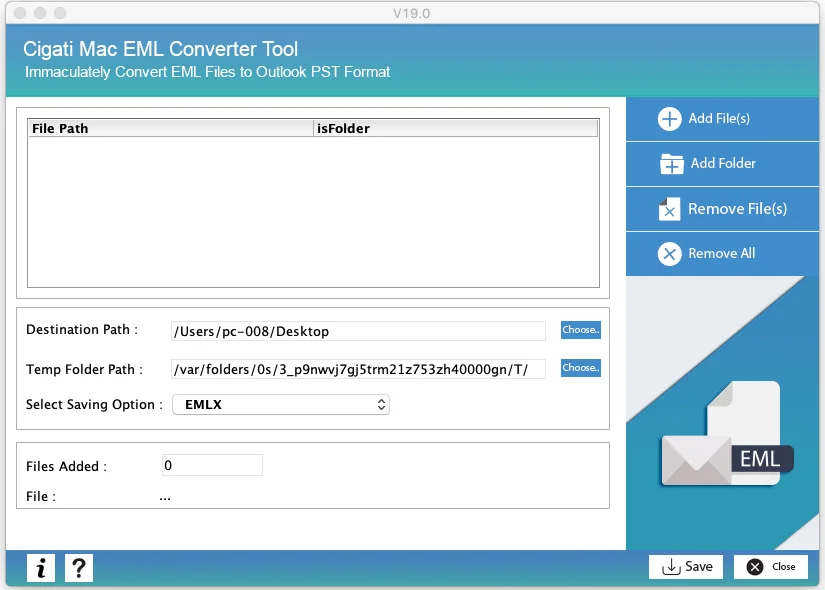
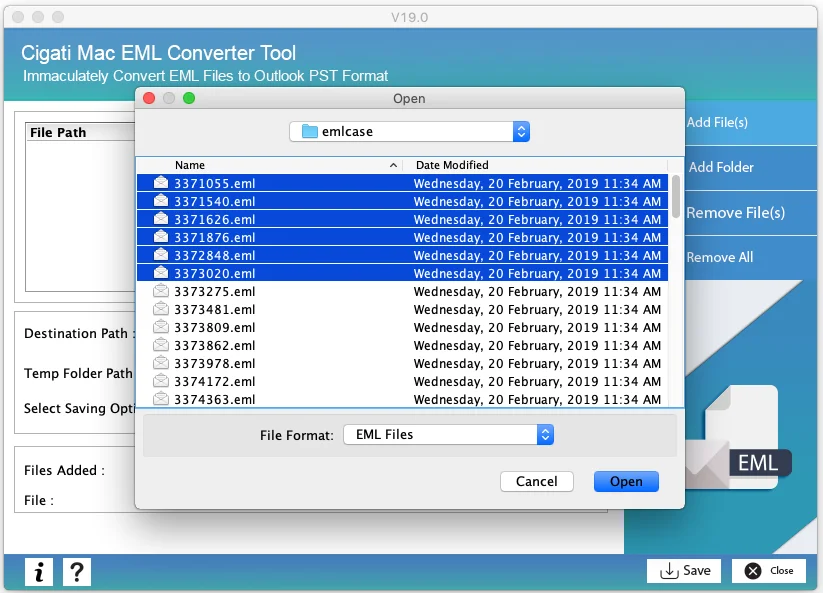
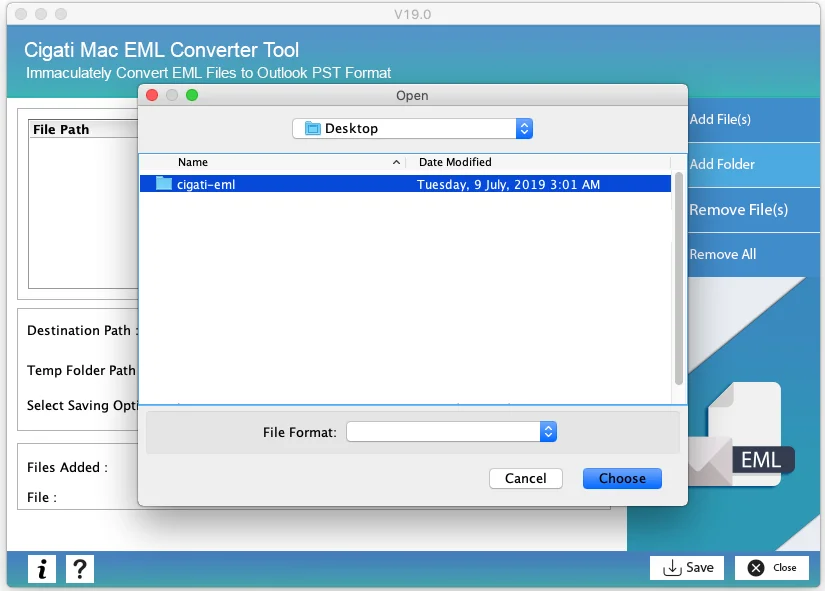
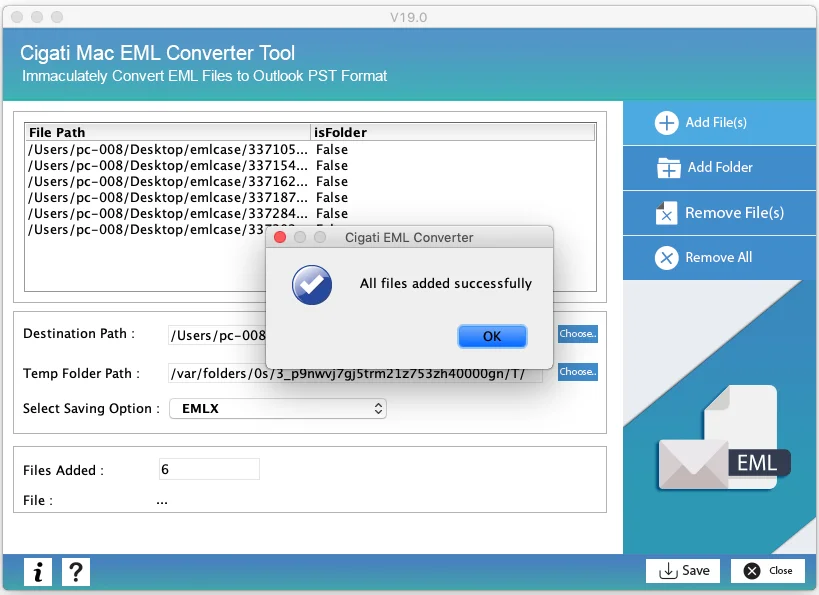
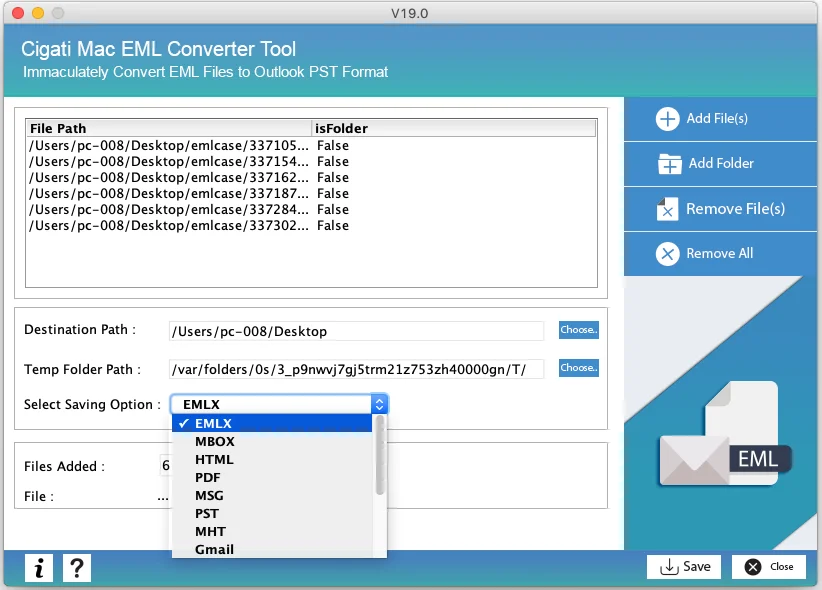
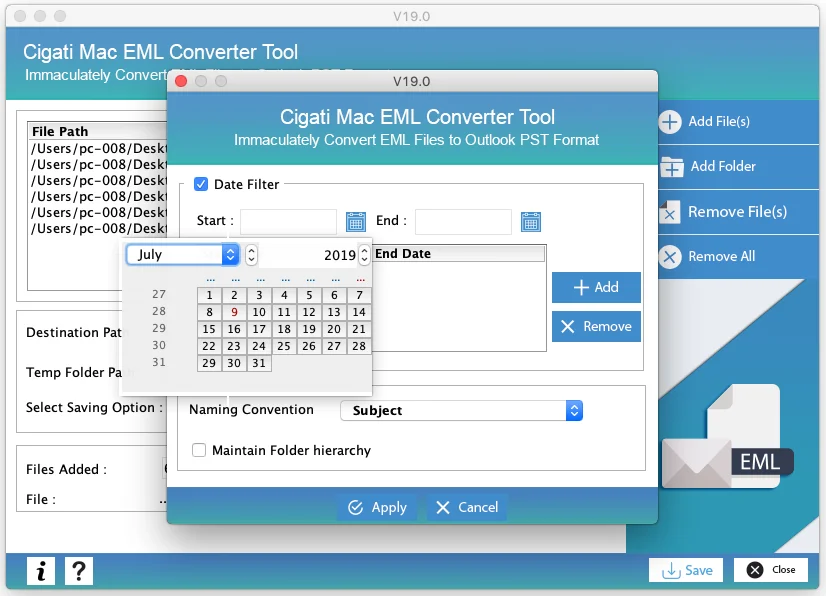
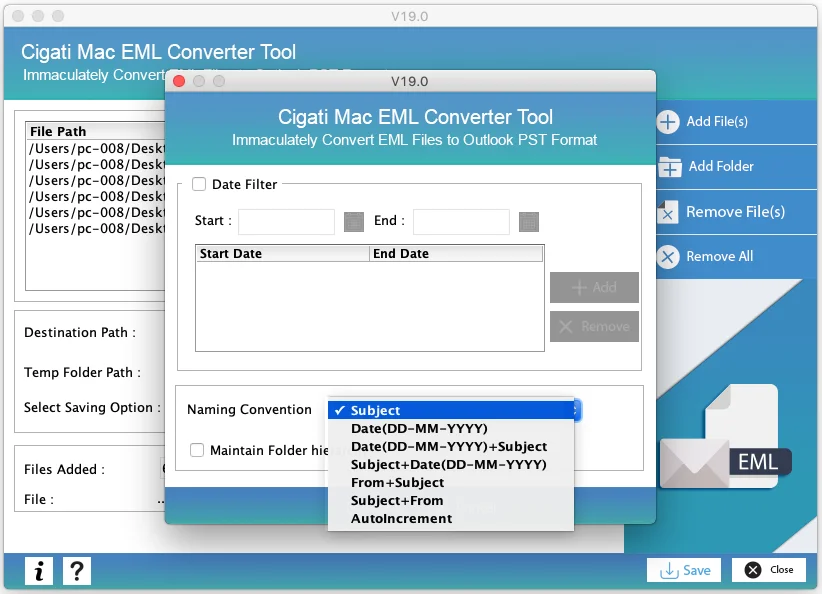
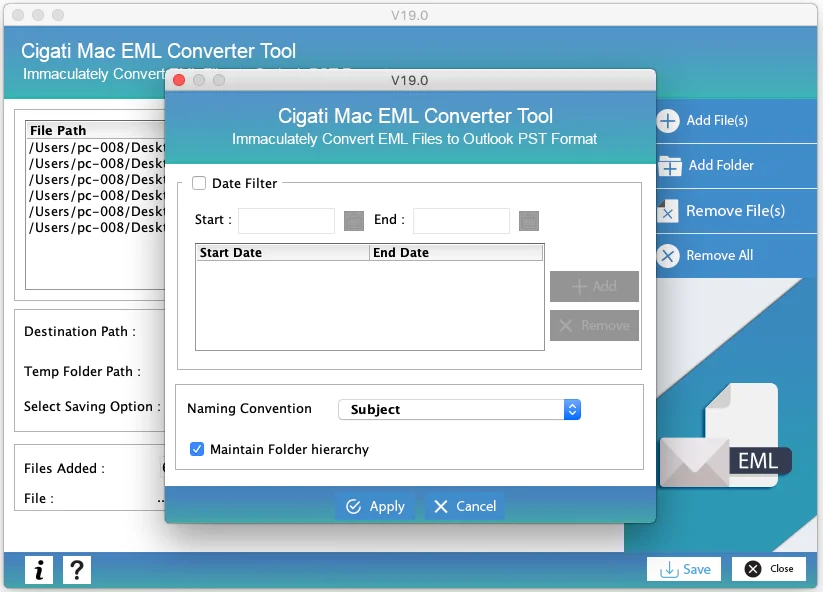
To save the files with a given naming style, click on Naming Convention and select the option from the drop down menu
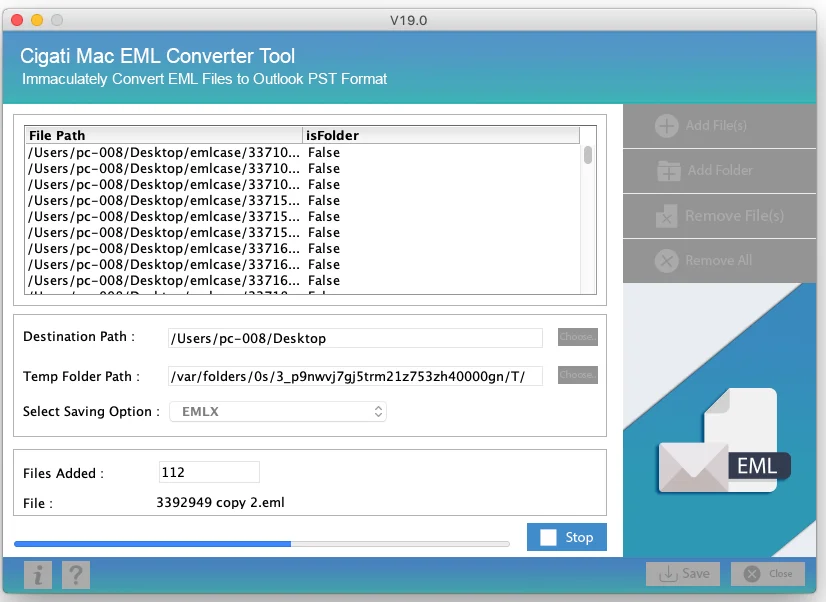
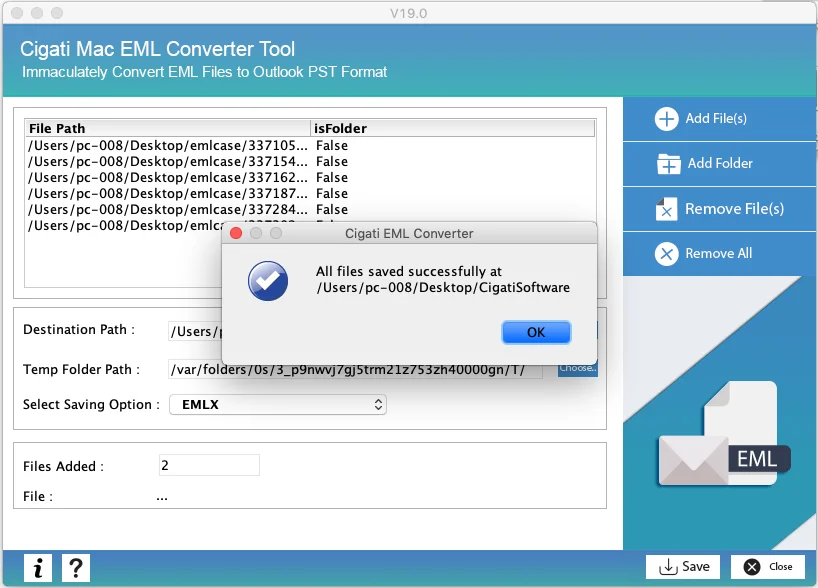
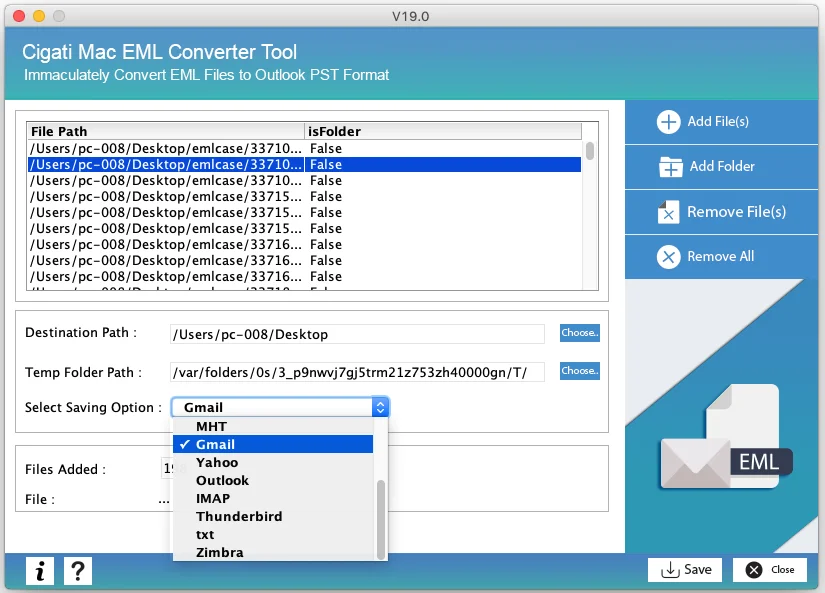
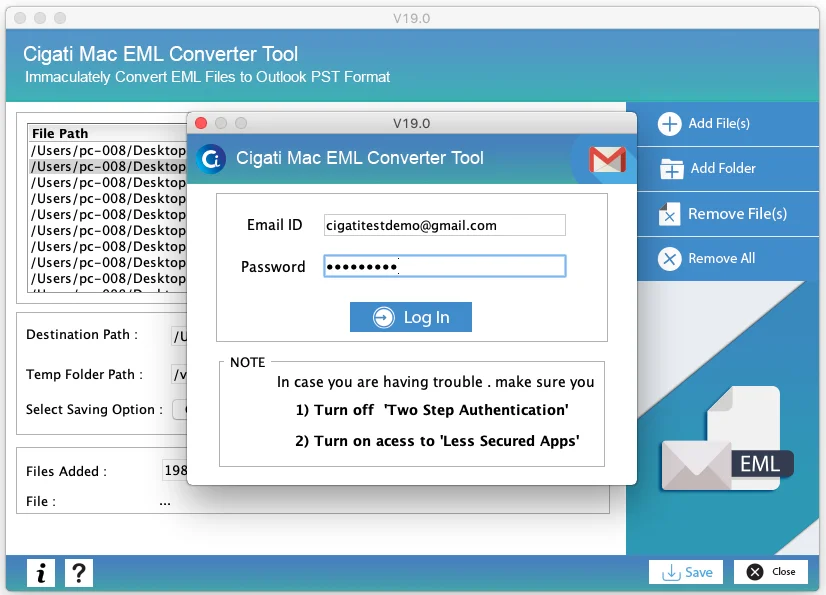
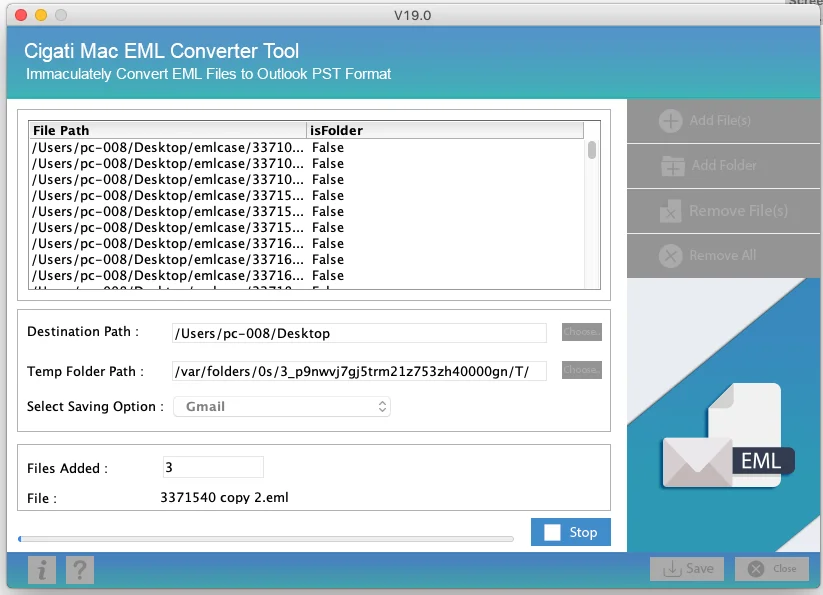
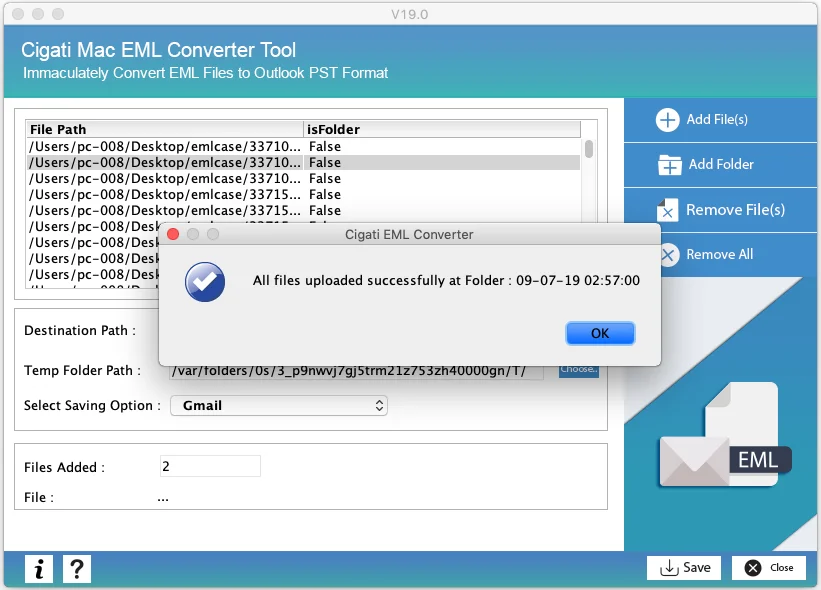
The software also allow users to export their data in more than 10+ different formats like Yahoo, Gmail and so on. So to save and access the files in your preferred email client like Gmail or Yahoo, go to Select Saving Option and select Gmail or Yahoo. Here we have selected Gmail.
Queries Regarding MAC EML Converter Tool
There would be chances that your screen resolution is not optimized. So please check it and increase the resolution to its average state.
Yes! We strongly recommend you disable the antivirus before installing the software. It is because sometimes it has been that the antivirus does not differentiate between viruses and normal codes.
Sometimes antivirus programs do not differentiate between the normal program and viruses.