NSF Converter
4.8
A user-friendly application with an intuitive design for beginners to navigate effortlessly.
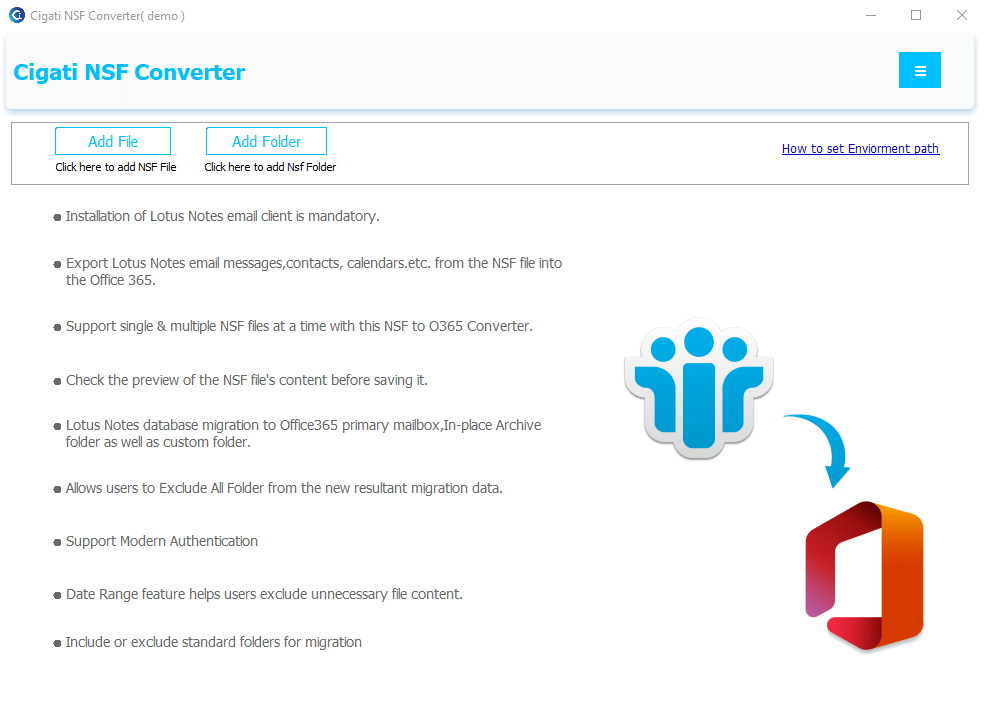
Install and run the Cigati NSF Converter on your PC.
Note: HCL Notes must be installed on your system to proceed.
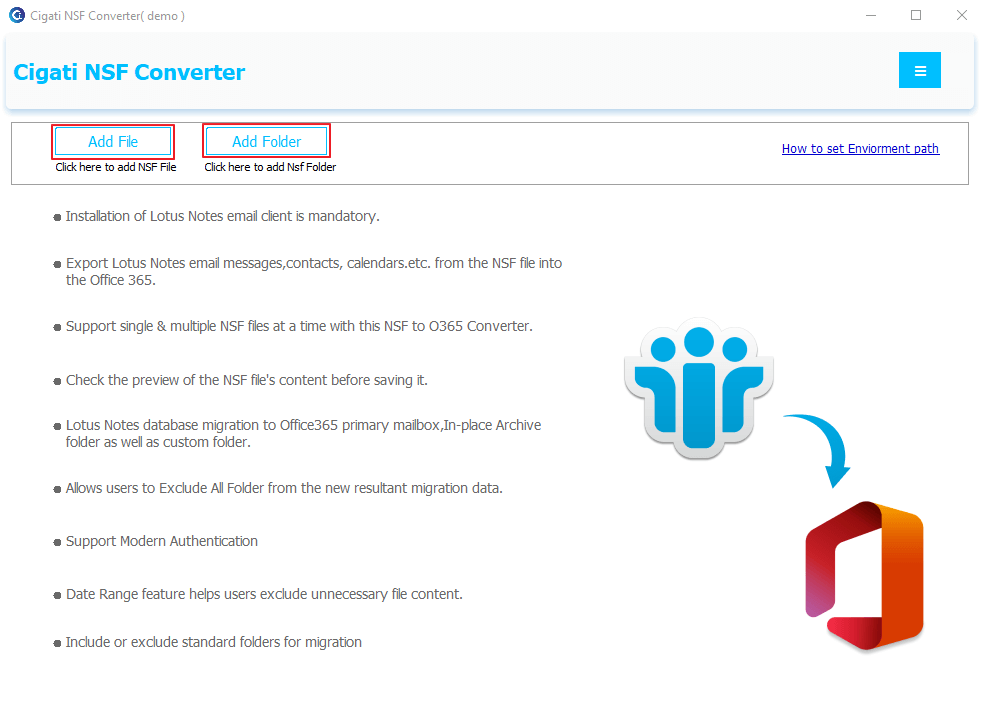
Select either Add File or Add Folder to import an NSF file.
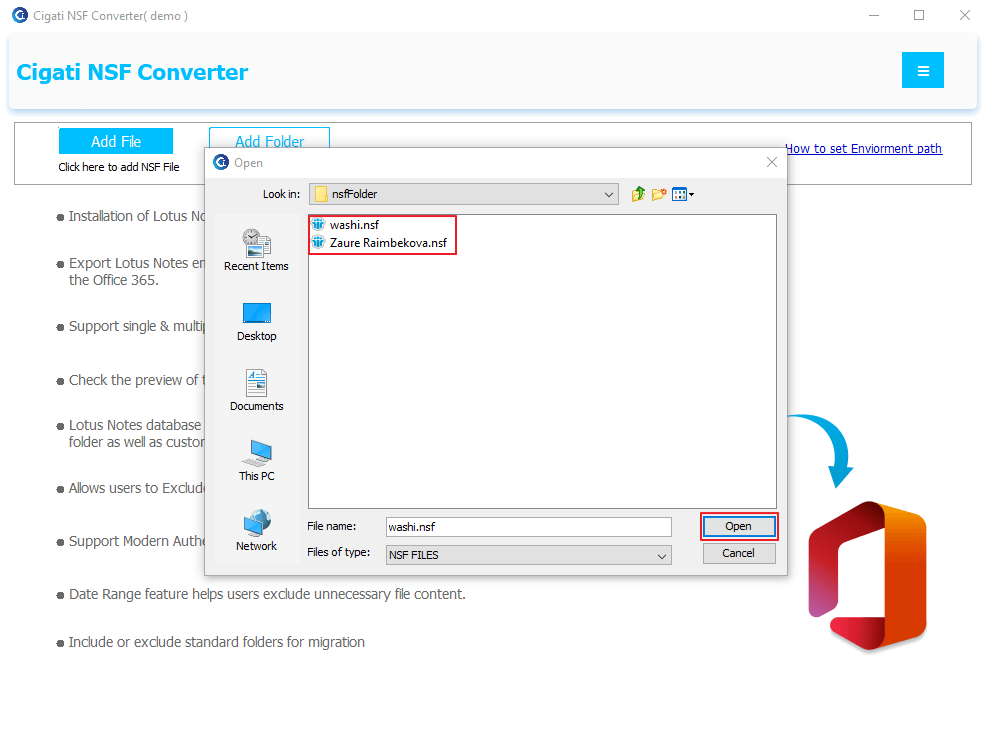
Select the NSF files and click Open to add them.
Preview your email messages, select the folders for conversion, and click Next to proceed.
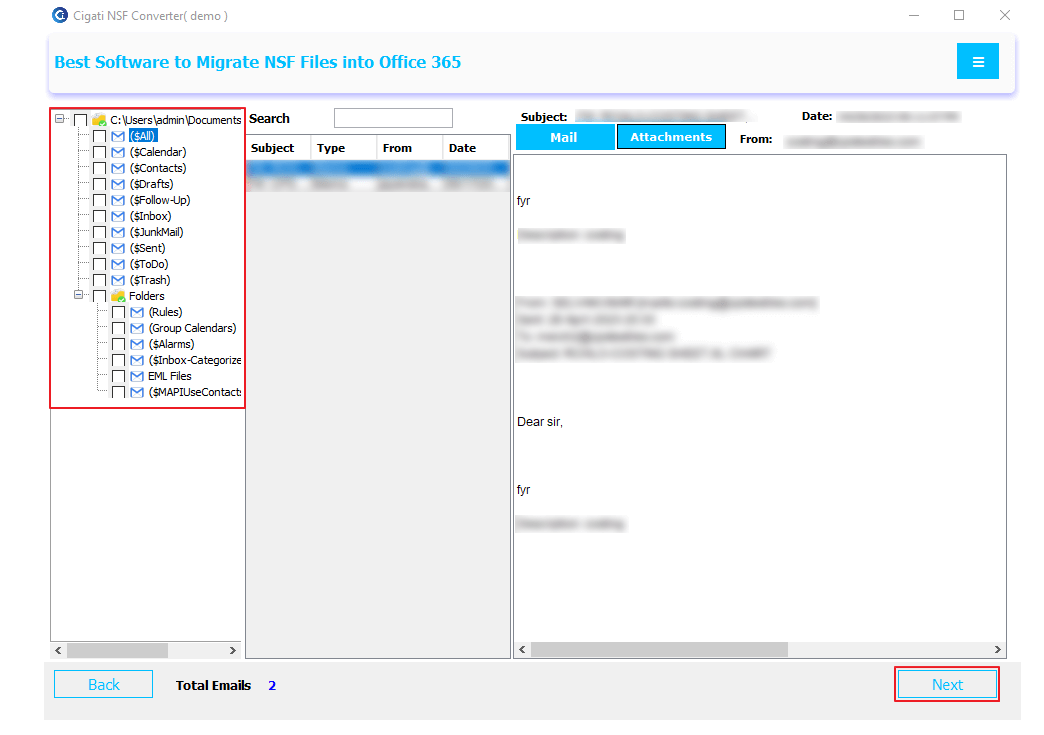
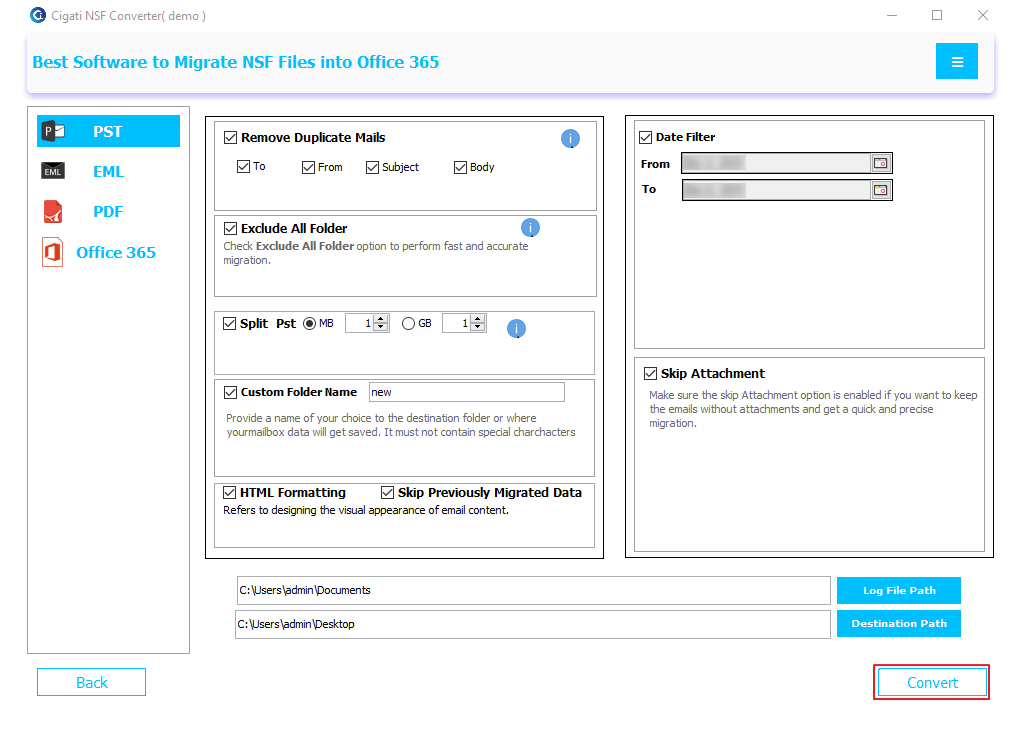
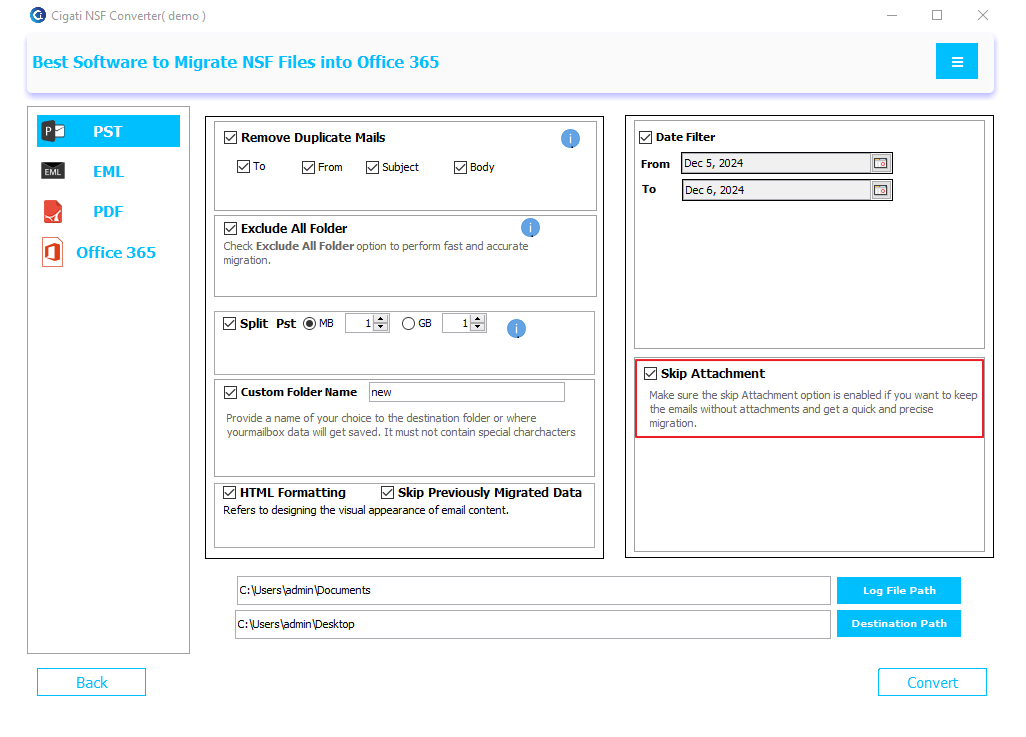
Choose PST from the left-side panel.
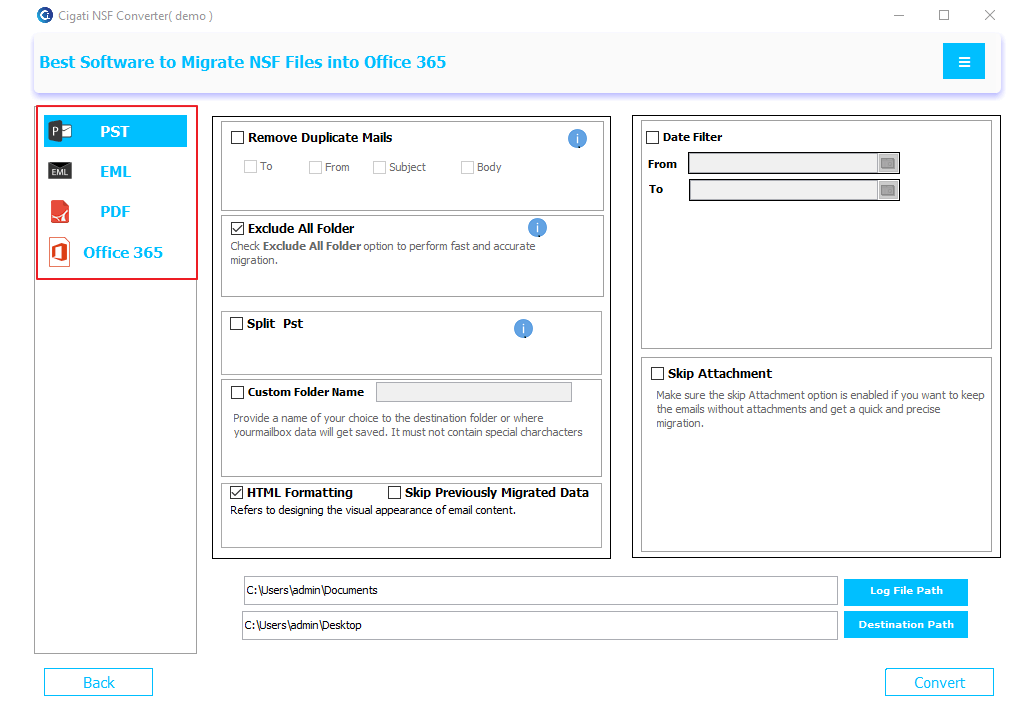
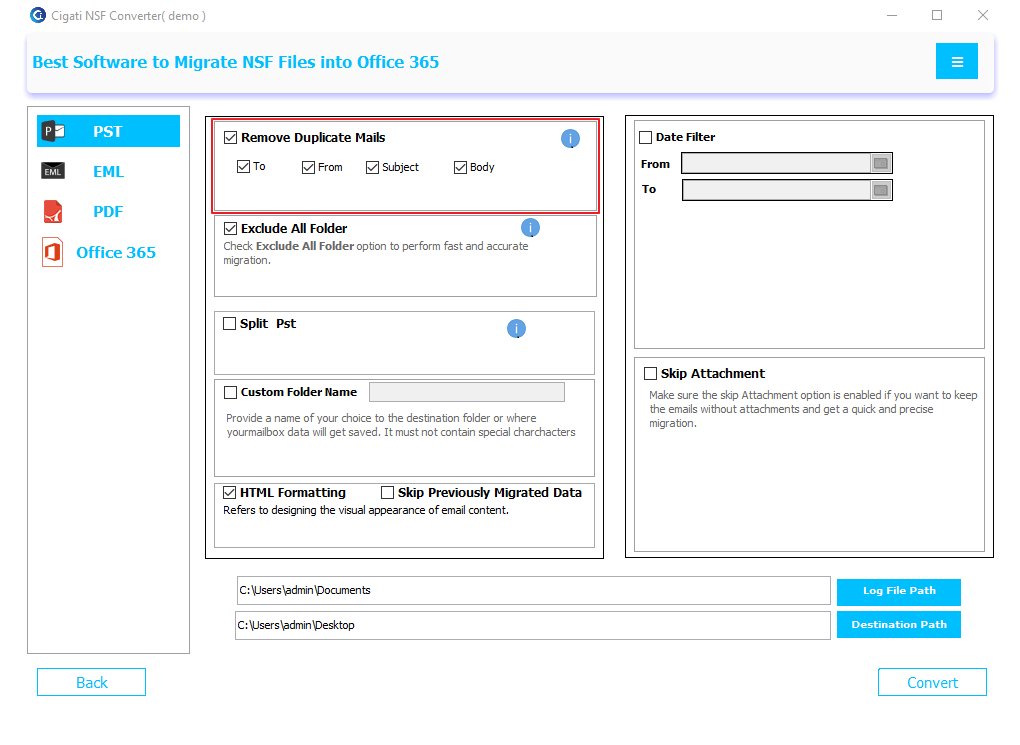
Enable the Remove Duplicate Mails option to filter emails based on To, From, Subject, and Body.
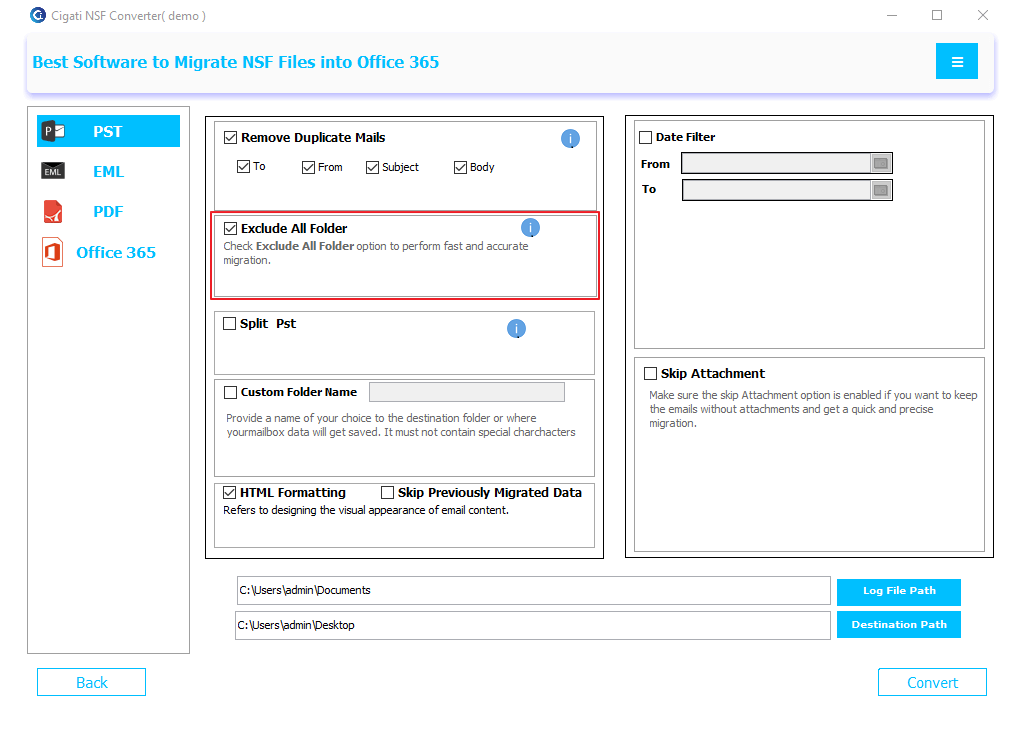
Check the Exclude All Folders option to exclude specific folders from the conversion.
Enable the Split PST option to divide the output PST file into smaller parts.
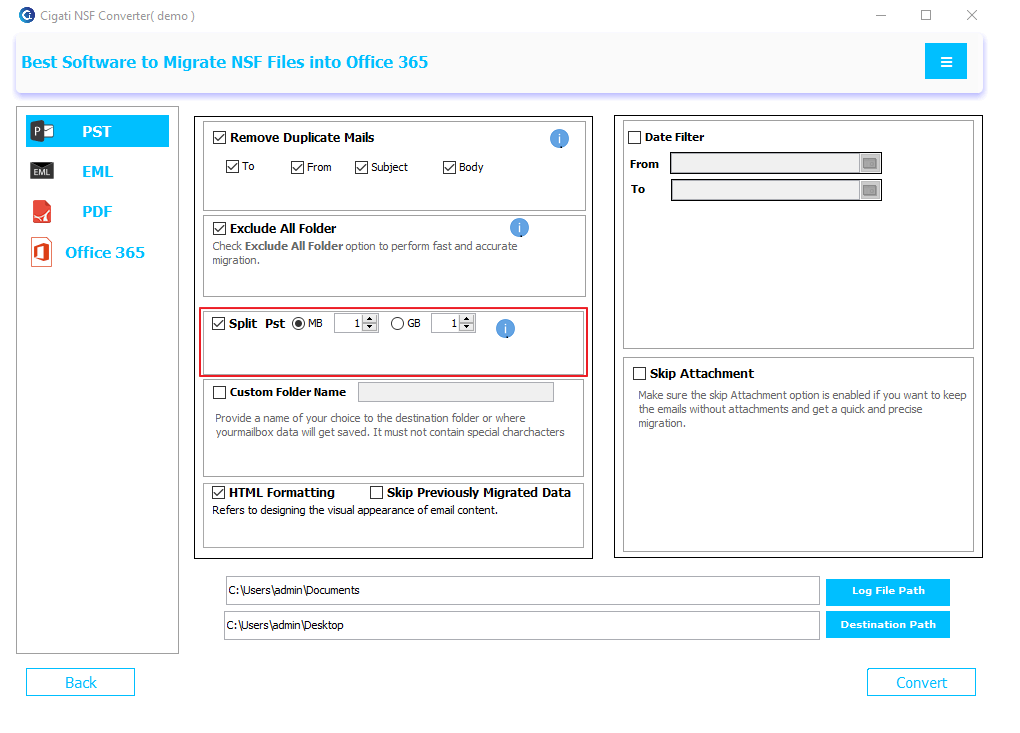
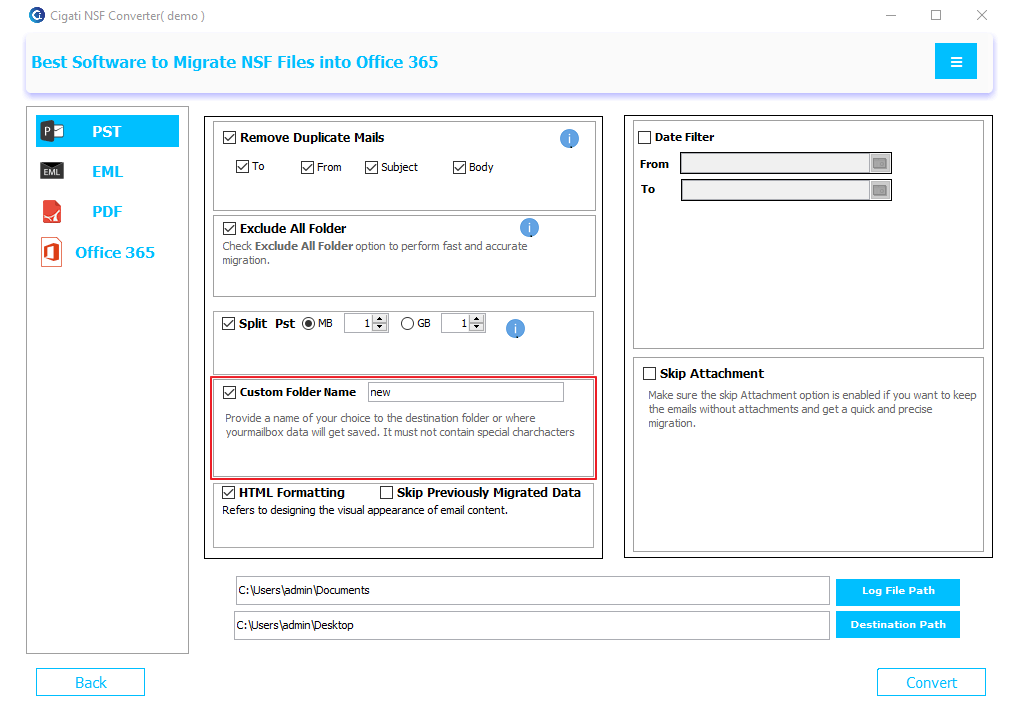
Use the Custom Folder Name option to specify a name for the output folder.
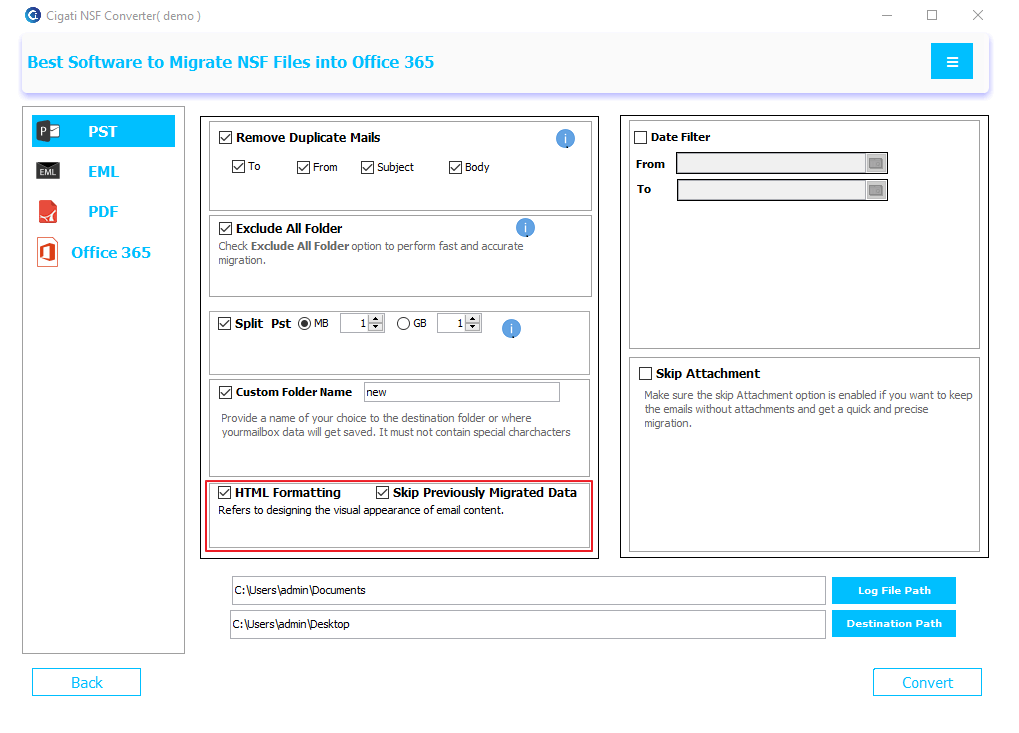
Select HTML Formatting to retain content in HTML format, and enable Skip Previously Migrated Data to exclude data that has already been migrated.
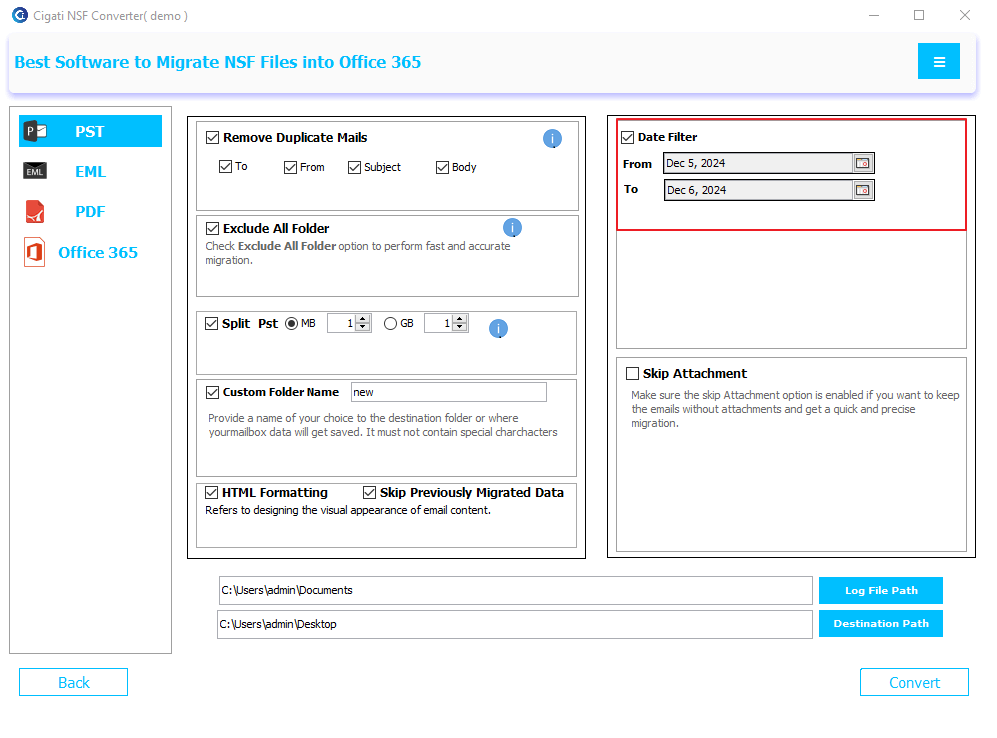
Apply the Date Filter to convert data within a specific date range.
Enable the Skip Attachment option to exclude attachments from the conversion.
Click the Destination Path button to set the save location.
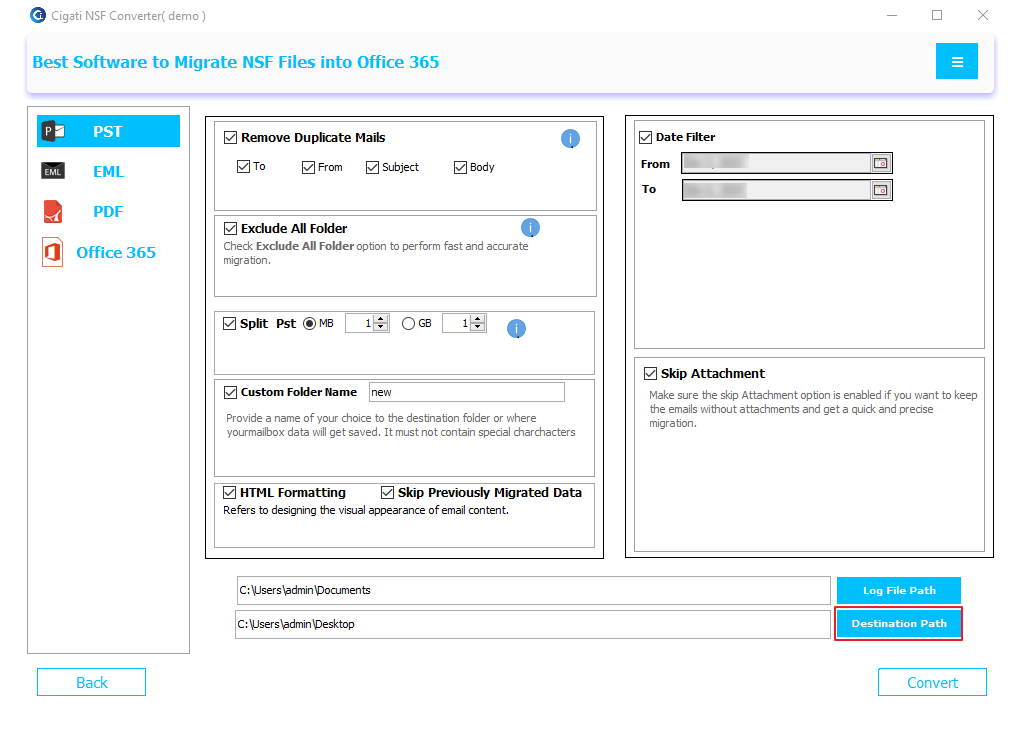
Click the Convert button to start the conversion process.