Key Benefits of
Significant Features of
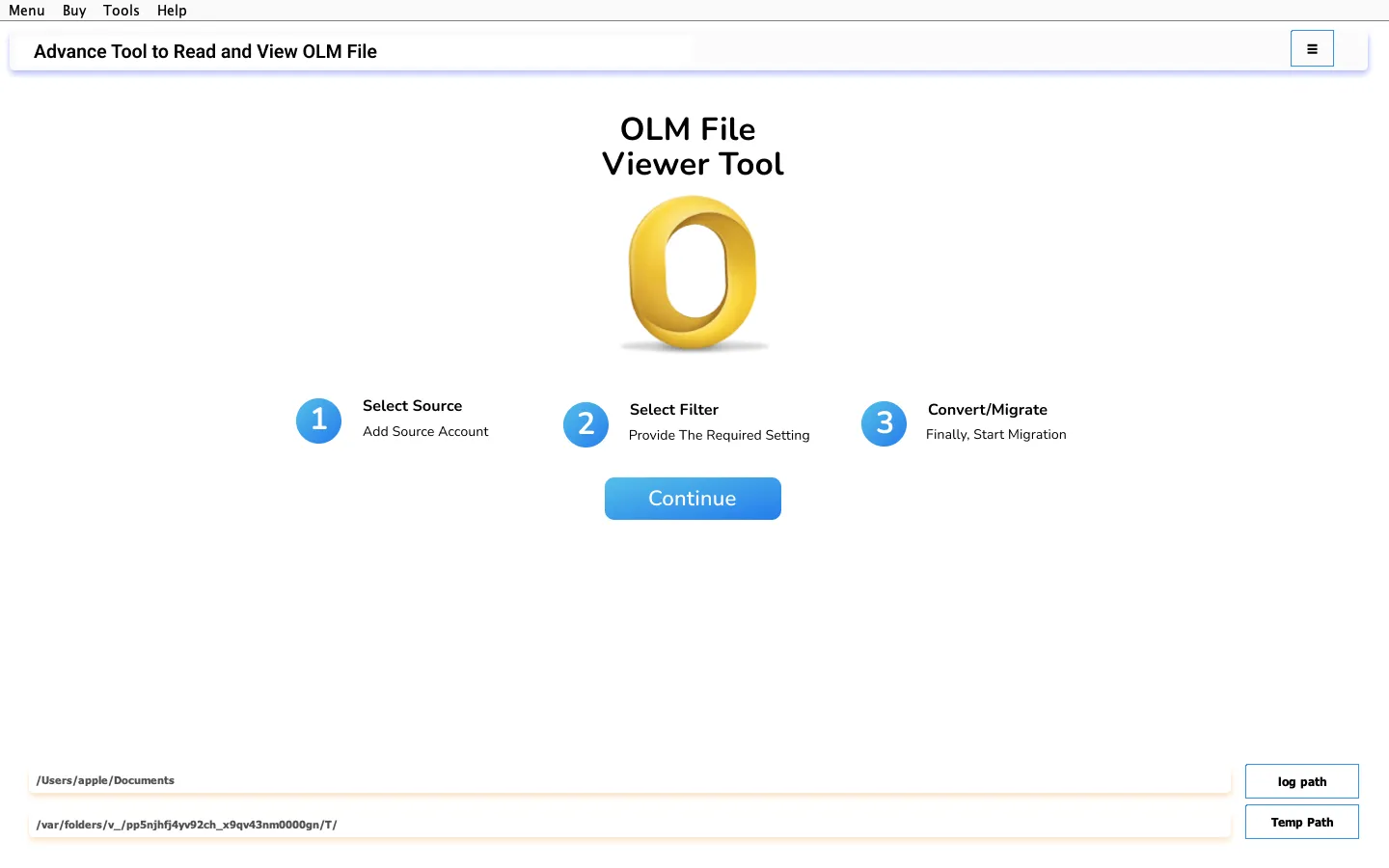
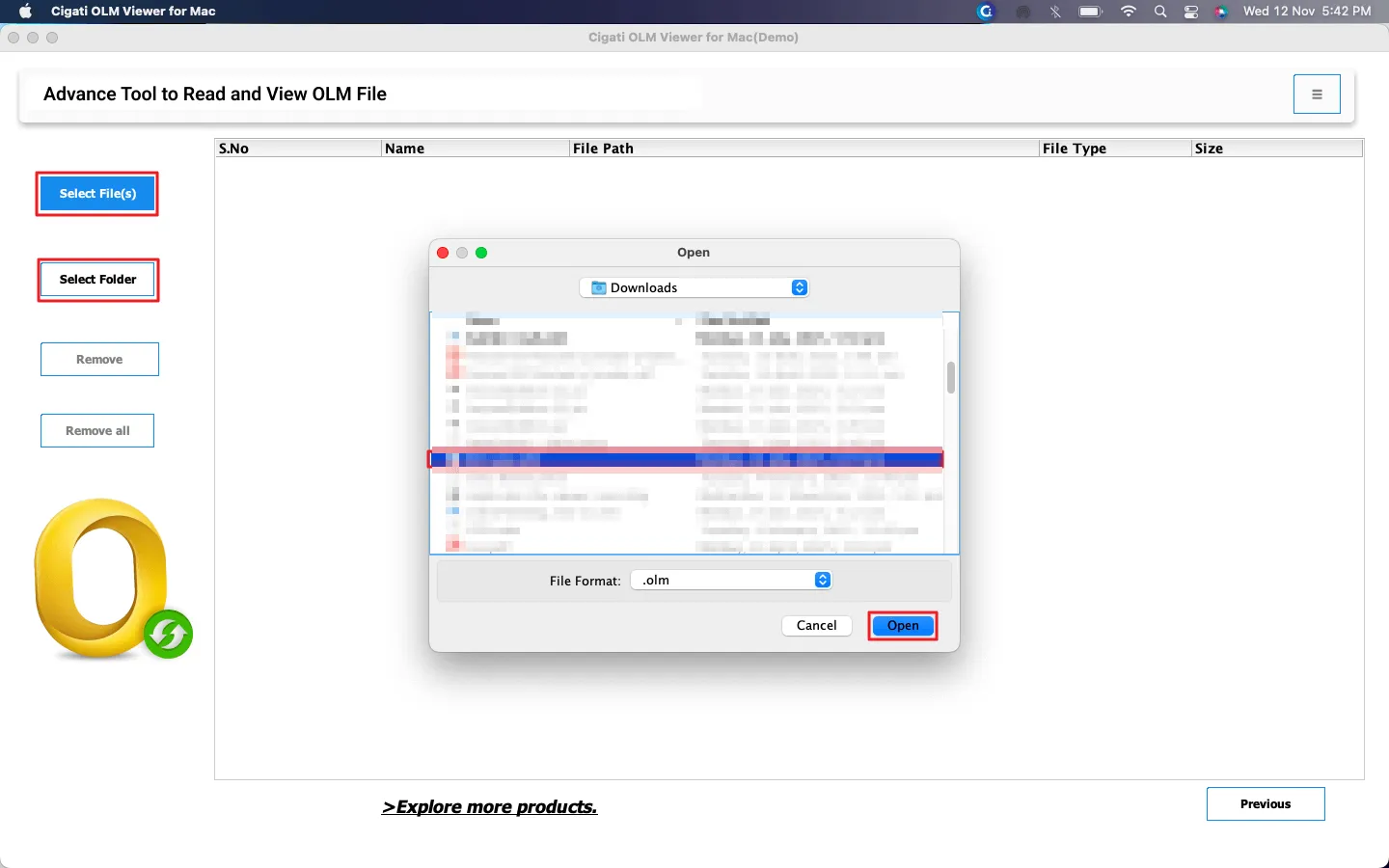
The Cigati OLM File Viewer for Mac makes it easy to open and read your Mac Outlook emails without installing Outlook. The software can open unlimited OLM files at a time and has no file size restriction. Whether your OLM file contains personal folders, work emails, or archived conversations, the tool loads everything smoothly.
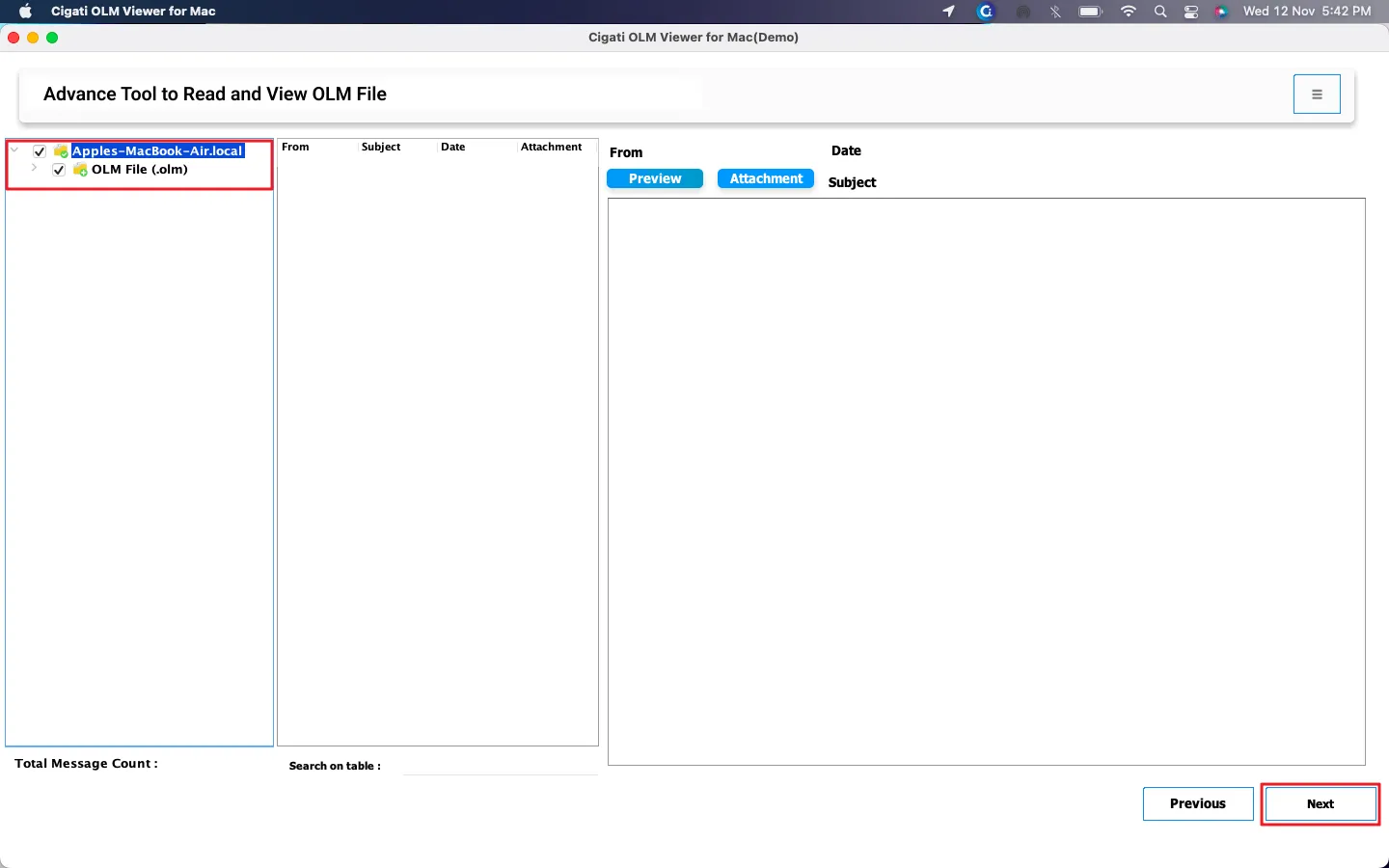
Once you open OLM files, the tool instantly displays every email, including sender, receiver, subject, date, and message size. Moreover, you can see embedded attachments that help you quickly identify the required emails without opening each one separately. If you are someone who needs to view emails frequently, this tool brings convenience.
Besides viewing emails, OLM Reader Tool lets you explore all data types stored in OLM files. You can easily preview Contacts, Calendar events, Tasks, Notes, and more, all from one unified interface. There’s no need to switch between different applications or open each item separately. It saves valuable time and helps you access your entire Outlook data in one place with ease.
After adding OLM files to the software, it begins to scan them thoroughly. However, the tool safely maintains the original folder hierarchy. Every folder, including Inbox, Drafts, Archive, or Sent Items, appears exactly as it was created in the mailbox, keeping your important data secure. This feature makes navigation easier and helps users locate emails with perfect accuracy.
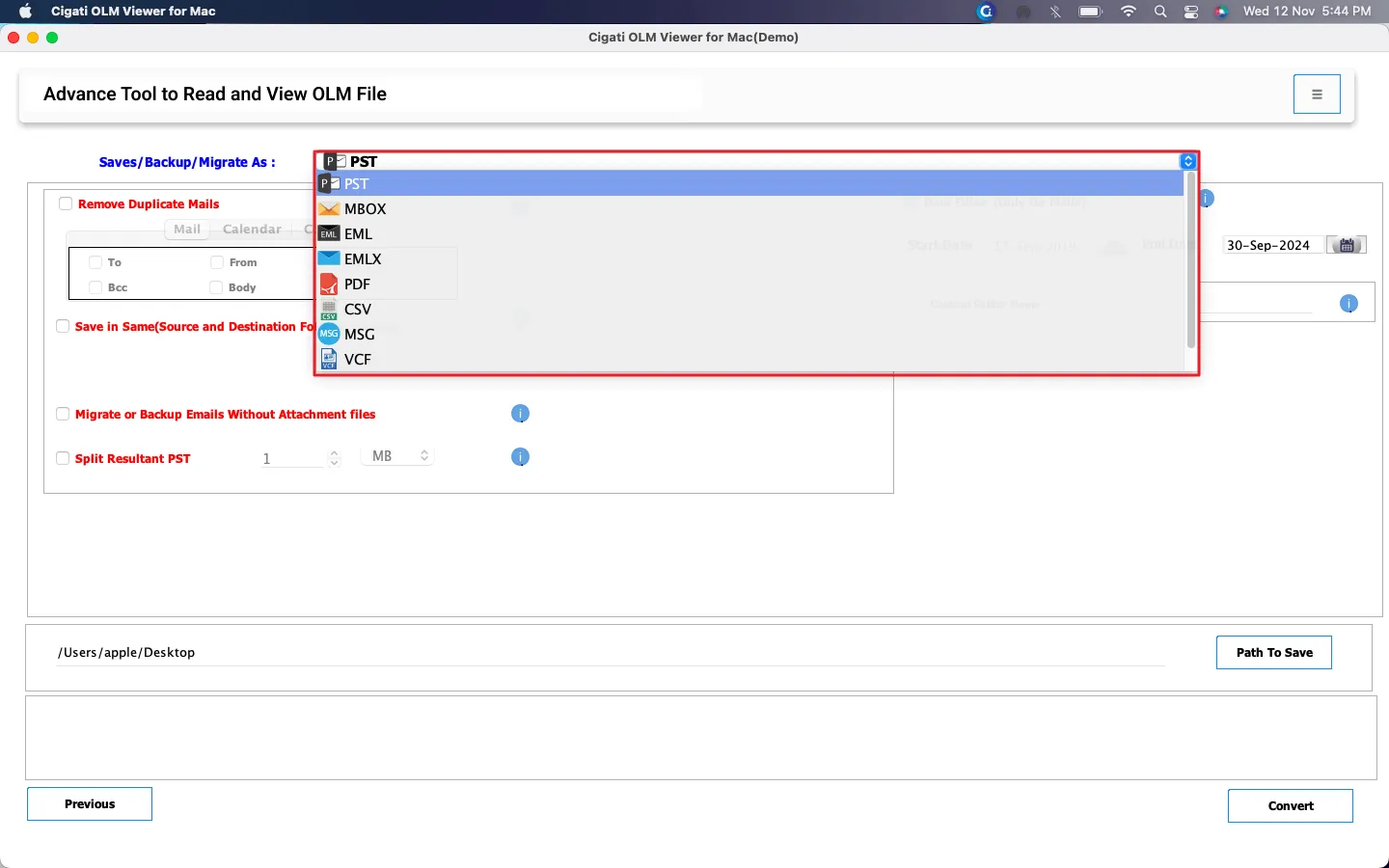
Upgrade to the OLM Viewer Pro to unlock advanced conversion features. With just a few clicks, you can export your OLM data into various file formats supported by different email clients and applications. Easily convert OLM to PST, MBOX, PDF, EML, or other formats for backup or other purposes. It’s a quick way to move your Outlook data wherever you need it, without losing structure or quality.
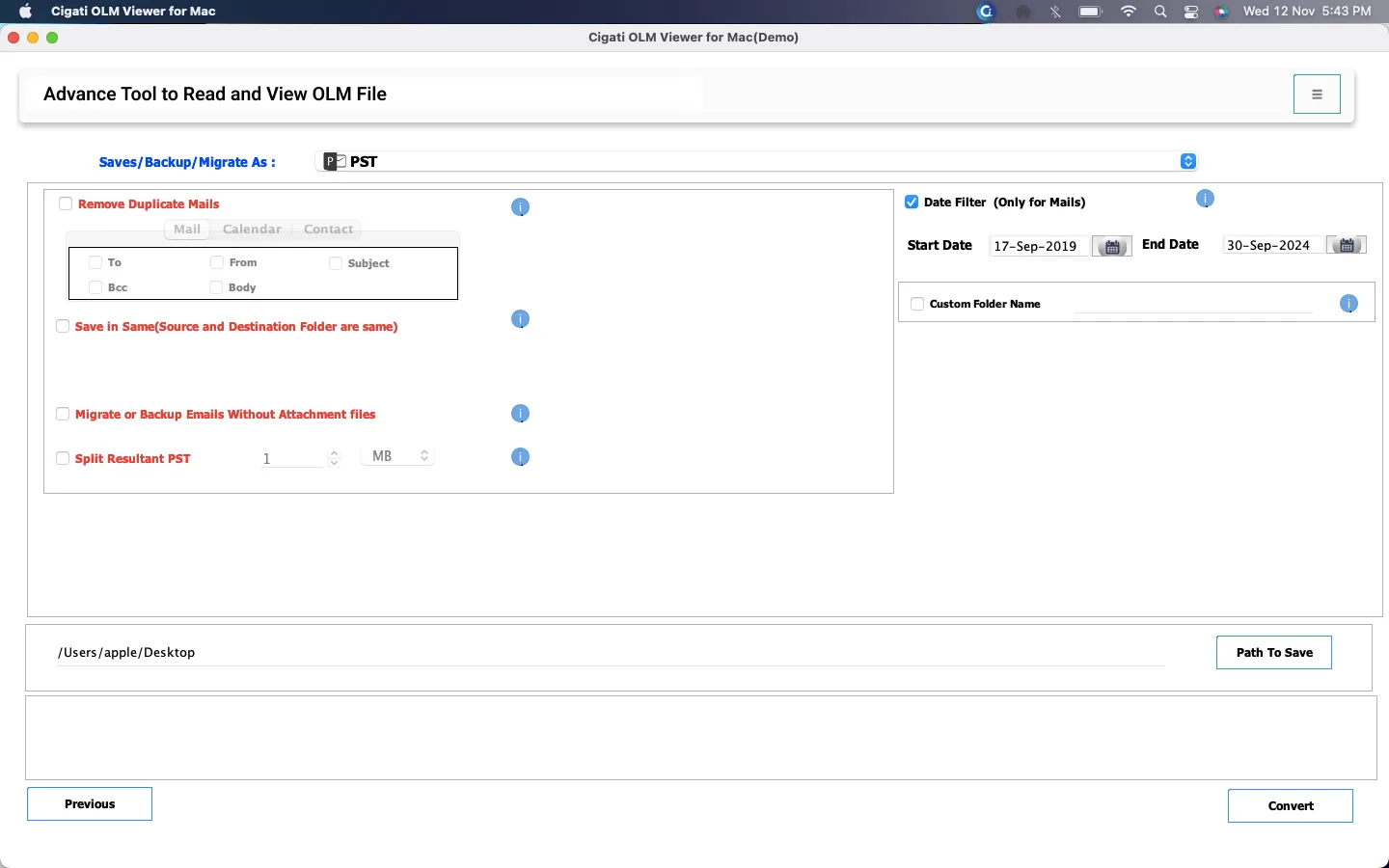
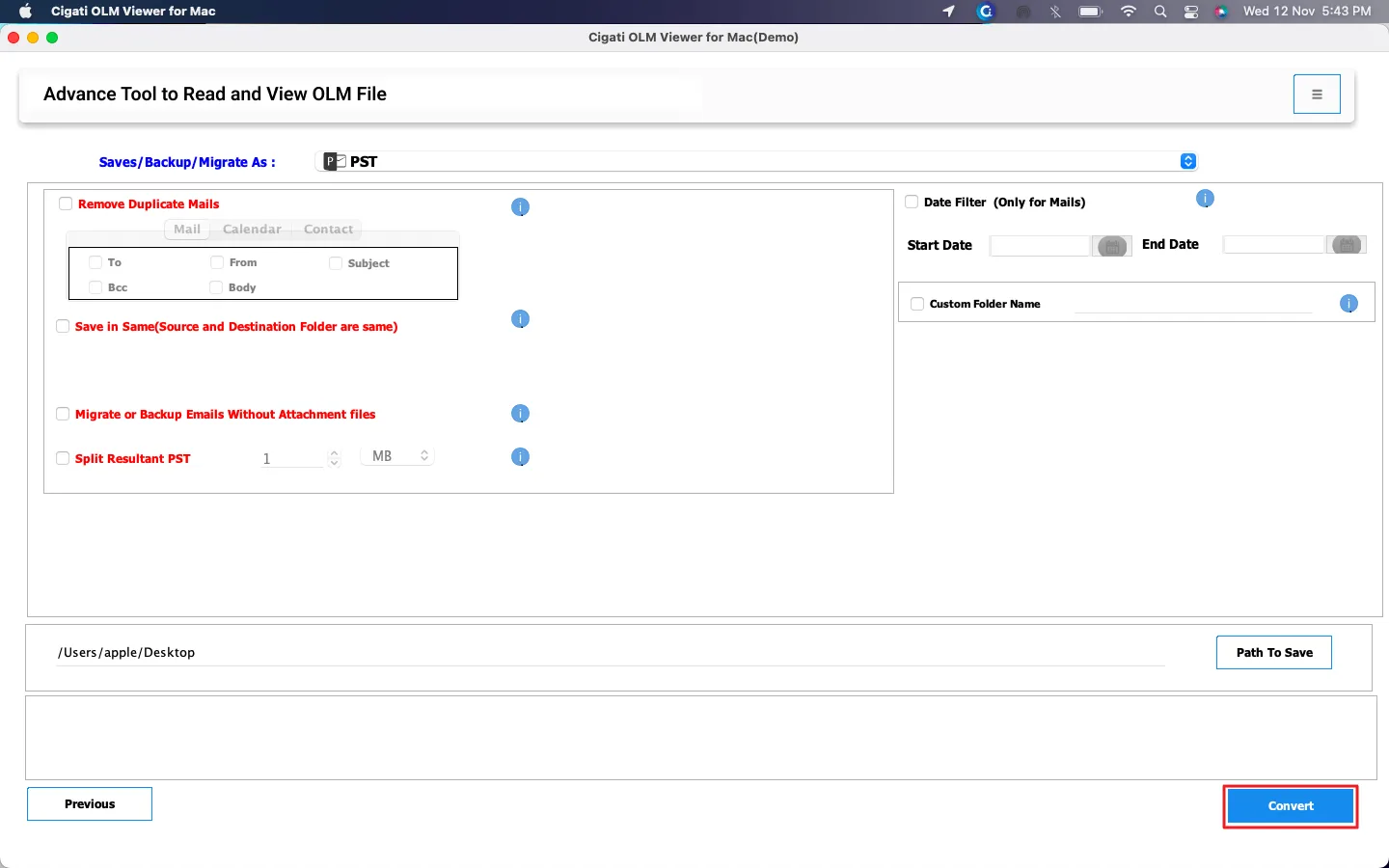
This advanced utility also features a smart filter –Remove Duplicate Mails. It allows users to extract unique emails during conversion/migration and exclude the rest. You can choose to filter emails based on some pre-defined criteria: To, From, CC, Subject, and Body. This ensures no duplicate emails are converted, avoiding unnecessary clutter in the output file, and fetches only the relevant data.
Another exclusive feature of the OLM Viewer for Mac is the Date Filter. Instead of going through hundreds of messages, you can simply apply a date range filter and save only the emails that fall within your chosen timeframe. This feature is especially helpful for specific project-related emails.
When you export OLM to PST, your PST file can get too large. Therefore, users get the option to divide the output file into smaller, more manageable parts. You can specify the size limit, and the tool automatically splits the PST file. This prevents corruption and allows opening OLM data on Windows.
The Cigati OLM File Viewer for Mac is fully compatible software and works smoothly across all macOS versions. Whether you are using old or new macOS, there are no extra system requirements or add-ons needed. You simply have to install the software, upload the OLM file, and start viewing files instantly.
OLM files are a proprietary format of Outlook for Mac. However, you can explore, read, and analyze your OLM file data even if Outlook is not installed on your Mac. The tool works independently and ensures that users can access their mailbox content anytime without worrying about platform or application support.
Technical Specification
| Software Name: | Cigati OLM Viewer for Mac |
| Version Support: | Windows 11 & below versions |
| Size: | 207 MB |
| Version: | 24.12 |
| License: | S/A/T/E |
| Download Link: | Download |
Processor:
Hard Disk:
Memory:
Operating System:
Trial limitation:
OLM Viewer for Mac is completely free to use and allows unlimited preview of OLM files without any restrictions. Unlike demo tools, this software does not impose any item preview limitation. However, for the conversion of OLM files, a Pro software license is required.
FAQ:
Comprasion Table Table of
| Software Features | Free Version | Full Version |
|---|---|---|
| Open OLM files without Mac Outlook installation | ||
| Read OLM emails along with other details like sender, recipient, subject, and message | ||
| View embedded attachment files | ||
| Supports bulk (single & multiple) and all sizes of OLM files | ||
| Convert OLM files to PST, CSV, MBOX, PDF, EML, and many other file formats | Convert 50 Emails per Folder | |
| Migrate Mac Outlook files to Gmail, Google Workspace, Office 365, and various IMAP-supported platforms | Convert 50 Emails per Folder | |
| Remove Duplicate Emails while conversion | ||
| Selectively convert emails with the Date Range Filter | ||
| Skip Previously Migrated Emails | ||
| Backup/Migrate Emails Without Attachments | ||
| Split Resultant PST File | ||
| Custom Folder name feature | ||
| 24*7 Tech Support & 100% Secure | ||
| Windows OS Compatibility | ||
| Download and Purchase | Download | Purchase |
FAQ
You can open OLM files without Mac Outlook using a Cigati OLM Viewer for Mac:
Simply upload the OLM file into the tool, and it will instantly display all emails, contacts, calendars, and other mailbox items in a readable format—no Outlook installation required.
Windows Outlook cannot directly open OLM files. However, Cigati OLM Viewer Tool can help you read OLM files on Windows. If you want to import them into Windows Outlook, you can use the Pro version to convert OLM files to PST.
The free OLM Viewer for Mac does not allow conversion. If you need to convert OLM files into formats like PST, PDF, EML, or MBOX, upgrade to the Pro version. Full version includes all OLM file conversion capabilities and advanced filters.
Yes, the OLM Reader Tool is completely free for scanning and previewing OLM files. Users who need advanced features such as file conversion, duplicate removal, or migration options can upgrade to the Pro version.