PDF Merge Tool
4.7
A user-friendly application with an intuitive design for beginners to navigate effortlessly.
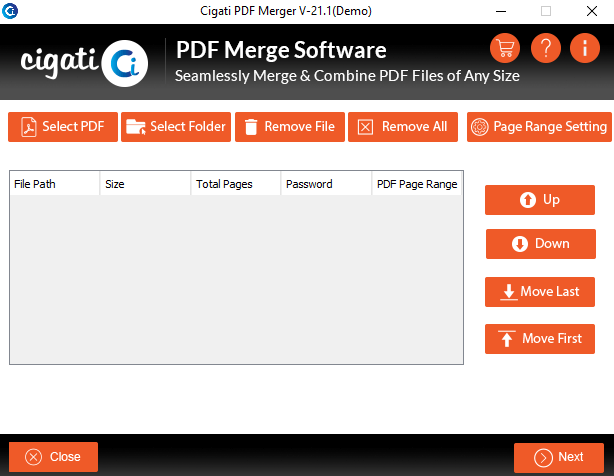
Install and run the Cigati PDF Merge Tool as an Administrator on your system.
The software interface provides four main options:
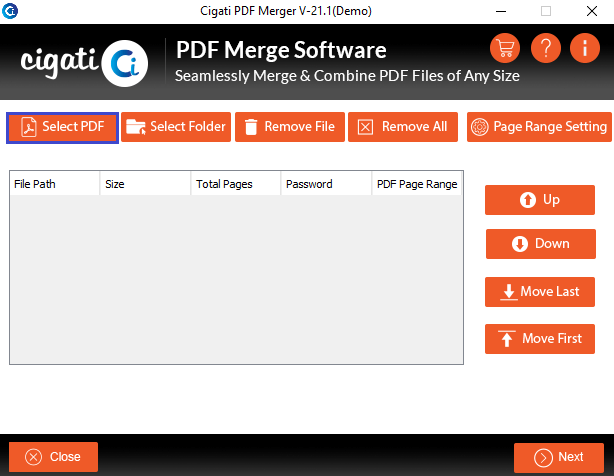
Click on the Add Files button, browse and select multiple PDF files, and then click Open to load them into the software.
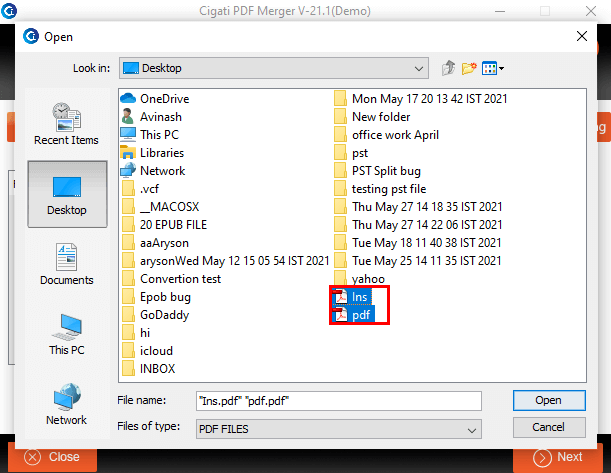
A list of all added PDF files will appear instantly. Now, choose the Destination Path option to select the location where the merged file will be saved, and then click Next.
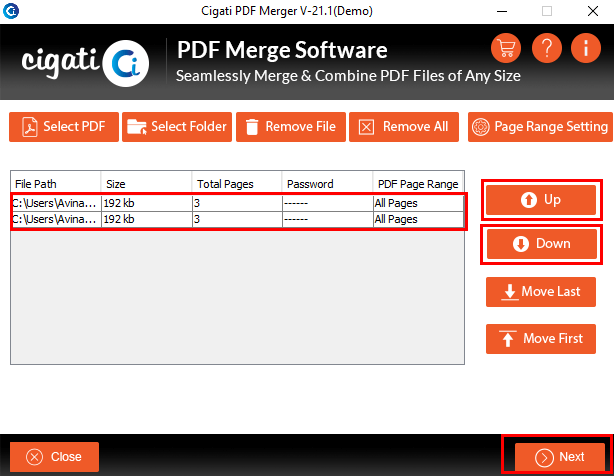
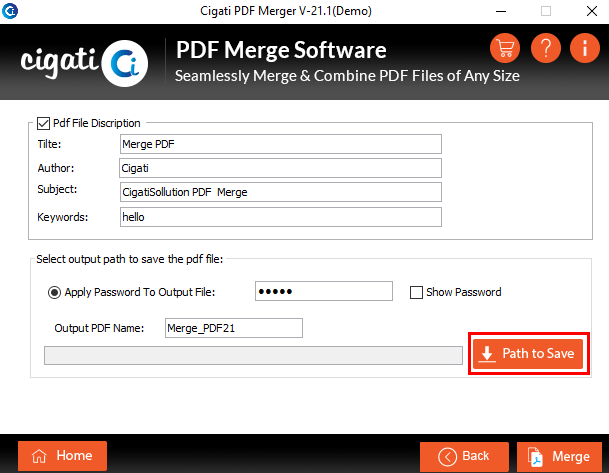
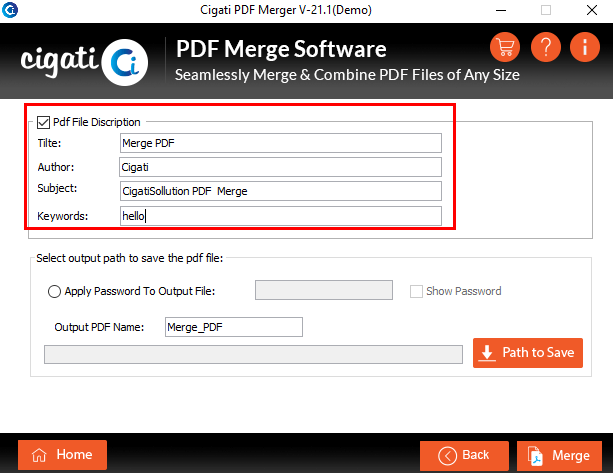
Click on the Edit Metadata option to modify document properties such as Author, Title, Subject, Creation Date, Modification Date, and Keywords as required.
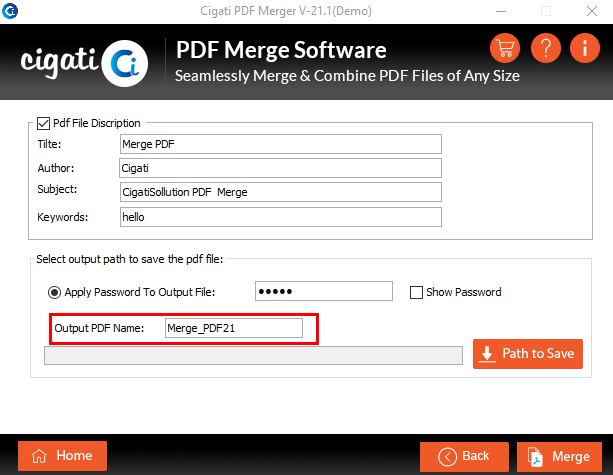
Enable the Custom File Name option if needed. Enter a preferred name to assign to the resulting merged PDF file.
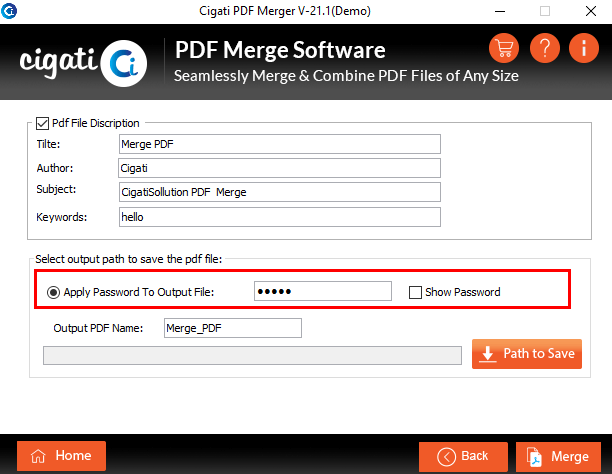
Select the Save Attachments in Sub-folder option to store attachments (if any) from selected PDF files into a separate subfolder within the output directory.
Finally, click on the Merge button to combine all selected PDF files into a single PDF document.