PST Compress Tool
4.8
A user-friendly application with an intuitive design for beginners to navigate effortlessly.
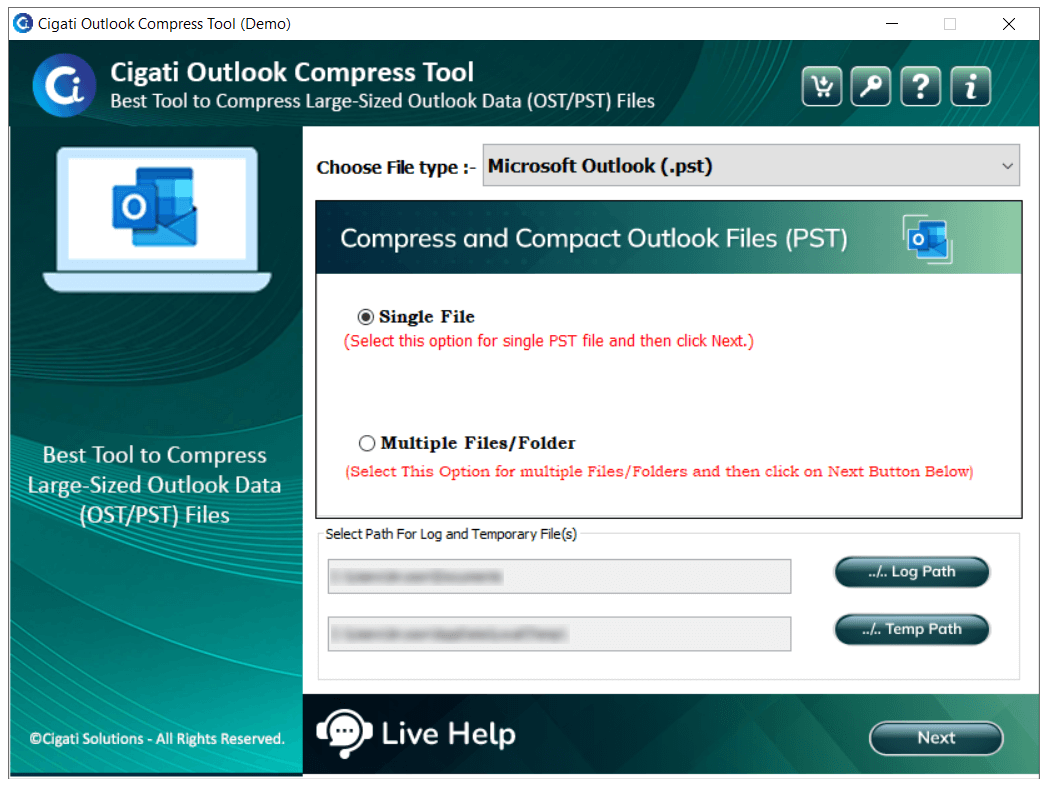
Download and install the Cigati PST Compress Tool and run it as an administrator.
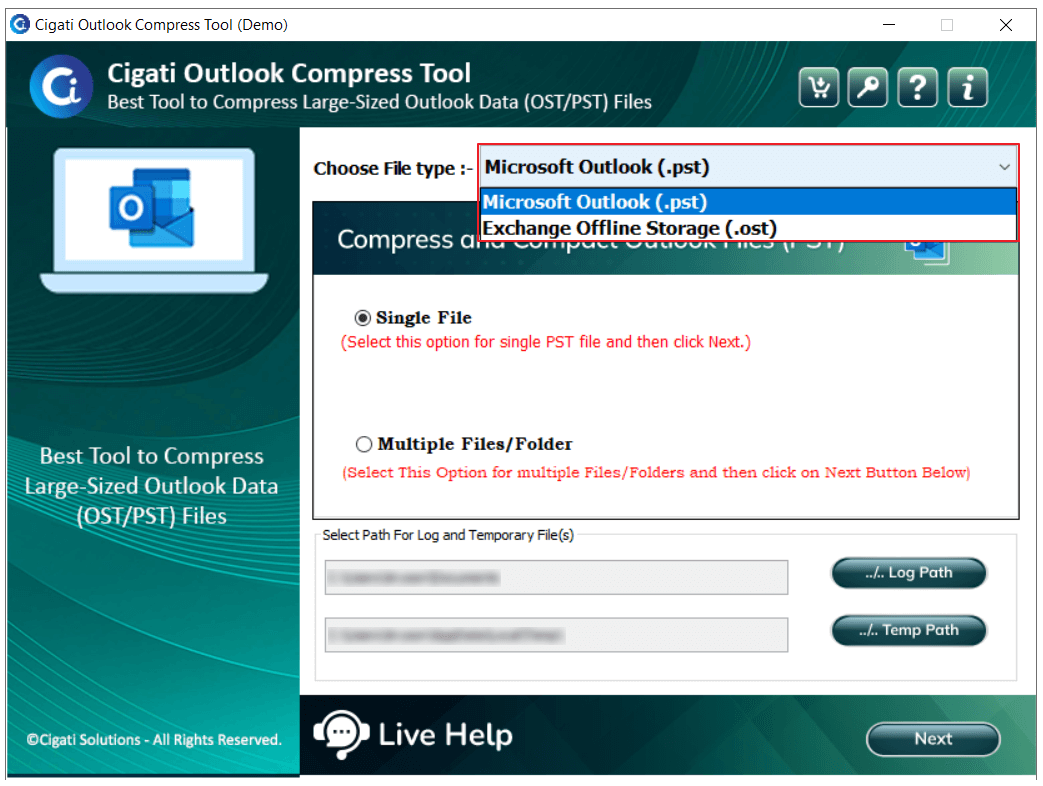
Now, choose the file type: Microsoft Outlook (.pst) or Exchange Offline Storage (.ost), to proceed.
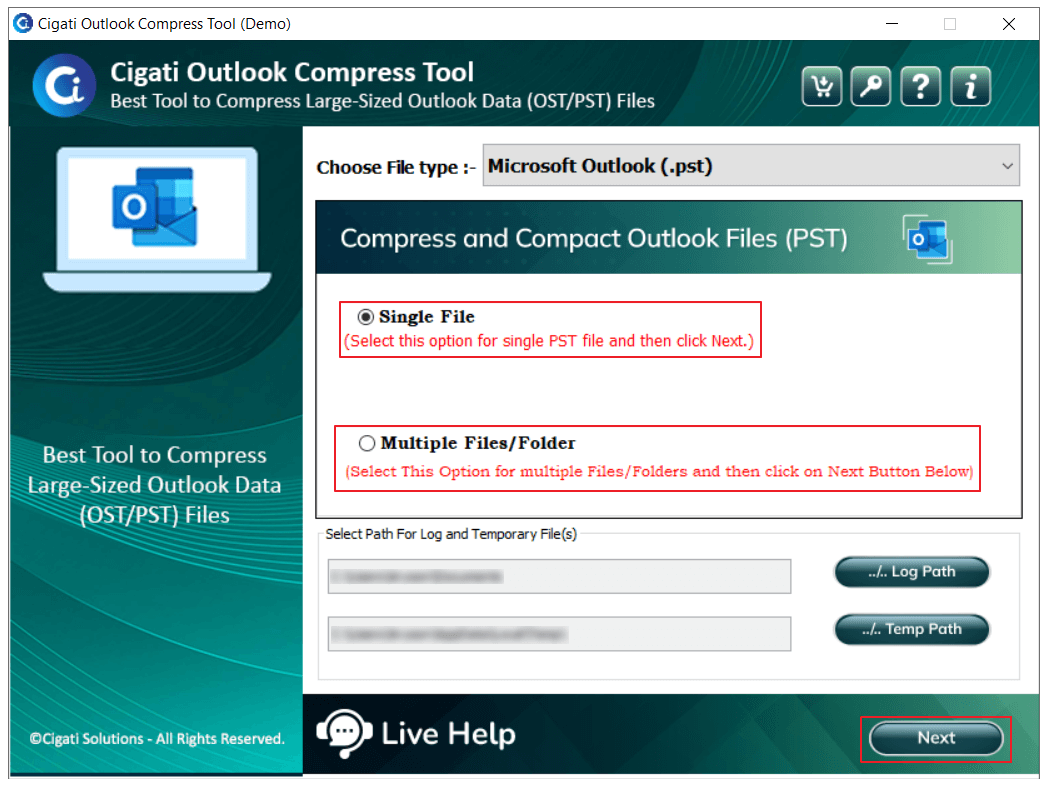
Choose a Single File or Multiple Files/Folders to select the desired file. Click the Next button.
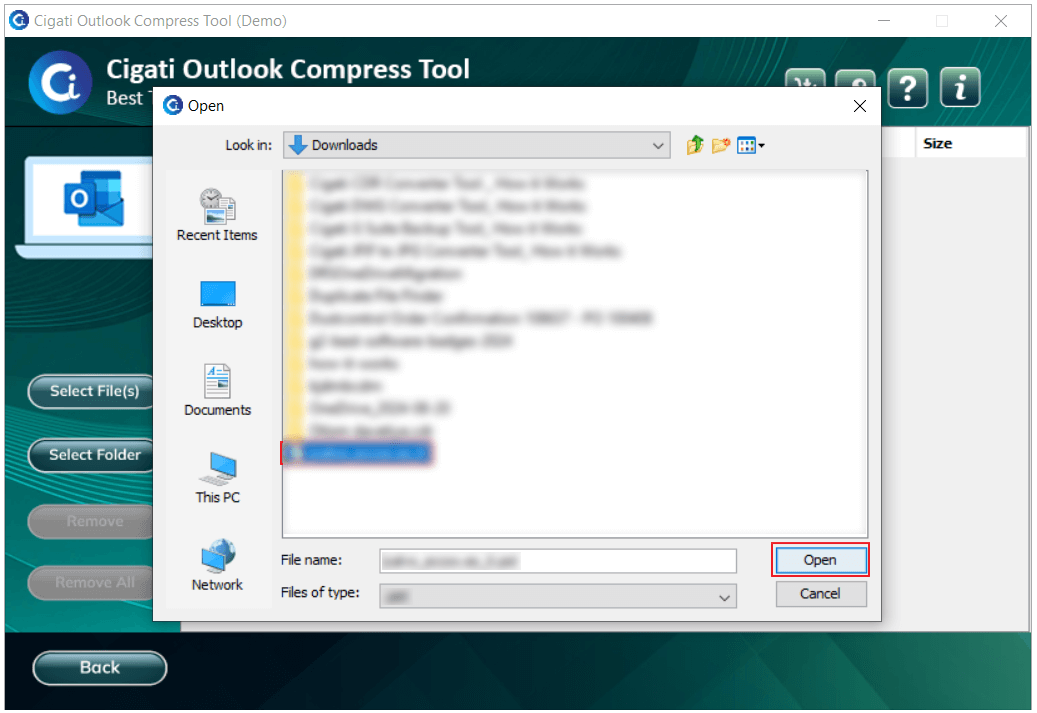
Click on the Select File option to import a PST/OST file, then click the Open button to add it.
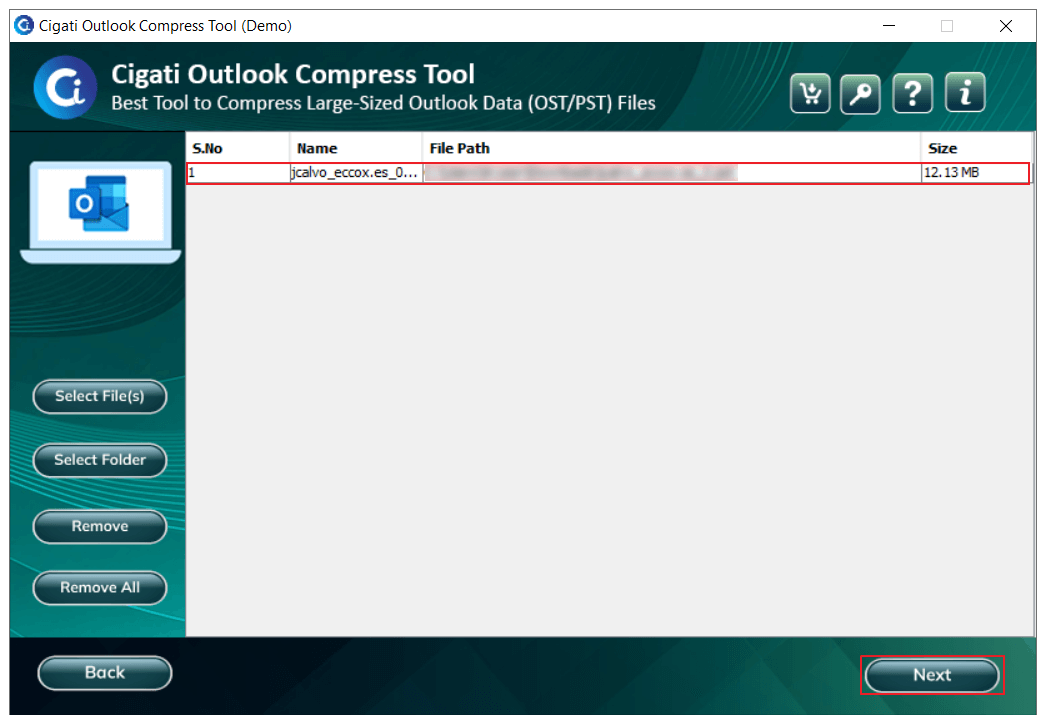
Review your files. Now, click the Next button to proceed.
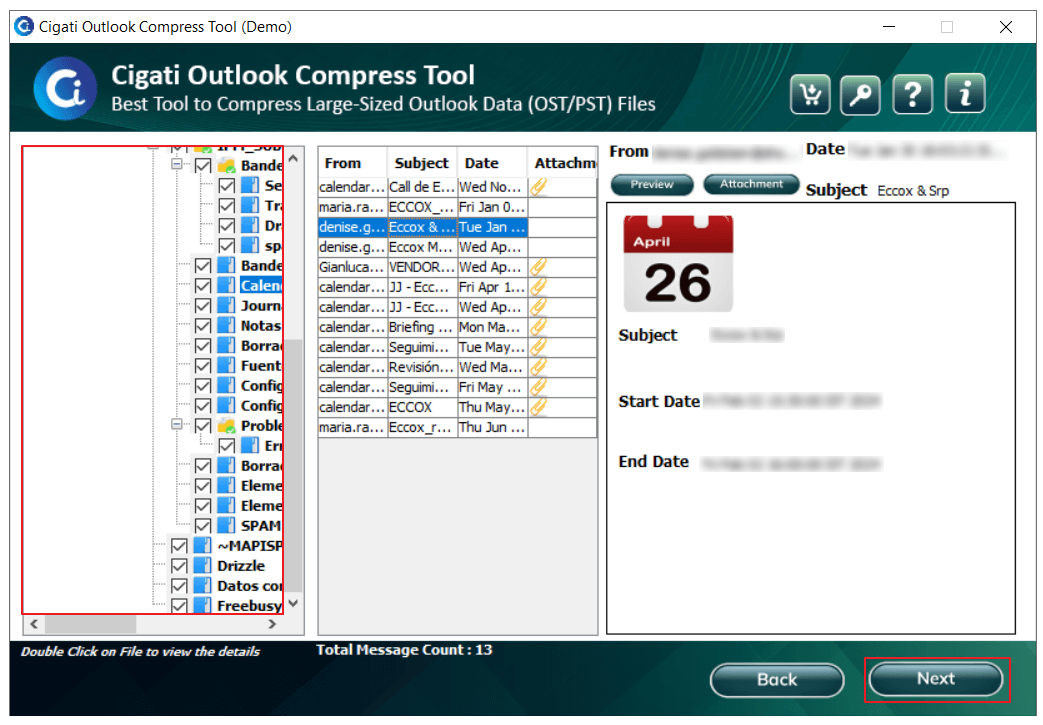
Select the folder you want to compress and click the Next button.
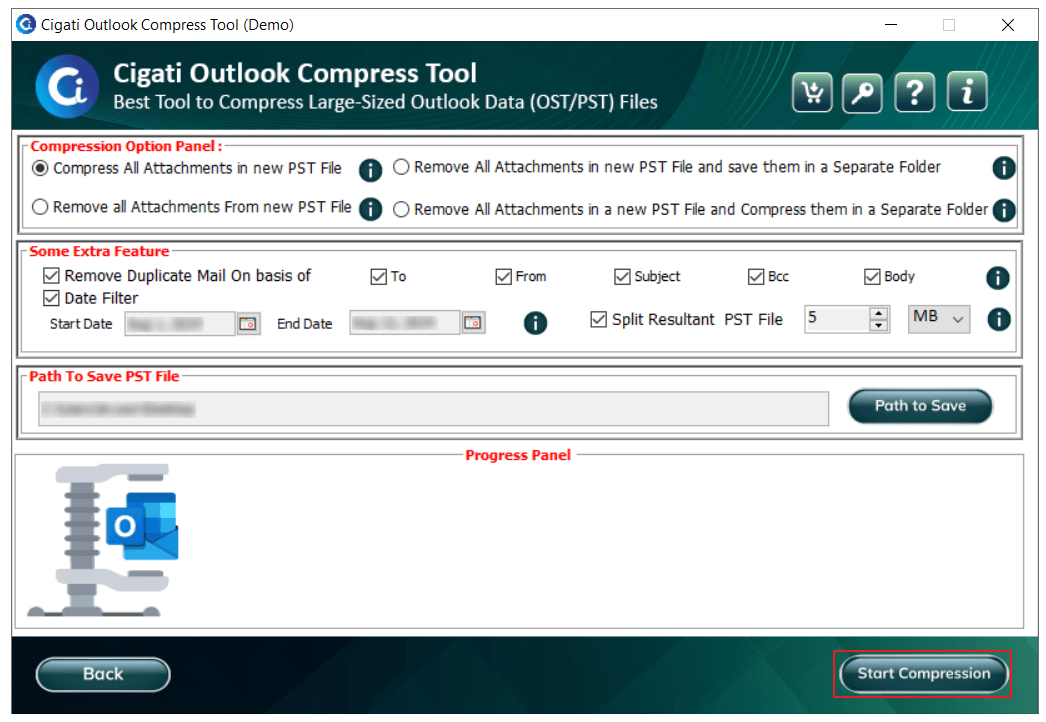
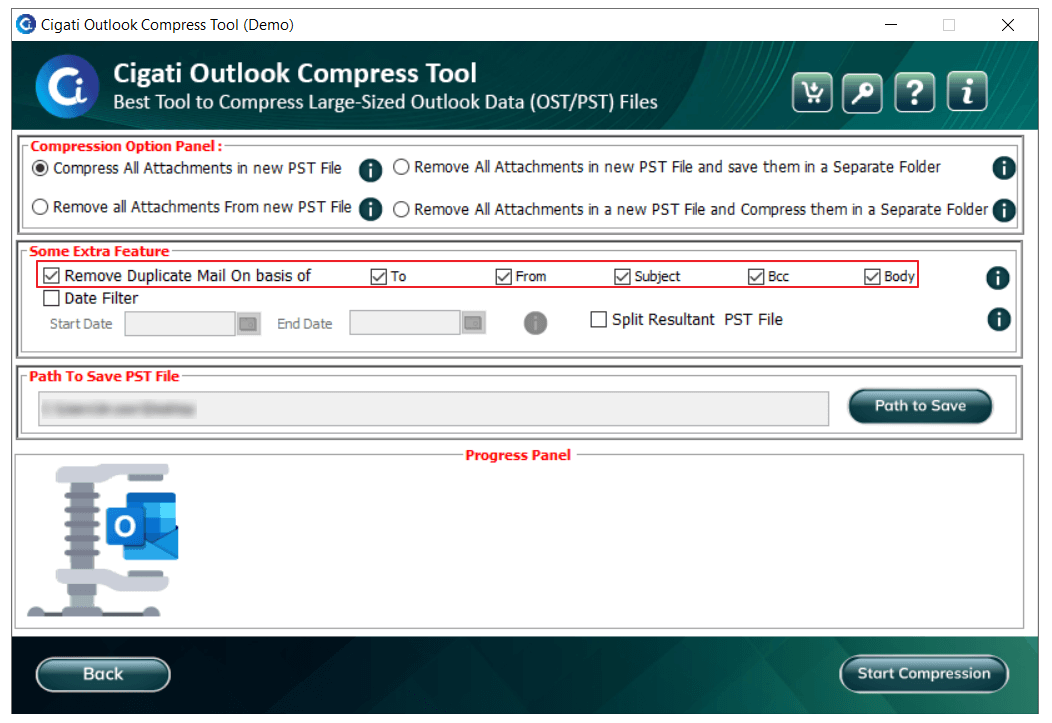
In the Compression Option Panel, you can select advanced compression options:
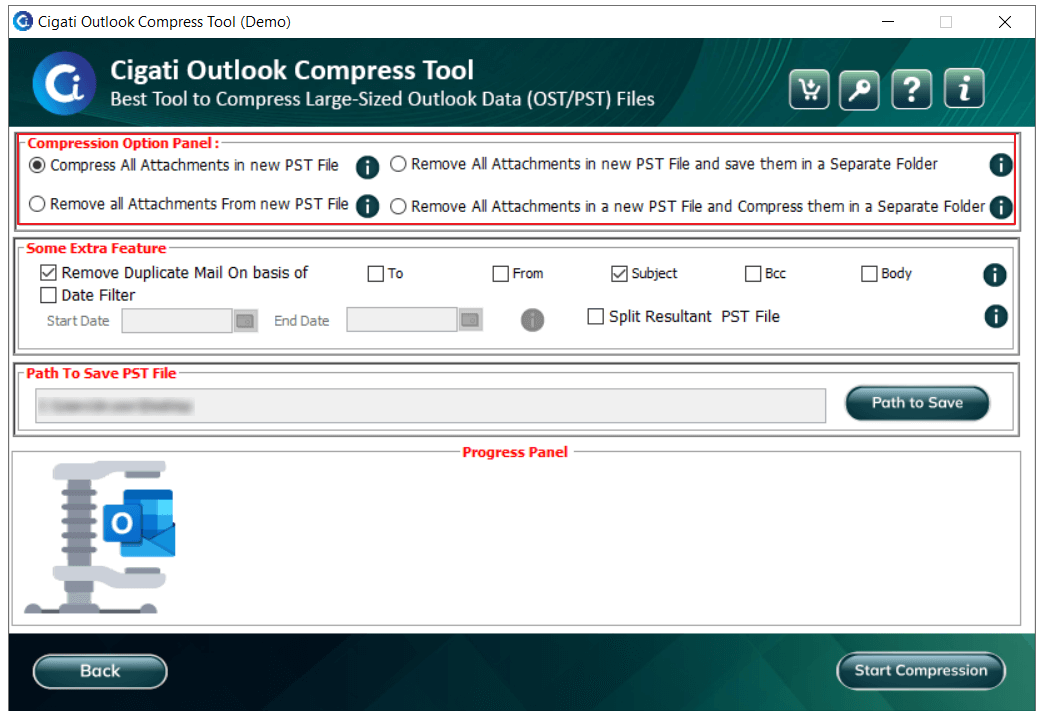
Enable the Remove Duplicate Mails option to filter and remove duplicate emails based on criteria such as To, From, Subject, Bcc, and Body.
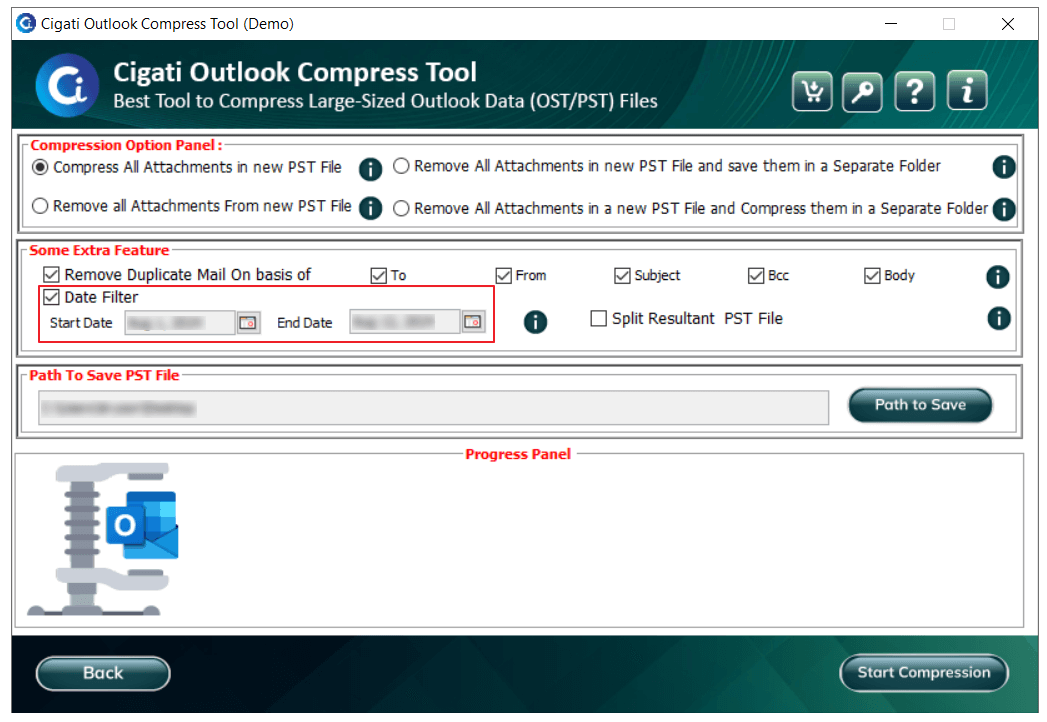
Select the Date Filter option to filter and include emails within a specific date range by specifying the Start and End fields.
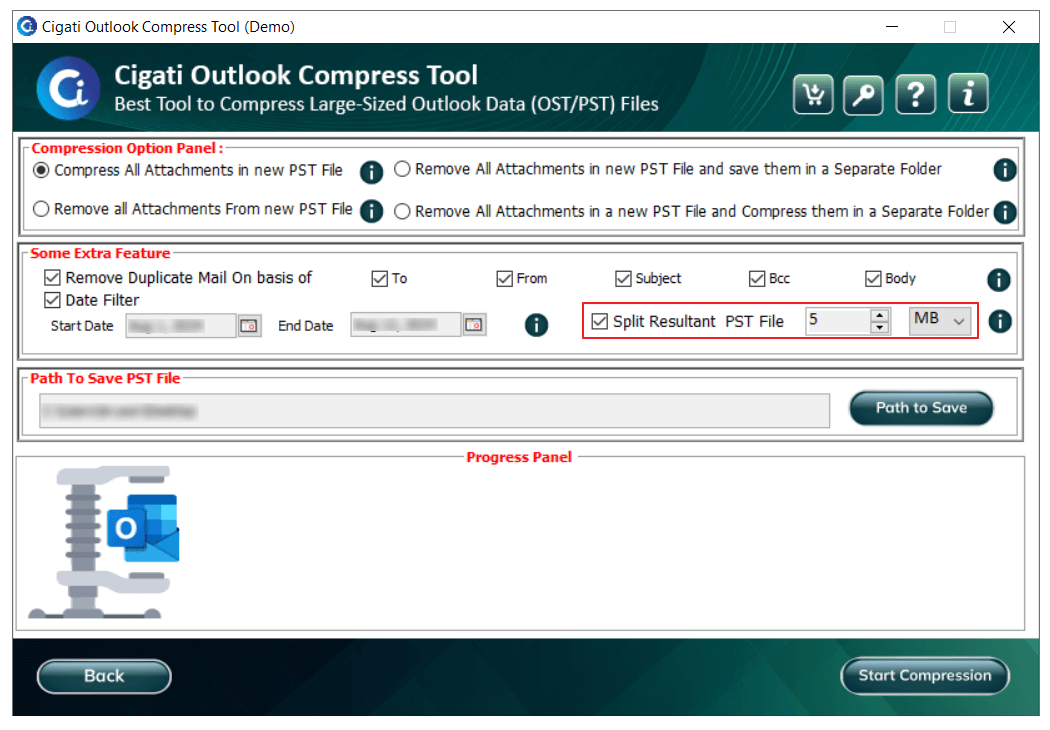
Check the Split Resultant PST option to divide the output PST into smaller PST files.
Click the Path to Save button to choose the desired location for saving the output PST file.
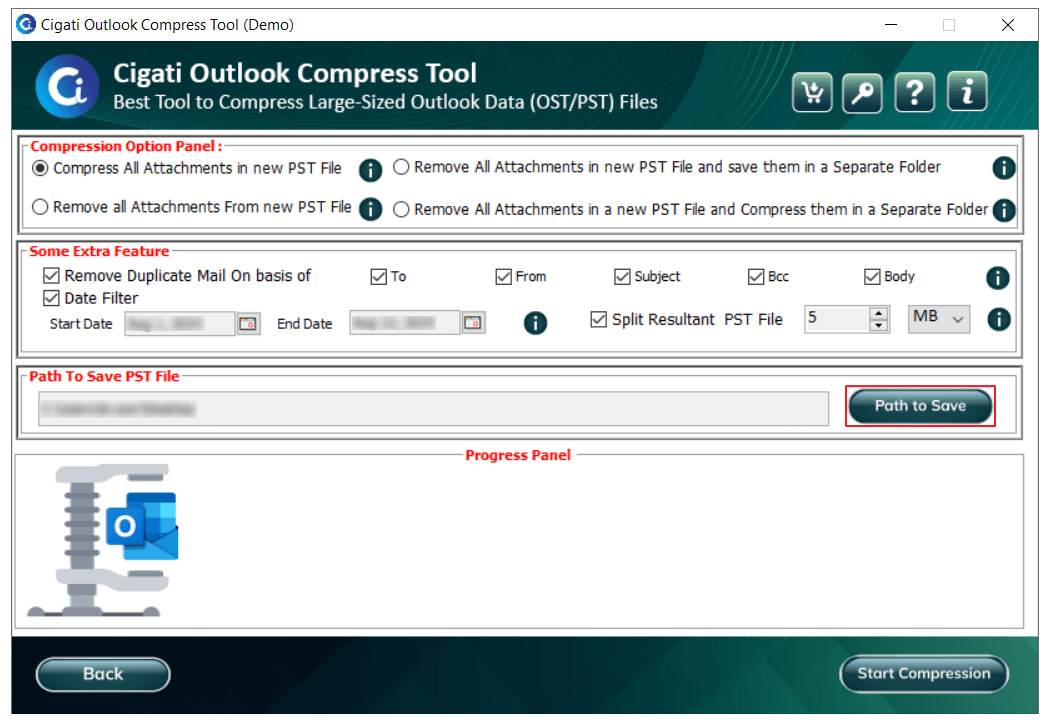
Finally, click the Start Compression button to begin the process of compressing the PST file.