VCF Split and Merge Tool
4.9
A user-friendly application with an intuitive design for beginners to navigate effortlessly.
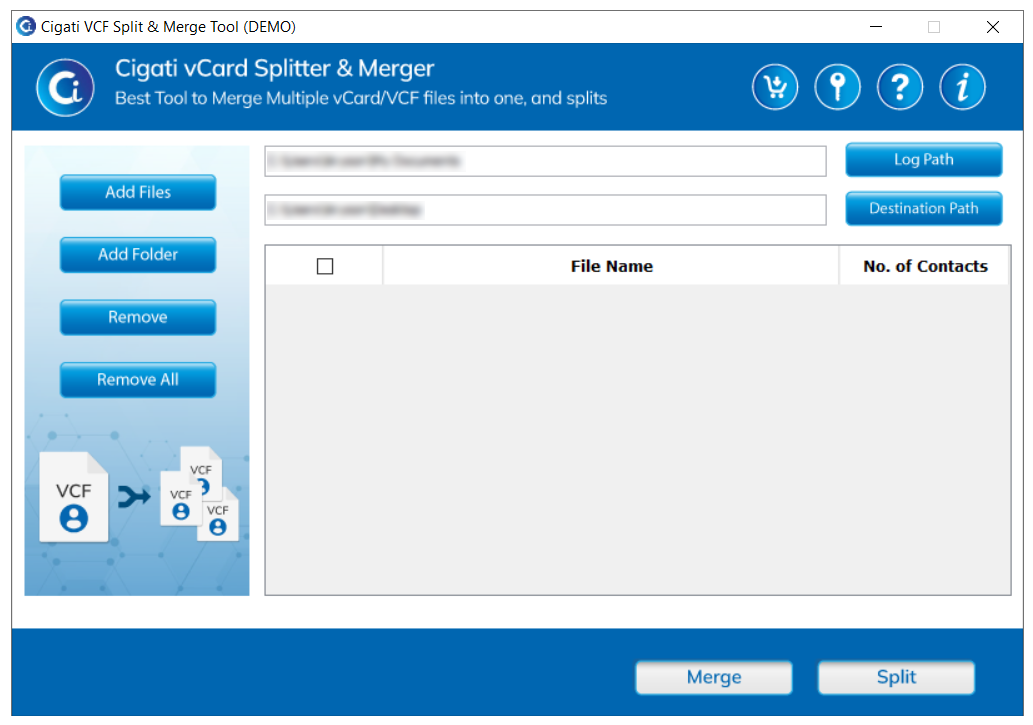
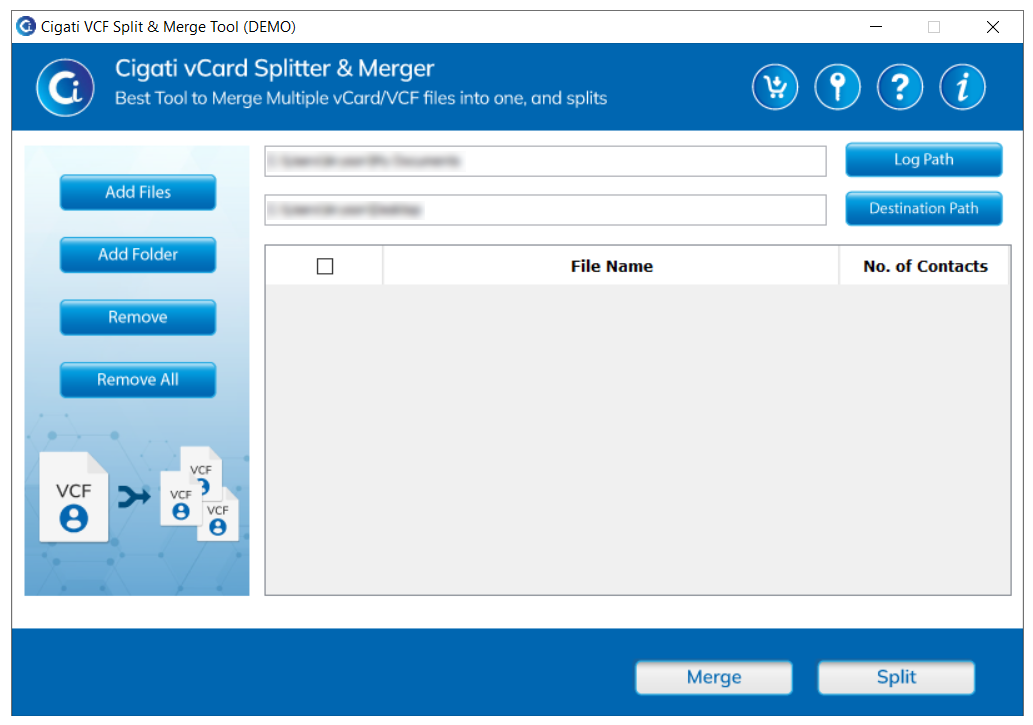
Install and open the Cigati VCF Split and Merge Tool.
Select Add Files or Add Folder to upload single or multiple VCF files.
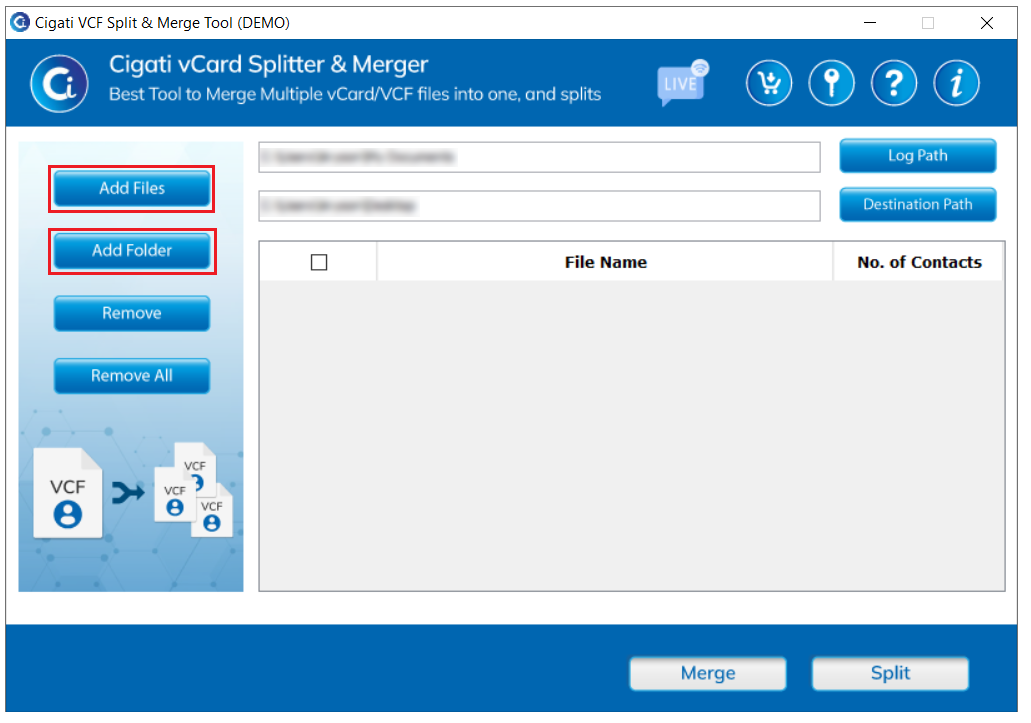
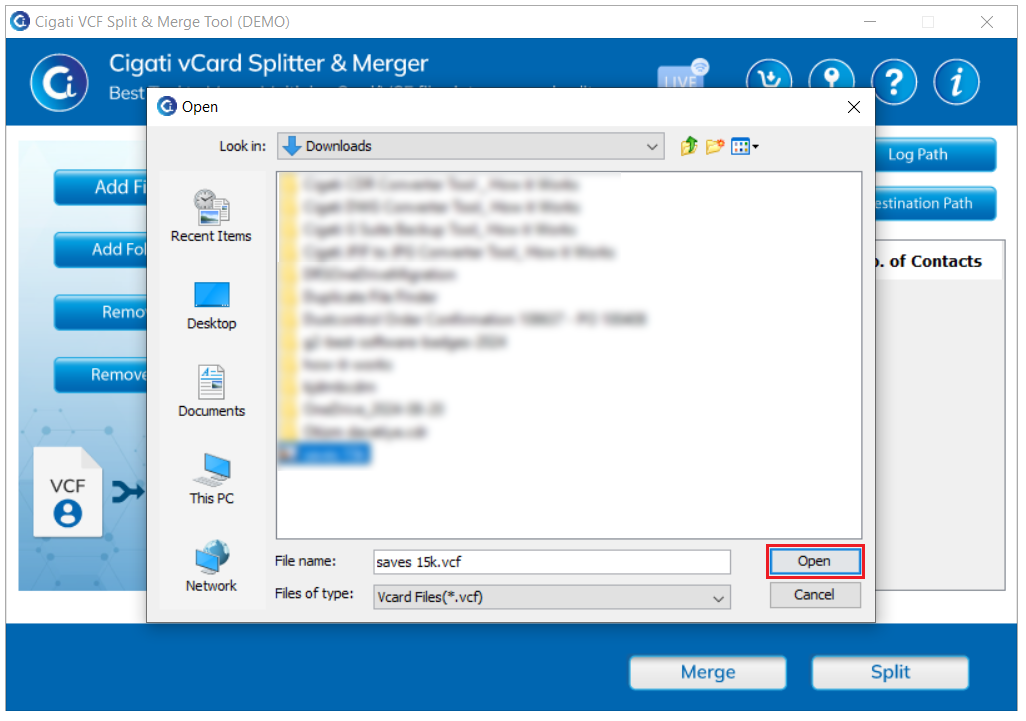
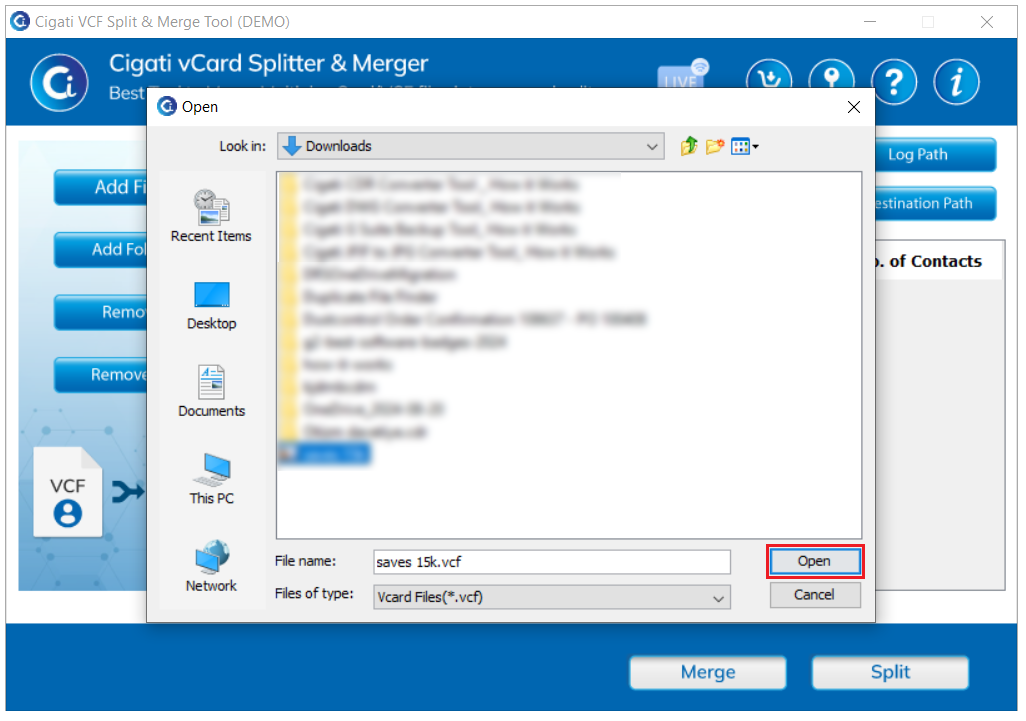
Click the Add File button to select the VCF file, and then click the Open button.
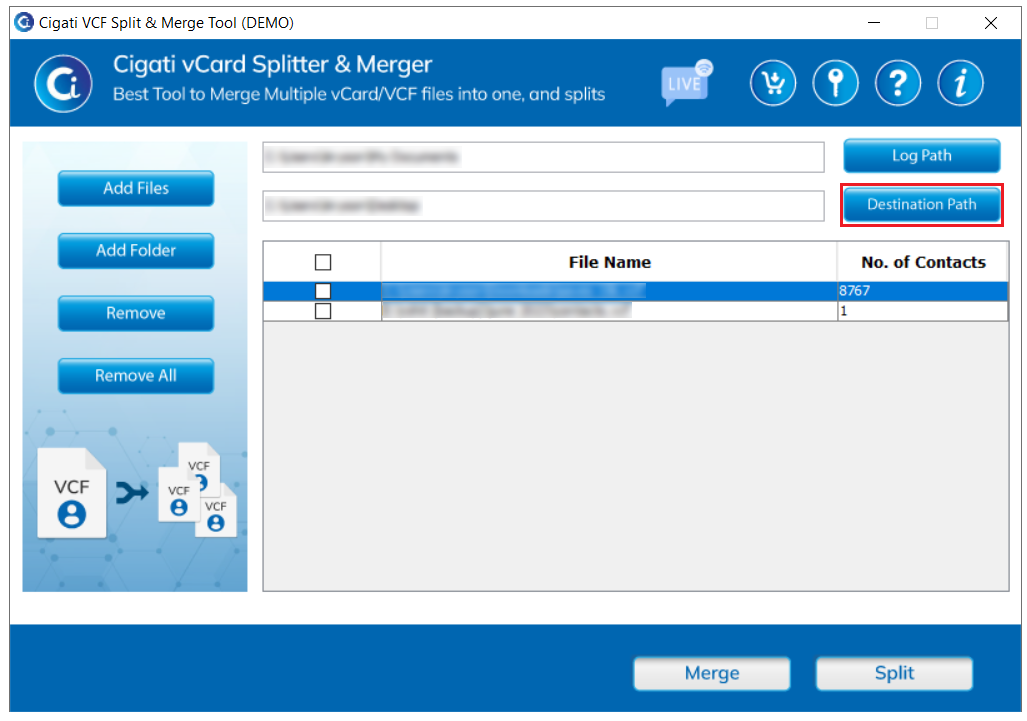
Click the Destination Path button to choose the directory where you want to save
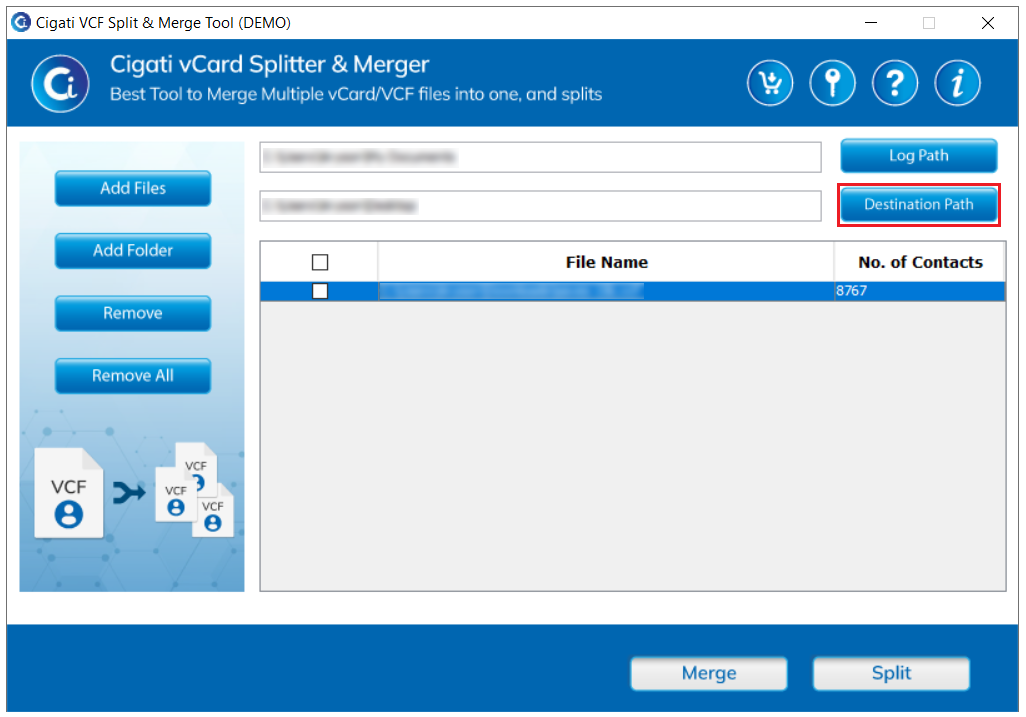
The file is displayed in the list. Tick the file you want to proceed with.
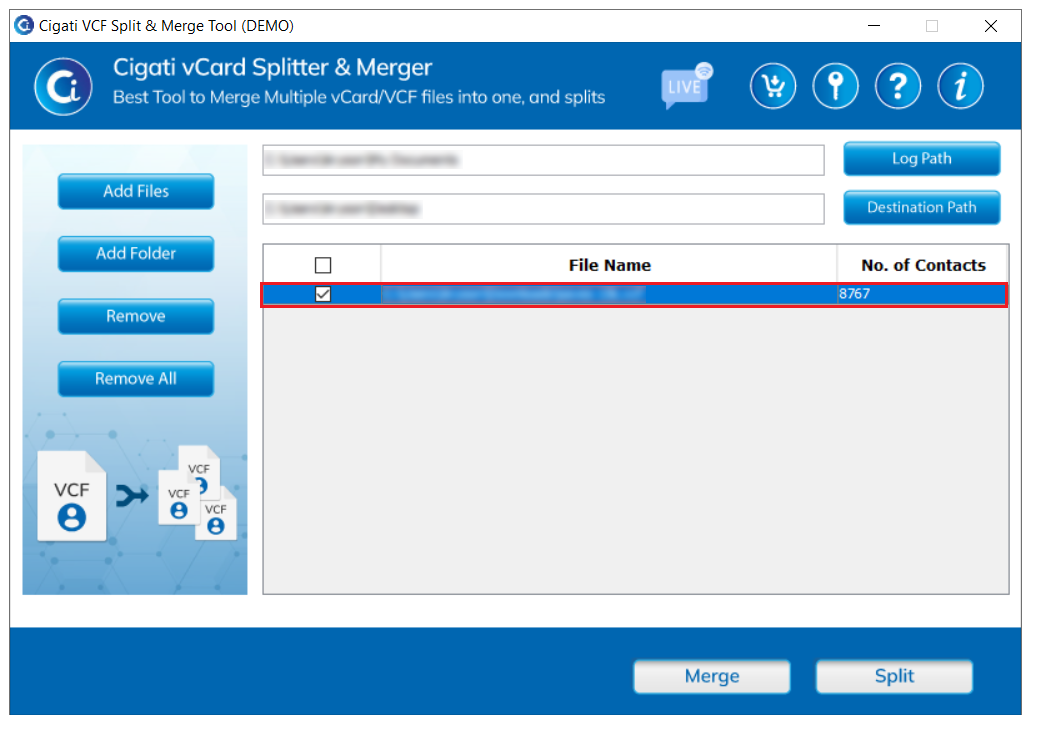
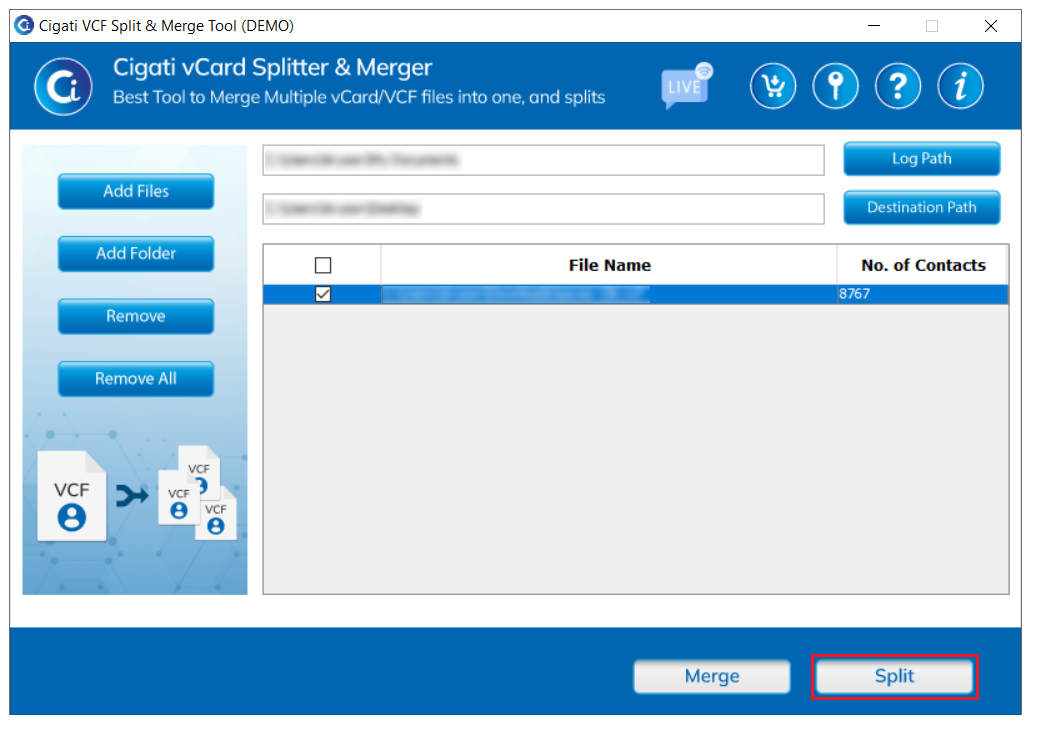
Click the Split button to initiate the splitting process.
Install and open the Cigati VCF Split and Merge Tool.
Click Add Files or Add Folder to upload one or more VCF files.
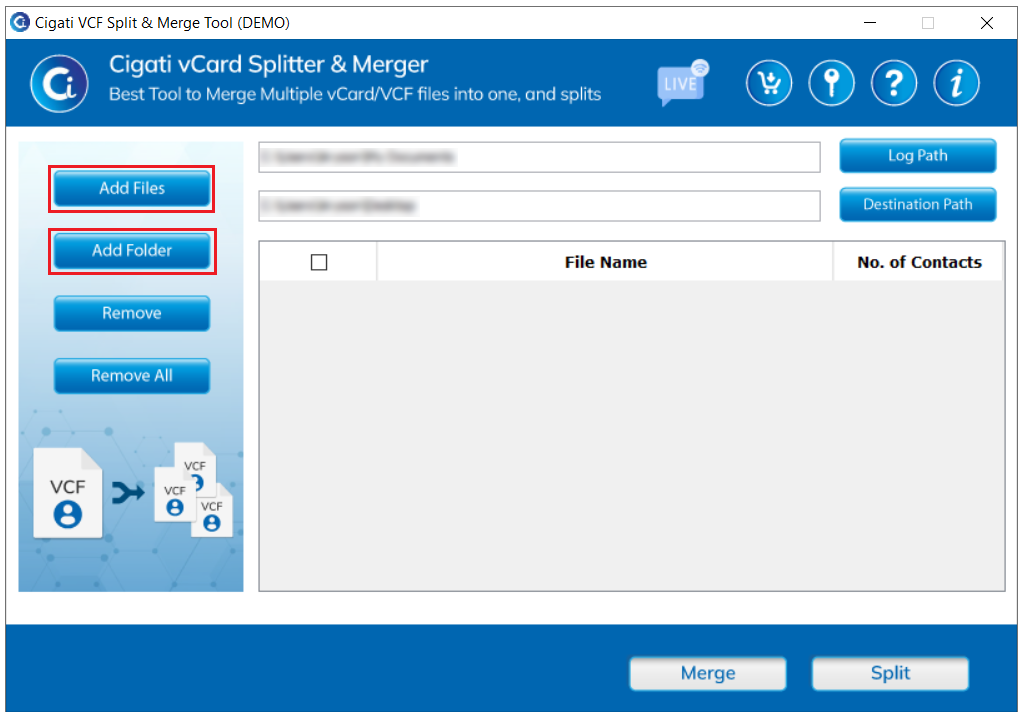
Click the Add File button to select the VCF files, then click Open.
Click the Destination Path button to select the directory where you want to save the resulting files.
The file will be displayed in the list. Select the file you wish to proceed with.
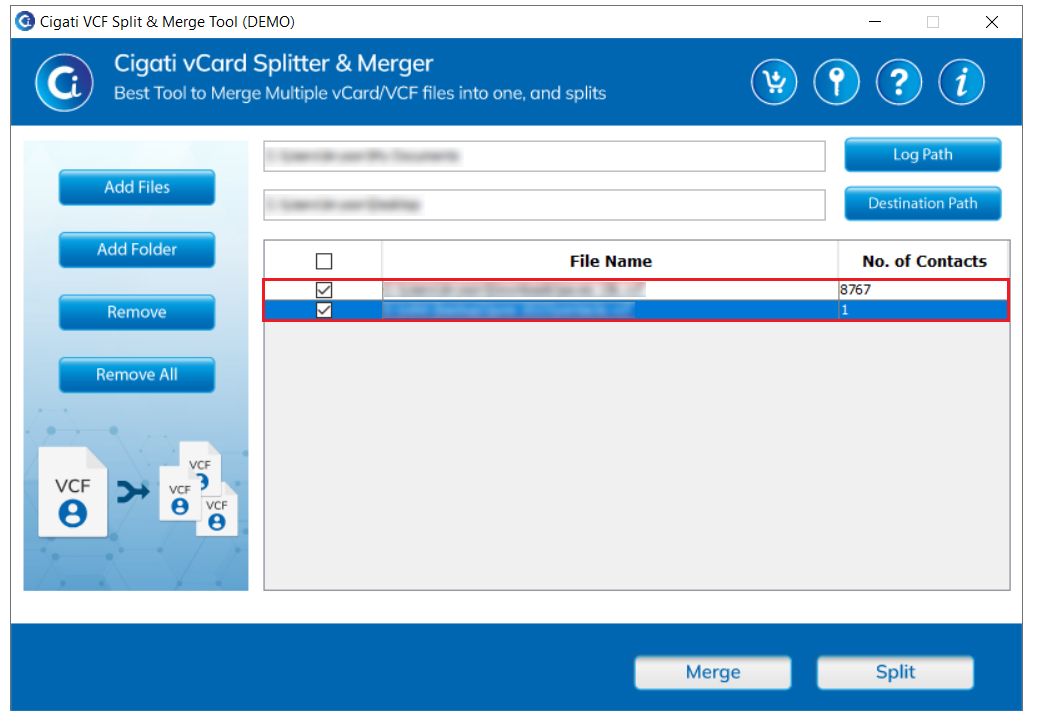
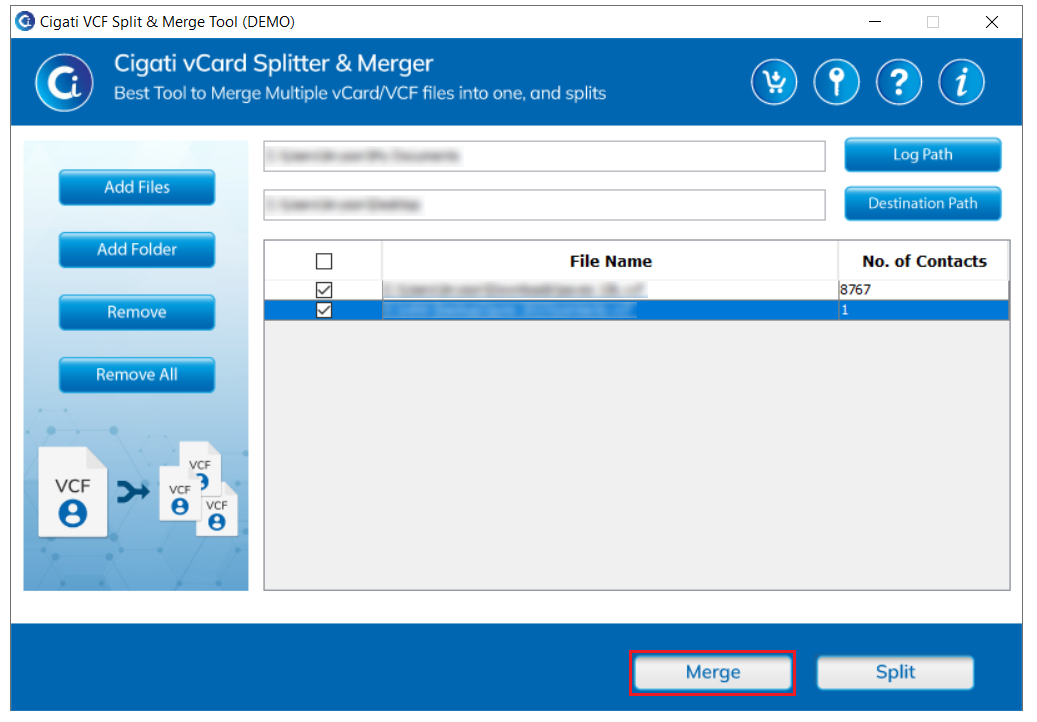
Click the Merge button to begin the merging process.