VHDX Recovery Tool
4.7
A user-friendly application with an intuitive design for beginners to navigate effortlessly.
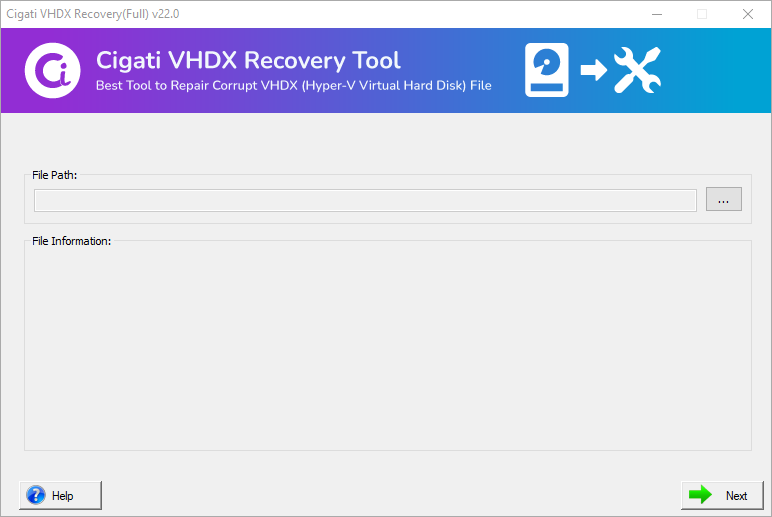
Install and Run Cigati VHDX Recovery Software.
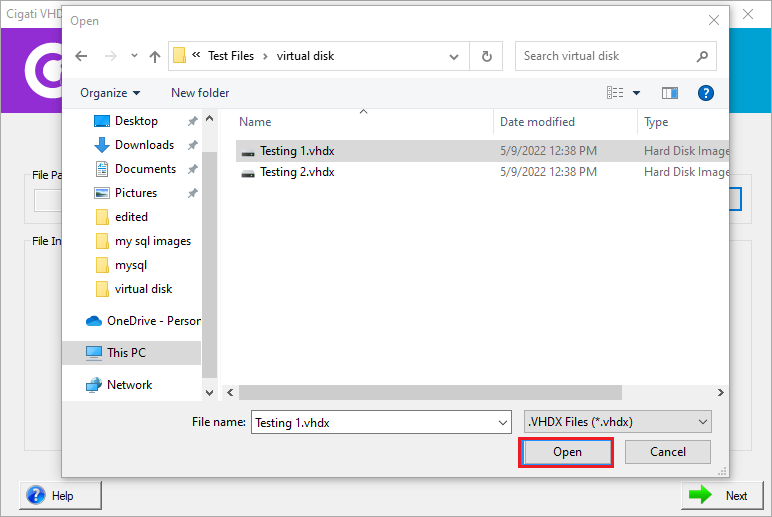
Click on the Browse button and select the VHDX file and press the Open button.
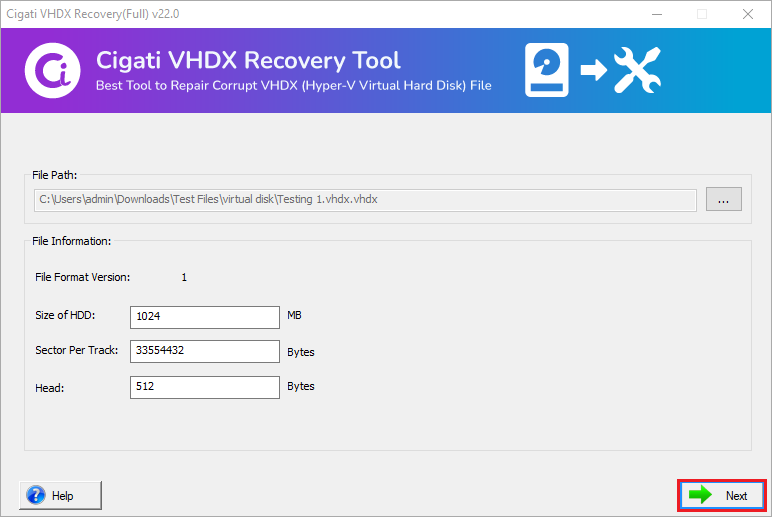
Here you can view the File Information and then tap on the Next button.
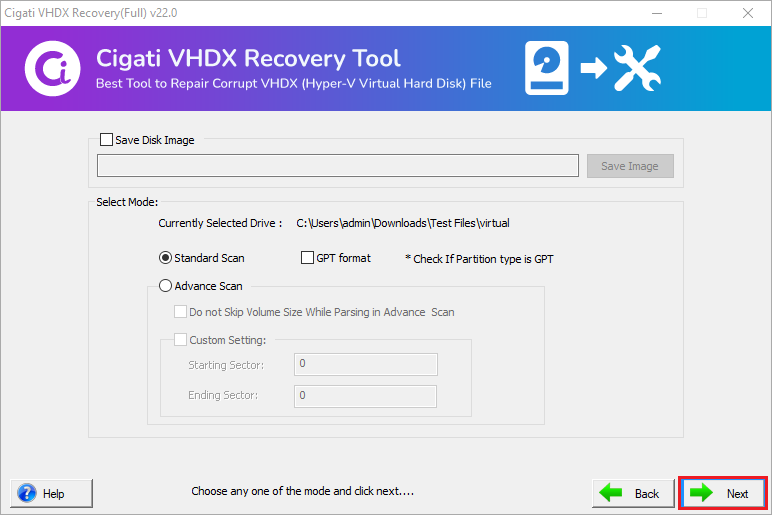
Now, choose the scanning mode Standard and Advance and click on the Next button.
(Note: You can also opt for the GPT option to specify the GUID partition table)
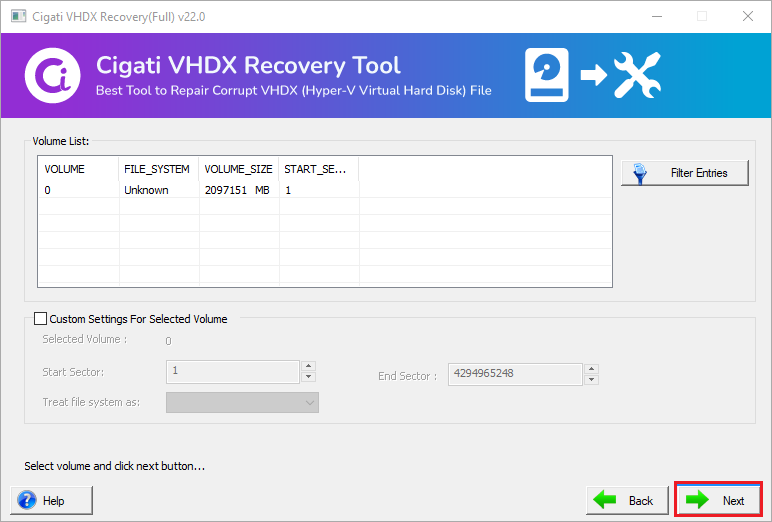
Here add Custom Value (Start & End Sector), also select treat file system as and click on the Next button.
(Note: Compatible with all the file formats like FAT, FAT16, FAT32, FAT64, HSF+, NTFS, RAW)
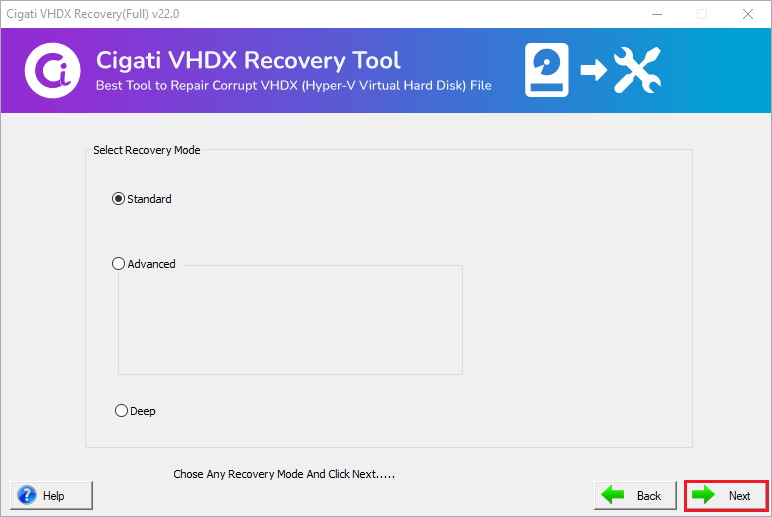
Then, select the desired Recovery Modes. (Standard, Advanced & Deep) and press the Next button.
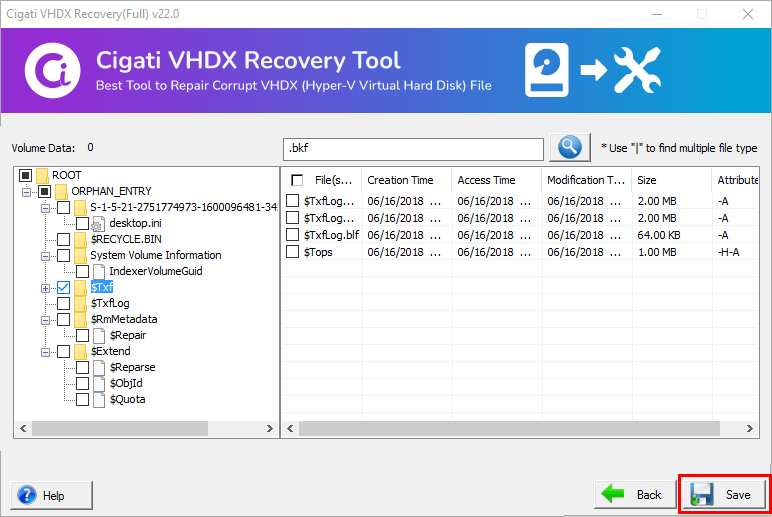
After that, the software will display a Tree Structure where you can Preview the recovered items.
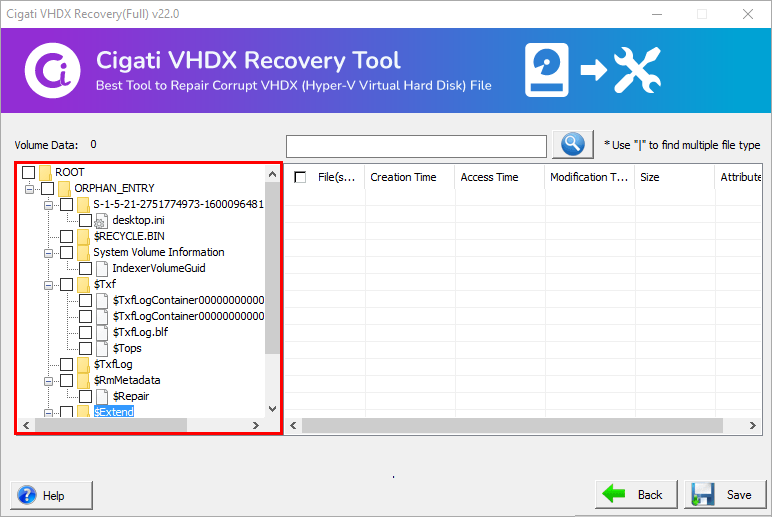
Choose the folder that you need to save and hit the Save button.