Yahoo Email Backup Tool
4.7
Know Here - How to Backup Yahoo Mail Data
A user-friendly application with an intuitive design for beginners to navigate effortlessly.
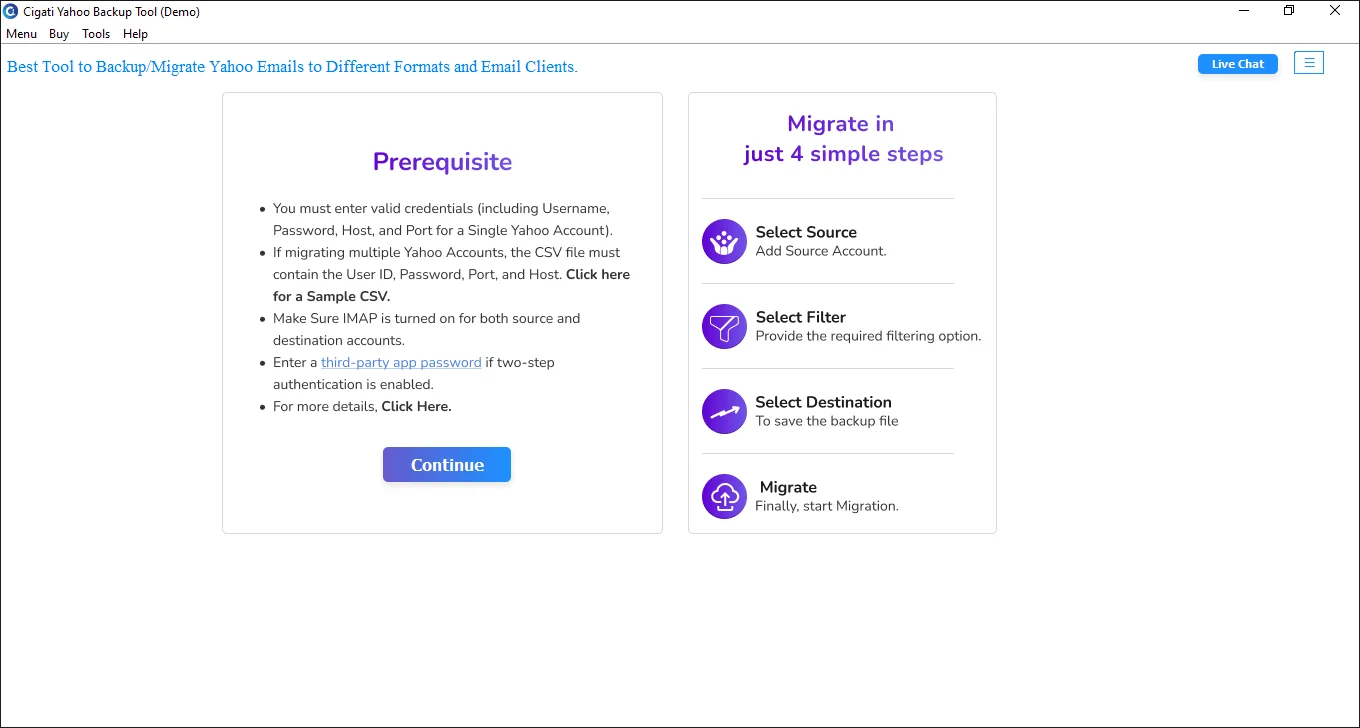
Download and Run the Cigati Yahoo Backup Tool.
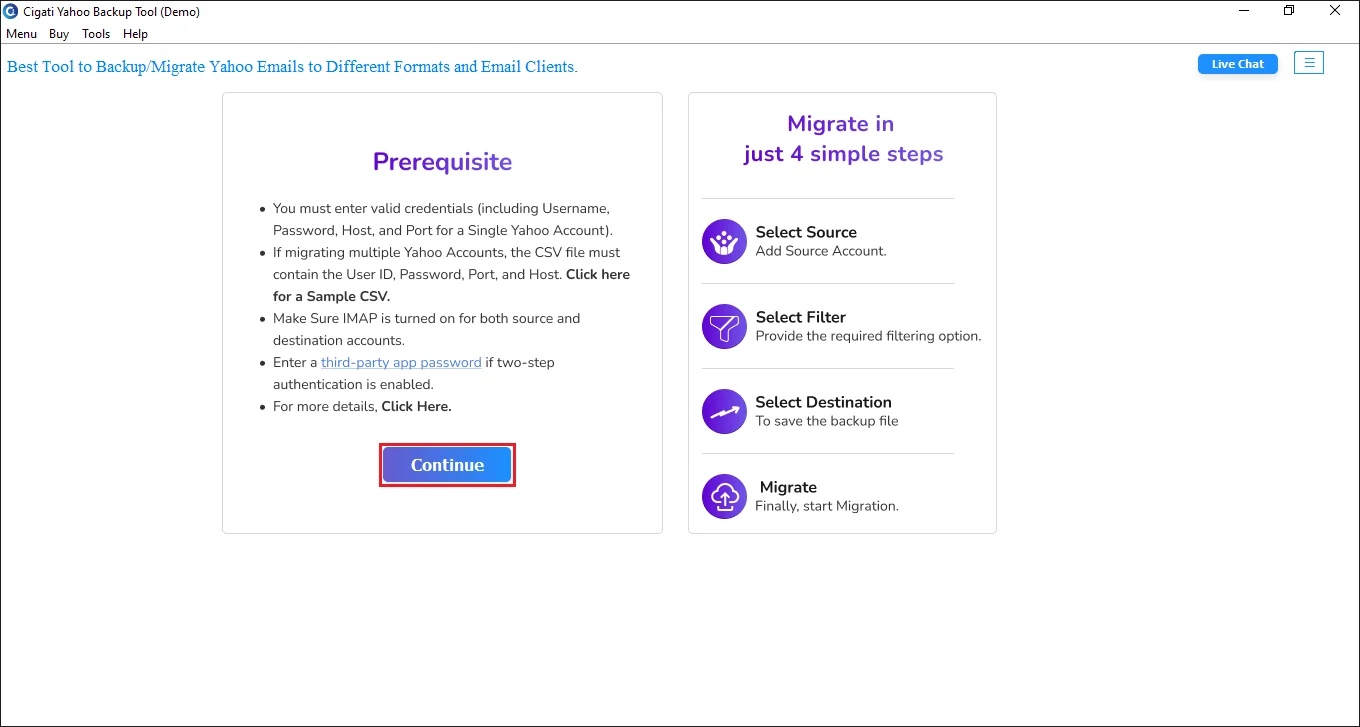
Click the Continue button to go for the further process.
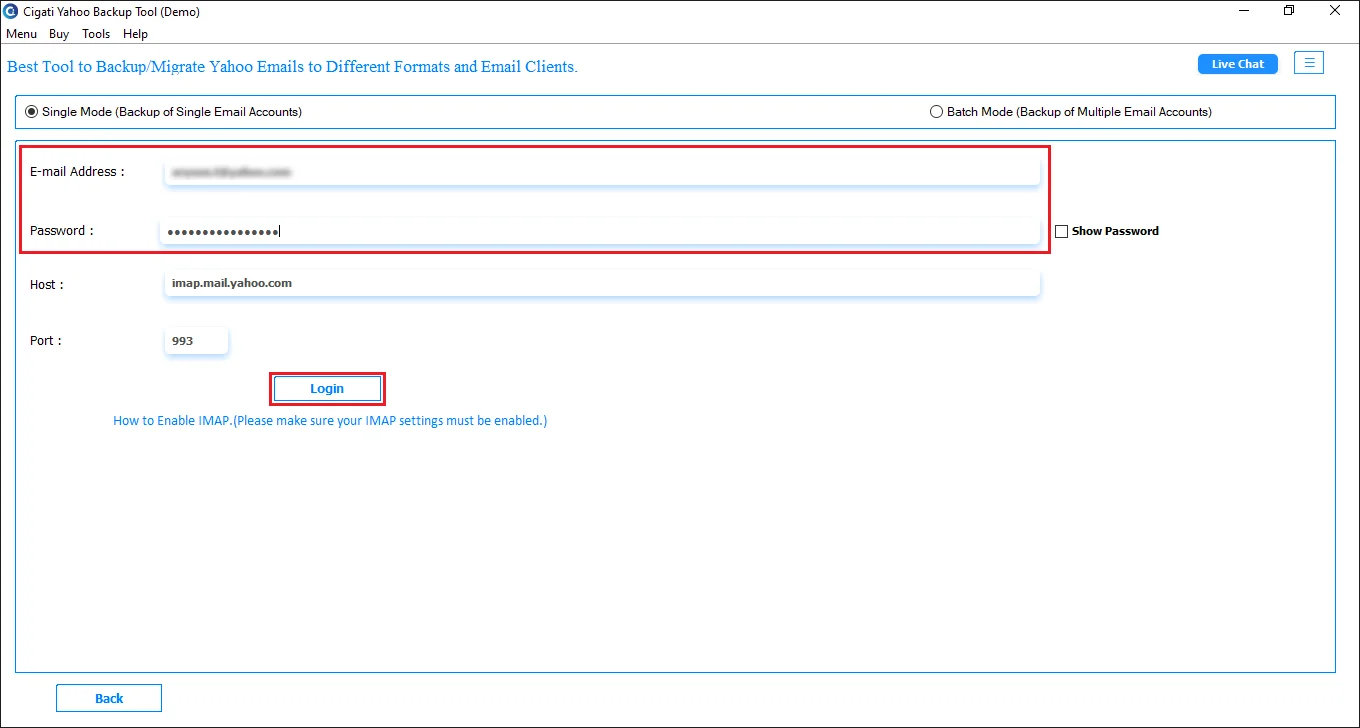
Enter your Email ID and Third-party app password and Click on the Login button.
Select folders in the preview list, then click Next.
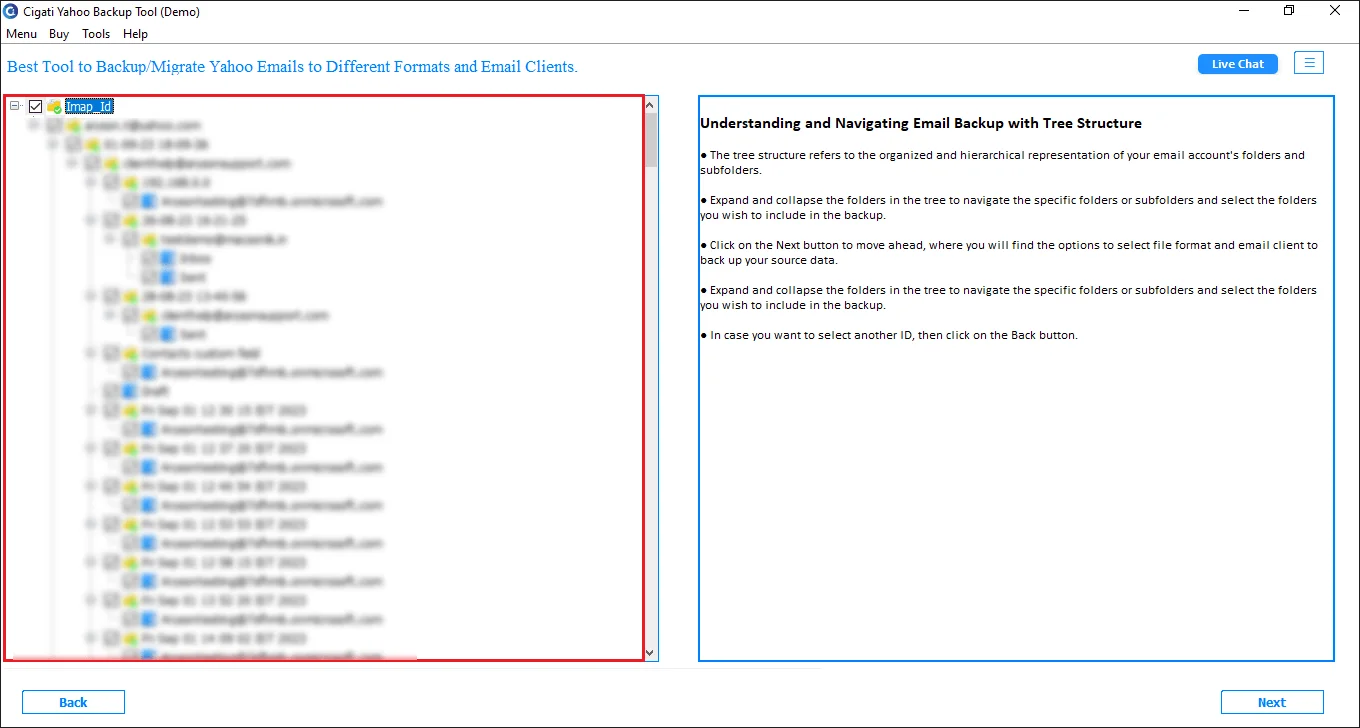
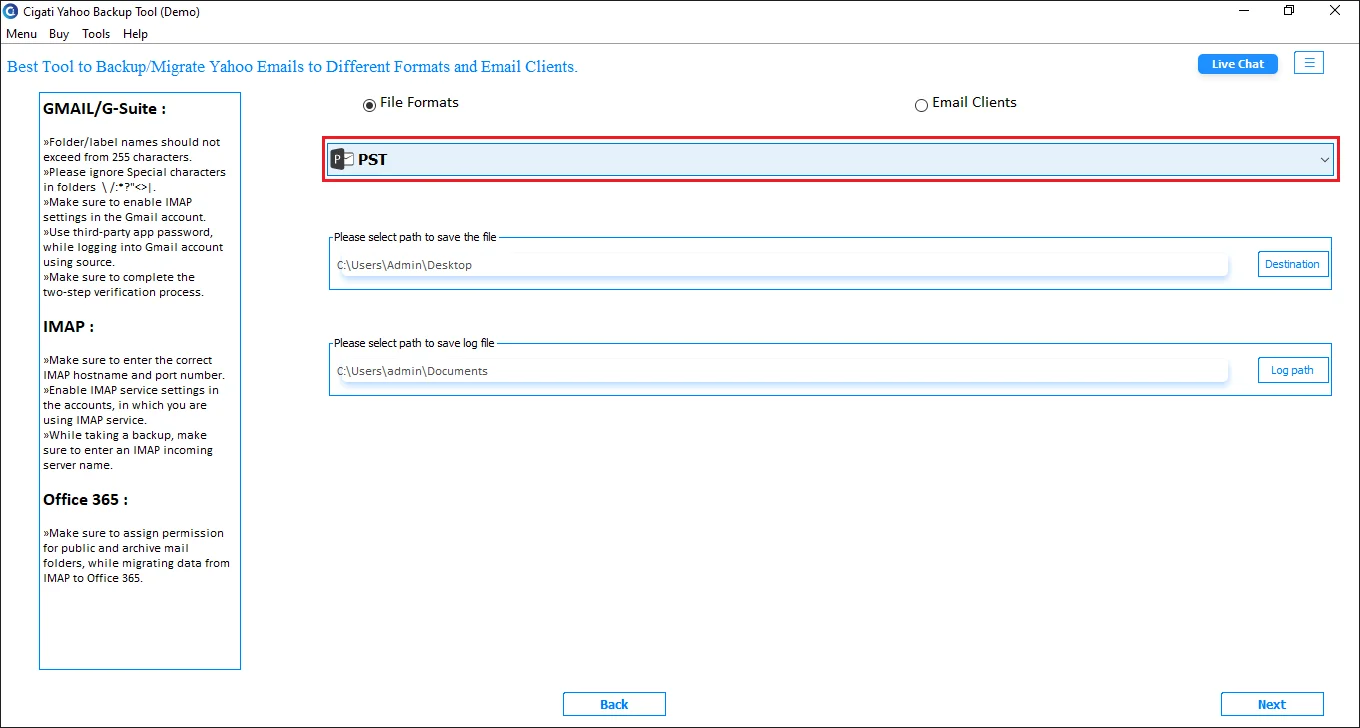
Choose File Format and Select PST from the drop-down.
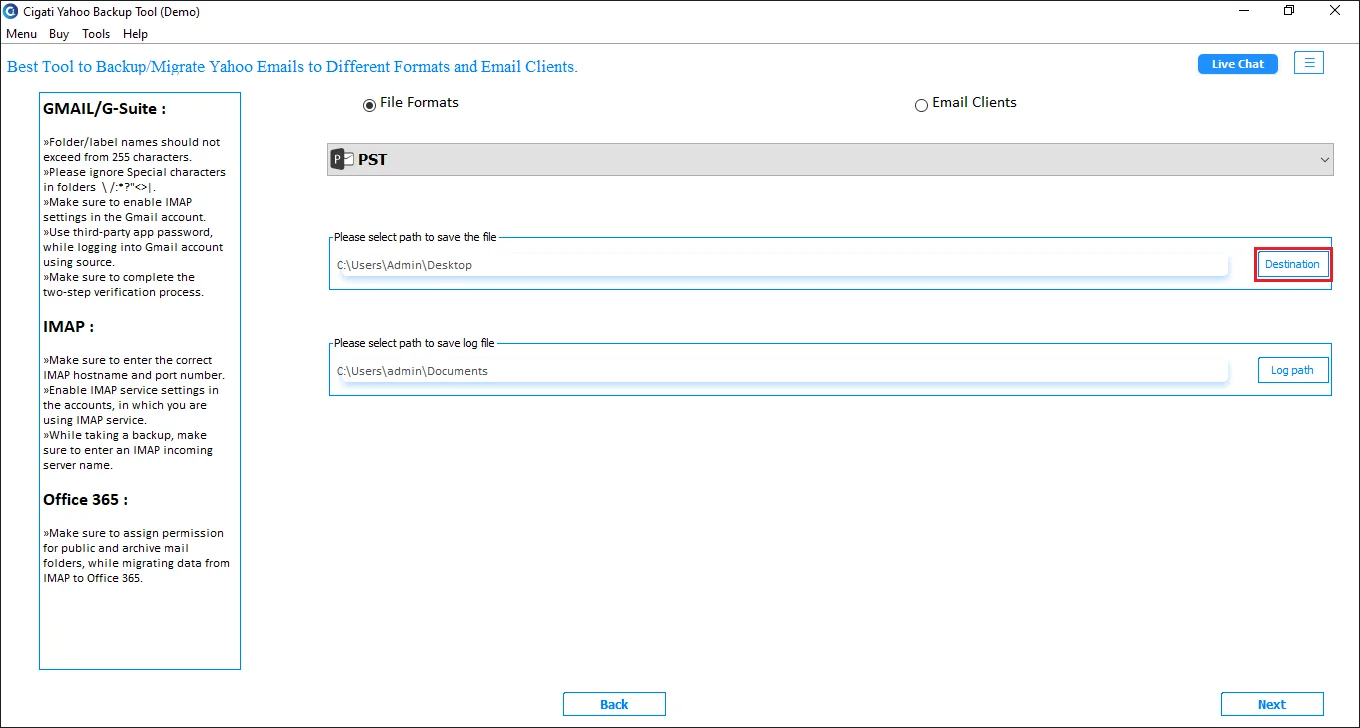
Click on the Destination button to save the resulting file, then click Next.
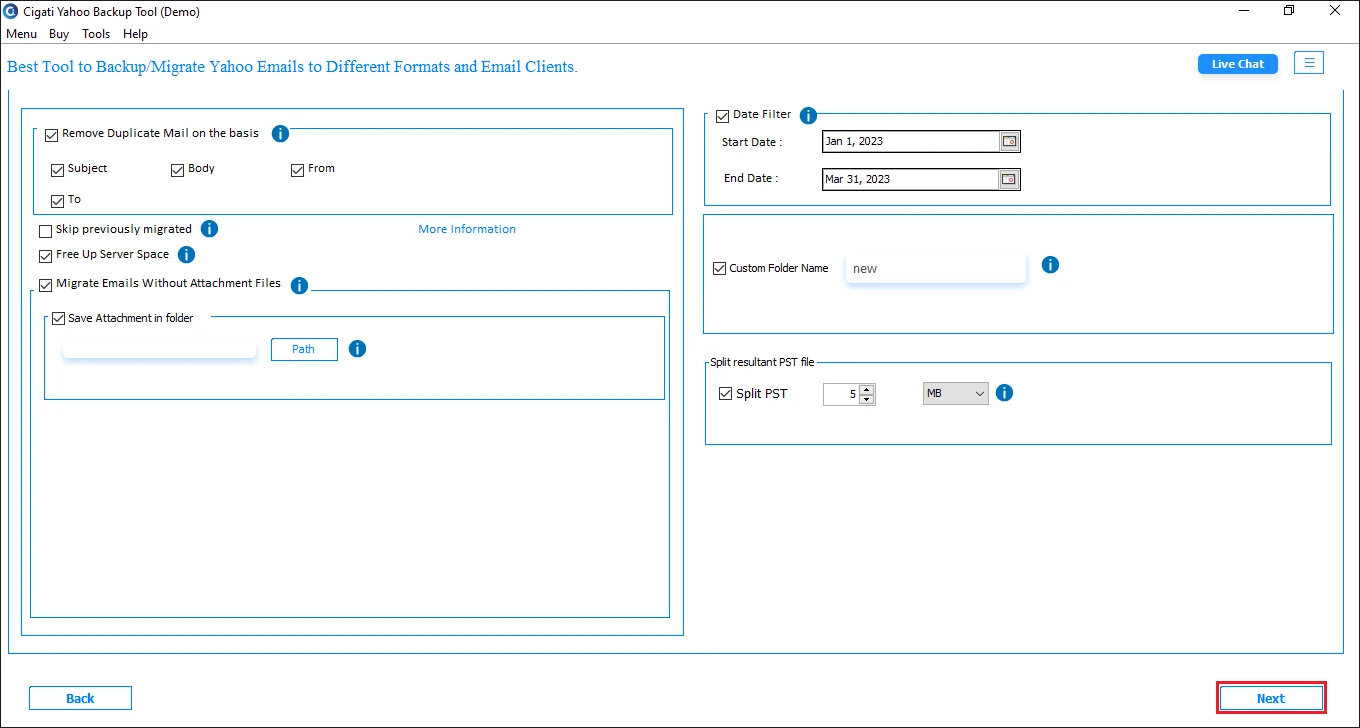
Select “ Remove Duplicate Mail on the basis of ” this feature to eliminate duplicate emails throughout the process.
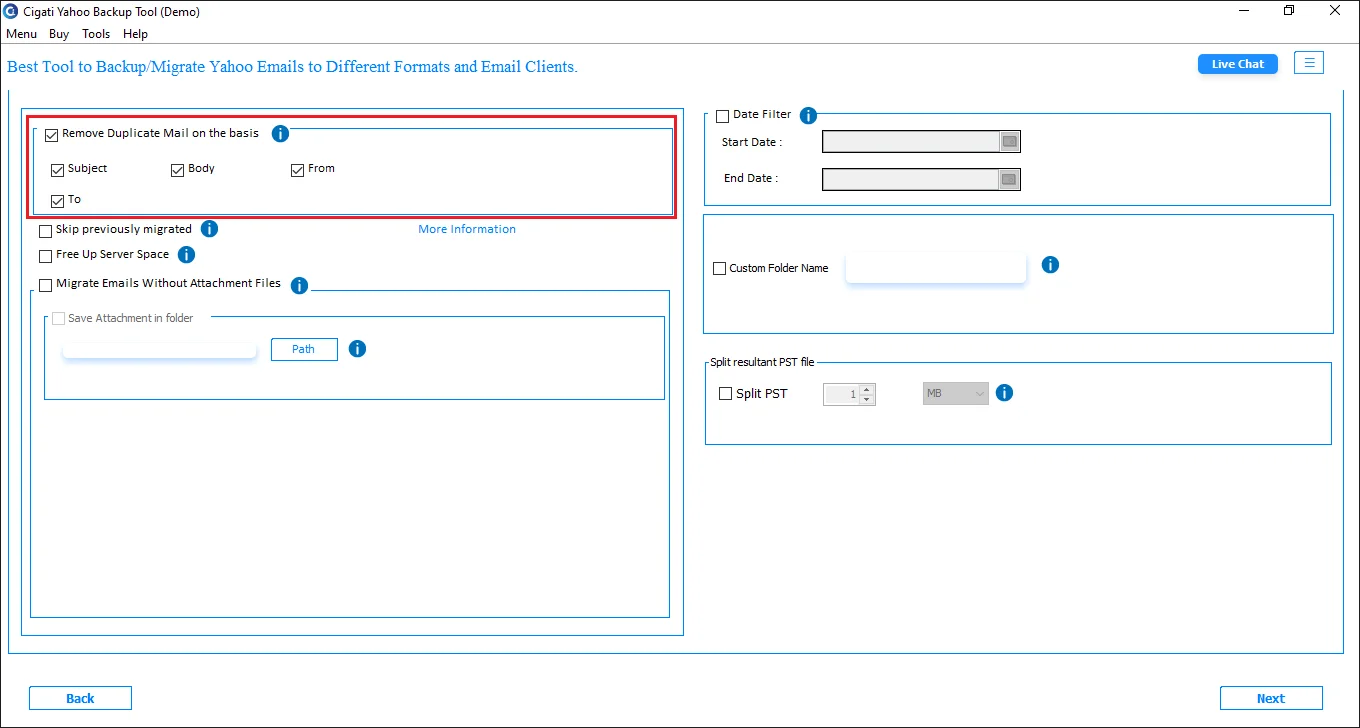
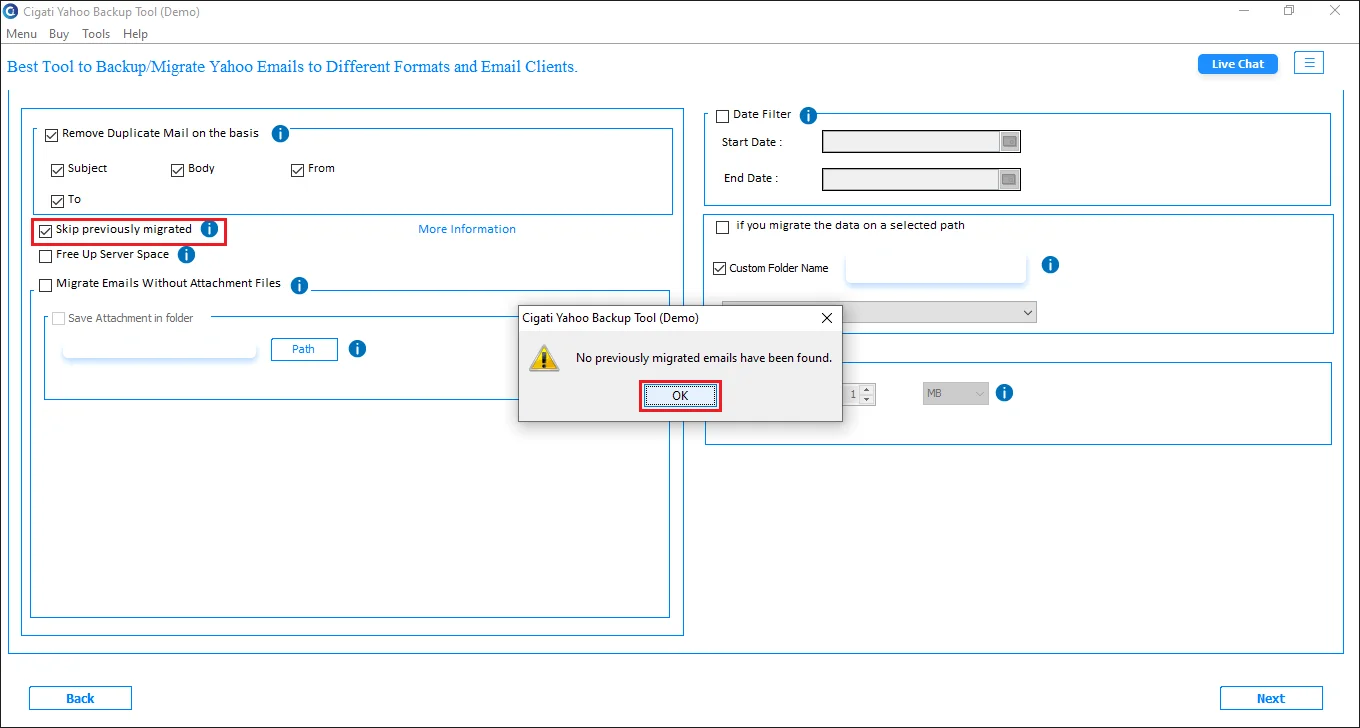
Tick the Skip Previously Migrated Option to skip the already migrated data.
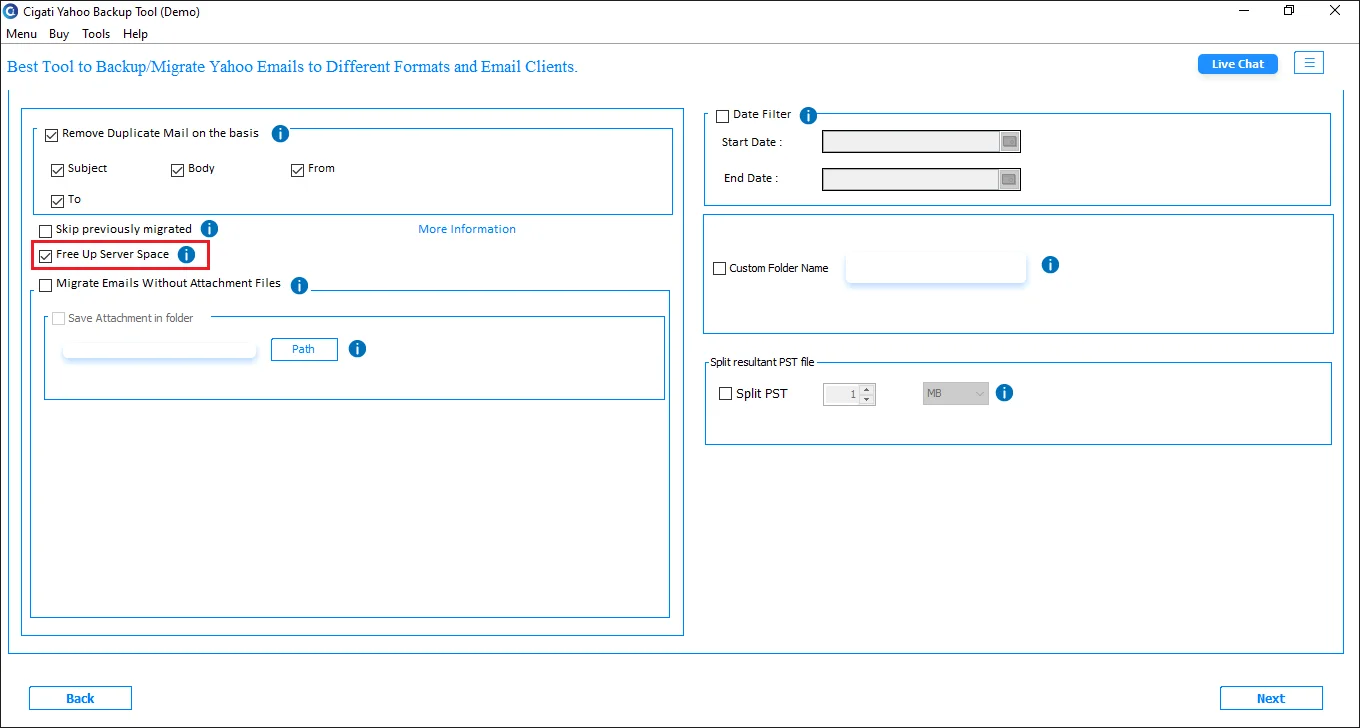
Use the Free Up Server Space feature to empty the server space after migration.
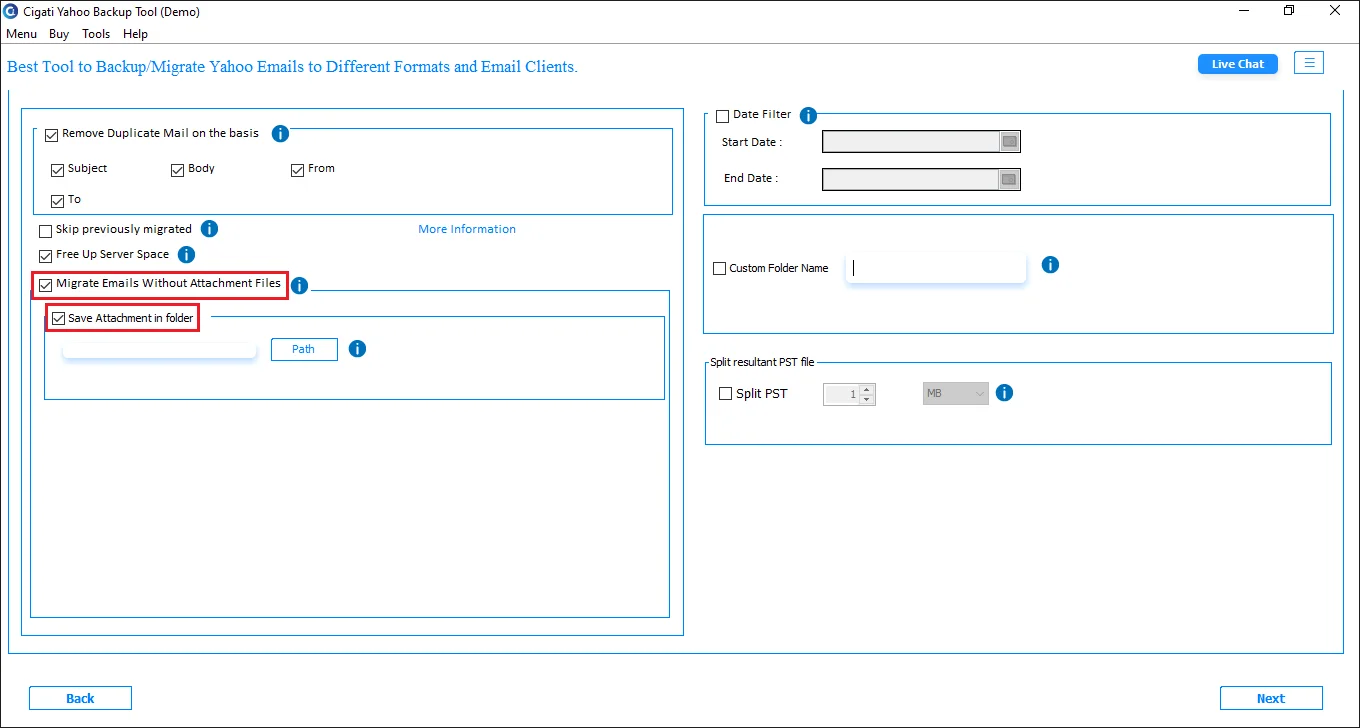
Go with the Migrate Emails without Attachment files option to leave out the email attachments. Also, Tick the Save Attachments in the Folder to save the attachments in folders.
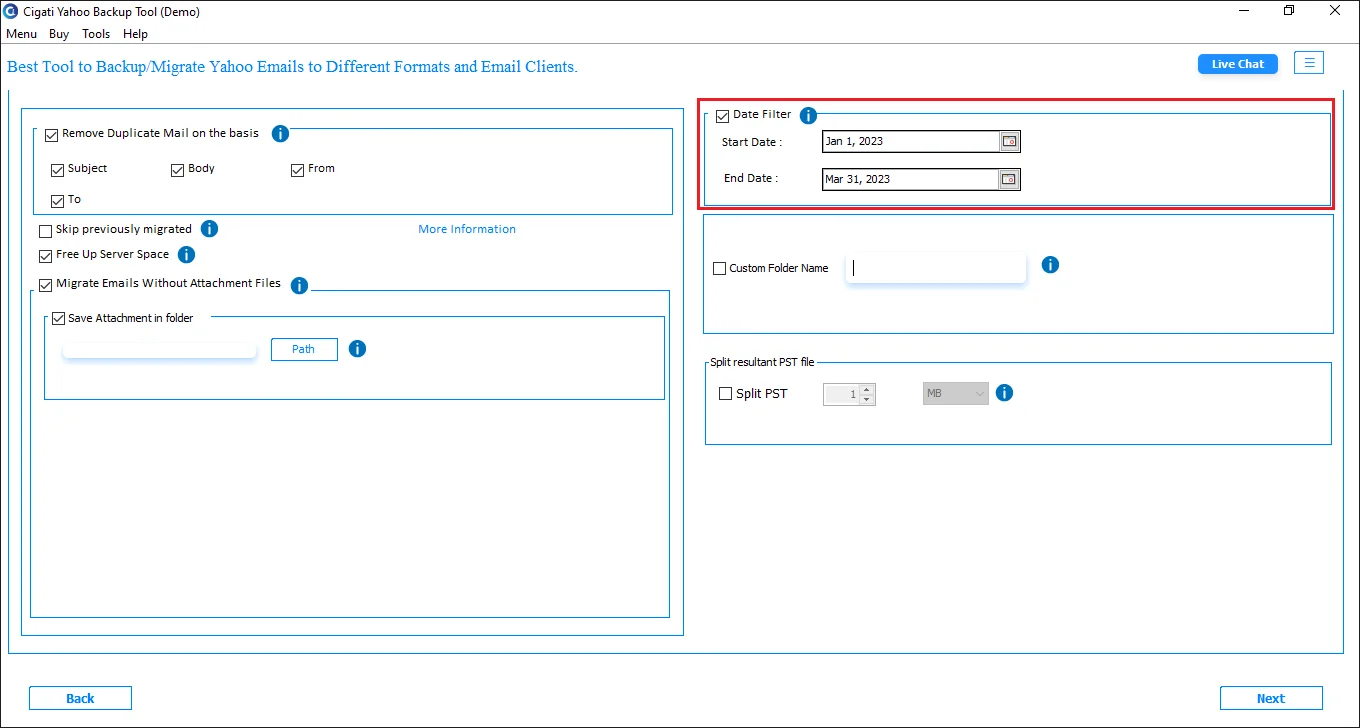
Afterwards, select the Date Filter option and define the date range using the appropriate Start and End dates
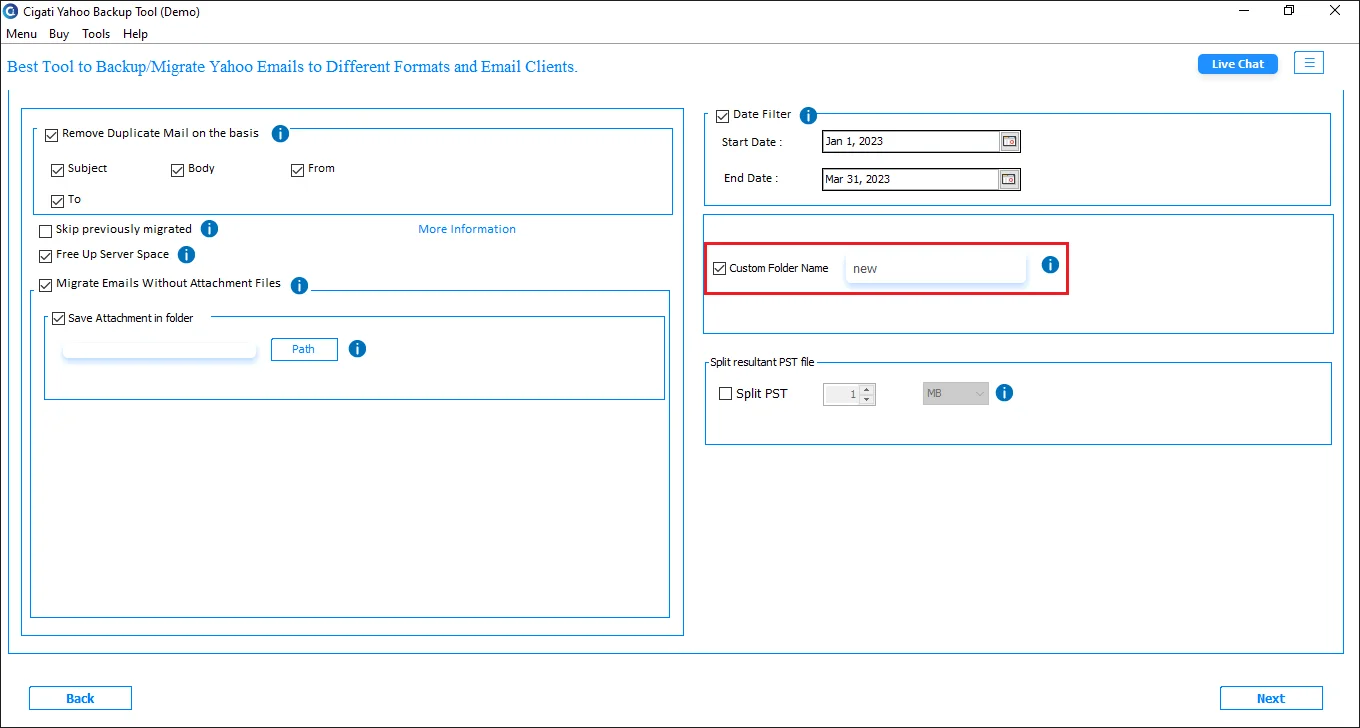
Check the Custom Folder Name option and enter the desired name in the provided field.
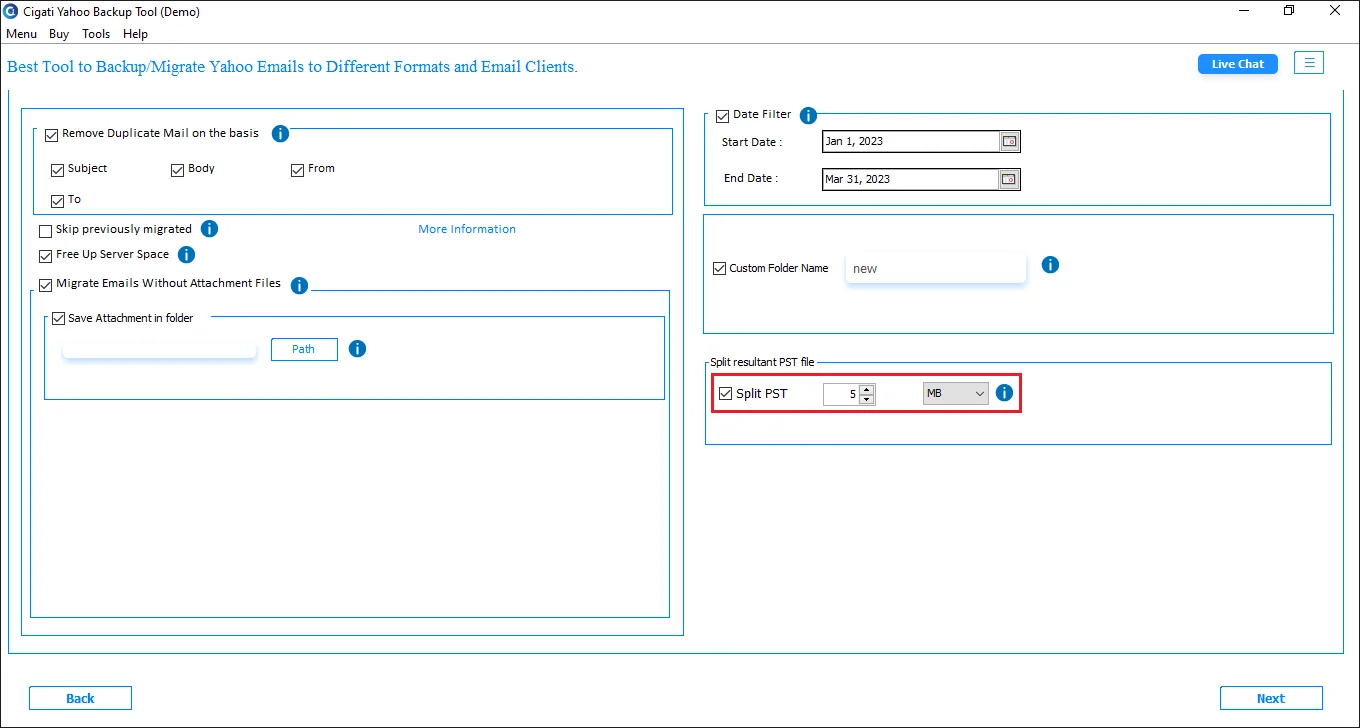
After selecting the Split PST option, you can divide the resultant file into smaller PSTs
Finally, click the Convert button to begin the exporting procedure.