Cigati AOL Backup Tool

The Cigati AOL Backup Tool helps to backup AOL emails locally with and without attachments. It offers various file formats that users can use to back up their AOL Mail data.

(Average Rating 4.9 Based on 4122 Reviews)

Benefits of

Cigati AOL Mail Backup Tool

  • Backup AOL Emails to multiple file formats locally on PC and hard drives.
  • Migrate AOL emails to various email clients directly to their inboxes
  • Saves all AOL Emails to external hard drives and local drives.
  • Backup AOL Emails to PST, PDF, MBOX, MSG, CSV, DOCX, and other file formats.
  • Export emails from AOL to Office 365, G Suite, Gmail, and other clients.
  • Remove Duplicate emails while backing up the AOL emails.
  • Customized AOL Email Migration with the help of the Date Range Filter.
  • Free AOL Email Backup Tool backs up 50 emails per folder for free.
  • No Limitation on the Mailbox Size for migrating emails from AOL
benefit-img

Exclusive Features

of the AOL Mail Backup Wizard

Backup All AOL Emails

Backup All AOL Emails

The Cigati AOL Backup Tool helps you save your AOL mailbox to your computer or an external drive. It can back up emails, attachments, and other important data. You can also move your mailbox to other email clients directly without any data loss. The software keeps your emails safe and unchanged during the backup process.

Migrate AOL to 10+ Email Clients

Migrate AOL to 10+ Email Clients

The AOL Email Backup Tool transfers your email data to different email clients. Some of the supported clients are Gmail, IMAP Server, Yahoo Mail, Outlook, Office 365, and Thunderbird. Users can also migrate their emails to many other email clients besides these.

Backup AOL Mail to Multiple File Formats

Backup AOL Mail to Multiple File Formats

This software allows you to back up AOL emails in different file formats like PST, MBOX, EML, and MSG. You can choose any format you prefer for backup. It also lets you save data in document and image formats such as PDF, CSV, DOC, DOCX, and more.

Date Range Filter Option

Date Range Filter Option

The Mail Filter feature in the Cigati AOL Mail Backup Tool lets you back up emails from a selected time range. It helps skip unwanted emails during backup. Using this option is not mandatory. If you don’t select the Mail Filter, all your emails will be backed up automatically.

Keeps all Data Intact

Keeps all Data Intact

AOL Email Backup Software keeps the same order of emails as in your AOL mailbox. The folder hierarchy in the backup remains the same. This ensures a proper backup process. For example, if your AOL emails are arranged by date, they will appear in the same order in the backup file.

Delete Emails from AOL after Backup

Delete Emails from AOL after Backup

AOL Backup Software includes a feature to delete emails after creating a backup. This helps free up space in your mailbox for new messages. However, deleting emails is optional. If you prefer to keep them in your mailbox, you can still back them up without removing them.

Save All Email Attachments Separately

Save All Email Attachments Separately

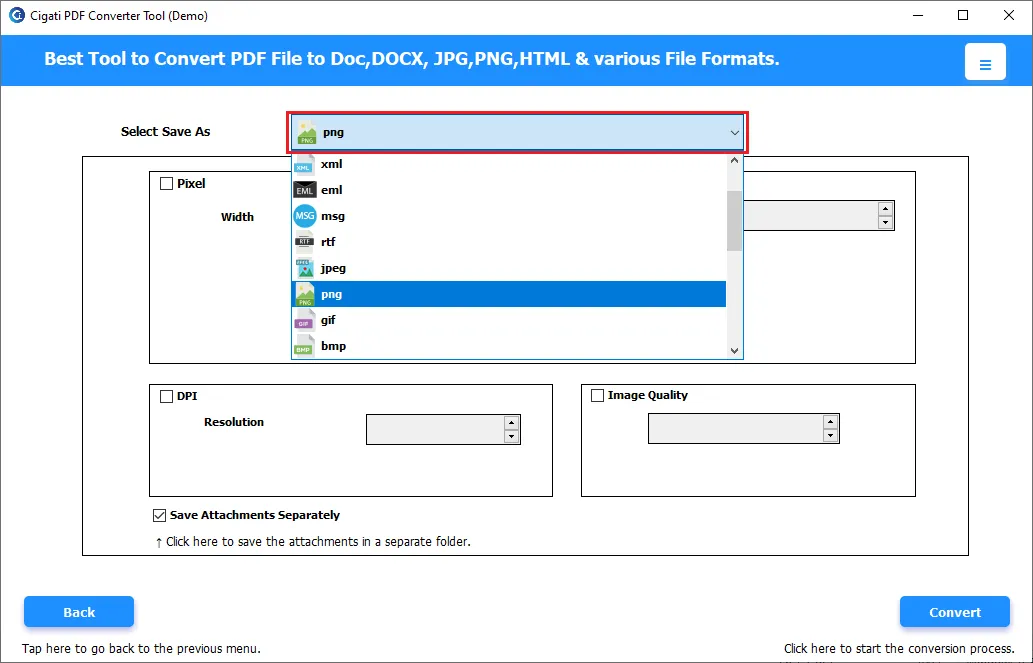
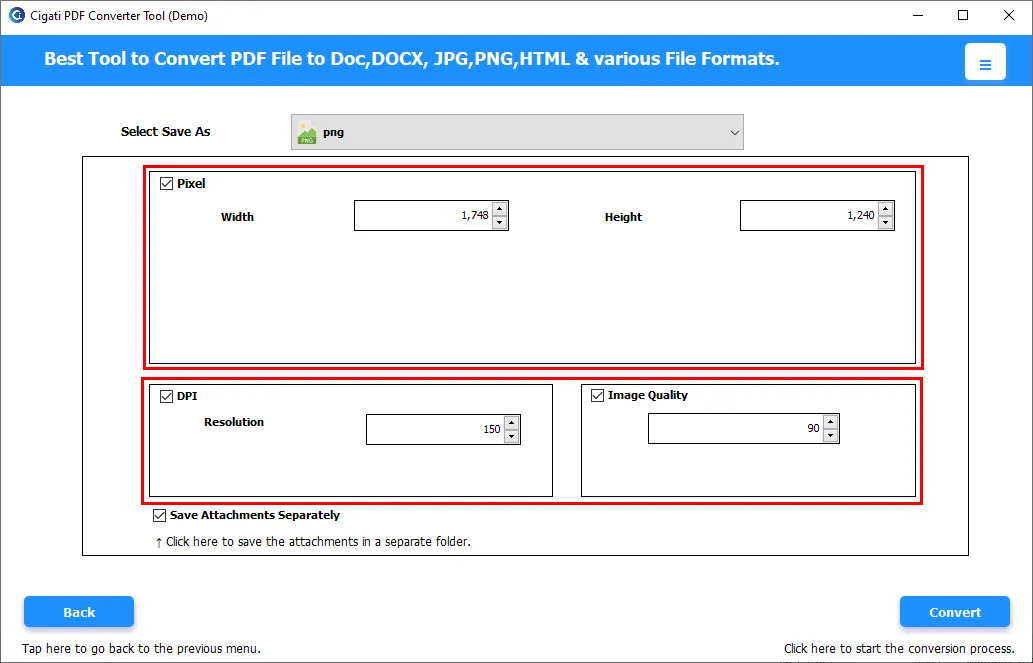
When you choose PDF as the file type, this software lets you save email attachments separately. It creates one folder for email backups and another for attachments. If you don’t enable this option, the software will create a single folder that contains both emails and attachments together.

Removes Duplicate Emails

Removes Duplicate Emails

Users can use the Remove Duplicate Email feature to skip saving duplicate emails in the backup file. To enable this option, just tick the Remove Duplicate Email box. This makes the backup more accurate and ensures it does not contain multiple copies of the same email in the resultant file.

Free AOL Backup Tool

Free AOL Backup Tool

The free version of this software is designed to test its performance and understand the interface. With the trial version, you can back up only 50 emails per folder. To back up unlimited emails, you need to purchase the full version of the software.

Self-Instructive GUI

Self-Instructive GUI

The software has an easy-to-use and attractive GUI that allows even beginners to back up their AOL emails. No external help is needed, as you can perform all tasks on your own. This will help you to backup AOL emails without any hassle.

Technical Specification

Software Prerequisites & Recommendations

Software Name: Cigati AOL Backup Tool
Version Support: Windows 10 and its below version
Size: 189 MB
Version: 25.07
License: S/A/T/E
Download Link: Download
box
processor-img

Processor:

Hard Disk:

Memory:

Operating System:

trial-img

Trial limitation:

The Trial version of AOL Backup Wizard offers all the features of the full software. It enables you to check the functionality and performance of the software. But the trial version only allows you to back up or migrate only 50 emails per folder. So, buy the complete software to migrate unlimited AOL emails without any hassle and data loss.

faq-img

FAQ:

Comprasion Table

Table of AOL Backup Software Free And Paid Versions

Software Features Free Version Full Version
Full Backup of AOL Email and Folder Export 50 Emails per Folder
Backup Multiple Email Accounts at once Export 50 Emails per Folder
Export AOL emails to PST, MBOX, PDF, EML, MSG, and other formats Export 50 Emails per Folder
Migrate AOL Emails with Attachments
Date Filter option for Customized Email Backup
Maintain the order of emails in the backup file
Custom folder Name option
Backup AOL Emails Without Attachments
24*7 Tech Support & 100% Secure
High Compatibility with all Windows Versions
Download and Purchase Download Purchase

FAQ

Frequently Asked Questions

You can create a backup of AOL mail files easily. You need to follow the steps below:

  • Install and run the Cigati AOL Backup tool on your system.
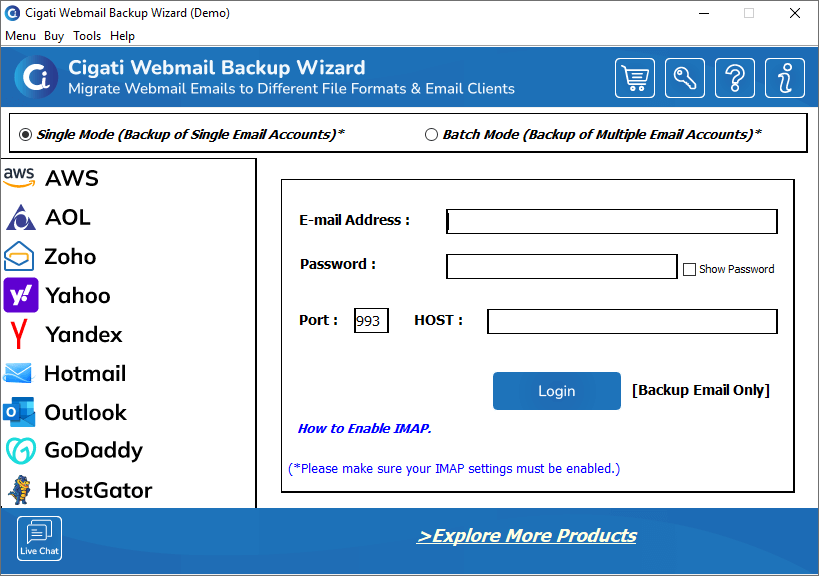
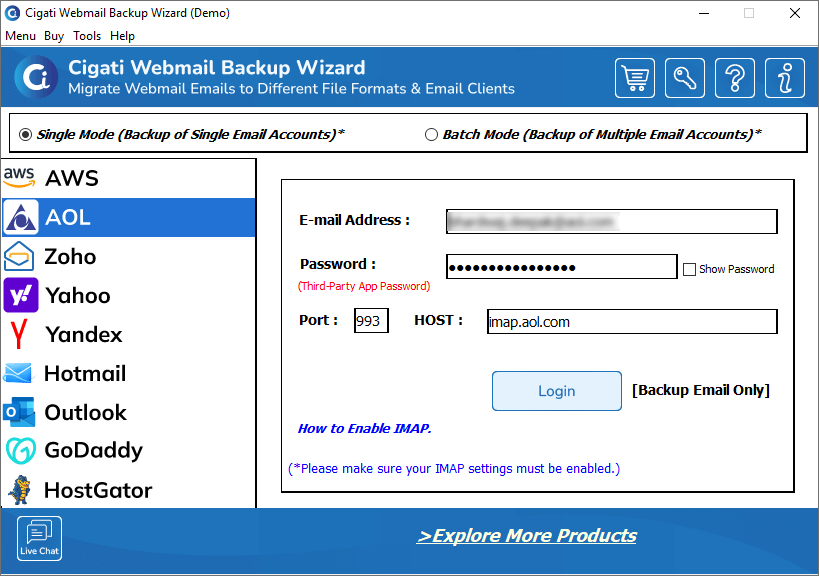
  • Choose AOL from the left panel and enter your AOL email ID and a third-party app password.
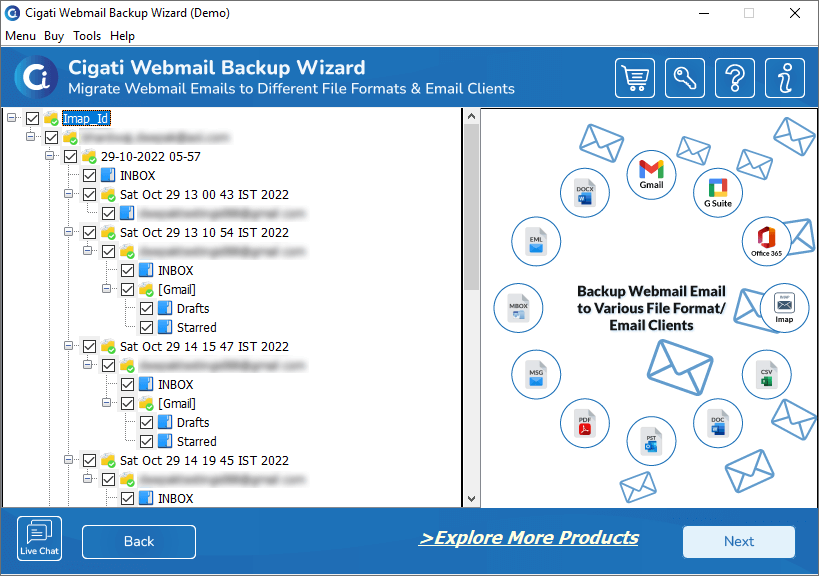
  • This software will fetch data and show the preview of the mailbox items.
  • Select the folder you want to create a backup of and click on the Next button.
  • Choose the file format of the backup from the drop-down list.
  • Select the desired location to save the backup file.
  • Tick the backup features and set the mail filters if needed.
  • Click on the Next button to make the backup.

Yes, the Cigati AOL Mail Backup Tool can migrate the AOL emails to MBOX directly. Select the MBOX file format instead of the PST file format in the file type.

Yes, You can take AOL email backup by the demo version of this tool. However, the demo version will only create a backup of 50 emails per folder. You need to download the Premium version of this software to backup an unlimited no. of emails.

You can migrate the AOL mails to Gmail by following the mentioned steps. Choose Gmail instead of PST file format. It will open up a new login page. Mention the Gmail login credentials and click on the Sign-in button.

This software has a Mail Filter feature. It allows you to take a backup of some selected emails. It offers two mail filters: Date Filter and Task filter. With these filters, you can leave some emails from backup.

The log files get stored at C:\Users\User_Profile\Documents\, and the temp files get stored at C:\Users\User_Profile\AppData\Local\Temp\. However, this software also allows you to customize the saving path of log files and temp files.

You need to save the AOL email in any file format. Now, you can transfer the backup to the other system. Another way is to install the software to the new system.

Yes. Modern Authentication requires user sign-in access to generate the authentication token. If sign-in is disabled, the tool cannot connect or access mailbox data. Please ensure user sign-in is enabled for all accounts before using Modern Authentication.

Client Review

A Glimpse into Client Experiences

Thousands of satisfied customers have chosen our software and praised its reliability and performance. They have shared positive stories about how the Email Address Extractor Software has helped them manage their data efficiently.

Cigati Solution’s AOL Backup Tool is the best software I have ever tried. I like its customer support. They helped me when needed. It helped me to back up all my AOL emails locally in the form of a PDF file without any hassle.

Emilia Clarke | Brussels

After using this software, I don’t think I would ever go for another option. This software saved my complete AOL data without damaging any content of the file. I used the Remove Duplicate option of this tool to get rid of the unnecessary emails that were in my AOL mailbox.

Anni Watson | USA

Cigati AOL Mail Backup Tool is an amazing software. I appreciate the simple user interface and effective functioning. If you want the best software to backup your AOL mailbox, I will only recommend this software.

Richard Boyd | Mexico