Key Benefits of
Advanced Features of
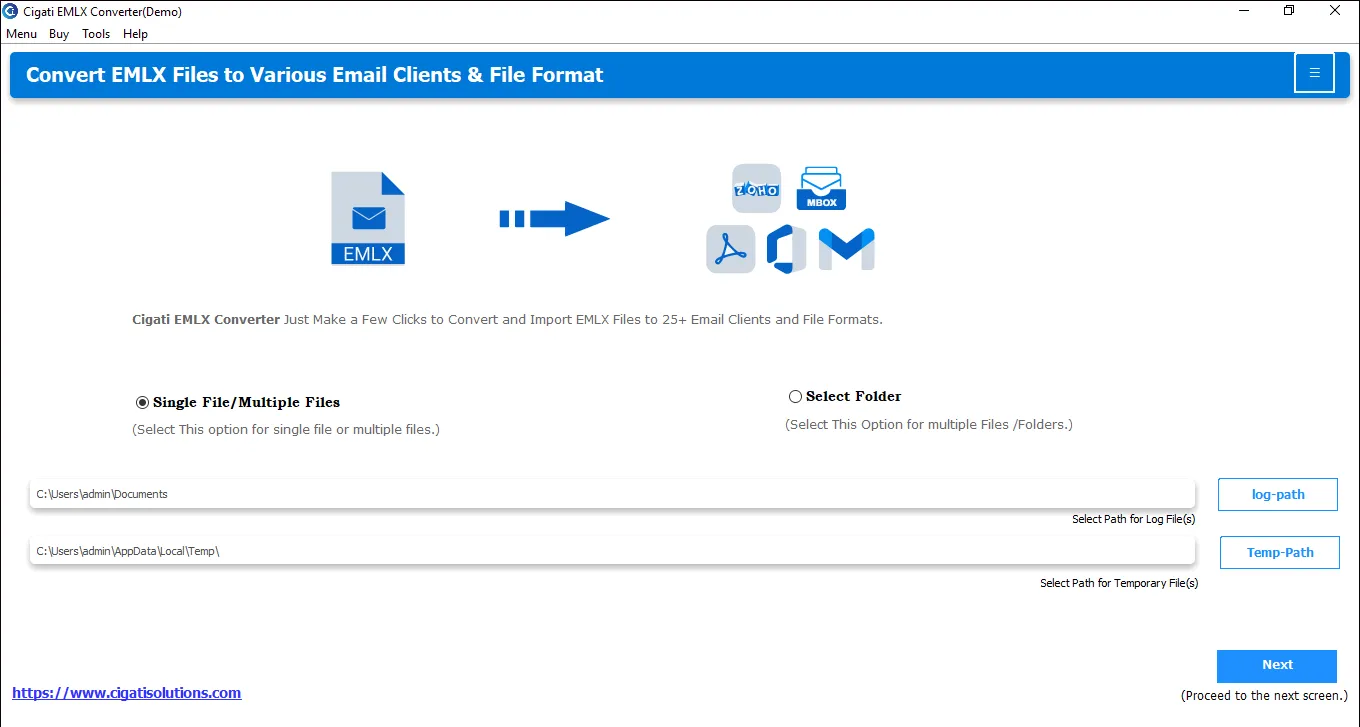
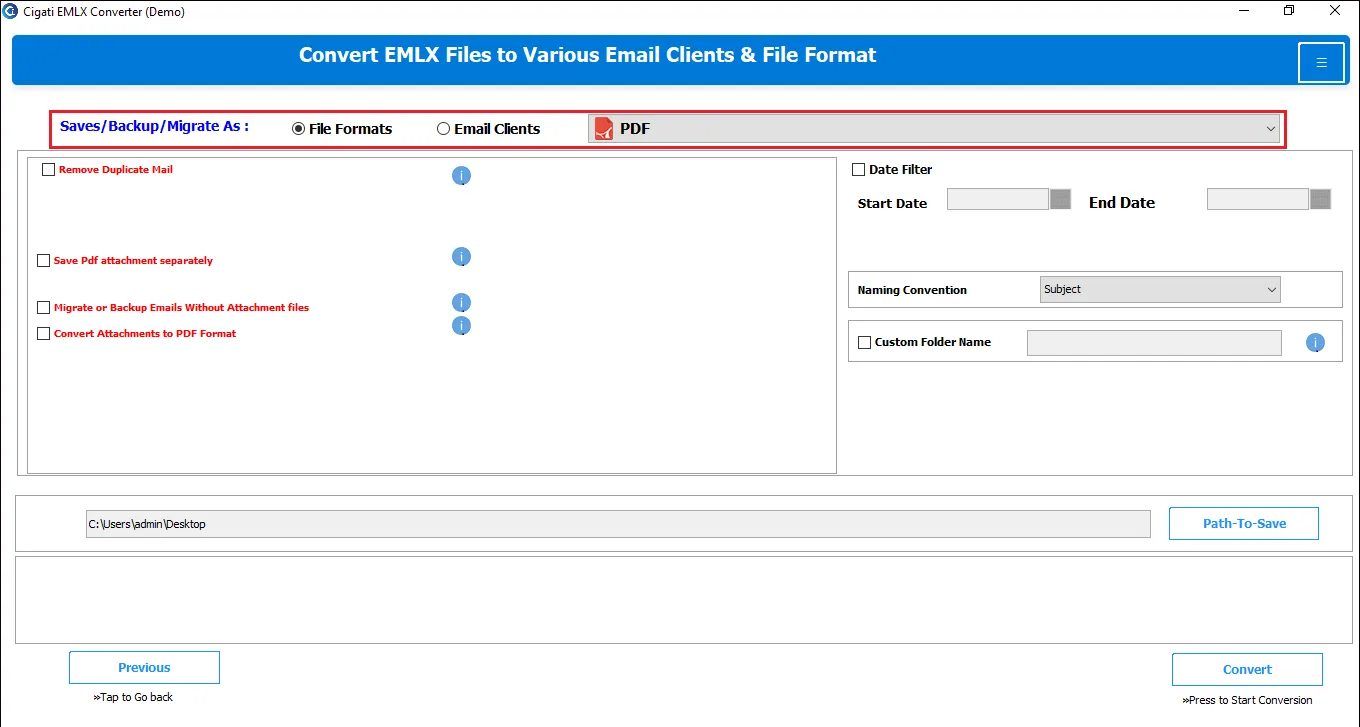
The Cigati EMLX File Converter enables users to convert Apple Mail’s proprietary EMLX files into a wide variety of commonly used formats. Save EMLX emails as PST, MBOX, PDF, EML, MSG, TXT, DOC/DOCX, PNG, GIF, and more. The software removes the need for multiple utilities and exports data with security across formats.
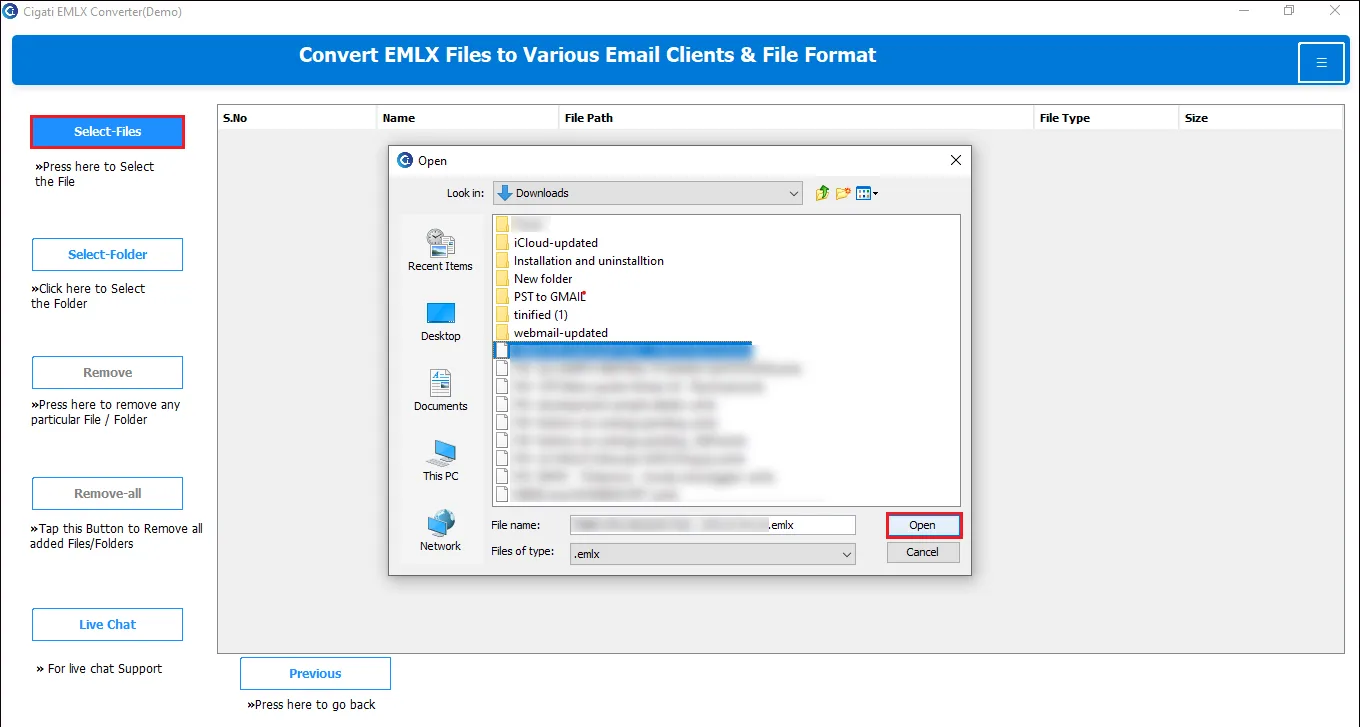
Bulk conversion lets users process and convert thousands of EMLX files and whole folders in a single operation. Instead of converting messages one by one, the tool scans entire directories and runs conversions in parallel or in optimized batches. This saves a huge amount of time and eliminates manual effort.
![]()
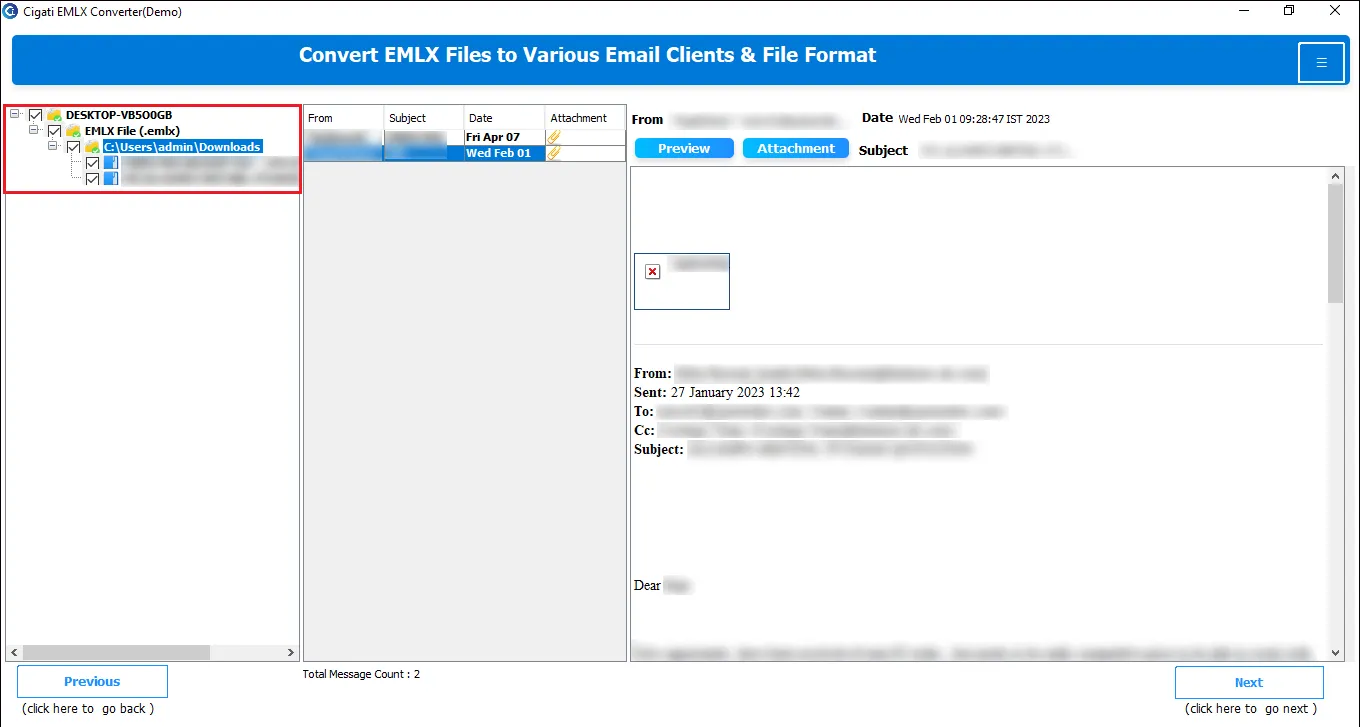
After adding EMLX files to the software, it thoroughly scans each file. Further, all EMLX files are arranged in a tree structure. The preview panel displays key details of files, such as Email body, Sender, Receiver, Subject, attachments, and more. This visual layout of the Cigati EXLX Converter Tool is that it allows inspection and selection of contents before converting.
More than converting EMLX to any file format, this utility supports direct migration to cloud and desktop-based applications. You can migrate EMLX files to Gmail, Office 365, Yahoo Mail, Thunderbird, and many more IMAP-based email platforms. One can migrate data to the chosen account using secure authentication and ease.
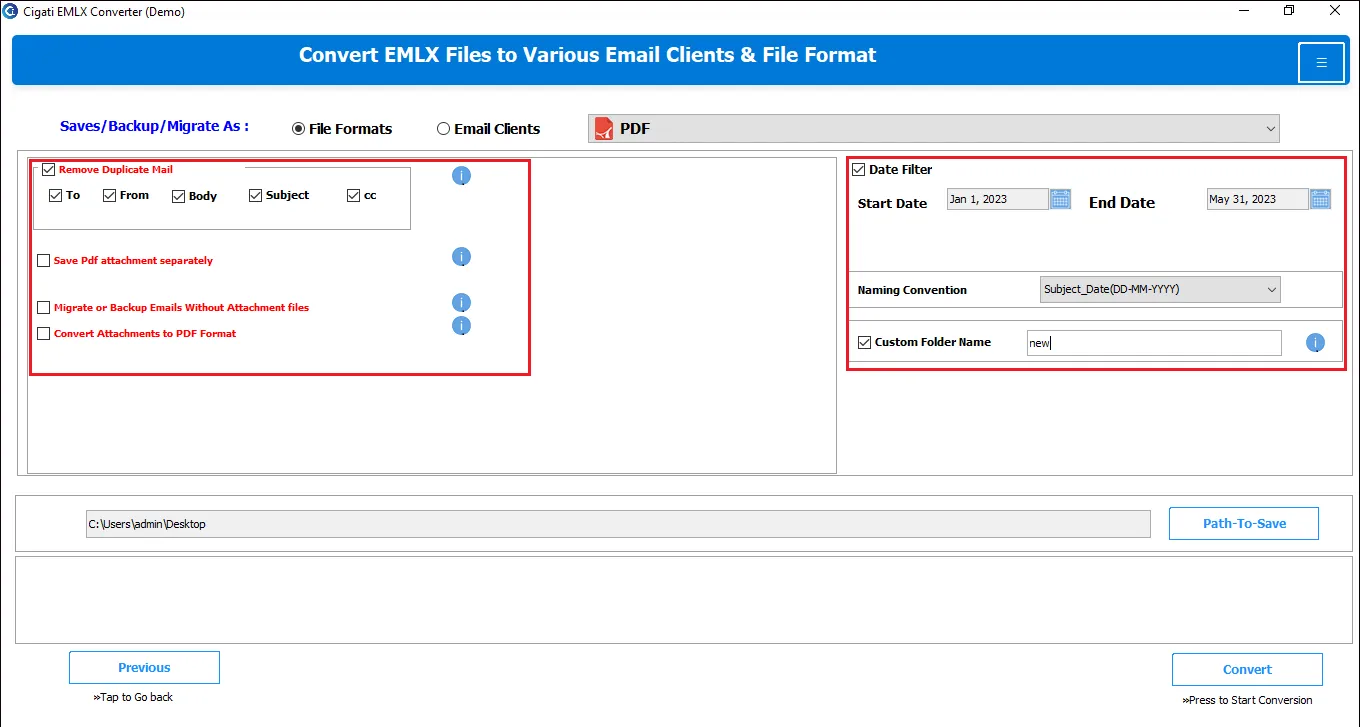
The advanced Date Filter feature of the software lets users define a date range (Start & end date). This helps to convert/migrate emails only within the specified time frame. Use date filters to reduce output file size, speed up conversion, and prevent moving sensitive or irrelevant historical messages from being exported unnecessarily.
It's often evident that mailbox merges or multiple backups create duplicate emails. This tool has a built-in feature: Remove Duplicate Emails. If you choose this option, the tool compares fields you have selected, like To, From, Subject, Date, and Body, to identify true duplicates. Further, no duplicate emails are converted after migration is complete.
Users can also exclude attachments entirely from exported EMLX messages while converting files with Cigati EMLX File Converter. Select the “Backup or Migrate Emails Without Attachments” and save emails only. It’s useful when attachments are large and unnecessary for the target use case.
For output PSTs, the tool typically includes a feature to split PSTs by size (MB/GB) to avoid excessively large single files, prone to corruption. For output PDFs, the tool can save attachments separately or convert attachments into embedded PDFs. This is the best-suited feature for document management systems or legal platforms.
The Cigati Software guarantees that it is compatible enough to run on a wide range of Windows OS. This means from older versions (Windows 7/8/8.1) through Windows 10 and Windows 11, including common server editions, it outperforms across all. Moreover, no other application installation is required.
Offering a free or demo edition allows users to evaluate core functionality before purchasing a license. This free software exposes the interface, preview, and built-in filters as well to validate performance. However, you can convert only 50 emails for free.
Technical Specification
| Software Name: | Cigati EMLX File Converter |
| Version Support: | Windows 11 & below versions |
| Size: | 237 MB |
| Version: | 23.8 |
| License: | S/A/T/E |
| Download Link: | Download |
Processor:
Hard Disk:
Memory:
Operating System:
Trial limitation:
The trial version of the software comes with limited conversion capabilities, allowing users to export only 50 EMLX emails. This is provided to users to test accuracy, speed, and output quality. All premium features are accessible for testing. Upgrade to premium software for uninterrupted and enterprise-ready EMLX file conversion.
FAQ:
Comprasion Table Table of
| Software Features | Free Version | Full Version |
|---|---|---|
| Convert Apple Mail EMLX Files to PST, MBOX, PDF, EML, CSV, DOC, DOCX, DOCM, JPG, HTML, PNG, and more file formats | Convert Only 50 Emails for Free | |
| Export EMLX Files to Gmail, Yahoo Mail, IMAP, AOL Mail, Thunderbird, etc. | Convert Only 50 Emails for Free | |
| Import to Office 365 and Google Workspace Using Secure Login | Convert Only 50 Emails for Free | |
| Batch EMLX File Conversion Supported | ||
| Smart Preview of Emails & Attachments | ||
| Save Attachments from All Apple Mail Emails | ||
| Feature to Exclude Email Attachments | ||
| Remove Duplicate Mails Option to avoid converting identical emails | ||
| Migrate Emails Within a Specific Time-Frame, use Date Filter | ||
| Custom Folder Name feature | ||
| Naming Conventions | ||
| 24*7 Tech Support & 100% Secure | ||
| Windows OS Compatibility | ||
| Download and Purchase | Download | Purchase |
FAQ
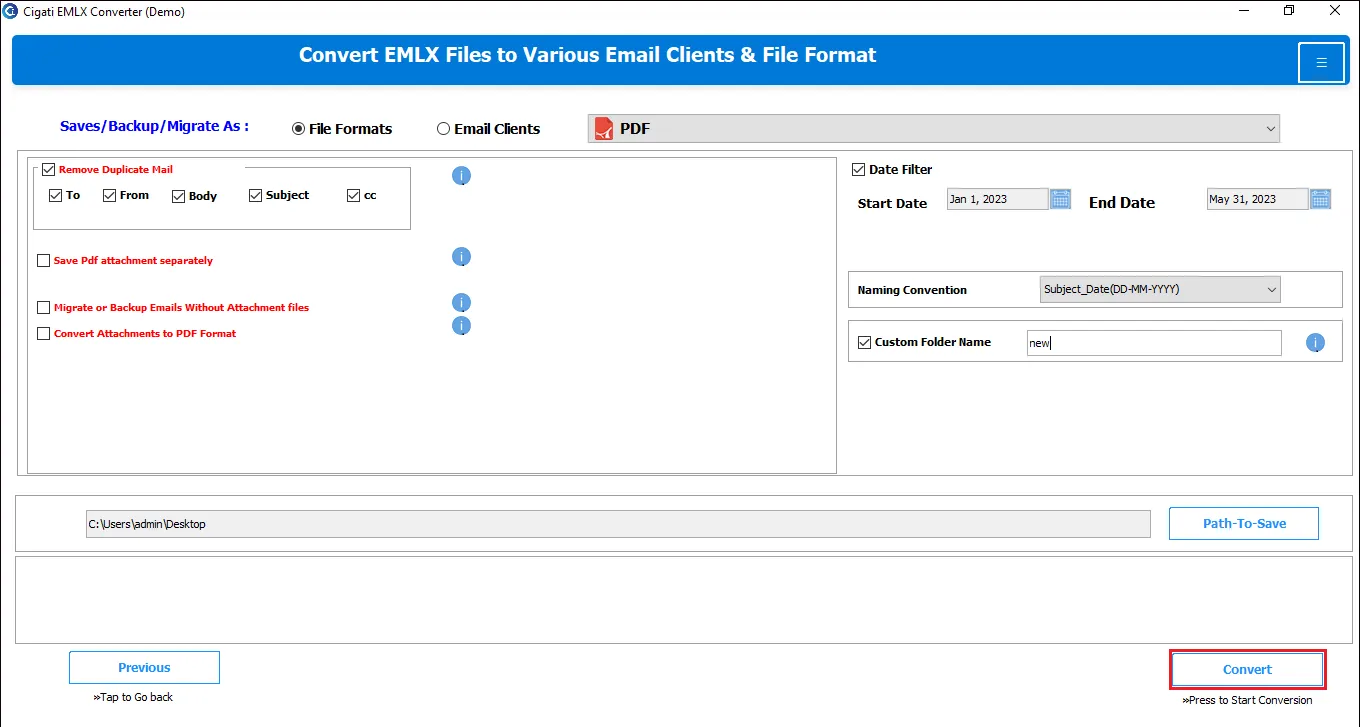
Here is the quick process that you need to follow:
No. You can process small email files as well as large, multi-GB EMLX archives without any performance issues. There is no file size limit for converting EMLX files using Cigati EMLX Converter.
The Cigati EMLX Migrator Wizard is worth every penny you spend. It has no restriction on file quantity for conversion. Add as many files as you have to convert, but Premium Software can only do this.
With multiple selective-migration options of the software: