Convert EML Files to Multiple File Formats100%
Migrate EML to Various Email Clients100%
Includes Attachment Files in Conversion100%
Performs Bulk Conversion Of EML Files100%
Convert Multiple EML Files to PDF
A single EML file can somehow be converted to PDF, while you cannot transfer multiple EML files. The Cigati EML Converter Tool delivers a unique feature to convert bulk EML files to PDF at once in no time.
Converting EML Files into Outlook PST
MS Outlook does not support the EML files of any email client. It also does not provide any inbuilt feature to do the same. This tool offers to convert the EML files generated by any email client to Outlook PST format along with all the attachments and email items.
Import EML Files to Gmail
There is no direct method to import EML files into the user’s Gmail account. EML Converter Tool gives a platform to the users to directly import the EML files into their Gmail account without any data loss.
Cigati EML Converter Tool offers a way to export EML files into distinct file formats like Gmail, Yahoo Mail, Thunderbird, Opera Mail, Live Exchange, Hotmail, GoDaddy, Hostgator, IMAP, Zoho Mail, Yandex Mail, etc. It can do bulk conversion of EML files which saves a lot of time. Besides, it provides complete security to the files during conversion. It is highly compatible with all versions of Windows. So, there is no concern about the versions to run this free EML converter. Its demo version can export up to 50 EML files. Furthermore, it converts all emails with their attachments, so no need to worry about the attachment files.
Multiple Email Clients
Gmail
Yahoo Mail
Thunderbird
Opera Mail
Live Exchange
Hotmail
Godaddy Mail
Hostgator
IMAP
Zoho Mail
Cigati EML Converter Tool is the most popular software as it converts EML files into multiple desired formats such as MSG, PST, JSON, PDF TXT, DOC, CSV, MBOX, etc. The users can migrate converted EML files as per their own choice whenever there is a requirement. Also, it has the best feature named Mail Filter, using which a user can remove all unwanted EML files and access all the required ones. Its GUI makes it easier to understand as a non-technical user can quickly run this software without any hassle.
Different File Formats
PST
MBOX
EMLX
MSG
CSV
DOC
DOCX
HTML
JPG
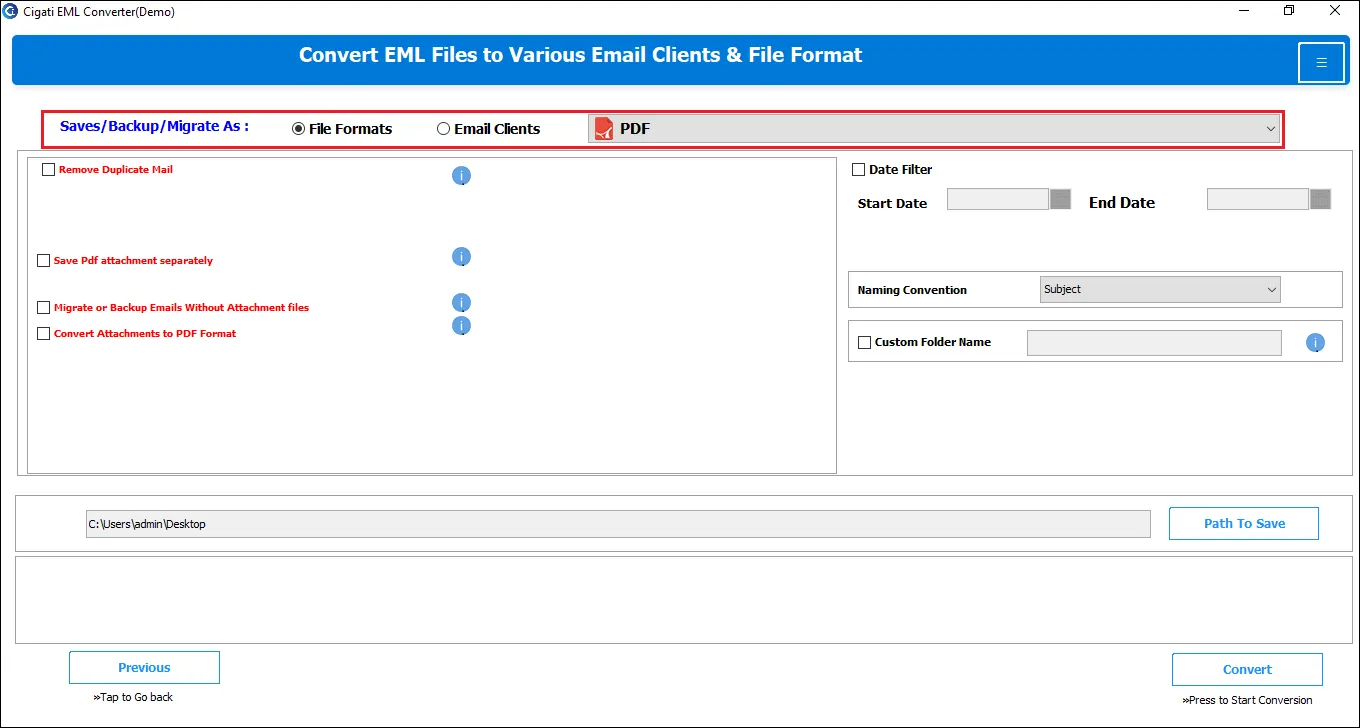
The EML File Converter tool has been designed to export your data into more than ten file formats like PDF, EMLX, MSG, MBOX, MHT, TXT, DOC, JSON, JPG, CSV, etc. It does the same in no time while maintaining the data integrity.
This utility offers to migrate the EML files to multiple email clients like Gmail, Thunderbird, Office 365, Zoho Mail, Yandex Mail, Amazon Webmail, GoDaddy, Hostgator, Icloud, AOL, IMAP, etc. It includes all the attachment files in the whole migration process.
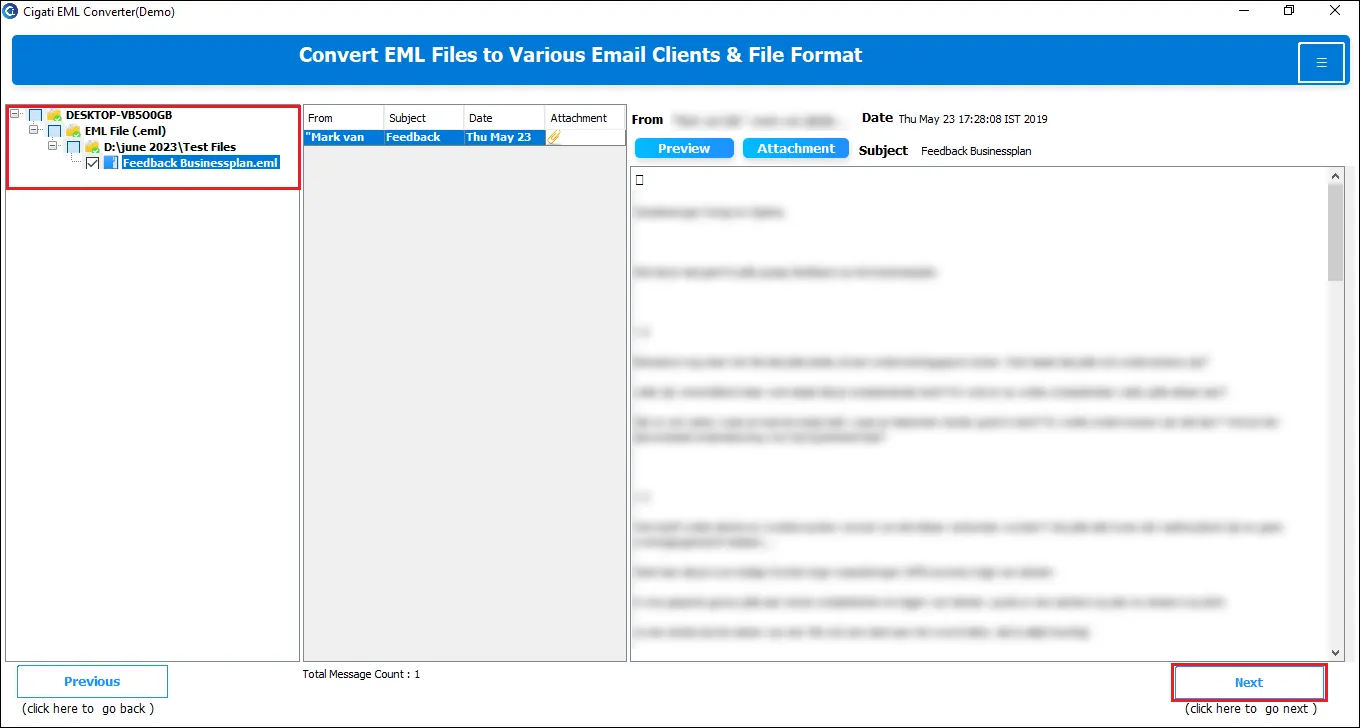
The Cigati EML Converter Tool is equipped with a unique feature to view the contents of the EML files before the conversion process. It is a helpful feature as they can analyze the data of the EML files before conversion.
The EML Converter Tool from Cigati has been developed to provide bulk conversion without any file size limit. The tool is well capable of exporting single and multiple EML files at a time, which results in saving a lot of time and effort for users.
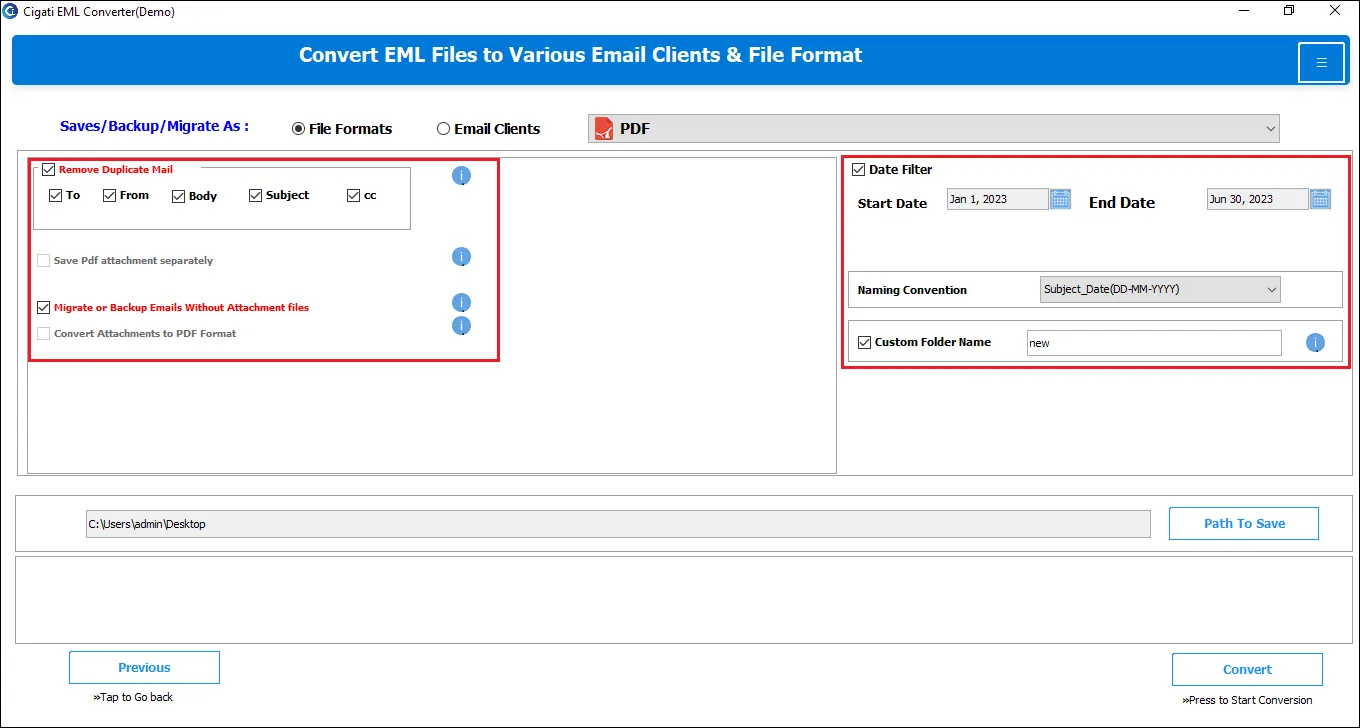
With the help of the Mail Filter feature, the users can convert EML data as per the selected date. This feature lets users filter the unnecessary emails and select only the relevant and required emails.
The application has been developed with an intuitive GUI, making it easy for non-technical users to export their data. There is no requirement of having technical expertise or prior domain knowledge to handle this tool.
The EML Converter Tool is designed with an advanced conversion algorithm. The software lets users export all their data without any data alteration & in its original hierarchy.
The tool is highly compatible with all EML file formats and runs smoothly on all Windows OS versions. One can access this application easily on Windows 10/ 8.1/ 8/ 7/ Vista/ XP and other previous versions.
About Product

Download Link
Version
21.9
Size
102.0 MB
License
Single / Multiple Users
Version Support
Windows 10 and its below version
Trial Limitations
The trial version of the EML Converter Tool only allows the users to convert up to 50 EML files online and preview the EML files before the conversion process. If users want to convert more than 50 EML files, they can go with its licensed version.
System Requirements
Processor

Hard Disk

Memory

Operating System

Download Guides
FAQ


Features of the Utility to Convert EML Files - Demo and Licensed Version
| Features | Demo Version | Full Version |
|---|---|---|
| Save EML as Different File Formats | 50 Emails | All |
| Conversion of EML Files in Bulk | ||
| Export to Gmail, Yahoo, etc. | 50 Emails | All |
| Preview Option | ||
| Maintains Data Integrity | ||
| Mail Filter Feature | ||
| Compatible with all Windows Versions | ||
| 24*7 Tech Support & 100% Secure | ||
| Price | FREE | $39 |
| Download and Purchase | Free Download | Buy Now |
How do I convert an EML file using the EML Converter Tool?
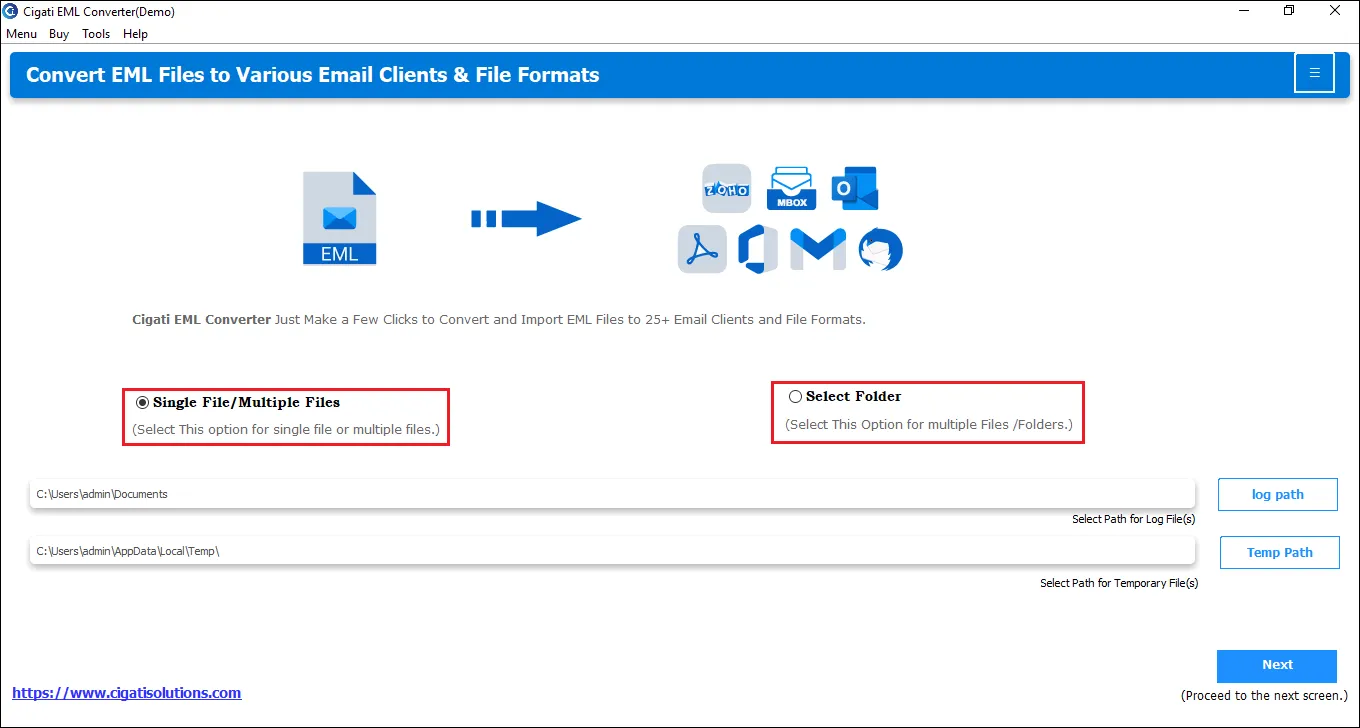
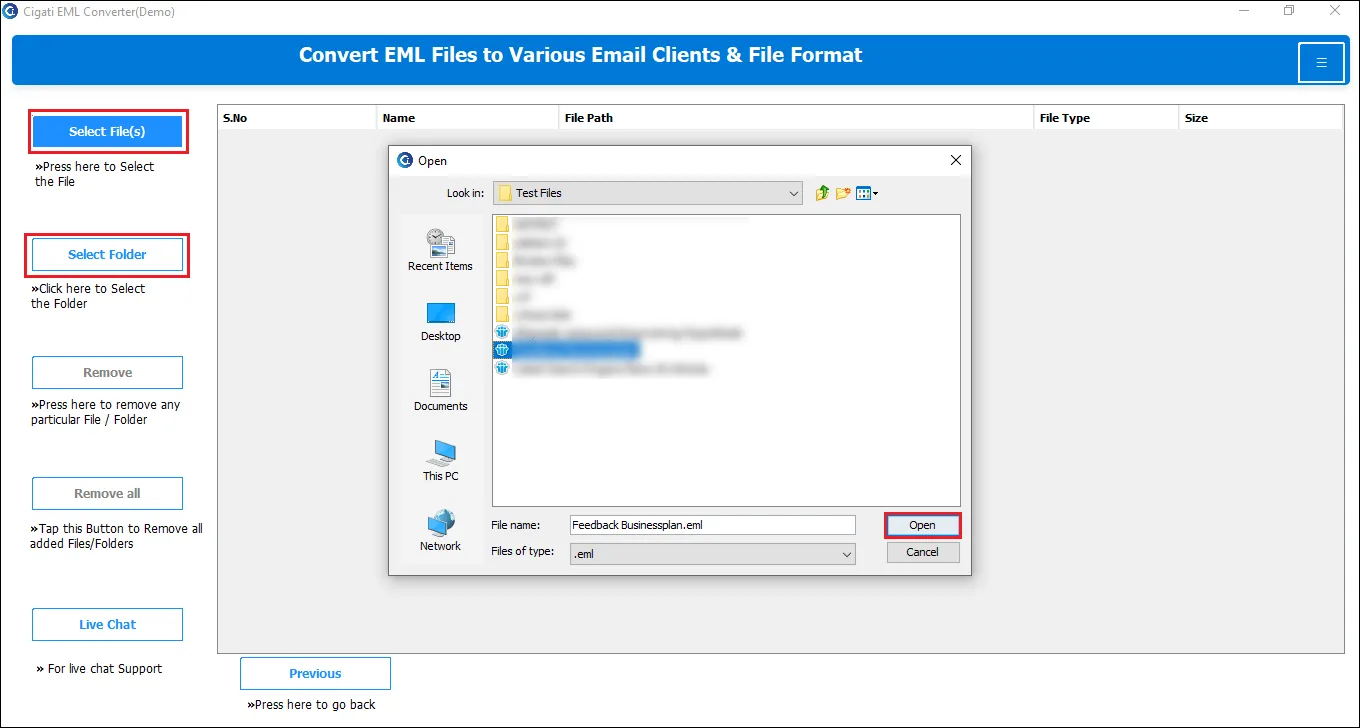
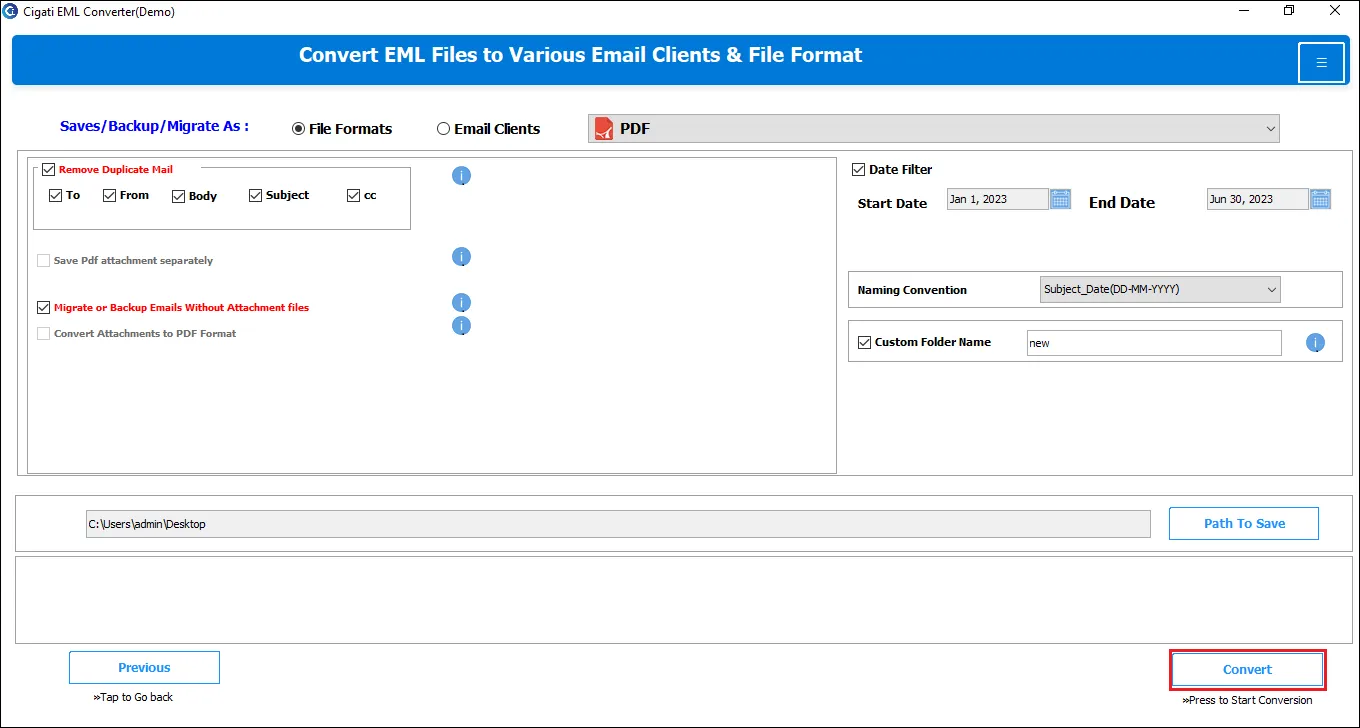
Follow the below steps to convert an EML file to your desired format.
Does the EML exporter support multiple file conversions at a single go?
Yes, with the help of the Cigati EML Importer, you can easily convert multiple EML files without any hassle.
Does the application support EML to Outlook conversion?
The EML File Importer does facilitate the conversion of EML files into Outlook PST format. You have to select your EML files and select the saving format, and it’s done.
What is the primary difference between the free version and the paid version?
The online EML Converter Tool has been designed with two versions: Paid and the Free version. With the help of the free version, you can convert the first 50 emails of the EML files. However, to save the complete data, you have to purchase the paid version.
I have emails that have attachments as well. Will it be possible to export the data with its attachments?
Yes, you can easily export all your EML data with all its attachments and other mailbox data.
Why do I need to turn off the Antivirus while installing this software?
Some antivirus software occasionally misinterprets new software as threats to the PC, preventing their installation. Moreover, if the antivirus is on, it prevents the complete installation of the tool.
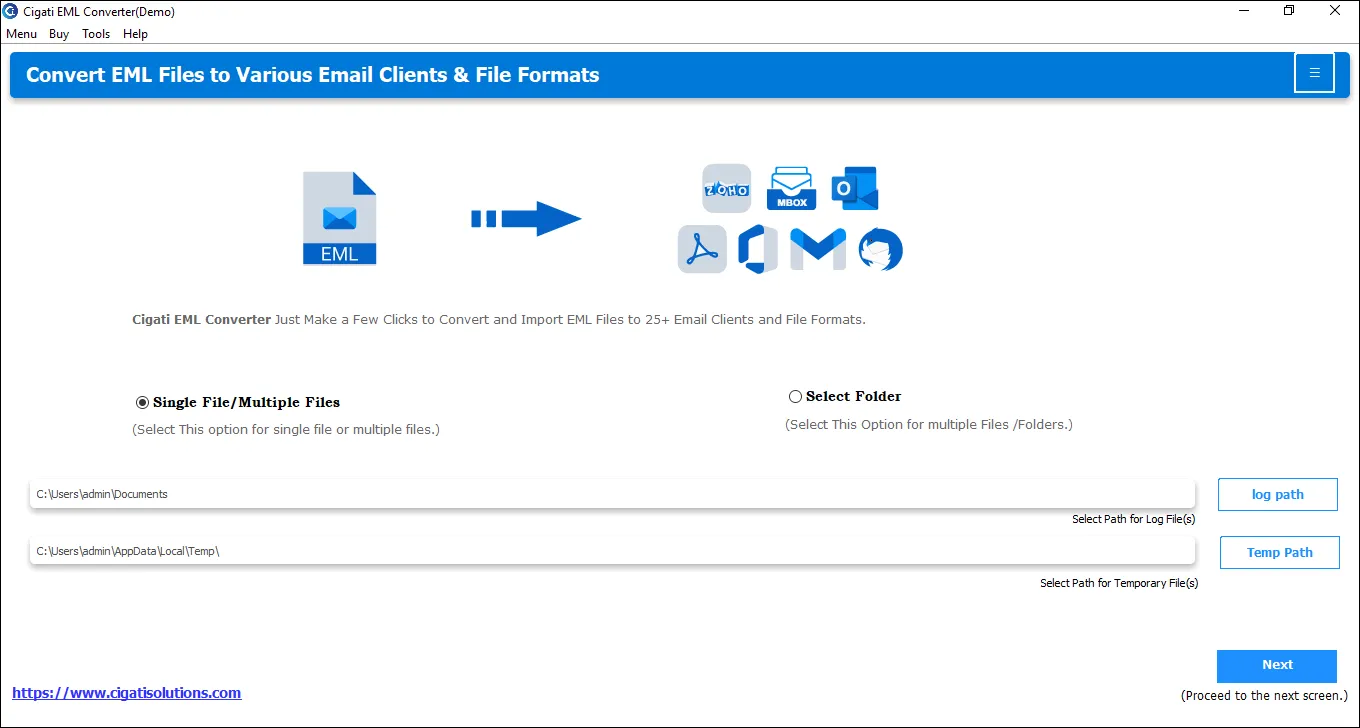
Can I change the default location where the log and temp files are stored?
The EML Converter Tool stores the log and temp files at the below-mentioned default locations.
C:\Users\this pc\Documents
C:\Users\THISPC~1\AppData\Local\Temp\
You can easily change these default locations by clicking on the Browse button in front of the default path.
Happy Customers is all we want, here is what our customers say about us
“With the help of this software, you can safely export all your data with all its email attachments and mailbox items. Thanks a lot, guys.”
Russ Jones
“I have used the EML Converter Tool a couple of times, and I must say, It’s one of the most effective and reliable tool EML to PDF file conversion.”
Sven Markus
“One of my friends has suggested this software. And really, the online EML Converter helps convert my data without any issues.”
Kris Lloyd