Benefits of
Top-Notch
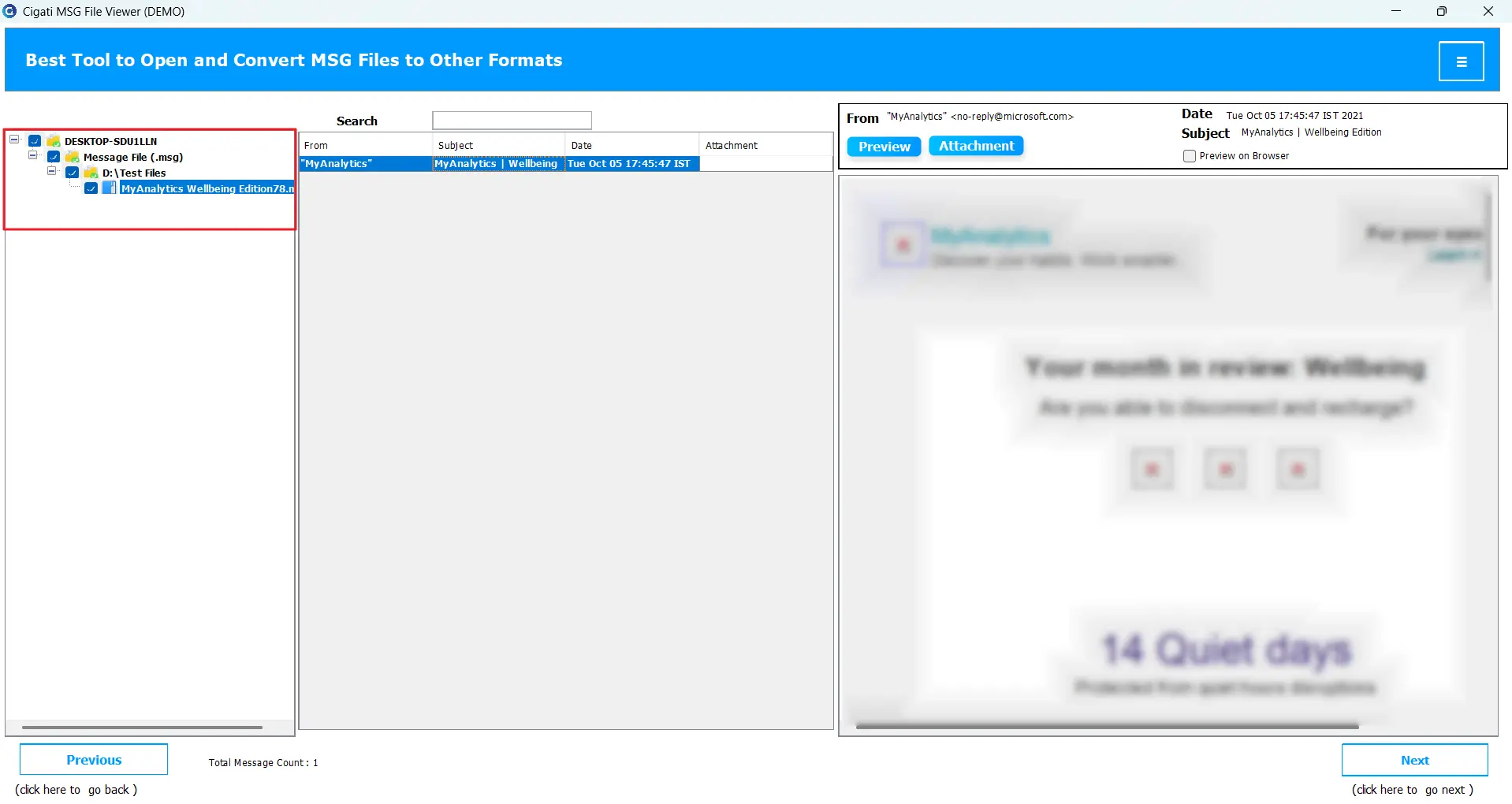
Cigati MSG Viewer Pro allows you to access and read MSG files even without having Microsoft Outlook installed on your system. It provides a standalone viewing interface where you can easily open any MSG file and view its contents. Read emails, subject, sender, and recipient details. Moreover, one can see attachments and the date of the email.
With Outlook, you need to import MSG files to Outlook one by one. Instead of loading one file at a time, the tool supports batch viewing, which saves time and effort when you have a large collection of MSG files to read. Additionally, you can add an entire folder with thousands of MSGs saved, which does not impact the software’s processing.
Cigati Software includes an advanced search feature that helps you locate specific emails or keywords within your MSG files. Moreover, the MSG File Reader offers you an incredible feature to export and open MSG files in a default browser for better readability and accessibility.
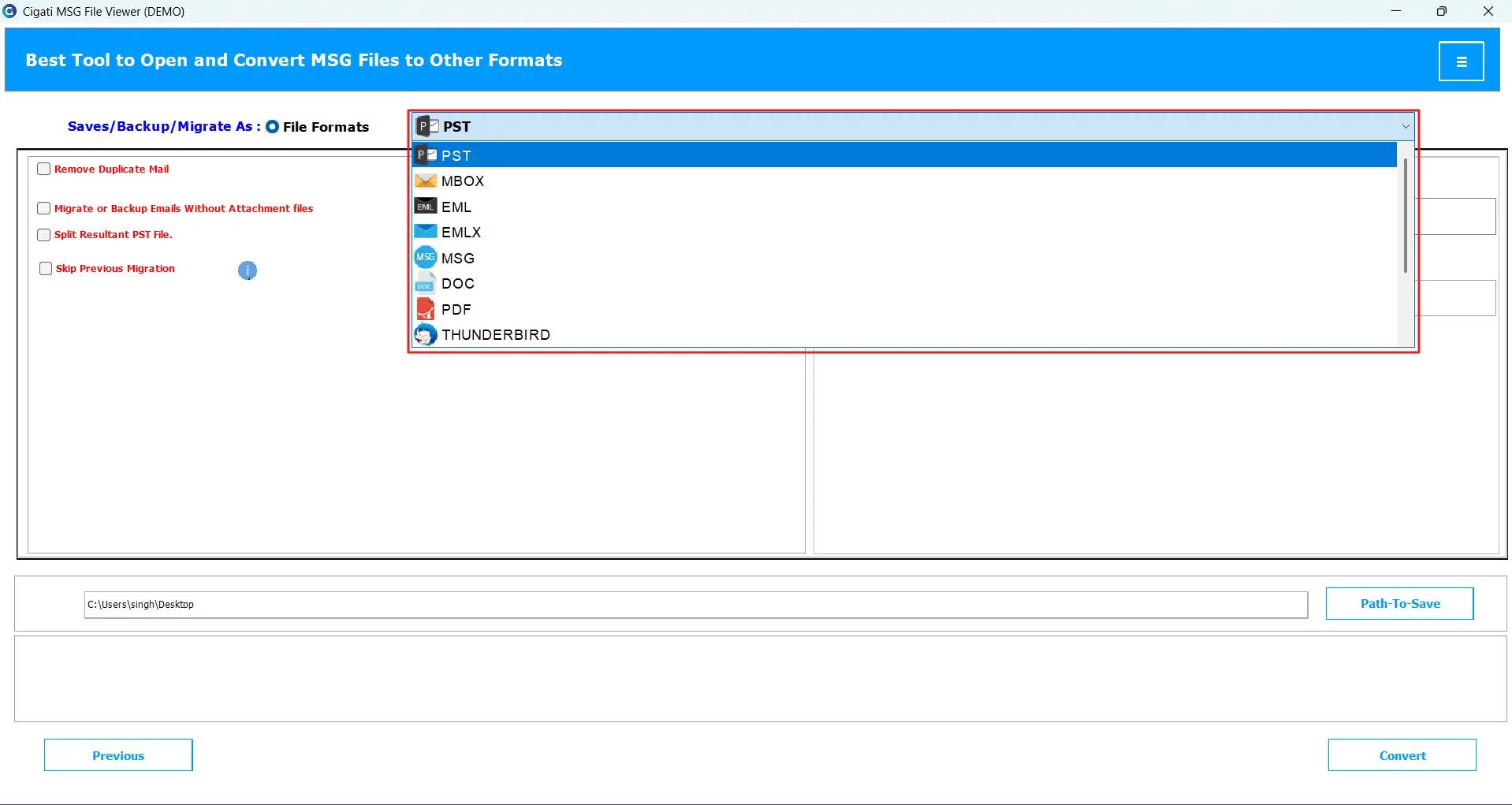
Beyond just viewing, the tool enables users to convert MSG files into widely supported email formats. This includes Outlook PST, EML, MBOX, EMLX, MSG, OFT, and WDSEML. Also, one can create a backup in PDF, CSV, XLSX, and DOC formats to access emails offline.
With Best MSG File Viewer, users can extract specific details from MSG files, such as emails, URLs, phone numbers, or attachments. Save these data in CSV or XLSX formats, which is especially useful for professionals. This will help them better analyze email data, maintain reports, or manage records systematically.
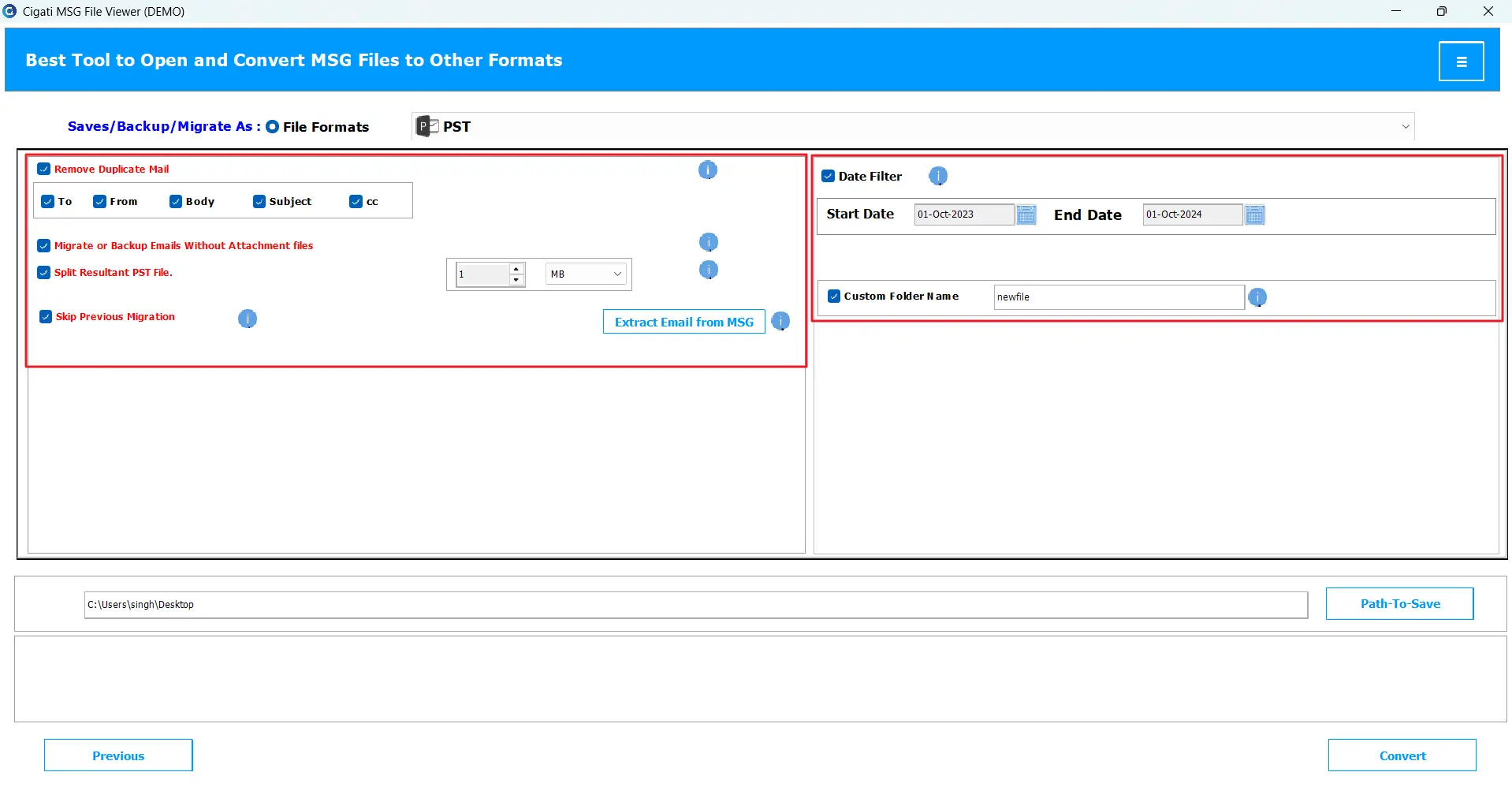
After reading MSG emails, you can filter files based on a date range and save them for future reference. If you do not want unnecessary clutter on your PC, simply apply the built-in Date filter, specify a date range, and convert. This is ideal for users who want to focus on particular periods, like emails from last month.
If you choose the Remove Duplicate Mail feature in the software, it will automatically detect duplicate emails before conversion. It removes duplicate MSG files based on identical properties such as sender, receiver, subject, CC, and body content. Consequently, your workspace remains organized and avoids confusion in emails.
If you have a huge collection of MSG archives, MSG Viewer for Outlook can identify and skip already processed or migrated emails. Simply add all MSG files and select the “Skip Previous Migrations” feature, so that you don’t waste time reprocessing the same data, maintaining an error-free workflow.
Sometimes, attachments can make backup files unnecessarily large. The Outlook MSG File Viewer provides an option to back up only email messages without attachments. Thus, it preserves much of the storage space. However, to back up attachments along with emails, make sure to uncheck the “Migrate or Backup Emails without Attachments” option.
Most users prefer to save all MSG files in a single PST file for easy access in Outlook. This software provides that feature; however, saving hundreds of MSG files into one PST can be risky and may cause PST corruption. Therefore, using the Split Resultant PST option, you can divide the output PST file into multiple smaller files, preventing any data loss.
Cigati offers a free version of the software, allowing users to open and read MSG files at no cost. This demo software has all the basic features of the pro version, where users can preview MSG files before purchasing the licensed version. However, it converts only a limited MSG emails for free.
This software is designed with a simple, user-friendly interface that even non-technical users can operate easily. It supports all Windows operating systems, all the latest and older versions, including Windows 11, 10, 8, and 7. It possesses wide compatibility and smooth performance across all systems.
Technical Specification
| Software Name: | Cigati MSG File Viewer |
| Version Support: | Windows 10 and its below version |
| Size: | 285 MB |
| Version: | 25.09 |
| License: | S/A/T/E |
| Download Link: | Download |
Processor:
Hard Disk:
Memory:
Operating System:
Trial limitation:
The Free MSG File Viewer is for users who want to test the software’s functionality and features. Download the free tool from the official website and run it before buying a licensed one. It has all the same features as the pro version; however, it is limited to converting only 50 files for free.
FAQ:
Comprasion Table
| Software Features | Free Version | Full Version |
|---|---|---|
| Open and view multiple MSG files | ||
| Preview MSG files within the built-in panel or browser | ||
| Convert MSG to PST, EML, MBOX, MSG, EMLX, PDF, DOC, CSV, OFT, and other formats | Export 50 Emails per Folder | |
| Migrate MSG files to Mozilla Thunderbird | Export 50 Emails per Folder | |
| Date range filter for email selection | ||
| Feature to remove duplicate emails | ||
| Skip previously migrated MSG files | ||
| Export MSG emails with or without attachments | ||
| Extract MSG email, URL, Phone number, or attachments into CSV or XLSX format | ||
| Split large PST files into smaller parts | ||
| Outlook installation is not required | ||
| 24*7 Tech Support & 100% Secure | ||
| Fully compatible with Windows OS | ||
| Download and Purchase | Download | Purchase |
FAQ
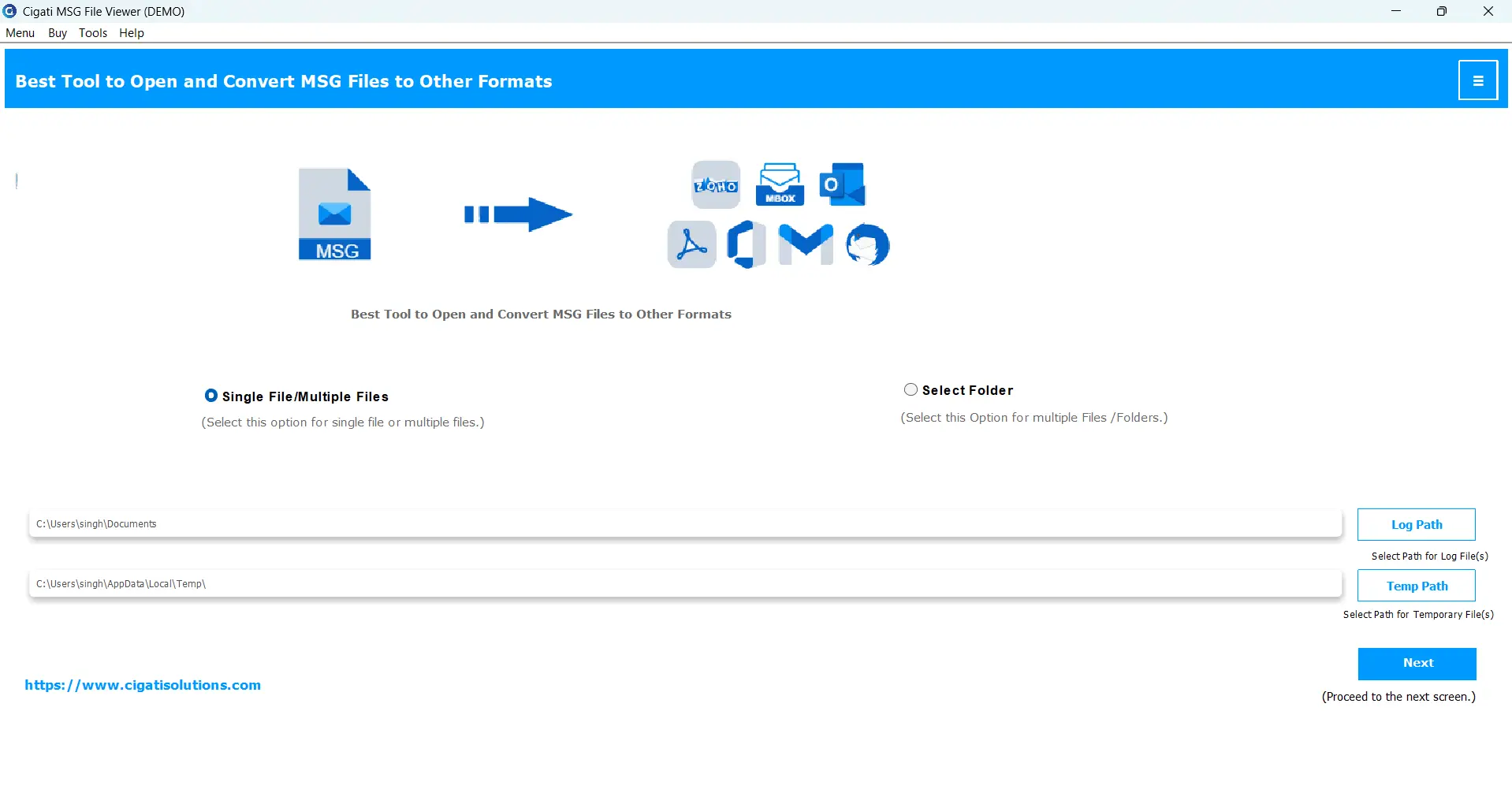
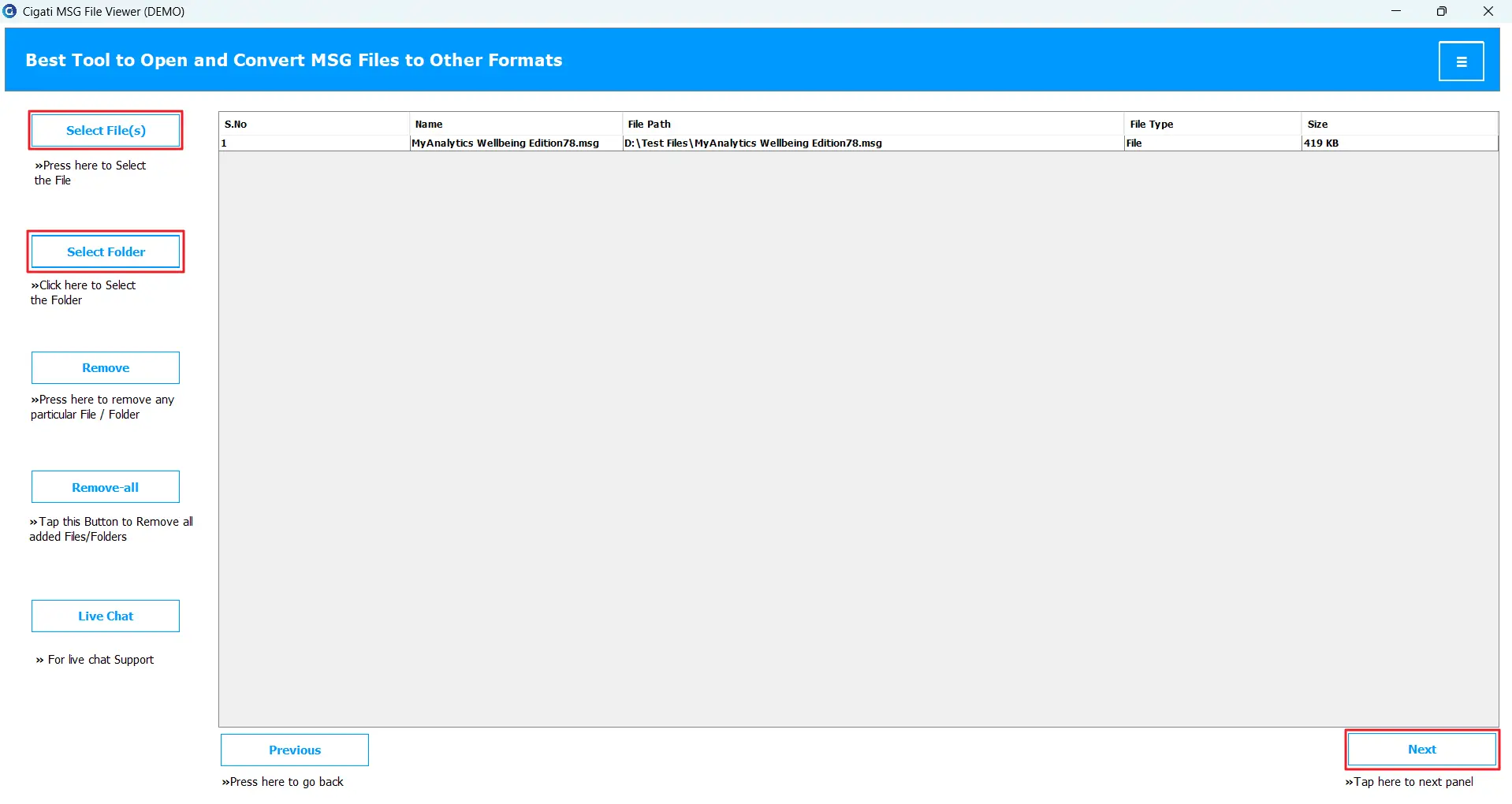
It's quite easy with Cigati MSG File Viewer. Follow the steps below:
Do as directed below:
No. The software cannot open corrupt MSG files. If you are not able to access MSG files, first try to figure out the cause and fix it with the help of Outlook.
Yes, this software lets users save MSG into different file formats as per requirement. For easy accessibility, you can save MSG to PDF or DOC. However, to migrate MSG emails to other email platforms, save them as PST, EML, EMLX, MBOX, etc.
Cigati MSG Viewer Software offers a feature to extract data from MSG into CSV or XLSX. It lets you extract an email address, phone number, URLs, and attachments separately.
Free Software is only for trial, thus it lets users convert 50 emails from MSG files. It is fully loaded with all features. For converting more than 50 emails, purchase premium software.