-
Written By Khushboo Maurya
-
Updated on August 31st, 2026
Export Office 365 Mailbox to PST: What Works When Purview Lets You Down
Fact-checked and reviewed in accordance with our
Editorial Policy
When export an Exchange Online mailbox to PST is a different thing. The New-MailboxExportRequest cmdlet is available for Exchange Server. But it isn’t the standard PST export method for Exchange Online. For Microsoft 365 mailboxes, administrators can use Microsoft Purview eDiscovery or Outlook-based export methods, it depends on the mailbox & export requirements.
So you’re stuck with Purview eDiscovery, Outlook manual export, or PowerShell wrapping the same Purview backend. If you’ve already tried those, you know the pain. If you haven’t, here’s the short version: they’re built for legal investigation, not IT operations.
This guide cuts to what you need – why native methods fail under real load, and how to get the job done without losing your weekend.
Native Methods: Where They Break
Purview Content Search (eDiscovery)
Microsoft’s recommended path. Requires eDiscovery Manager role. Search, export to Azure Blob, get a SAS URL, download within 7 days using a Click Once tool that only likes Edge. (Microsoft Learn)
Why it hurts:
| Limit | Reality |
| Speed | ~2 GB/hour server-side. A 100 GB archive sits for 50+ hours before you even start downloading.n |
| PST format | Investigation-grade. Includes hidden Recoverable Items. Often fails re-import to another tenant. |
| SAS expiry | 7 days. Miss it — download fails, Edge crashes, you’re on PTO — and you rerun the entire search from scratch. |
| Bulk scale | 25 mailboxes means 25 separate searches, 25 URLs, 25 reviewing sessions. |
Use when: One mailbox, under 30 GB, you already have eDiscovery rights, & no one is waiting on you.
Outlook Desktop Export
File → Open & Export → Import/Export → PST. The only Microsoft-native way to get public folders. Client-side, so every item syncs to your local OST first.
| Why it hurts: ~50 GB Unicode PST ceiling. Public folders throw MAPI_E_NOT_FOUND on corrupted items. Unlicensed shared mailboxes often refuse to open. No automation – needs Outlook installed, an interactive session, and your patience. | Use when: One small public folder, Outlook already there, and you have an hour to spare. |
PowerShell + Compliance Search
New-ComplianceSearch + New-ComplianceSearchAction -Export. Automates the search creation. But you still end up in the Purview portal, copying the SAS URL, and running the same eDiscovery Export Tool. Same investigation PST. Same re-import headaches.
Use when: 5–10 identical mailboxes and you want to skip clicking through the GUI wizard. That’s the only win.
The Better Way: Cigati Office 365 Backup Tool
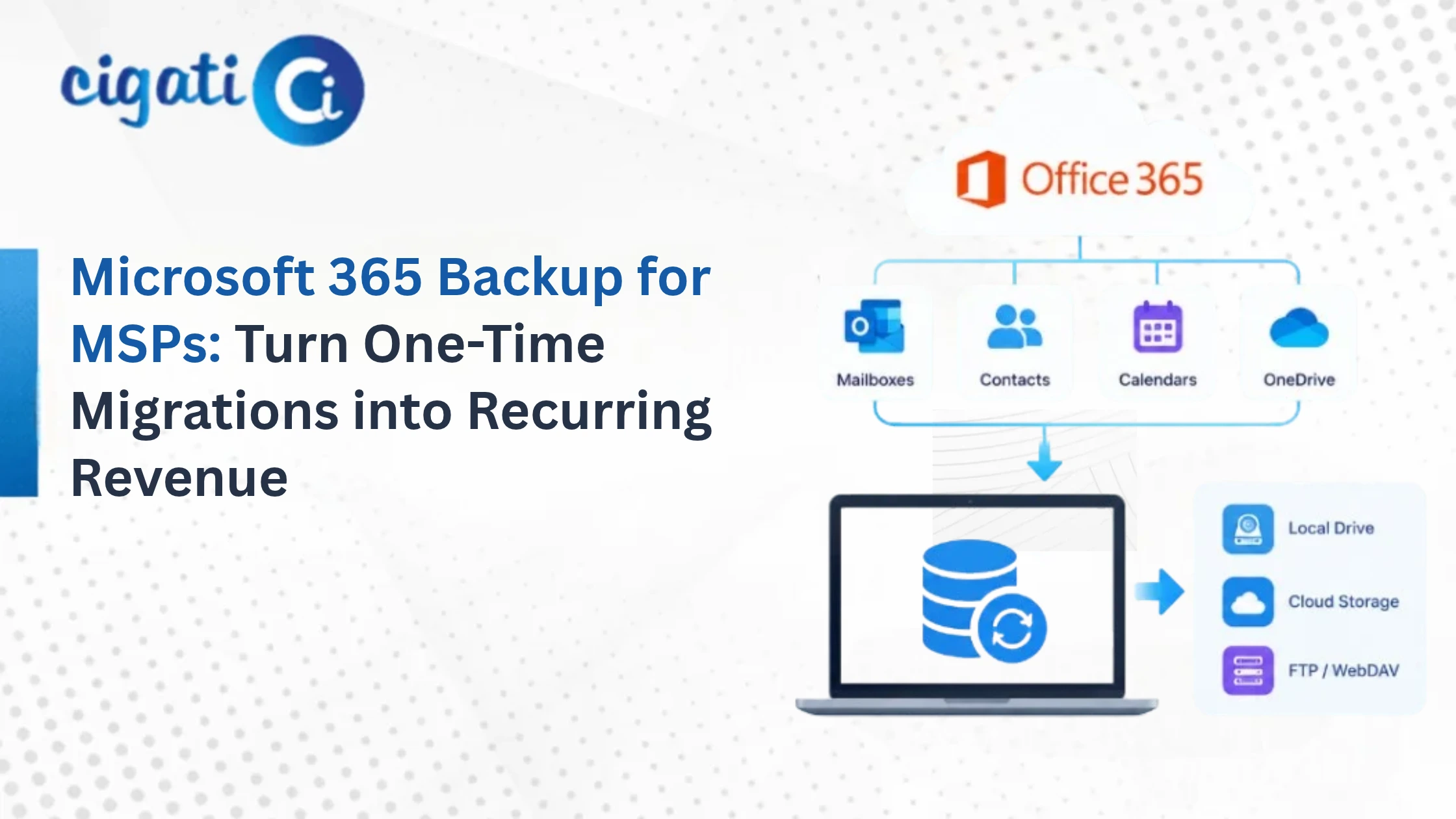
When native methods turn a two-hour task into a two-week project, you need a tool built for the job. The Cigati Office 365 Backup Tool handles the sources and scale that Purview and Outlook leave behind.
What it does differently
- All sources in one place: Primary mailbox, online archive (including auto-expanding), shared mailbox, and public folders. No switching between Purview and Outlook.
- No eDiscovery role required: Connects via Modern Authentication (OAuth 2.0). An admin with application impersonation queues every mailbox on the tenant in one session.
- Clean standard PSTs: Not investigation-format. No hidden Recoverable Items cluttering the folder list. Opens cleanly in Outlook. Re-imports to other tenants without drama.
- Direct streaming: No Azure blob staging. No SAS URLs. No 7-day countdown timers. No ClickOnce browser extensions. Data flows straight to your disk or network share.
- Server-side filtering: Date range, sender, subject, attachments & applied before download, so you don’t pull 80 GB just to throw away 60 GB.
- Throttling handled: Exchange Online caps everyone at ~2 GB/hour. The tool detects 429 errors, backs off exponentially, and resumes. PowerShell scripts often crash here and lose progress.
- Post-export cleanup: Optional deletion of backed-up items from the source mailbox after verification. Reclaims tenant storage. Lets you drop the license. Finance notices.
How it works
- Install on Windows or macOS. No server prerequisites.
- Select Backup, choose Modern Authentication, sign in with your admin account. For bulk export, use an account with application impersonation — the tool auto-fetches every mailbox.
- Select source: Primary Mailbox, Online Archive, Shared Mailbox, or Public Folder.
- Pick users and folders from the tree. Hierarchy is preserved.
- Choose PST as the destination format. Apply filters if needed.
- Set destination path. Click Convert.
Real result: 25 users, 320 GB, one weekend
A mid-size firm needed to offboard 25 departing employees – mixed primary mailboxes, auto-expanding archives, and shared project folders. Purview would have taken two admins three weeks of parallel searches, babysat downloads, and post-processing to strip hidden folders. Outlook was out of the question for unlicensed shared mailboxes and 150 GB archives.
Single Cigati session with impersonation. All 25 mailboxes queued. Folder structure intact. Ran over the weekend – throttling stretched the tail end into Monday, but unattended. PSTs verified clean in Outlook 2021. One tool license. One admin. Weekend intact.
The Gotchas: No Tool Fixes
| Litigation hold bloat: Held mailboxes retain deleted items in Recoverable Items. Purview exports all of it — your “50 GB mailbox” becomes a 140 GB PST. Cigati exports the visible mailbox by default; toggle Recoverable Items on only if Legal specifically needs it. | Inactive mailboxes: Once you remove the license & make a mailbox inactive, it’s tenant-locked. Export before inactivation, or you’re stuck running eDiscovery against the inactive mailbox later. |
| Encryption stays encrypted: Sensitivity labels, RMS, and S/MIME do not decrypt during export. S/MIME signatures remain verifiable. OME portal messages often don’t export at all. If Legal needs cleartext, decrypt at the source first using Purview super-user delegation or IRM admin rights. No tool bypasses this legitimately. | Throttling is universal: Microsoft’s ~2 GB/hour cap applies to every tool on the market. A 300 GB batch takes days. Plan for it. |
After Export: Do This Right
PSTs corrupt. It’s what they do.
- Verify immediately. Open in Outlook. Spot-check folder counts and a few emails with attachments.
- 3-2-1 rule. Three copies, two media types, one offsite. A single PST on a NAS is not a backup.
- Label clearly. jdoe_2026-08-21_cigati.pst. UPN, date, method. Auditors will ask.
When Your Project Grows Beyond PST
The Backup Tool is focused on mailbox export. But projects expand. When yours does, Cigati has the rest covered:
- Cigati Microsoft 365 Tenant to Tenant Migration Tool: Live mailbox-to-mailbox migration between tenants — no PST middleman. Preserves folder structure, permissions, and metadata. Use this for mergers, acquisitions, or domain splits where PST export would be a clumsy detour.
- Teams and collaboration: The tenant migration suite covers Teams chat and channel data that lives outside Exchange compliance archiving.
- SharePoint and OneDrive: The backup tool is mailbox-focused. For site content and document libraries, Cigati’s migration portfolio handles those workloads.
- PST repair: If a network hiccup corrupts a large PST during export, the Cigati Outlook PST Recovery Tool repairs headers & recovers items without starting over.
Bottom Line
One mailbox, under 20 GB, eDiscovery rights already assigned, and no deadline? Purview is fine. Slow and annoying, but it’ll get there.
Everything else – bulk offboarding, large archives, public folders, shared mailboxes, clean re-imports, or any scenario where your time has value – the native path is a trap. Microsoft’s investigation tooling was never designed for IT operations, and forcing it to do that job costs more in admin hours than any tool license.
For PST export specifically – the actual task of getting Exchange Online data into a portable, verifiable file – a purpose-built tool wins every time. The Cigati Office 365 Backup Tool handles the sources, formats, and scale that native methods struggle with. And when your project grows into tenant migration or Teams and SharePoint work, the broader Cigati suite handles those workloads without forcing you into an enterprise contract you don’t need.
Stop babysitting SAS URLs. Get the export done, verify the PST, and move on.
Frequently Asked Questions
Q1. Can I export without eDiscovery permissions?
Ans. Yes. Cigati uses Modern Auth + application impersonation. No eDiscovery Manager role needed.
Q2. What’s the fastest way to export a 100 GB online archive?
Ans. Purview takes 50+ hours server-side plus download, splitting into 10 GB chunks. Cigati streams directly and handles auto-expanding archives as a single job.
Q3. Does it export Public folders?
Ans. Cigati exports public folder mailboxes and nested subfolders directly. No Outlook required.
Q4. Does export delete source data?
Ans. No. Export is read-only. Optional post-export delete is available after verification, but off by default.
Q5. Can Purview PSTs re-import to another tenant?
Ans. Often no. Investigation-format PSTs frequently fail to import. Use a tool producing clean standard PSTs.
Q6. Do I need Outlook installed?
Ans. For Purview eDiscovery export: yes, on Windows with Edge. For Cigati: no.
Q7. Unlicensed shared mailbox?
Ans. Outlook often blocks it. Purview works with permissions. Cigati works via admin impersonation regardless of license status.
Q8. Does it decrypt RMS-protected emails?
Ans. No. Sensitivity labels, RMS, and S/MIME remain intact. No legitimate tool can strip this without proper keys. Decrypt at source before export if clear text is required.
About The Author:

Khushboo Maurya is a digital content and SEO professional focused on creating useful, search-friendly content that connects with the right audience. She specializes in content optimization, website growth, and practical SEO strategies that improve visibility, engagement, and organic reach.
Related Post