Benefits of
Cigati MBOX File Converter Tool supports converting MBOX files created by multiple MBOX-supported email clients. Here are some of them listed:
Newly Launched Features of
| Fetch Emails From Thunderbird Profile | Automatically fetch MBOX emails directly from Thunderbird profiles without manual MBOX file selection |
| Advanced Preview Features |
|
| Merge – Split Options for MBOX | Merge multiple MBOX files, or split large ones into smaller, manageable files with defined size limits |
| Manage Attachments | Three options to handle attachments:
|
| Customized Saving Options for PDFs | Define the output PDF size and save the PDF in preferred sizes. |
Prominent Features of
Unlike manual methods, the Cigati MBOX File Converter enables users to convert multiple MBOX files in one go. Regardless of the file count or size, the software ensures smooth and consistent performance. It supports MBOX files from all major platforms and can also directly fetch emails from Thunderbird profiles. Also, you can easily convert emails from platforms like Apple Mail, Thunderbird, Eudora, Entourage, Spicebird, SeaMonkey, and more.
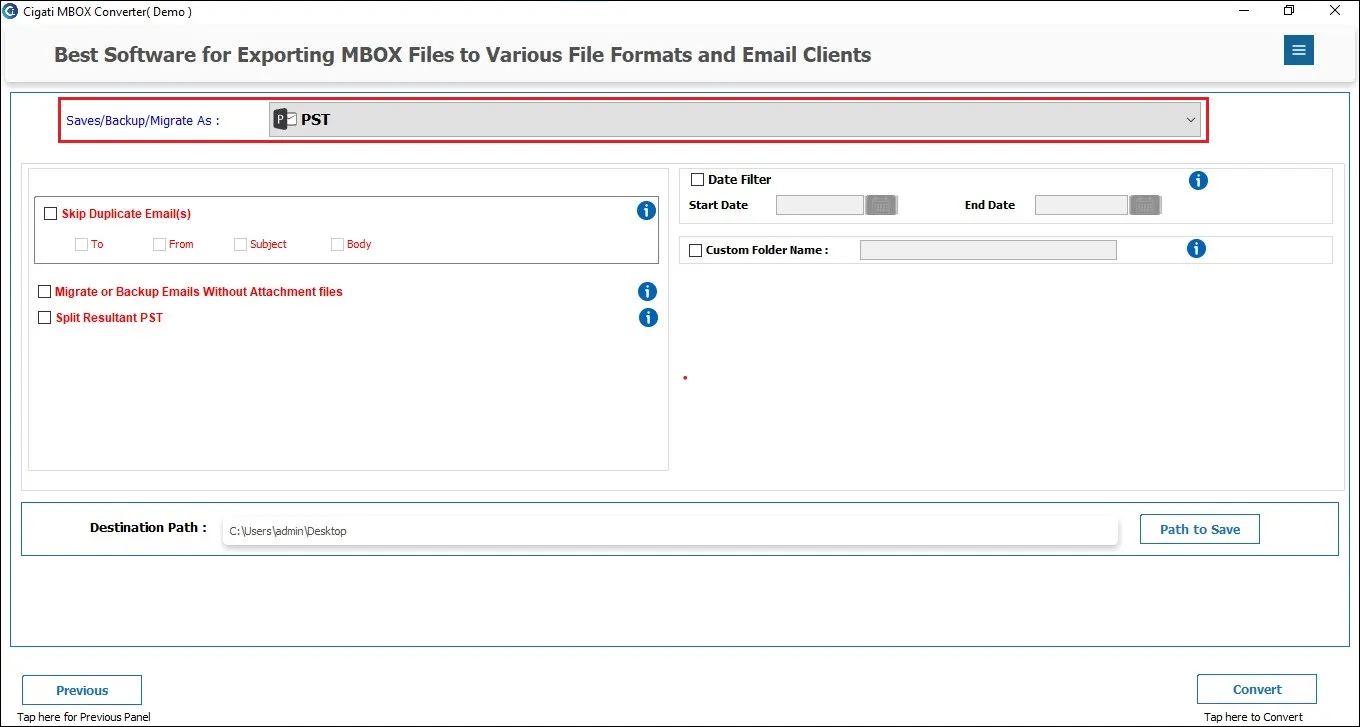
This outperforming software enables users to convert MBOX files to PST, making it easy to import them into Outlook. Besides PST, you can save MBOX data to EML, MSG, MBOX, PDF, CSV, and Thunderbird. This flexibility of saving in a desired format lets users backup and access emails on multiple platforms. Additionally, all email properties of MBOX files, such as attachments, subject, sender, messages, dates, and folder hierarchy, remain intact in whichever format you save.
![]()
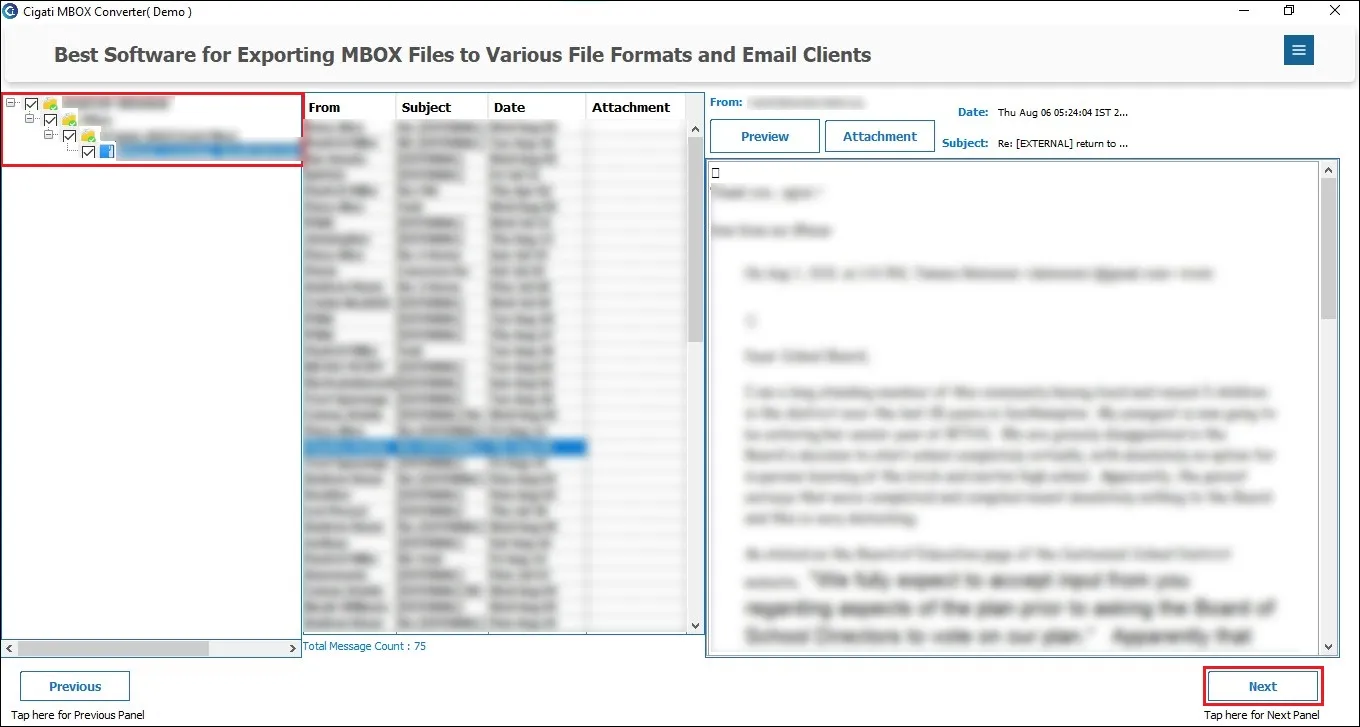
Cigati MBOX Conversion Tool includes an inbuilt preview panel that allows users to view email content and attachments before conversion. These users can search the folder tree, find specific emails, or quickly locate files using the search bar at the top. Recently, we have introduced a new feature, “View in Browser if Preview fails,” that lets users read emails directly in their web browser. This offers a more convenient viewing choice.
The software is not limited to backup and conversion features; it also allows migrating MBOX files to various email clients and webmail services. Leverage this feature to directly Import MBOX to Google Workspace,Office 365, Gmail, GoDaddy Mail, Hotmail, and other IMAP-based email accounts. It maintains complete data integrity and, therefore, it is a professional’s first choice over any other method.
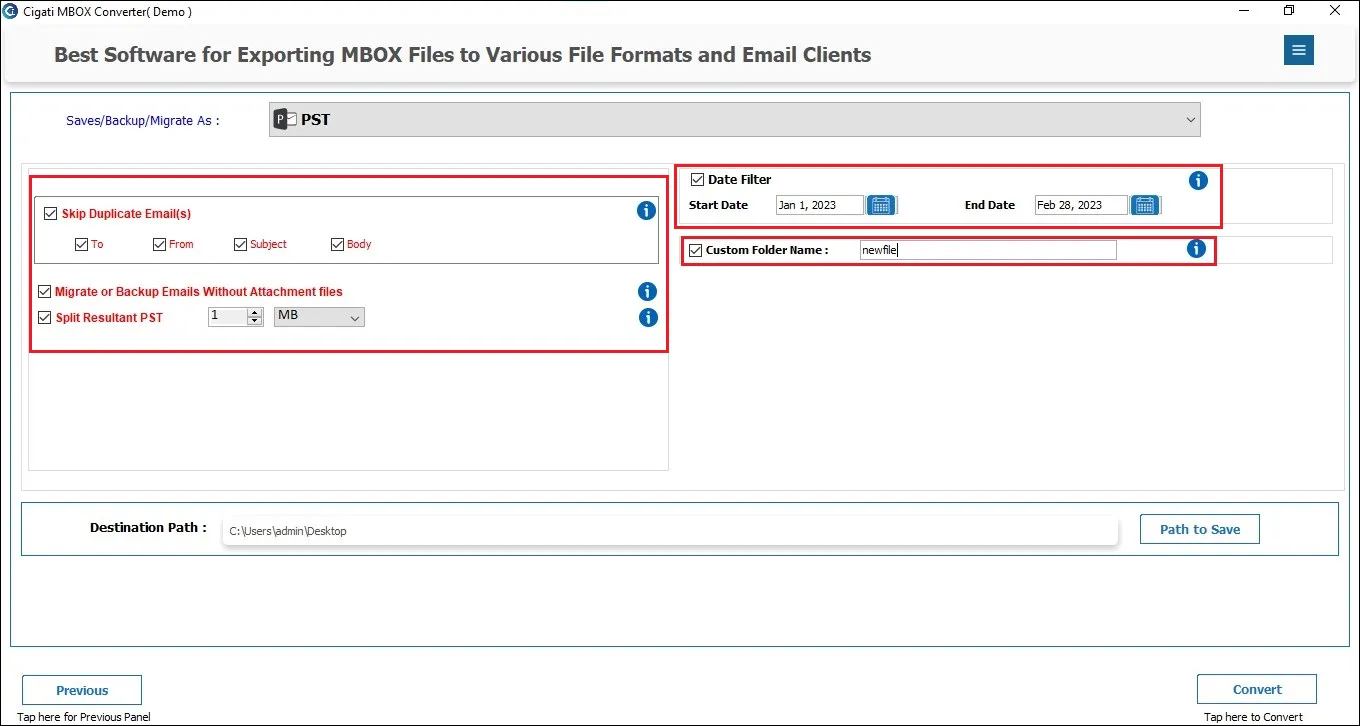
To make the conversion more effective for you, the software has multiple built-in filtering options. The Date Range Filter is used to convert or migrate emails from specific time periods by providing a date range. This offers a focused data export. Additionally, the Remove Duplicate Emails feature ensures that duplicate messages are excluded based on certain criteria, maintaining the size of output files.
The Cigati MBOX Migrator includes a dedicated attachment management feature. This gives users full control over how attachments are handled during export or migration. Users can choose to save attachments separately, include them within the same email file, or exclude attachments entirely if they are not required. This helps to reduce file size and keeps data organized.
If you are performing migration or backup operations periodically with Cigati MBOX Converter, the “Skip Previously Converted Files” option is extremely useful. You can choose this option to detect and skip already transferred MBOX files. This ensures no duplicates are created and saves the unnecessary processing time.
When you export or backup MBOX emails as PDF files, you get the flexibility to manage file sizes. The tool allows you to define a maximum PDF size of up to 500 MB per MBOX, automatically splitting files when needed. Hence, you can easily create accessible PDF backups of your mailbox data without oversized files.
The Split PST File feature helps users manage large Outlook data files easily. When you convert MBOX to PST format, the resulting file can sometimes become very large and difficult to handle. To prevent this, the software allows you to split the resultant PST file into smaller parts based on size (for example, 1GB, 2GB, 5GB, or more).
The Custom Folder Name feature gives users more control and personalization while saving converted or migrated data. Instead of saving files with default or system-generated names, this option lets you assign your own folder name before starting the conversion. For example, you can name the folder “Important emails backup”.
Cigati MBOX Exporter Tool has launched a feature for better management of MBOX. This allows users to merge multiple MBOX files into a single file or split a large MBOX into smaller files by defining the desired size. It helps to avoid oversized files and ensures smoother storage.
Free MBOX Converter is one of the best features of the software. It's actually a demo version of the software with conversion limitations. You can run the software for free and test all its features by converting 50 emails per folder. It possesses all features of the licensed version; however cannot convert entire mailbox data.
Over manual steps, this software makes MBOX file conversion easier with its simple-to-use interface. Moreover, the software is fully compatible with all versions of Windows OS, including Windows 11, 10, 8, 7, and earlier. Whether you are a beginner or an IT professional, enjoy hassle-free MBOX conversion from start to end.
Technical Specification
| Software Name: | Cigati MBOX Converter Tool |
| Version Support: | Window 11 and its below version |
| Size: | 244 MB |
| Version: | 26.04 |
| License: | S/A/T/E |
| Download Link: | Download |
Processor:
Hard Disk:
Memory:
Operating System:
Trial limitation:
Use the free MBOX Converter Tool for a free of cost evaluation. It is a demo software for users to test the functionalities of the software with certain limitations. It allows you to convert only 50 emails per folder. To convert the entire mailbox, purchase our premium license.
FAQ:
Comprasion Table
| Software Features | Free Version | Full Version |
|---|---|---|
| Convert MBOX Files to PDF, PST, EML, MBOX, MSG, and CSV. | Convert 50 Emails per Folder | |
| Import MBOX to Gmail, Office 365, Thunderbird, Google Workspace, and multiple IMAP accounts. | Convert 50 Emails per Folder | |
| Convert or Migrate Emails Directly from Thunderbird Profile Fetch Emails from Thunderbird Profile | Convert 50 Emails per Folder | |
| Preview MBOX fileswith quick search feature | ||
| View emails in browser if preview fails | ||
| Supports converting multiple MBOX files at a time | ||
| Converts all large and bulky MBOX files | ||
| Feature to remove duplicate emails | ||
| Date Range Filter | ||
| Skip previously migrated files | ||
| Migrate File without attachments | ||
| Save attachments separately or insert them into the same file | ||
| Merge MBOX files into a single file | ||
| Split a large MBOX into multiple smaller files | ||
| Custom Folder Name Feature | ||
| Naming Convention Feature | ||
| Split Resultant PST File | ||
| Save PDF max 500 MB per MBOX | ||
| 24*7 Tech Support & 100% Secure | ||
| Windows OS Compatibility | ||
| Download and Purchase | Download | Purchase |
FAQ
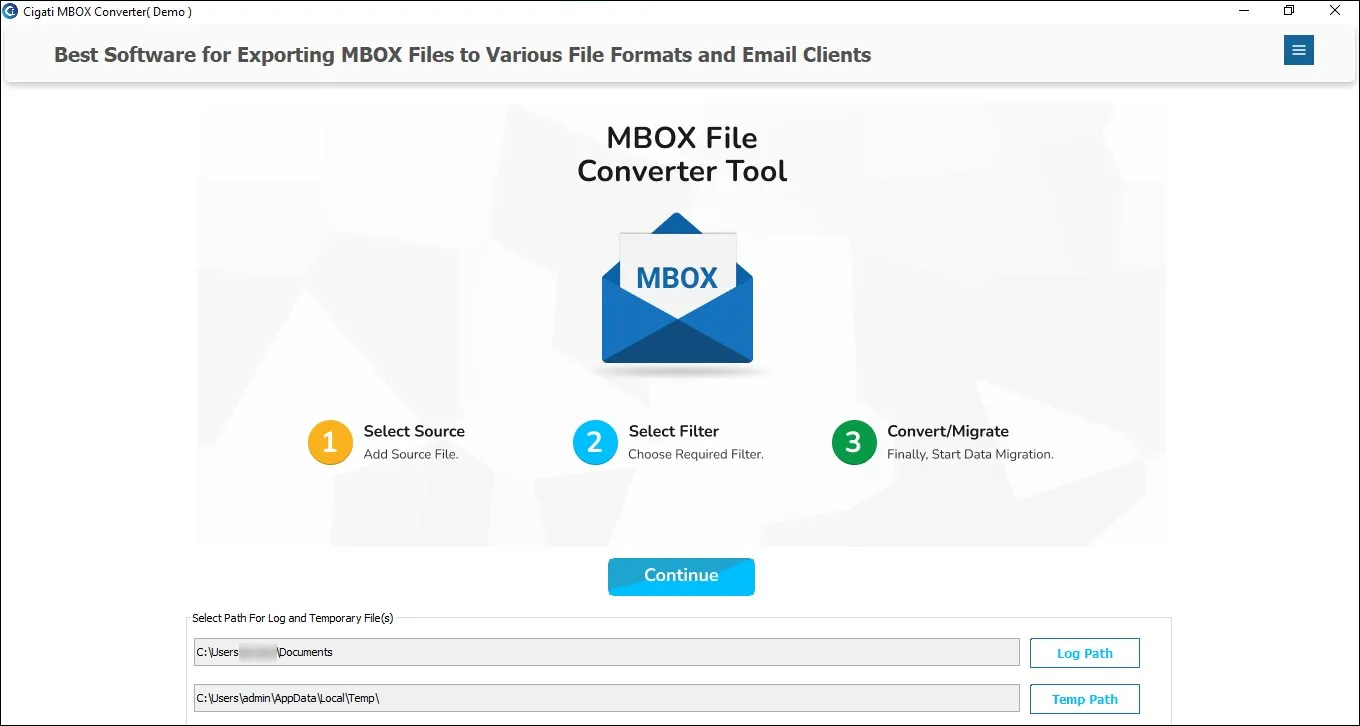
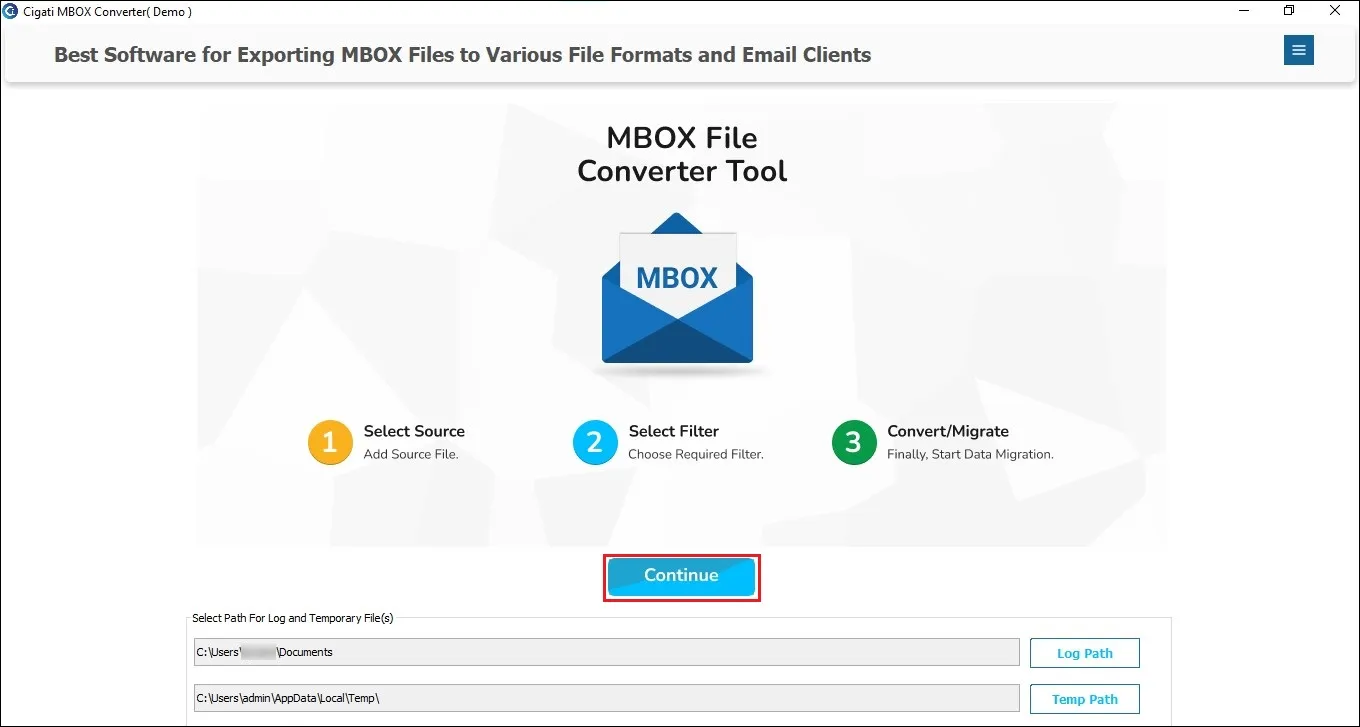
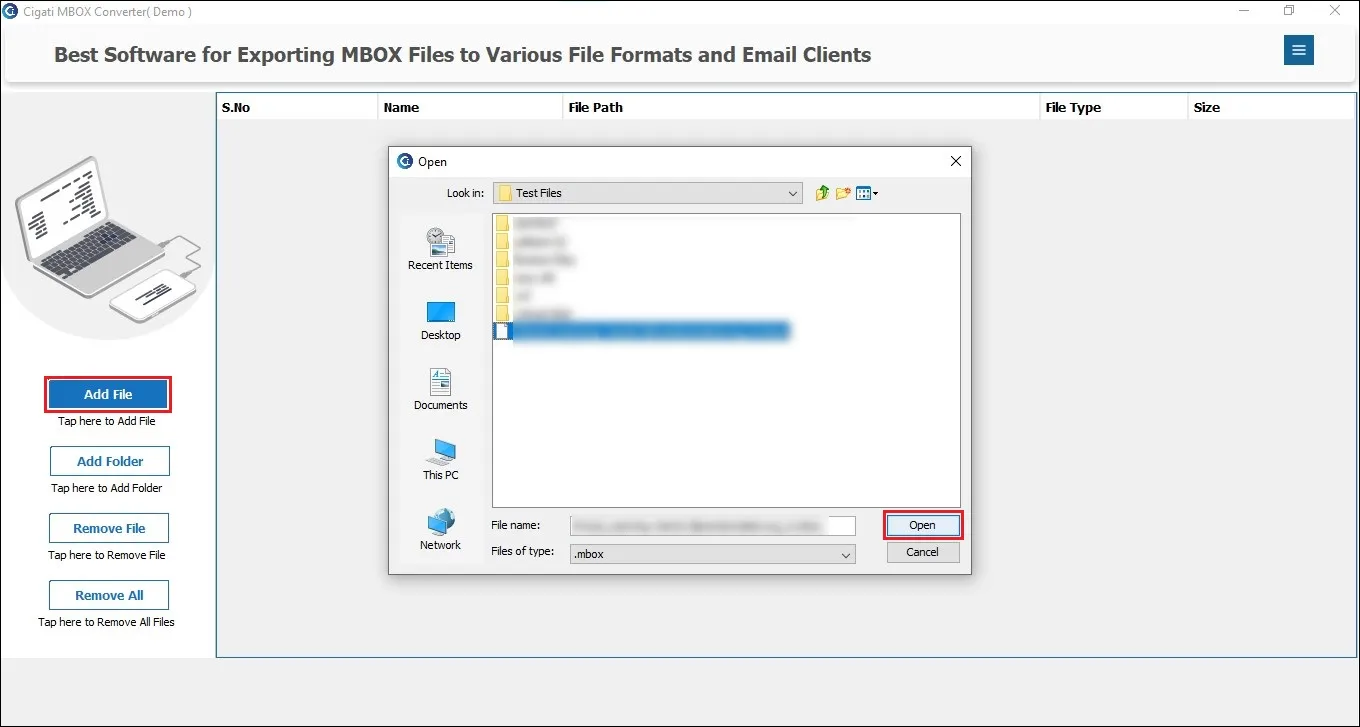
Follow the steps below for conversion:
Yes, you can save MBOX emails to PDF files as well. Apart from PDF, it supports multiple output formats like EML, MSG, PST, and more. You can also save emails as PDF while defining a maximum size of up to 500 MB per MBOX.
Yes, you can. Follow the steps as directed:
Hence, no email client is involved, and still the migration goes smoothly.
With multiple built-in filters, you can use some of them to convert selectively:
Hence, no email client is involved, and still the migration goes smoothly.
For that, you need to download the respective software for Mac. Cigati MBOX Conversion Tool is available for both Mac and Windows users.